Best AI Video Face Swap Tools in 2026: 8 Tools Compared
By ToolNimba Editorial Team October 31, 2026 11 min read

- Top pick
 Reface
Fun face swaps on your phone
Starting priceFreeCheck out RefaceRead our review - Runner-up
 Vidnoz
Free trials for photo and video swaps
Starting priceFreeCheck out VidnozRead our review - Also great
 DeepSwap
Longer video face swaps
Starting price$9.99 per monthCheck out DeepSwapRead our review
How we researched this
We compared official pricing and feature pages, app store listings, privacy policies and public user reviews. Prices change, so check the provider's site before you pay.
Key takeaways
- Only swap faces you own or have clear written permission to use, and never use face swap to impersonate, mislead or harass.
- Short-clip phone apps suit fun social posts, while web tools like DeepSwap and Akool suit longer or business videos.
- Free trials help you test quality, but credits, commercial rights and privacy terms vary widely, so read them before publishing.
Quick comparison
| Name | Best for | Starting price | Free plan | |
|---|---|---|---|---|
| Reface | Fun face swaps on your phone | Free | Yes | Visit |
| Vidnoz | Free trials for photo and video swaps | Free | Yes | Visit |
| DeepSwap | Longer video face swaps | $9.99 per month | Yes | Visit |
 Akool | Face swap inside a business video suite | See website | Yes | Visit |
 Magic Hour | Face swap plus generative video tools | See website | Yes | Visit |
 FaceSwapper | Simple web face swaps | See website | Yes | Visit |
 SwapFaces | Credit-based face swaps with privacy claims | See website | Yes | Visit |
 Fotor | Face swap inside a photo editor | Free | Yes | Visit |
The best AI video face swap tools
We compared official pricing pages, feature pages, app store listings and public reviews to build this list of 8 options for best ai video face swap tools. The picks below cover well-known leaders and strong smaller options, so you can match a tool to your budget and your actual use, not just to a brand name.
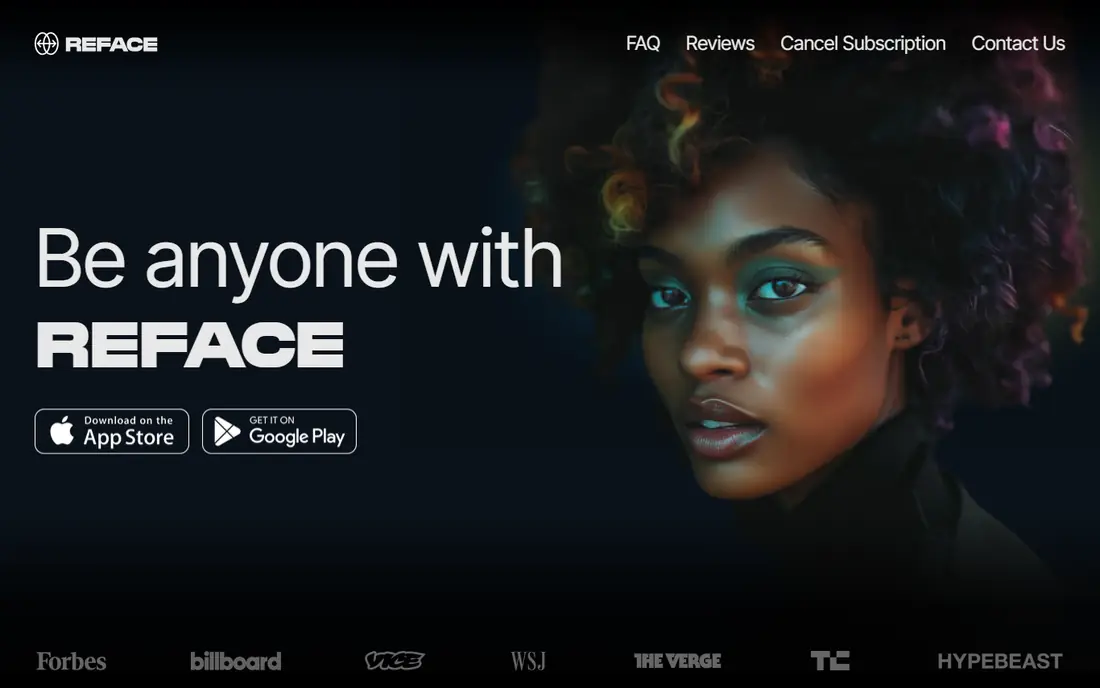
Reface fits casual creators who want a quick, funny face swap for social posts, not a long professional edit. That focus matters because the right choice depends on your daily use, not on a feature list alone. Before you commit, check coverage, pricing and limits for your own case, since those details decide whether a tool feels helpful or frustrating after the first week.
Template variety is the strength, since trending scenes and GIFs make a swap fun without editing skill. On pricing, the starting point listed above is Free, with a free plan status of Yes. If that price does not fit, check the vendor pricing page for current tiers, since plans and limits change over time.
The catch is privacy and scope, since face data handling matters, and longer or custom videos need another tool. Only swap faces you own or have clear permission to use. If that trade-off feels acceptable, try the free tier or trial first with a real task, and keep an eye on total cost, not just the headline price.
- Huge template library for short clips
- Very easy one-tap swaps
- Mobile-first design
- Longer videos are limited
- Some templates need a paid plan
- Privacy terms need reading for face data
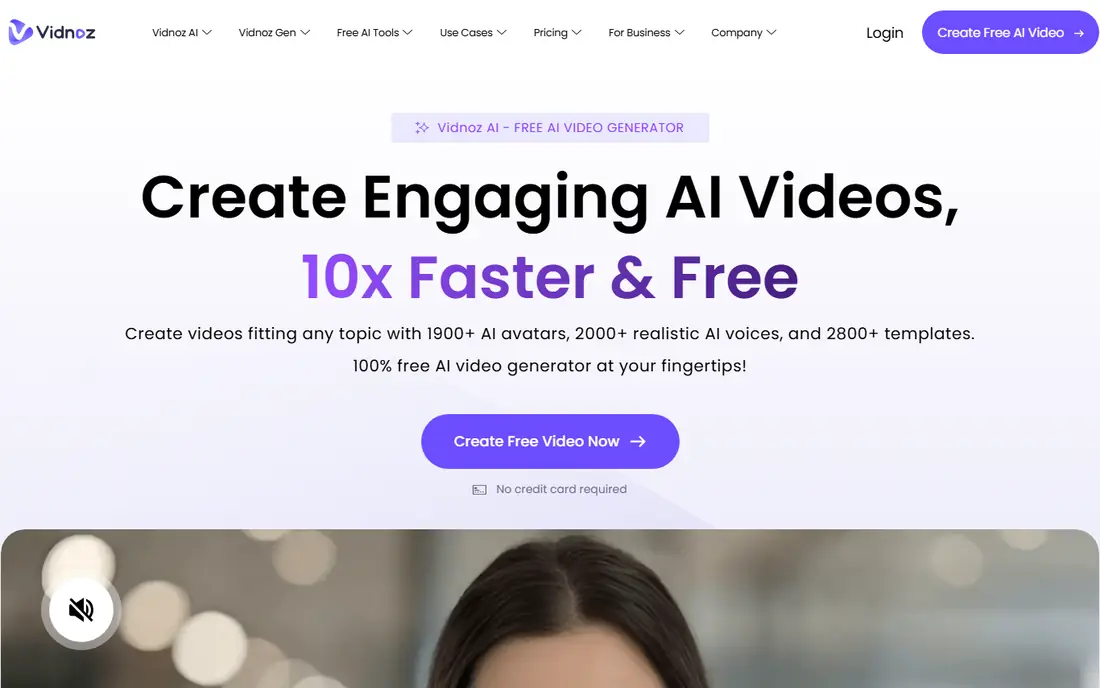
Vidnoz fits creators who want to test face swap without paying first, because daily trials let you try before buying credits. That focus matters because the right choice depends on your daily use, not on a feature list alone. Before you commit, check coverage, pricing and limits for your own case, since those details decide whether a tool feels helpful or frustrating after the first week.
Free trials are the strength, since you can test a photo or short video swap before spending anything. On pricing, the starting point listed above is Free, with a free plan status of Yes. If that price does not fit, check the vendor pricing page for current tiers, since plans and limits change over time.
The limit is the trial cap, since heavy use needs credits, and a low-quality source photo can hurt the result. Use only faces you have permission to swap. If that trade-off feels acceptable, try the free tier or trial first with a real task, and keep an eye on total cost, not just the headline price.
- Daily free trials for photo and video swaps
- Simple web workflow
- Avatars and voices in the same suite
- Free trials are limited per day
- Credits needed beyond that
- Quality varies with input photos
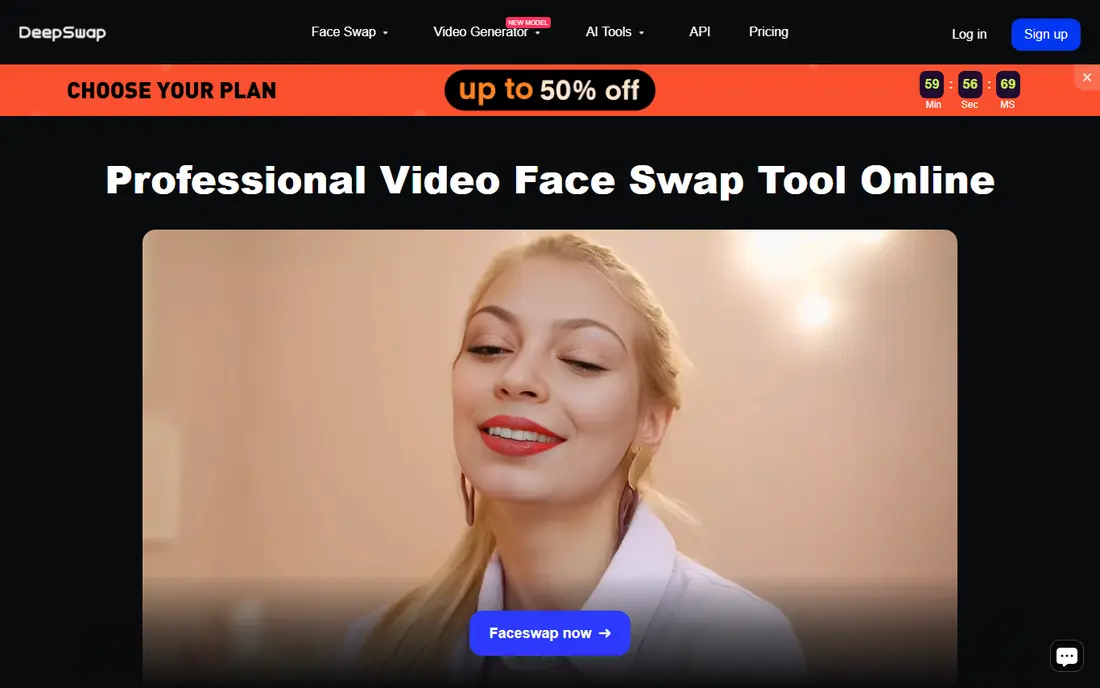
DeepSwap fits creators working on longer clips, because it handles videos that short-clip apps cannot. That focus matters because the right choice depends on your daily use, not on a feature list alone. Before you commit, check coverage, pricing and limits for your own case, since those details decide whether a tool feels helpful or frustrating after the first week.
Long-video support is the strength, since multi-minute clips and group shots are possible where phone apps stop. On pricing, the starting point listed above is $9.99 per month, with a free plan status of Yes. If that price does not fit, check the vendor pricing page for current tiers, since plans and limits change over time.
The catch is price and ethics, since costs grow with use, and you must have consent for any real person in a swap. If that trade-off feels acceptable, try the free tier or trial first with a real task, and keep an eye on total cost, not just the headline price.
- Supports longer videos and multiple faces
- Photo, GIF and video swaps
- Realistic blending on good inputs
- Monthly price rises after some first-month offers
- Quality depends on lighting and angle
- Misuse risk needs care
Akool fits businesses and creators who need face swap as one tool inside a wider video workflow. That focus matters because the right choice depends on your daily use, not on a feature list alone. Before you commit, check coverage, pricing and limits for your own case, since those details decide whether a tool feels helpful or frustrating after the first week.
Suite breadth is the strength, since avatars, translation and face swap can serve one campaign without switching platforms. On pricing, the starting point listed above is See website, with a free plan status of Yes. If that price does not fit, check the vendor pricing page for current tiers, since plans and limits change over time.
The downside is complexity and cost, since credit pricing needs care, and business use still requires consent for real faces. If that trade-off feels acceptable, try the free tier or trial first with a real task, and keep an eye on total cost, not just the headline price.
- Face swap plus avatars, translation and studio tools
- Credit-based use
- Business-focused controls
- Credit costs vary by tool
- Full suite can be more than a casual user needs
- Consent rules must be followed
Magic Hour fits creators who want face swap inside a broader generative video studio, not a single-purpose app. That focus matters because the right choice depends on your daily use, not on a feature list alone. Before you commit, check coverage, pricing and limits for your own case, since those details decide whether a tool feels helpful or frustrating after the first week.
Studio breadth is the strength, since one account can cover face swap, video generation and lip sync. On pricing, the starting point listed above is See website, with a free plan status of Yes. If that price does not fit, check the vendor pricing page for current tiers, since plans and limits change over time.
The catch is licensing, since free outputs may not cover commercial use, so check the plan before publishing a client video. If that trade-off feels acceptable, try the free tier or trial first with a real task, and keep an eye on total cost, not just the headline price.
- Face swap alongside text-to-video and lip sync
- Web-based studio
- API options for teams
- Free outputs may be for personal use only
- Credit and plan details need checking
- Quality varies by clip
FaceSwapper fits users who want a quick web swap without installing an app or learning editing software. That focus matters because the right choice depends on your daily use, not on a feature list alone. Before you commit, check coverage, pricing and limits for your own case, since those details decide whether a tool feels helpful or frustrating after the first week.
Simplicity is the strength, since the workflow is upload, choose a face and download, with little setup. On pricing, the starting point listed above is See website, with a free plan status of Yes. If that price does not fit, check the vendor pricing page for current tiers, since plans and limits change over time.
The limit is control, since a simple tool offers fewer fixes for lighting or angle problems, and consent still applies to every real face. If that trade-off feels acceptable, try the free tier or trial first with a real task, and keep an eye on total cost, not just the headline price.
- Simple upload-and-swap web flow
- Photo and video options
- No app install needed
- Pricing and limits change
- Quality depends on source images
- Safety policies need checking
SwapFaces fits occasional users who prefer buying credits once, rather than a monthly subscription. That focus matters because the right choice depends on your daily use, not on a feature list alone. Before you commit, check coverage, pricing and limits for your own case, since those details decide whether a tool feels helpful or frustrating after the first week.
Credit flexibility is the strength, since unused credits can last, which suits occasional projects. On pricing, the starting point listed above is See website, with a free plan status of Yes. If that price does not fit, check the vendor pricing page for current tiers, since plans and limits change over time.
The catch is rights, since a commercial label does not clear publicity or copyright issues, so keep written consent on file. If that trade-off feels acceptable, try the free tier or trial first with a real task, and keep an eye on total cost, not just the headline price.
- Paid credits do not expire on some plans
- HD exports on paid tiers
- Privacy policy states deletion within 24 hours for many uploads
- Credit math can confuse
- Adult-only restrictions apply
- Commercial rights need checking
Fotor fits photo creators who want face swap next to editing, filters and design, rather than a video-only tool. That focus matters because the right choice depends on your daily use, not on a feature list alone. Before you commit, check coverage, pricing and limits for your own case, since those details decide whether a tool feels helpful or frustrating after the first week.
Editor integration is the strength, since you can swap a face and then edit, crop and export in one place. On pricing, the starting point listed above is Free, with a free plan status of Yes. If that price does not fit, check the vendor pricing page for current tiers, since plans and limits change over time.
The limit is video, since Fotor leans toward photos, so a video project will need a video-first tool instead. Only use faces with permission. If that trade-off feels acceptable, try the free tier or trial first with a real task, and keep an eye on total cost, not just the headline price.
- Face swap alongside photo editing and design tools
- Easy for social images
- Free tier to try
- Video face swap is not the focus
- Advanced tools need a paid plan
- Quality varies with photos
How we picked these
We compared official feature pages, pricing pages, app store listings, privacy policies and public reviews for each product. We only listed products that exist and work today and truly fit the topic, and we used See website where a price could not be verified from the vendor page at the time of writing. We did not claim hands-on testing that did not happen, and we favored products with clear pricing, support and safety information where that mattered.
How to use face swap tools safely
Start with consent. Get clear permission for any real person whose face you use, keep that permission in writing, and do not use a real face for ads, news or political content without proper rights. Next, test with your own face and a short clip, and check eyes, skin edges, lighting and motion across the full video. Then check privacy terms, including how long uploads are kept and whether they are used for training. Finally, label edited content when it could mislead viewers, and avoid intimate, deceptive or harassing uses entirely. Face swap can be fun for your own photos, memes with consent, and creative projects, but misuse can cause real harm and may break the law.