Best AI Video Generation Apps in 2026: 9 Apps Compared
By ToolNimba Editorial Team October 29, 2026 8 min read

- Top pick
 Runway
Free creative generation
Starting price$12 per monthCheck out RunwayRead our review - Runner-up
 Pika
Free stylized social clips
Starting price$8 per monthCheck out PikaRead our review - Also great
 Kling
Free realistic motion
Starting price$10 per monthCheck out KlingRead our review
How we researched this
We compared official pricing and feature pages, app store listings, privacy policies and public user reviews. Prices change, so check the provider's site before you pay.
Key takeaways
- Runway, Pika, Kling and Hailuo all offer free tiers, but free credits are limited and exports often carry watermarks.
- Kling and Pika give the best free value for short social clips, with low paid entry points when you need more.
- Vidu is a lesser-known free option with an 8 dollar monthly entry plan for higher resolution.
- CapCut, InVideo and OpusClip are not pure generators: they edit, caption and repurpose video, which many creators need more.
- Free tiers usually forbid commercial use or add watermarks, so check terms before publishing monetized content.
Quick comparison
| Name | Best for | Starting price | Free plan | |
|---|---|---|---|---|
| Runway | Free creative generation | $12 per month | Yes | Visit |
| Pika | Free stylized social clips | $8 per month | Yes | Visit |
| Kling | Free realistic motion | $10 per month | Yes | Visit |
 Hailuo AI | Free stylized clips | $9.99 per month | Yes | Visit |
 Vidu | Free high-resolution clips | $8 per month | Yes | Visit |
 CapCut | Free editing with AI tools | See website | Yes | Visit |
 InVideo | Free script to video | $25 per month | Yes | Visit |
 Veed | Free browser editing | See website | Yes | Visit |
 OpusClip | Free clip repurposing | $15 per month | Yes | Visit |
The best AI video generation apps
Free AI video generation apps let creators test models, make social clips and prototype ideas without paying, but free tiers come with limits on credits, resolution, watermarks and commercial use. We compared official feature pages, pricing pages and public documentation to build this list, focusing on tools with genuinely usable free tiers in October 2026.
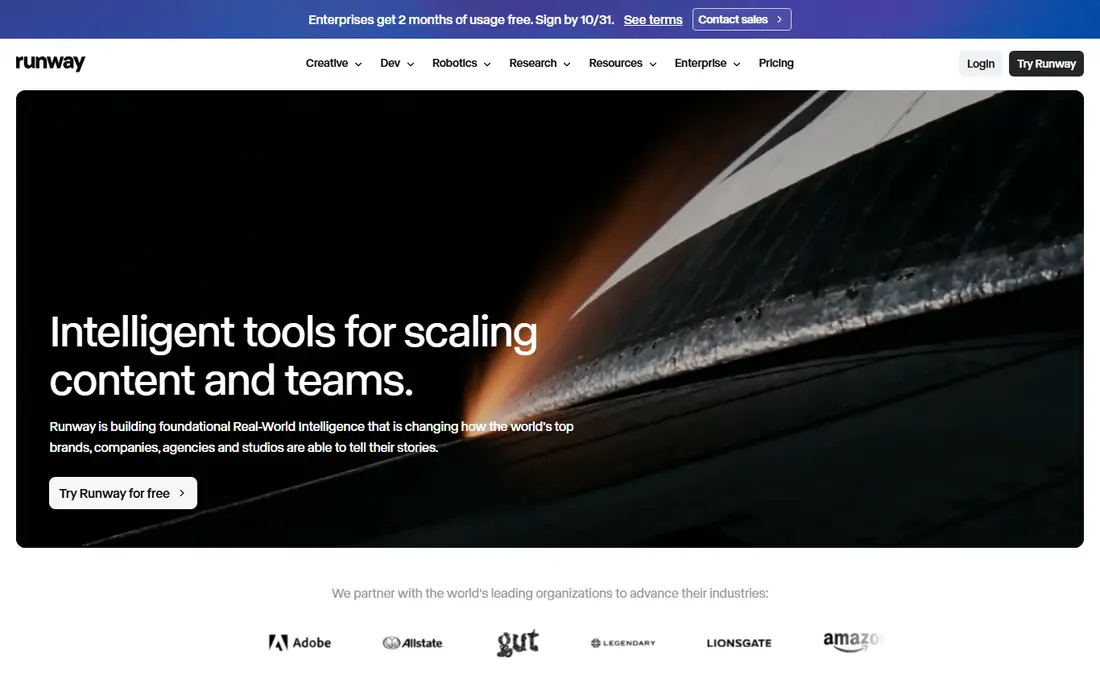
Runway offers 125 one-time free credits for testing its Gen-4 models, with camera direction, motion brushes and editing tools in the same workspace. The Standard plan costs 12 dollars per month on annual billing for 625 credits, with clean exports.
The free tier suits testing the models and making a few clips, but regular creators will exhaust it fast. For creators who want the most complete creative toolkit and can pay, Runway remains a top pick.
- Mature Gen-4 models
- Camera and motion controls
- Editing workspace included
- Free credits are one-time only
- Free exports carry a watermark
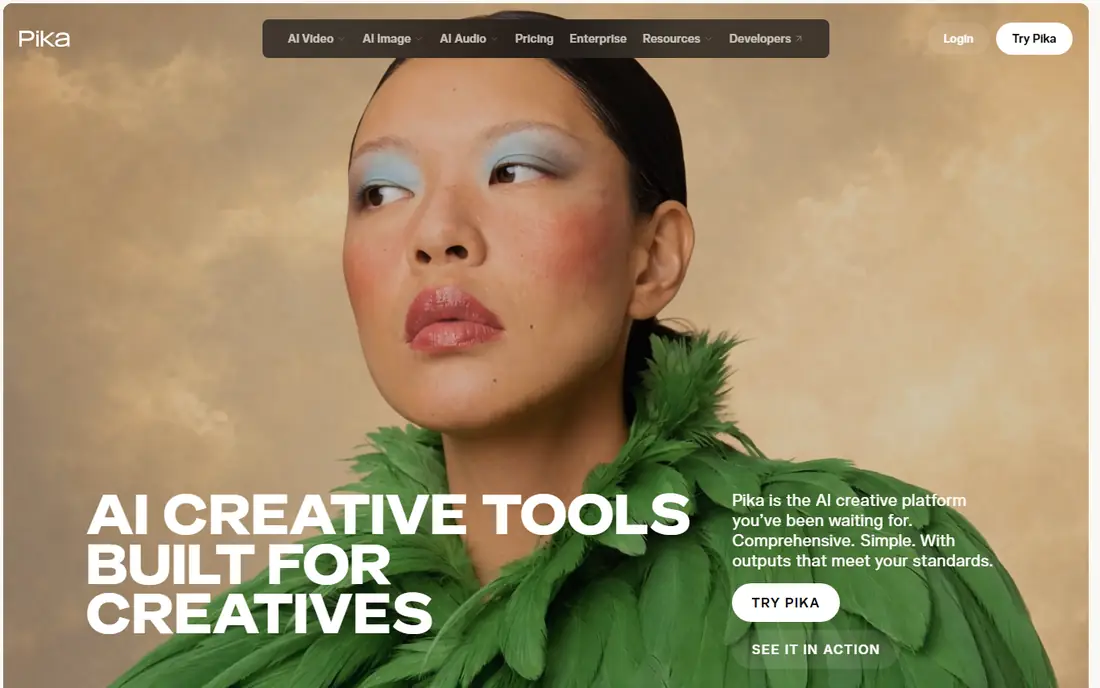
Pika offers a free tier with a small credit allowance for text-to-video and image-to-video clips, with fast generation and a playful style that suits social content. The Standard plan costs 8 dollars per month on annual billing, while Pro at 28 dollars is positioned as the minimum for commercial work.
Free users can make real clips, but credits run out quickly and commercial use is restricted. For social creators on a budget, Pika is one of the best free starting points.
- Low paid entry price
- Fast generation
- No watermark on paid plans
- Free tier is credit limited
- Commercial use needs a higher tier
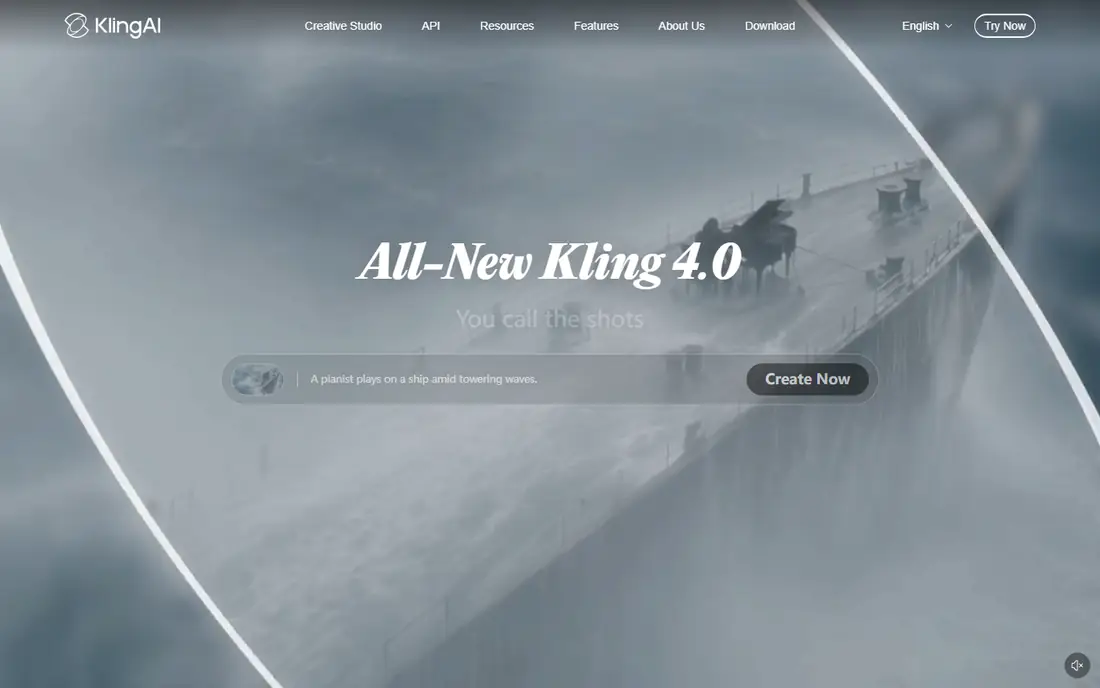
Kling offers a free basic tier for testing its realistic motion models, with lip sync in multiple languages and strong character animation. The Standard plan costs 10 dollars per month for 660 credits, which is strong value for regular use.
The free tier is limited, since it lacks a monthly credit refill, but it lets you judge quality before paying. For realistic short clips on a budget, Kling is our free pick alongside Pika.
- Realistic motion and physics
- Multilingual lip sync
- Low paid entry price
- Free tier has no monthly credits
- Free exports carry a watermark
Hailuo AI, from MiniMax, offers a free tier behind sign-in for generating stylized video clips, with paid plans from 9.99 dollars per month. The aesthetic range suits creators who want something beyond generic realism.
Free credits are limited, so treat the tier as a trial rather than a production plan. For stylized content and multilingual projects, Hailuo is a useful free option.
- Distinct visual styles
- Free tier behind sign-in
- Low paid entry price
- Smaller community
- Some features vary by region
Vidu offers a free tier for basic video generation, with the Standard plan at 8 dollars per month on annual billing for 800 credits and higher resolution output. The tool covers text-to-video and image-to-video for social and marketing clips.
Free users get a real taste of the models, though high resolution sits behind the paywall. For creators who want a cheap path to HD clips, Vidu is worth testing.
- Free tier with basic video
- Higher resolution on paid plans
- Low entry price
- Free tier excludes 720p and 1080p
- Smaller ecosystem than leaders
CapCut is a free video editor with AI tools for captions, background removal, effects and templates, widely used for TikTok, Reels and Shorts. The free tier covers most editing needs, while Pro adds premium effects, cloud storage and higher limits.
CapCut does not generate scenes from text like Runway, but it pairs well with generated clips: generate in Pika or Kling, then edit, caption and publish in CapCut. For creators who need editing more than generation, CapCut is the free standard.
- Free editor with AI features
- Templates and effects
- Huge social creator base
- Not a pure text-to-video generator
- Premium features need Pro
InVideo converts scripts, articles and prompts into videos using stock footage, voiceover, captions and templates, with a free tier for testing. Paid plans start at 25 dollars per month for higher limits and watermark-free exports.
The tool suits marketers and faceless channels that need volume, since it automates editing rather than generating new footage. Creative control is lower than pure generators, but for repurposing content fast, InVideo is efficient.
- Turns scripts into videos with stock footage
- Templates
- Automatic voiceover
- Output leans templated
- Free exports carry a watermark
Veed is a browser-based video editor with AI subtitles, captions, translations and screen recording, suited to creators who edit in a browser without installing software. The free tier covers basic editing with limits, while paid plans raise limits and remove watermarks.
Veed pairs well with generated clips: add captions, cut highlights and export for social channels. For browser-first creators, it is a simple, free starting point.
- Browser editor with AI captions and subtitles
- Screen recording
- Simple interface
- Free tier has limits and watermark
- Heavier editing needs a paid plan
OpusClip uses AI to cut long videos into short, captioned clips with hooks, suited to podcasters and creators repurposing YouTube videos for Shorts and Reels. A free tier covers trial clips, while paid plans start at 15 dollars per month.
The automation saves hours of manual editing, though results need review for pacing and accuracy. For creators with long-form content to repurpose, OpusClip is the best free starting point.
- Turns long videos into viral shorts automatically
- AI captions and hooks
- Free tier available
- Output needs review
- Best for talking-head and podcast content
How we picked these
We compared official feature pages, pricing pages and public documentation for each tool, and favored products with genuinely usable free tiers in October 2026. We mixed pure generators with editing and repurposing tools, since most creators need both. Prices come from vendor pricing pages and recent vendor listings, and where free tiers carry watermarks or commercial limits we note them plainly.
How to use free AI video tools well
Start with the free tier of two or three generators and run the same prompt on each, comparing motion, faces and text rendering. Save credits by drafting prompts carefully and generating at lower resolution first, then re-rendering only the best clips at higher quality.
Mind the free tier limits
Free credits, watermarks and commercial restrictions decide whether a tool suits your channel. If videos will be monetized or used for clients, confirm the paid plan that covers commercial use before publishing.
Write prompts like a shot list, not a wish. Describe the subject, action, camera move, lighting and mood in separate short phrases, and keep one element fixed while you change others across takes. This discipline makes results more consistent and editing faster, since you can compare takes that differ in one variable. Save prompts that work as templates, and your second video will take half the time of your first.