Best AI Video Maker App in 2026: 9 Tools Compared
By ToolNimba Editorial Team November 6, 2026 9 min read

- Top pick
 InVideo
Prompt-to-finished-video
Starting priceSee websiteCheck out InVideoRead our review - Runner-up
 Synthesia
Avatar training videos
Starting priceSee websiteCheck out SynthesiaRead our review - Also great
 HeyGen
Multilingual avatar marketing
Starting priceSee websiteCheck out HeyGenRead our review
How we researched this
We compared official pricing and feature pages, app store listings, privacy policies and public user reviews. Prices change, so check the provider's site before you pay.
Key takeaways
- InVideo is the best all-round AI video maker for turning a script or prompt into a finished video.
- Synthesia and HeyGen are the best picks for avatar-led training and marketing videos.
- Pictory is the best tool for turning blog posts and long recordings into short videos.
- Runway and OpusClip suit creators who want generated footage or short clips, rather than full assembled videos.
Quick comparison
| Name | Best for | Starting price | Free plan | |
|---|---|---|---|---|
| InVideo | Prompt-to-finished-video | See website | Yes | Visit |
| Synthesia | Avatar training videos | See website | Yes | Visit |
| HeyGen | Multilingual avatar marketing | See website | Yes | Visit |
 Pictory | Blog and script repurposing | See website | Free trial | Visit |
 Runway | Generated cinematic footage | $12 per month | Yes | Visit |
 Fliki | Voice-led social video | See website | Yes | Visit |
 Kapwing | Social video editing | $16 per month | Yes | Visit |
 Lumen5 | Quick blog-to-video | See website | Yes | Visit |
 OpusClip | Long video into short clips | $15 per month | Yes | Visit |
The best AI video maker apps
AI video makers do different jobs, and the best AI video maker app for you depends on whether you want an avatar presenter, a finished marketing video, or short clips from a long recording. These are the best AI video maker tools in 2026, covering each of those jobs.
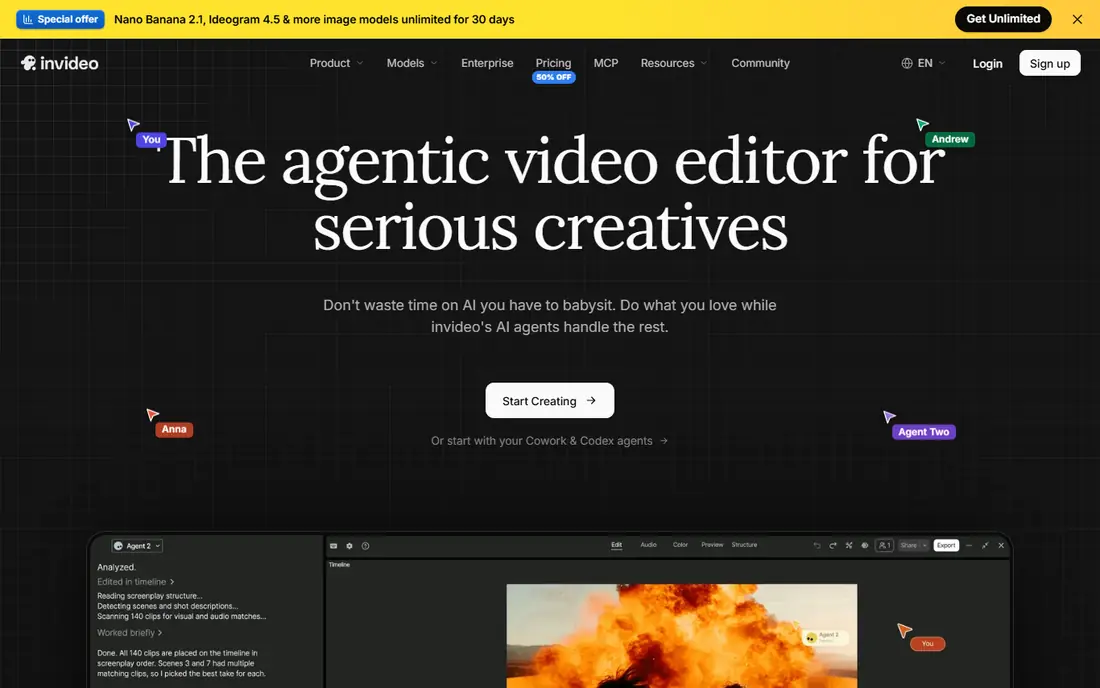
InVideo is our pick for most creators because it does the whole job. You give it a prompt or script, and it assembles footage, voiceover, captions, and music into a finished video you can edit. That makes it a strong choice for YouTube, marketing, and social content when you do not want to film anything yourself.
The catch is credits. Different generation models and quality settings use different amounts of credit, so heavy users can burn through a plan faster than expected. Pricing has also changed often, which is why we list See website here. Start on the free plan, test the models you actually need, and then pick a plan based on real usage.
- Turns a prompt or script into a full video
- Large stock media library
- Many templates
- Credit use varies by model and quality
- Free exports carry a watermark
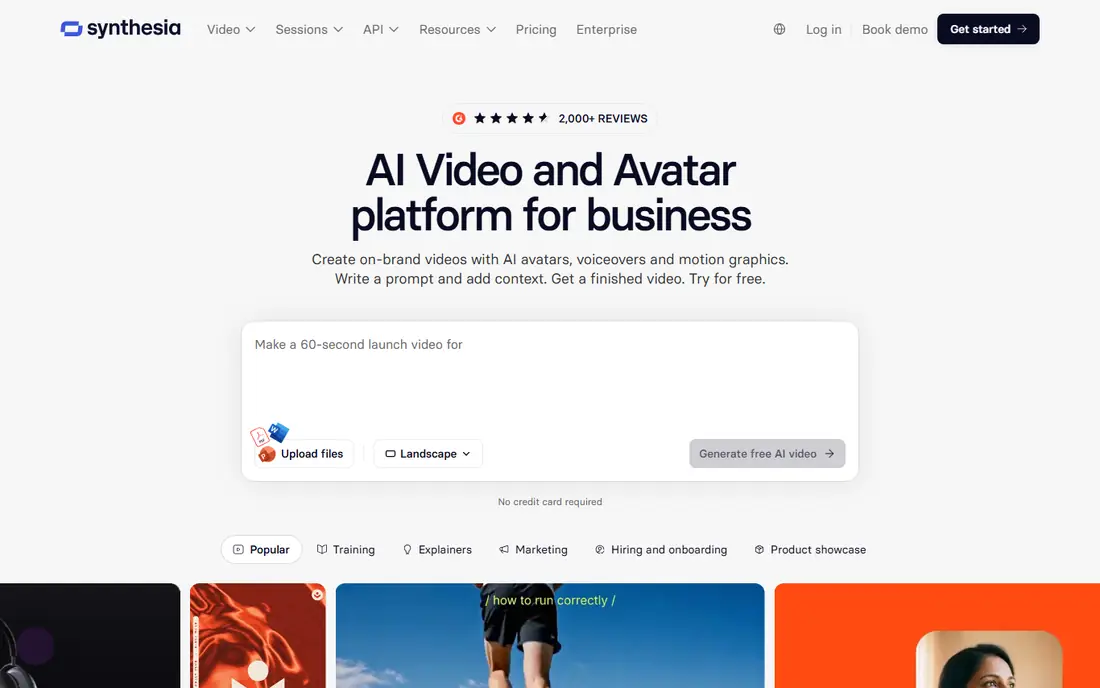
Synthesia is the best AI video maker software for training, onboarding, and explainer videos. You type a script, pick an avatar, and get a presenter-led video in minutes, in dozens of languages. Companies use it to update training without re-filming every time a policy changes.
The trade-off is tone. Avatar videos look professional but can feel formal, so they suit corporate and educational content better than fast social clips. Free plans are limited in minutes, and pricing varies by plan, so check the current pricing page before committing to a volume of videos.
- Realistic AI presenters in many languages
- Good for training and explainers
- No filming needed
- Avatar style suits corporate video more than social content
- Paid plans needed for serious volume
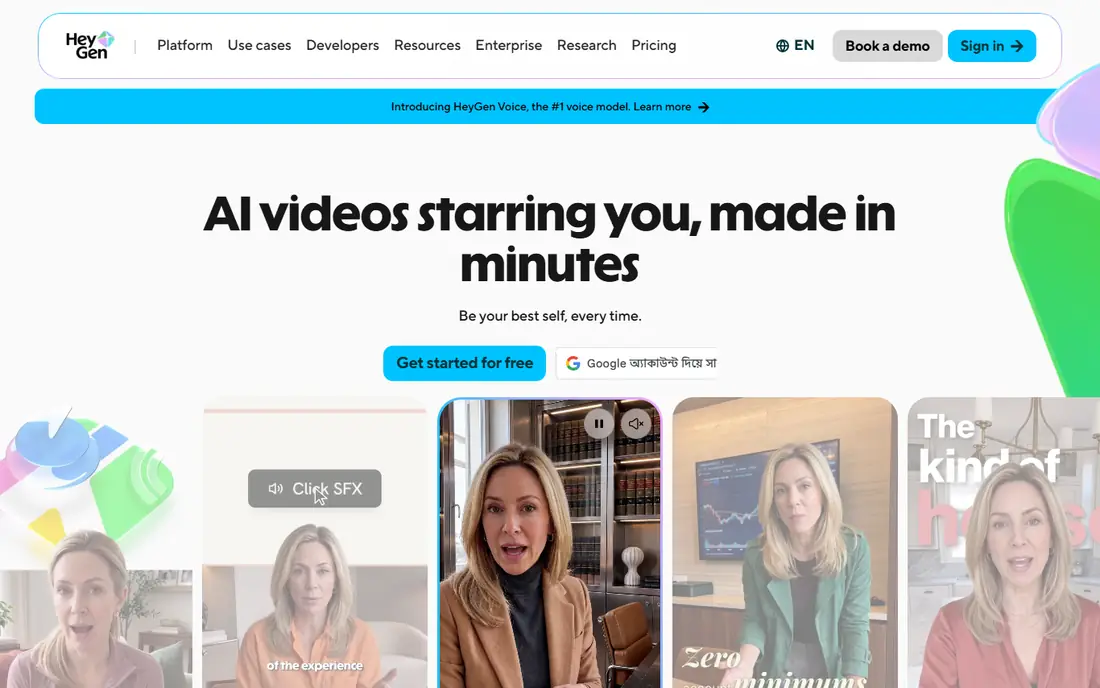
HeyGen is the best AI video creator app for marketing teams that need avatar videos in several languages. Its avatars look natural, its translation tools let one script reach many markets, and its templates suit product demos and ads. If you sell in more than one country, HeyGen saves real production time.
Free videos are short and limited in number each month, so regular publishing needs a paid plan. Pricing has varied across comparisons in 2026, so we list See website. Try the free plan with your own script first, since avatar quality is a matter of taste.
- Strong avatar quality
- Easy translation and dubbing
- Good for marketing and product videos
- Free plan limited to short videos
- Higher tiers needed for longer or unbranded output
Pictory is the best AI video maker tool for repurposing written content. Paste a blog post or script, and it builds a video with matching stock footage, captions, and voiceover. Bloggers and marketers with a back catalog of articles get the most value, since one post can become several short videos.
There is no lasting free plan, only a trial, so you will need to pay to publish regularly. Pictory also does not generate original footage or avatars, so it is not the right tool for cinematic clips. For turning text into video quickly, though, it is one of the most reliable options here.
- Turns articles, scripts, and recordings into video
- Automatic captions
- Large stock library
- No persistent free plan, only a trial
- Less suited to avatar or generated footage
Runway is the best AI video maker app for creators who want original footage rather than stock clips. Its generative models turn text or images into cinematic shots, and its editing tools let you refine, extend, and composite those shots. Filmmakers, advertisers, and designers use it for visuals that stock libraries cannot provide.
It takes practice to get consistent results, and the credit system means long or high-resolution generations cost more. The Standard plan starts at $12 per month on annual billing, and the free plan gives a one-time credit allowance to test it. If you want assembled marketing videos instead, InVideo will be faster.
- High-quality generated video
- Strong creative controls
- Free credits to start
- Learning curve for best results
- Credits limit how much you can generate
Fliki is the best AI video maker app for creators who care most about narration. Its voice library is large, with many languages and dialects, and it turns scripts, blog URLs, or ideas into captioned social videos quickly. Faceless YouTube channels and multilingual creators get particular value from it.
The catch is the credit system. Regenerating audio after a script edit or voice change uses credits, so finalize your script before generating. Paid pricing has varied in recent comparisons, so we list See website. The free plan, with a few minutes per month and a watermark, is enough to judge voice quality.
- Large AI voice library in many languages
- Fast script-to-video workflow
- Auto-translation
- Credits burn when you regenerate audio
- Pricing has varied across 2026 comparisons
Kapwing is the best AI video maker tool for teams that edit social video in a browser. It combines trimming, captions, templates, and AI helpers in one online editor, and collaboration features let teammates comment and edit together. Creators who already have footage and need to shape it for social platforms will like it most.
It is not a full generative video tool like Runway, so creators who want original AI footage should look elsewhere. Paid plans start at $16 per month on annual billing, and free exports carry a watermark. For editing and repurposing, though, Kapwing is fast and easy to learn.
- Browser-based editor with AI tools
- Good for teams
- Strong caption and repurposing features
- AI generation is lighter than dedicated generators
- Watermark on free exports
Lumen5 is the best free AI video maker app for beginners who want a quick blog-to-video result. Paste an article link, pick a style, and Lumen5 builds a captioned video with stock footage in minutes. It is one of the simplest tools in this list, which is a real advantage for small teams without video skills.
Simplicity has a cost. You get less control over scenes, pacing, and voice than in InVideo or Fliki, and the free plan is limited. If you want a fast, decent social video from a blog post, Lumen5 delivers. If you want fine control, pick a more detailed editor.
- Very simple blog-to-video workflow
- Good templates
- Easy for beginners
- Less creative control than InVideo or Kapwing
- Free plan is limited
OpusClip does one job well: it takes a long video, like a podcast or webinar, and cuts it into short clips for TikTok, Reels, and Shorts. Its AI picks likely highlights, adds captions, and reframes for vertical video, which saves hours of manual editing. Plans start at $15 per month.
It is not a general video maker, so it cannot replace InVideo or Synthesia for creating videos from scratch. Clip choices also need a human check, since the AI sometimes picks a weak moment. For creators with a steady stream of long videos, though, OpusClip is the best tool for growing a short-form presence.
- Turns long videos into shareable shorts automatically
- AI scoring of clip potential
- Fast workflow
- Not a full video maker
- Clip quality varies and needs human review
How we picked these
We compared official feature pages, pricing pages, and recent independent comparisons for each tool, and we favored products that are actively available in 2026, offer a free plan or trial, and cover a distinct video job. We did not claim hands-on testing. AI video pricing and credit systems change often, so where published prices conflicted we wrote See website rather than stating a figure we could not verify.
How to choose an AI video maker
Start with your source material. If you have a script or prompt and want a finished video, InVideo is the fastest path. If you have a blog post, Pictory or Lumen5 will serve you better. If you have a long recording, OpusClip turns it into clips. If you need a presenter without filming, Synthesia or HeyGen is the answer.
Then check the cost per finished minute, not just the monthly price. Credit systems, per-minute limits, and watermark rules change the real cost fast. Make one real video on each free plan you shortlist, count the credits or minutes it used, and then work out what a month of your normal output would cost.
Finally, review the output honestly before you publish. AI voices, avatars, and generated footage all have tells, and audiences notice them. A short human edit, fixing captions, pacing, and one awkward shot, usually lifts an AI video from acceptable to genuinely good.
Sources
Frequently asked questions
What is the best free AI video maker app?
InVideo, Synthesia, HeyGen, Runway, Fliki, Kapwing, and Lumen5 all offer free plans, though free exports often carry watermarks and limited minutes or credits. InVideo is the best free starting point for finished videos, while Runway is best for testing generated footage.
Which AI video maker is best for YouTube?
InVideo is the best all-round pick for YouTube, since it turns scripts into full videos with voiceover and stock footage. Fliki suits faceless channels that rely on narration, and OpusClip is best for cutting long YouTube videos into Shorts.
What is the best AI video maker for training videos?
Synthesia is the best choice for training and onboarding videos, thanks to its realistic avatars and many language options. HeyGen is a strong alternative when you need marketing-style avatar videos or translation across markets.
Can AI video makers replace a human editor?
For simple social videos, captions, and repurposing, they come close. For polished brand work, a human edit still matters, since AI output often needs fixes to pacing, captions, and scene choices. Most creators get the best results by combining an AI tool with a short manual review.
How much do AI video maker apps cost?
Paid plans in this list range from $12 per month for Runway and $15 per month for OpusClip to $16 per month for Kapwing on annual billing, with other tools priced on their own pricing pages. Free plans exist for most tools but limit minutes, credits, or exports.