Best AI Video Making App in 2026: 10 Apps Compared
By ToolNimba Editorial Team November 6, 2026 10 min read

- Top pick
 Synthesia
Avatar training videos
Starting price$29 per monthCheck out SynthesiaRead our review - Runner-up
 HeyGen
Avatar marketing videos
Starting price$29 per monthCheck out HeyGenRead our review - Also great
 Runway
Generated cinematic clips
Starting price$15 per monthCheck out RunwayRead our review
How we researched this
We compared official pricing and feature pages, app store listings, privacy policies and public user reviews. Prices change, so check the provider's site before you pay.
Key takeaways
- The best AI video making app depends on the video type: avatar presenters, script-to-video clips, generated footage and edited recordings are different jobs.
- Synthesia and HeyGen lead for avatar-led training and explainers, while InVideo and Pictory suit fast script-to-video social content.
- Runway suits creators who want generated footage and creative control, while Descript suits people who edit by editing text.
- Free plans are useful for testing, but most add watermarks or limits, so check export quality and commercial use before publishing.
- AI video pricing is often credit-based, so compare minutes, credits and export limits, not just the monthly price.
Quick comparison
| Name | Best for | Starting price | Free plan | |
|---|---|---|---|---|
| Synthesia | Avatar training videos | $29 per month | Yes | Visit |
| HeyGen | Avatar marketing videos | $29 per month | Yes | Visit |
| Runway | Generated cinematic clips | $15 per month | Yes | Visit |
 InVideo | Prompt-to-video social content | See website | Yes | Visit |
 Pictory | Turning text into video | $25 per month | Free trial | Visit |
 Descript | Editing video by editing text | $24 per month | Yes | Visit |
 VEED | Browser editing with AI help | See website | Yes | Visit |
 Lumen5 | Turning articles into social video | See website | Yes | Visit |
 Fliki | Voiceover and faceless videos | See website | Yes | Visit |
 Kapwing | Social editing and captions | See website | Yes | Visit |
The best AI video making apps
We compared apps that use AI to create, assemble or edit video, not just stock libraries with a template. The ten below cover avatar presenters, text-to-video, generated clips and text-based editing.
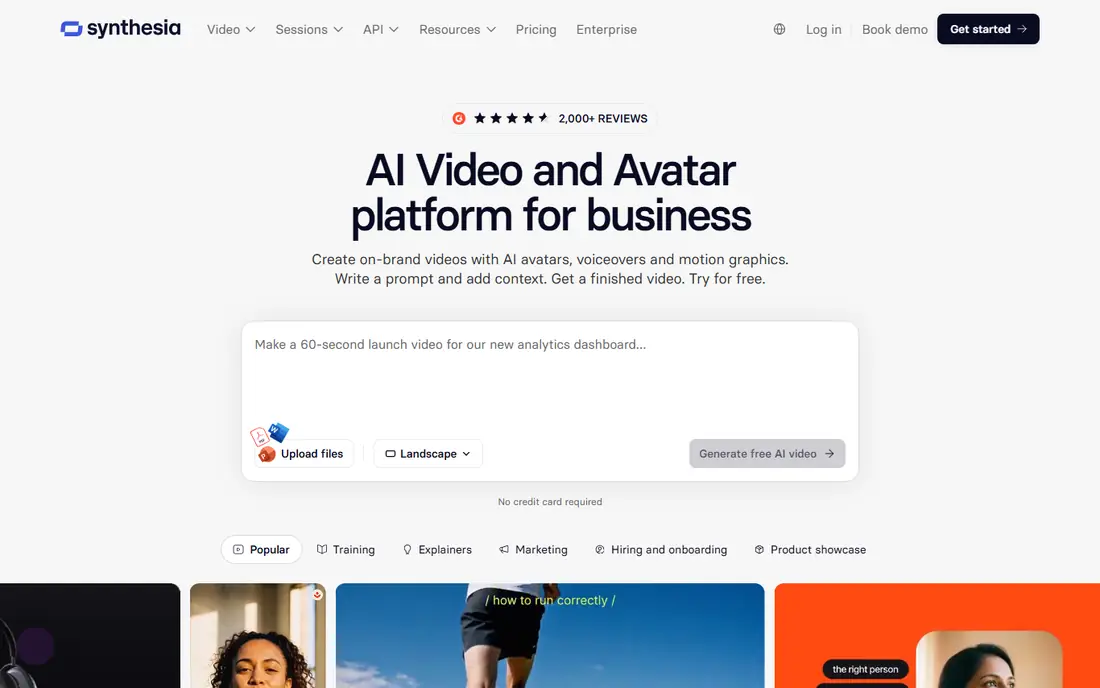
Synthesia is our pick for corporate training, onboarding and explainer videos. You type a script, pick an avatar and language, and the platform builds a presenter-led video without cameras or a studio. That workflow makes it easy to update training when a policy changes, since you edit text rather than re-filming.
The limit is tone. Avatar presenters work well for clear instruction, but they can feel stiff for personal vlogs or fast social content. Check the monthly video minutes and language limits on the plan you choose, since those matter more than the headline price for teams that publish often.
- Large avatar and language range for training content
- Easy script-to-video workflow
- Brand controls for teams
- Avatar delivery can feel formal for casual social content
- Higher plans are needed for larger video minutes
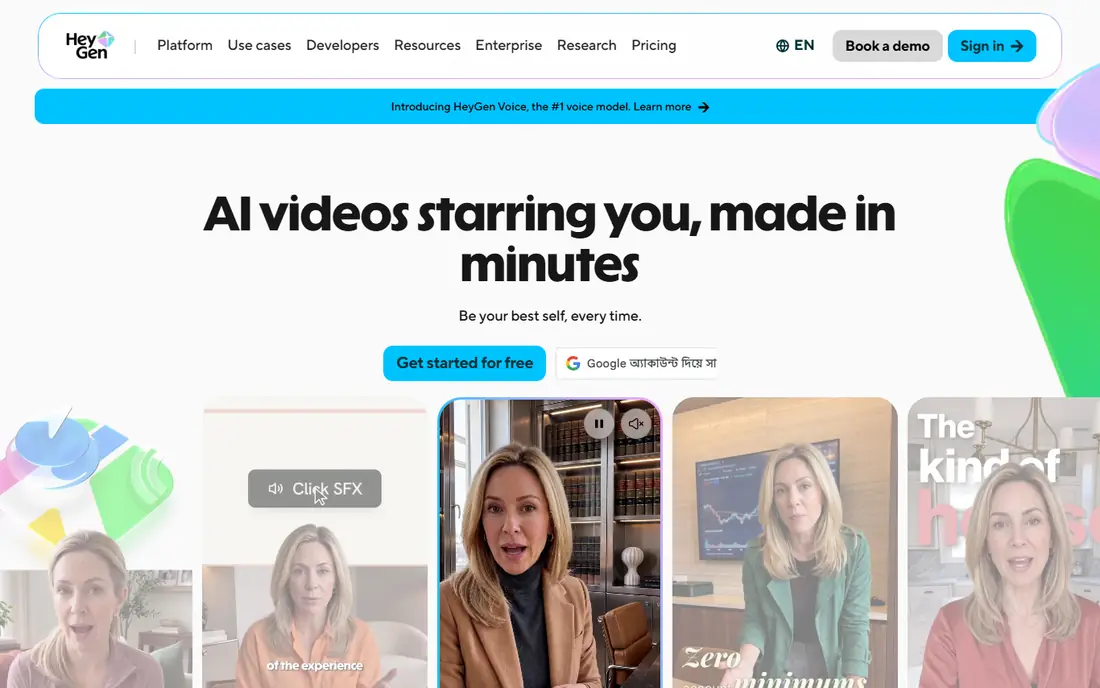
HeyGen suits creators and marketers who want a talking presenter without filming. Its avatar tools let you create a presenter from a recording, translate videos into other languages, and build short marketing clips from a script. For product launches and social explainers, that speed is a clear advantage.
The free plan is best treated as a test, since it covers only a small number of short videos each month. Paid plans expand minutes and features, but creators should still check lip-sync quality and voice options for their language before building a full series around one avatar.
- Strong avatar creation and translation tools
- Free plan for testing short videos
- Useful for marketing and product explainers
- Free plan is limited to a few short videos per month
- Advanced avatar features need higher plans
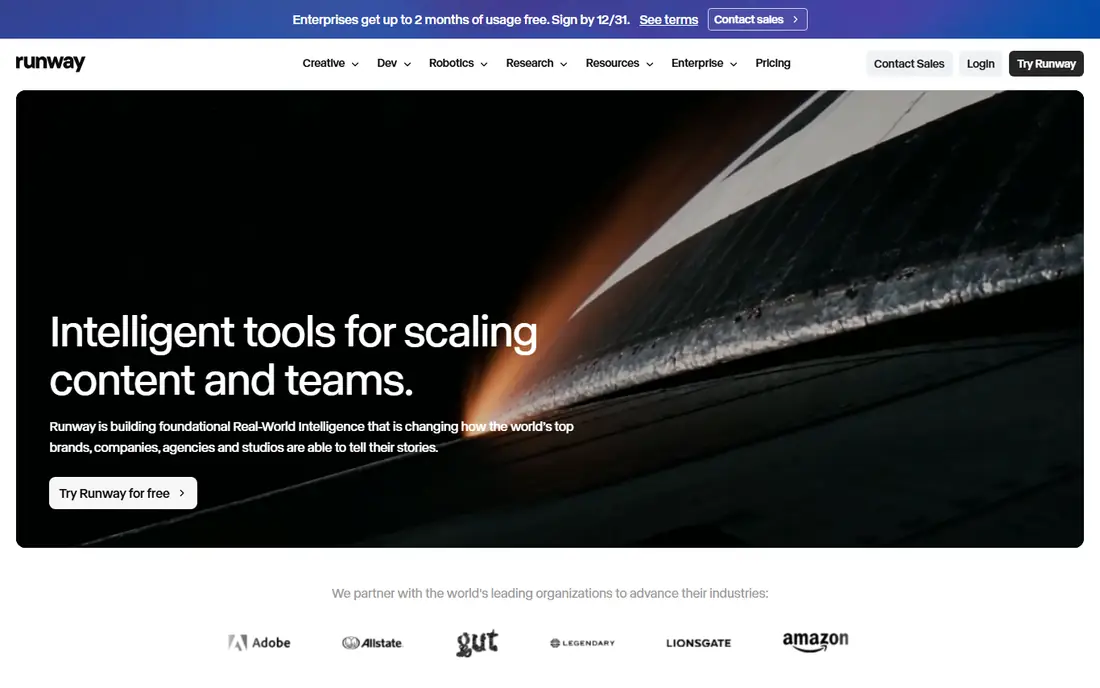
Runway is the creative choice for original footage. Instead of assembling stock clips, you generate scenes from text or image prompts, then refine them with editing and effects tools. That makes it useful for ads, music visuals, concept films and short social clips where a unique look matters.
The catch is length and consistency. Generated clips are short, and keeping the same character or style across many clips takes care and testing. Treat Runway as a footage and effects tool inside a larger edit, not as a one-click maker of long, coherent films.
- Strong generative models for original footage
- Frame-level editing and creative controls
- Useful for ads, shorts and concept work
- Generated clips are short, so long videos need editing
- Credit use varies by model and quality
InVideo suits creators who want a finished social video from a prompt or script. The platform assembles clips, text, music and voiceover, and it gives access to stock footage alongside AI generation. For YouTube, ads and social posts, that speed helps small teams publish more often.
The main drawback is control. AI assemblies can include odd clip choices or pacing issues, so expect to edit before publishing. Pricing is also credit-based and varies by model, so check how many credits a typical video uses at the quality you need.
- Fast prompt-to-video workflow with stock media
- Many templates for social and marketing videos
- AI voiceover options
- Credit use varies by model and output quality
- Generated results often need manual edits
Pictory is best for repurposing written content. Paste a blog post or script, and it builds a video with scenes, captions and voiceover, which you can then edit. It also helps turn long recordings into short clips, which makes it useful for marketers who already have content to reuse.
The limit is that it works best when the source text is clear and well structured. Vague scripts can produce generic visuals, and stock choices may need swapping. Use the trial to test with your own articles, not just demo text, before paying.
- Strong for turning blogs, scripts and long videos into short clips
- Automatic captions and branding tools
- Useful for repurposing content
- Free access is a trial, not a lasting free plan
- Generated visuals still need review for relevance
Descript takes a different approach: it transcribes your recording, and you edit the video by editing the words. Delete a sentence in the transcript, and the matching video section goes too. That makes it very fast for podcasts, interviews, tutorials and recorded explainers.
The trade-off is that Descript is not a generative footage tool like Runway. If you need original AI scenes, you will still need another app. For creators who record first and edit second, though, its text-based workflow saves more time than most AI effects.
- Edit video by editing a transcript
- Strong filler-word removal and caption tools
- Good for podcasts and recorded explainers
- Best for recorded footage, not generated clips
- AI generation features are narrower than dedicated video generators
VEED suits social teams who want editing in the browser without installing software. It offers captions, subtitles, templates, stock media and AI-assisted tools for cleaning up and repurposing video. Collaboration and sharing are straightforward, which helps small marketing teams move fast.
The catch is that browser editing has limits for very long or complex projects, where a desktop editor may perform better. Pricing also varies by billing period, so check the current plan page for the monthly and annual rates before you choose.
- Browser-based editing with captions, templates and AI tools
- Easy sharing and export options
- Good for social teams
- Pricing varies by billing period and plan
- Heavy projects may feel slower than desktop editors
Lumen5 is a simple choice for turning articles into short social videos. Paste a link or text, and it suggests scenes, images and text layouts that you can adjust to match your brand. For blogs, newsrooms and small marketing teams, that workflow turns written posts into shareable video quickly.
The limit is depth. Lumen5 is not built for complex edits or generated cinematic footage, and its free plan has branding and resolution limits. It works best as a repurposing tool, with a fuller editor handling anything that needs precise timing or custom effects.
- Simple article-to-video workflow
- Brand templates for social formats
- Community free plan for testing
- Less control for detailed editing
- Advanced features and higher resolutions need paid plans
Fliki suits faceless channels, explainers and short-form content where voiceover carries the video. You write a script, pick a voice, and the platform builds scenes to match. That makes it a fast way to test topics without filming or hiring voice talent.
The honest catch is voice and visual fit. Some voices sound more natural than others, and stock visuals can feel generic if the script is vague. Test several voices with your own scripts, and keep videos short until you find a style that holds attention.
- Strong text-to-speech voices for faceless videos
- Fast script-to-video workflow
- Useful for explainers and shorts
- Voice quality varies by language and voice choice
- Generated visuals need checking for relevance
Kapwing is a practical social editor for teams that publish often. It handles captions, resizing, templates and light AI assistance in the browser, and it makes it easy to adapt one video for several social formats. For creators who edit clips, add captions and publish fast, it covers the daily workflow well.
The limit is generation. Kapwing is stronger at editing and repurposing than at creating original AI footage or avatar presenters. Use it alongside a generator when you need new scenes, and use Kapwing itself for the final polish and social formatting.
- Browser editor with captions, templates and AI tools
- Good for memes, shorts and team edits
- Easy export to social formats
- Free exports have limits and watermarks on some plans
- Not a dedicated generative footage tool
How we picked these
We compared official feature pages, pricing pages and app listings for AI video tools that are available in 2026. We grouped them by job, avatar, script-to-video, generated footage or editing, and checked free plans, credit limits and export options. Where pricing varied by billing period or model, we wrote See website rather than picking one figure that could mislead.
How to choose the right AI video app
Start with the video you actually publish most. If you make training videos, an avatar tool saves the most time. If you make social clips, a script-to-video or editing tool matters more. If you make ads or concept work, a generative tool like Runway deserves a closer look.
Check minutes, credits and watermarks
A low monthly price can hide a small credit allowance. Check how many minutes or credits you get, what a typical video costs at your chosen quality, and whether free exports carry a watermark. Also check commercial use terms, since some free plans limit how you can use published videos.
Test voice, avatar and style early
AI voices and avatars vary a lot by language and use case. Make a short test video with your own script before you commit to a yearly plan. If the voice sounds flat or the avatar looks wrong for your brand, no feature list will fix that, and a different tool may suit you better.
Keep a human edit step
AI video tools work best with a human review. Check facts, names, captions and visuals before publishing, especially for training, health or financial topics. A short edit pass catches errors that an automated assembly can miss, and it keeps your content credible.
Sources
Frequently asked questions
What is the best AI video making app for beginners?
InVideo, Fliki and Kapwing are friendly starting points, since they turn a prompt or script into a video with templates and stock media. Beginners should start with a free plan, make a few short videos, and learn basic editing before paying for credits.
What is the best AI app for making videos with avatars?
Synthesia suits training and corporate explainers, while HeyGen suits marketing and shorter social videos. Both offer free testing, so compare avatar quality, voices and languages with your own script before choosing.
What is the best AI video making software for YouTube?
InVideo and Pictory suit YouTube creators who turn scripts or articles into videos, while Descript suits creators who record and then edit by text. Runway suits creators who need original generated footage for intros, ads or visual stories.
Is there a free AI video making app?
Yes, several tools offer free plans, including Synthesia, HeyGen, Runway, InVideo, Descript, VEED, Lumen5, Fliki and Kapwing. Free plans usually limit minutes, credits or exports and may add watermarks, so check those limits before publishing.
Do AI video apps replace video editors?
Not fully. AI tools speed up first drafts, captions, voiceover and assembly, but a human editor still improves pacing, story and accuracy. For polished brand work, plan for a short manual edit after the AI draft.
What is the best AI software for making videos from text?
Pictory and Lumen5 are strong for turning articles and scripts into video, while Fliki is strong for voiceover-led text-to-video. The best choice depends on whether you need captions, a presenter or a voiceover-led format.