Best AI Writing Software for Research Papers in 2026: 9 Tools Compared
By ToolNimba Editorial Team October 29, 2026 10 min read

- Top pick
 Jenni AI
Drafting papers with AI autocomplete
Starting price$12 per monthCheck out Jenni AIRead our review - Runner-up
 SciSpace
Reading and understanding research papers
Starting price$12 per monthCheck out SciSpaceRead our review - Also great
 Paperpal
Polishing papers for journal submission
Starting price$19 per monthCheck out PaperpalRead our review
How we researched this
We compared official pricing and feature pages, app store listings, privacy policies and public user reviews. Prices change, so check the provider's site before you pay.
Key takeaways
- Jenni AI is our pick for drafting, because its autocomplete works inside your document and handles citations in APA, MLA, and other major styles.
- SciSpace is the best companion for reading and understanding papers before you write, with AI explanations tied to the source text.
- Paperpal is the strongest choice for final polishing and journal submission checks, trained on published research.
- Elicit and Consensus help you find and weigh evidence across many papers, which is where most research writing actually starts.
- No tool here replaces your own judgment: always verify citations and check your institution's rules on AI use before submitting.
Quick comparison
| Name | Best for | Starting price | Free plan | |
|---|---|---|---|---|
| Jenni AI | Drafting papers with AI autocomplete | $12 per month | Yes | Visit |
| SciSpace | Reading and understanding research papers | $12 per month | Yes | Visit |
| Paperpal | Polishing papers for journal submission | $19 per month | Yes | Visit |
 Elicit | Synthesizing findings across many papers | $10 per month | Yes | Visit |
 Consensus | Finding scientific consensus on a claim | $8.99 per month | Yes | Visit |
 Scite | Checking how a paper has been cited | $12 per month | Free trial | Visit |
 QuillBot | Paraphrasing dense academic passages | $9.95 per month | Yes | Visit |
 Writefull | Academic language editing, including LaTeX | $150 per year | Yes | Visit |
 Paperguide | Drafting from a real reference library | $15 per month | Yes | Visit |
The best AI writing software for research papers
Research writing has two hard parts: finding what the literature actually says, and turning it into clear, properly cited prose. The tools below split along that line, with some built for drafting and others for evidence. We compared pricing, citation handling, and how each tool fits a real research workflow.
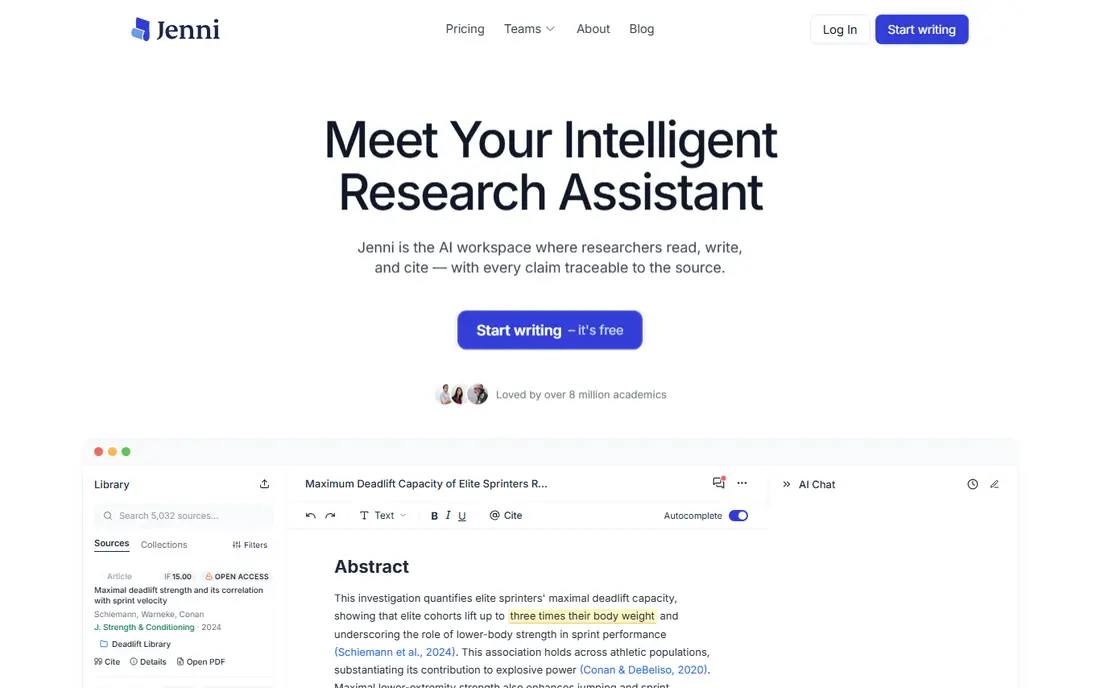
Jenni AI is the closest thing here to a writing partner that sits inside your document. As you type, it suggests the next sentences, and you can ask it to cite sources in APA, MLA, Harvard, or other styles. That flow suits researchers who already know their argument and want help getting a first draft down without stopping to format every reference.
The free plan is genuinely useful for testing the tool, but its daily word limit means serious drafting needs the paid plan. Like every AI writer, Jenni can produce smooth text around a shaky claim, so treat its output as a draft and verify each citation against the original paper. Used that way, it is the fastest drafting tool in this list.
- Autocomplete works as you write
- In-text citations in major styles
- Paraphrase and outline tools built in
- Free plan has a low daily word limit
- AI text still needs careful fact checking

SciSpace starts one step earlier than a writing tool: it helps you understand the papers you need to cite. Upload a PDF or search its database, and its assistant can explain methods, results, and jargon in plain language, with answers tied to the paper itself. That makes literature review faster, especially outside your own field.
For writing itself, SciSpace offers drafting help, but it is not its strength. Think of it as the research phase of your workflow, feeding notes and quotes into whatever editor you draft in. If your bottleneck is reading twenty papers before you can write a page, SciSpace is the best money you can spend here.
- Explains papers in plain language
- Chat with PDFs
- Large database of published papers
- More a reading tool than a writer
- Some features need a paid plan
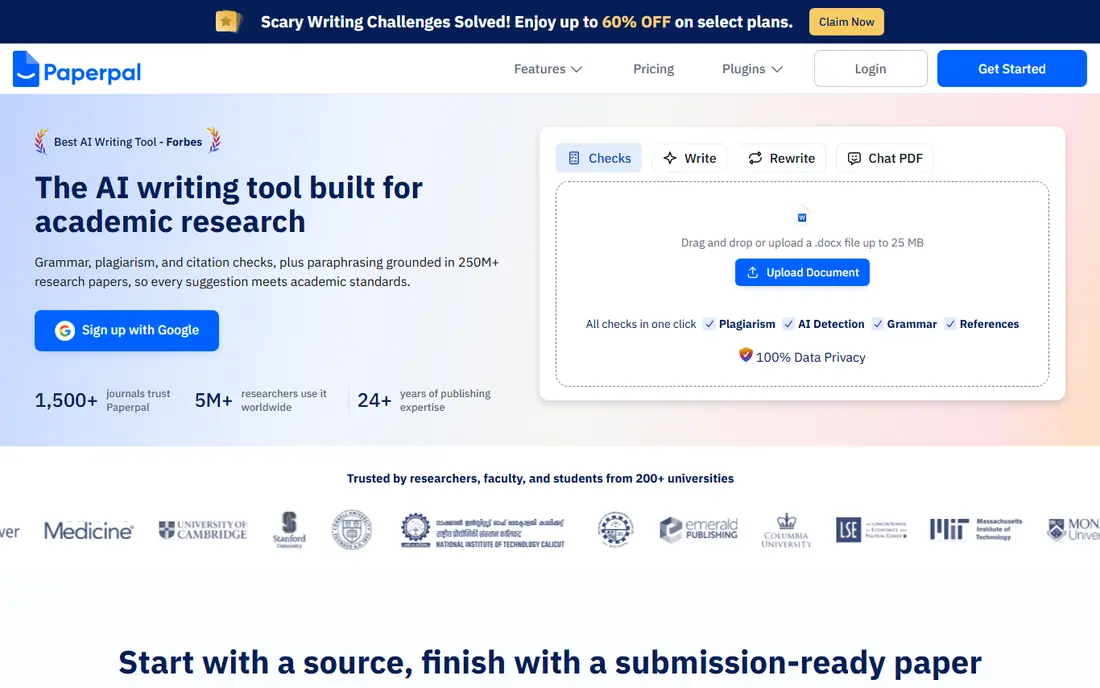
Paperpal is built for the last mile of a research paper: making it read like published work and pass a journal's technical checks. It catches awkward academic phrasing, flags missing sections or inconsistent terminology, and checks your manuscript against submission requirements. Its Word add-in keeps that help inside the document most researchers already use.
At 19 dollars a month, it is the priciest tool on this list, and it will not help much with a blank page. But if your draft is done and the goal is acceptance, Paperpal's subject-specific polish is a real advantage. Students and early-career researchers submitting to journals will get the most from it.
- Trained on published research
- Checks language, structure, and submission requirements
- Word add-in
- Highest monthly price here
- Best at the end of the process, not the start
Elicit answers research questions by pulling findings from many papers into a structured table you can sort and compare. Ask how a treatment performed across studies, and Elicit returns study details, sample sizes, and outcomes side by side. That structure is gold for literature reviews and systematic reviews, where the hard part is comparing dozens of papers fairly.
It is not a drafting tool, and its summaries can miss nuance or misread a paper, so spot-check anything you plan to cite. But as a way to map a field quickly, Elicit saves hours of manual table building. Pair it with a drafting tool like Jenni and you cover both halves of the writing process.
- Extracts data into structured tables
- Searches a large paper database
- Good for systematic reviews
- Output needs verification
- Less useful for single-paper writing
Consensus is built around a simple idea: ask a yes-or-no research question and see what the published evidence says. It returns a consensus meter showing how many papers support, refute, or stay neutral on the claim, with links to the underlying studies. That makes it a fast way to check whether an argument you plan to make is actually supported.
Its weakness is new or narrow topics, where few papers exist and the meter means little. It also will not write your paper. But for grounding an introduction or checking a claim before you build on it, Consensus is the quickest evidence check in this list, and its price is among the lowest.
- Searches over 200 million papers
- Shows whether evidence agrees or disagrees
- Simple question format
- Best for settled questions
- Thin on very new or niche topics
Scite answers a question other tools skip: has anyone challenged this paper since it was published? Its smart citations classify later citations as supporting, mentioning, or contrasting, so you can see at a glance whether a finding held up. For researchers building on older work, that context can prevent an embarrassing citation.
Scite is a research tool rather than a writer, and it offers only a trial rather than a free plan. It also takes some learning before its reports feel natural. But if you cite papers that are several years old, or you review literature where findings are contested, Scite is the most honest check available here.
- Shows supporting and contrasting citations
- Large citation database
- Reference manager export
- No free plan beyond a trial
- Interface takes time to learn
QuillBot is the tool researchers reach for when a sentence is technically correct but reads like a wall. Its paraphraser rewrites passages in several modes, from formal to simple, and its grammar checker and citation generator round out the package. A browser extension brings it into docs and web pages without switching apps.
The risk with any paraphraser is drift: a rewritten sentence can quietly change what the original claimed. Use QuillBot to improve clarity in your own writing, not to disguise someone else's work, and always re-read the result against the source. For polishing your own prose on a budget, it is a solid pick.
- Strong paraphraser with tone controls
- Grammar checker and citation generator
- Browser extension
- Paraphrasing can drift from the original meaning
- Academic features need Premium
Writefull is a language model trained on published academic text, and it shows in its suggestions. It corrects grammar in the style of research writing, offers phrasing drawn from real papers, and integrates with Overleaf, which makes it popular with STEM authors who write in LaTeX. The yearly price works out cheaper per month than several rivals here.
Its feature set is narrower than Paperpal: it polishes language rather than checking submission readiness. If you write in Word and need full submission checks, Paperpal fits better. If you write in LaTeX and want your English to read like published work, Writefull is the natural choice.
- Trained on published research language
- Works with Overleaf and LaTeX
- Good for STEM authors
- Yearly billing only
- Narrower feature set than Paperpal
Paperguide takes a different approach to AI drafting: it writes against a real reference library rather than from memory, which lowers the risk of invented citations. You can build a library from its database of peer-reviewed papers, then draft sections with citations applied to those actual sources. It also supports systematic review workflows, which few drafting tools attempt.
As a newer tool, Paperguide has a smaller user community and fewer third-party guides than Jenni or Paperpal, and drafting quality can vary by field. But its citation-grounded design addresses the biggest real problem with AI research writing: references that look right and are not. For researchers who worry about that, it is worth trying.
- Drafts with citations tied to your reference library
- Large paper database
- Systematic review features
- Newer tool with a smaller community
- Drafting quality varies by field
How we picked these
We compared official pricing pages, feature documentation, and public user reviews for AI tools aimed specifically at research writing, and we excluded general chatbots that do not handle citations. We favored tools with real paper databases or citation features, and we checked that each one is actively maintained in 2026. We did not claim hands-on testing; our comparison rests on published specifications, pricing, and user feedback.
How to use these tools without hurting your paper
Treat AI output as a draft, never as a source. Verify every citation by opening the original paper, because AI tools can invent references that look plausible. Keep your own argument in charge: use the tools for phrasing, structure, and finding papers, and do the analysis yourself.
Also check the rules where you study or publish. Many universities and journals allow AI assistance for editing but not for generating core arguments, and some require disclosure. A quick check of your institution's policy before you submit is worth more than any feature here. When in doubt, disclose what you used and keep your drafts, so you can show your working.