Best AI Writing Tools for Education in 2026: 8 Tools Compared
By ToolNimba Editorial Team November 6, 2026 10 min read

- Top pick
 Grammarly
Everyday grammar and clarity
Starting price$12 per monthCheck out GrammarlyRead our review - Runner-up
 QuillBot
Paraphrasing and summarizing
Starting price$8.33 per monthCheck out QuillBotRead our review - Also great
 Jenni AI
Academic drafting with citations
Starting price$12 per monthCheck out Jenni AIRead our review
How we researched this
We compared official pricing and feature pages, app store listings, privacy policies and public user reviews. Prices change, so check the provider's site before you pay.
Key takeaways
- Grammarly and QuillBot cover the everyday jobs of polishing and rewording, and both have usable free plans.
- Jenni AI and Paperpal are built for academic work, with citations and journal-style checks that general chatbots do not offer.
- ChatGPT and Claude are the most flexible brainstorming partners, but every citation they suggest still needs checking at the source.
- MagicSchool AI and Khanmigo are the teacher-first picks, with classroom tools and controls that student-focused apps lack.
- Check your school or college AI policy before submitting any AI-assisted work, since rules vary by course and institution.
Quick comparison
| Name | Best for | Starting price | Free plan | |
|---|---|---|---|---|
| Grammarly | Everyday grammar and clarity | $12 per month | Yes | Visit |
| QuillBot | Paraphrasing and summarizing | $8.33 per month | Yes | Visit |
| Jenni AI | Academic drafting with citations | $12 per month | Yes | Visit |
 Paperpal | Journal-ready academic editing | See website | Yes | Visit |
 ChatGPT | Brainstorming and feedback | $20 per month | Yes | Visit |
 Claude | Long readings and careful feedback | $20 per month | Yes | Visit |
 MagicSchool AI | Teacher lesson and feedback tools | $8.33 per month | Yes | Visit |
 Khanmigo | Guided tutoring for students | See website | Yes | Visit |
The best AI writing tools for education
Students and teachers do not need the same writing tool. A student polishing an essay needs different help than a teacher writing fifty pieces of feedback, and a researcher drafting a journal paper needs something else again. The eight tools below cover that range, from free grammar checks to citation-aware academic drafting.
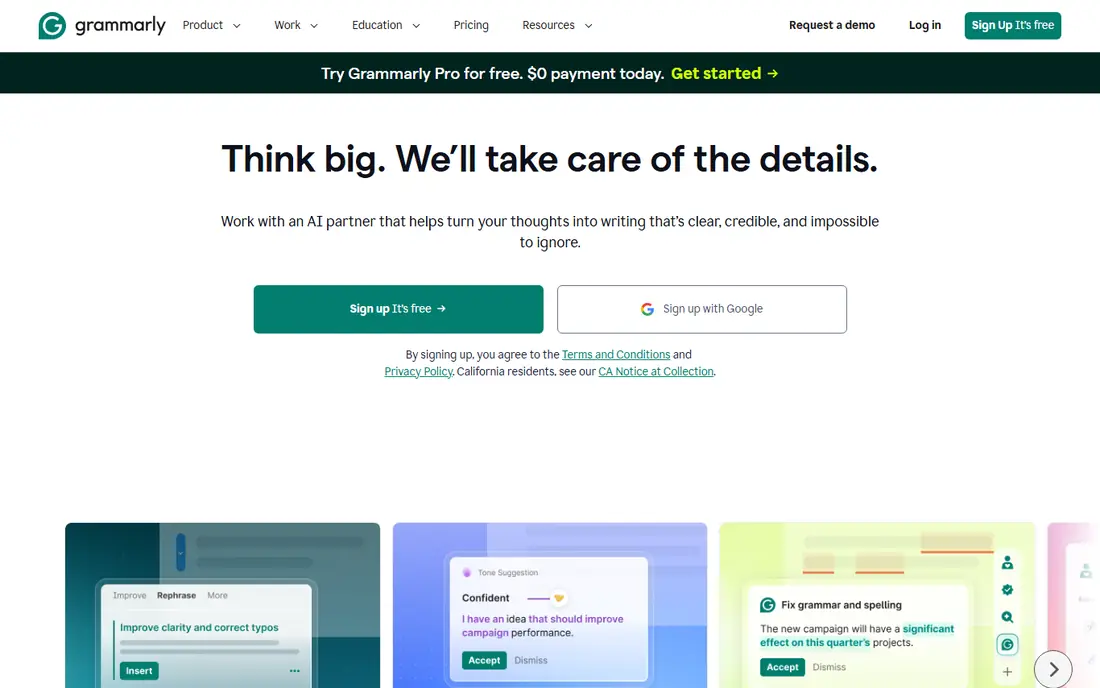
Grammarly is the tool we would hand to most students first. It catches grammar, spelling, and punctuation as you type, and its tone and clarity suggestions help a draft read like it was written for a real reader rather than assembled in a hurry. Because it works inside Google Docs, Word, and the browser, there is no new app to learn and no copy-and-paste round trip.
The catch is scope. Grammarly polishes sentences; it does not judge whether an argument holds together or whether a source says what you claim it says. The free plan covers basic checks plus a monthly allowance of AI prompts, while Pro at $12 per month billed annually adds full-sentence rewrites and far more AI prompts. Use it as a final pass, not as a research partner.
- Works across browsers, docs, and email
- Tone and clarity suggestions
- Student-friendly free plan
- Full-sentence rewrites need the paid plan
- It does not check citations or arguments
QuillBot earns its place for one specific job: rewording a sentence that came out clumsy. Paste in an awkward paragraph, pick a mode such as Standard or Formal, and you get several alternatives to choose from, which teaches phrasing as well as fixing it. The summarizer is handy for turning a long article into notes before you start writing.
That strength is also its limit. QuillBot works sentence by sentence, so it will not restructure an essay or spot a weak thesis. Premium costs $8.33 per month billed annually and adds all modes, a plagiarism checker, and a fuller AI detector. Keep the original meaning in view when you paraphrase, and cite the source either way.
- Nine paraphrase modes on Premium
- Built-in summarizer
- Genuinely usable free tier
- Free paraphrases are short and limited to two modes
- Output still needs a human edit
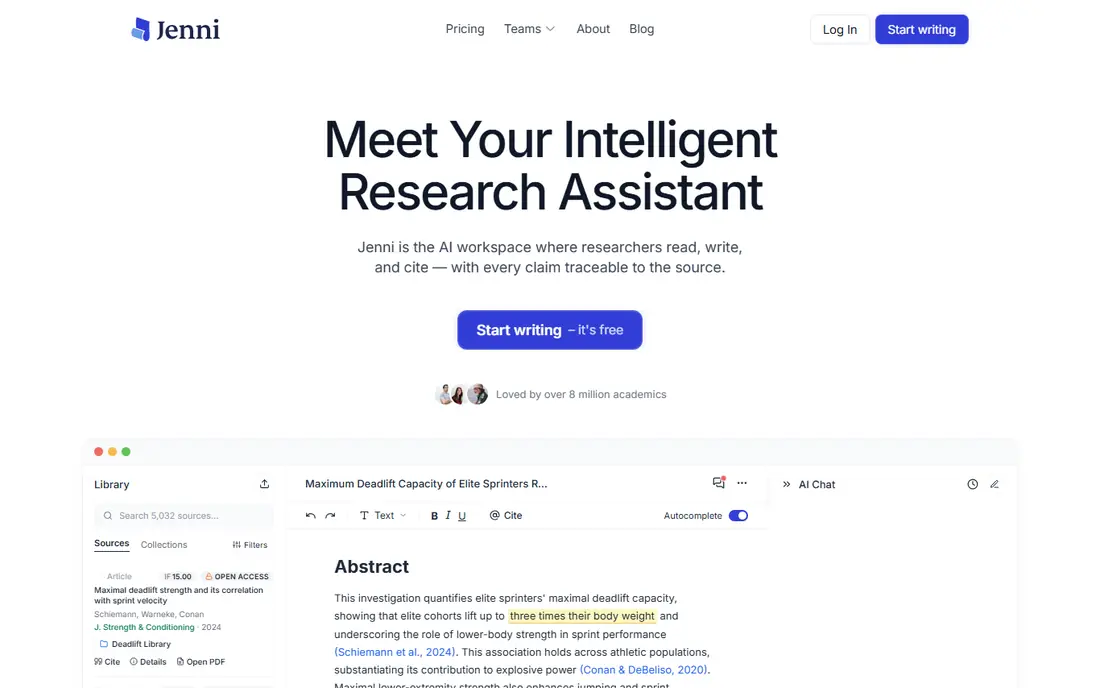
Jenni AI is built around the way academic writing actually happens: you write a sentence, and it suggests the next one, drawing on sources you have uploaded. Its citation support covers styles such as APA, MLA, and Harvard, which removes one of the most tedious parts of student writing. For a literature review or a research-heavy essay, that structure matters more than raw generation speed.
The free plan is best treated as a trial of the workflow, since the word allowance runs out quickly on a long paper. Paid plans start at $12 per month billed annually. Whatever Jenni suggests, open each cited paper and confirm the claim yourself, because an AI-generated citation can look correct while pointing at the wrong finding.
- Autocomplete that follows your draft
- In-text citations in common styles
- Imports PDFs
- Free word allowance is limited
- It can suggest citations that need verification
Paperpal aims at researchers and graduate students rather than undergraduates writing a first essay. Its suggestions are tuned to academic phrasing, and its checks look at the kind of issues journal reviewers notice, such as consistency, technical language, and missing submission details. It works inside Word and Google Docs, so it fits a manuscript workflow without forcing a new editor.
The free plan gives a limited number of daily language suggestions, which is enough to judge whether you like its style. Paid plans add deeper checks and higher limits, so confirm the current price on the Paperpal site before budgeting for a lab or department. It is an editor, not a co-author, and that narrower job is exactly why researchers trust it.
- Language checks tuned to academic writing
- Submission readiness checks
- Works in Word and Google Docs
- Paid pricing is not simple to compare at a glance
- Advanced checks sit behind the paid plan
ChatGPT is the most versatile tool on this list, and that versatility is both its appeal and its risk. Ask it to critique a draft, suggest counterarguments, or turn rough notes into an outline, and it usually produces something useful within seconds. Its Study mode is designed to guide rather than simply answer, which suits revision and exam preparation better than straight generation.
The free tier handles a lot of student work, while Plus at $20 per month adds higher limits and newer models. The honest catch is accuracy: ChatGPT can invent references and state false facts with confidence. Treat every factual claim and citation as unverified until you have checked it in a real source, and follow your course rules on how much AI help is allowed.
- Strong at outlines, counterarguments, and feedback on drafts
- Study mode supports guided learning
- Citations and facts need independent verification
- Easy to lean on for whole drafts
Claude is our pick when the job starts with reading rather than writing. Upload a long paper, a chapter, or a set of lecture notes, and ask it to explain a dense passage, summarize the argument, or point out where your draft misunderstands the source. Its answers tend to be measured and well structured, which makes it a strong revision partner for longer essays and dissertations.
Pro costs $20 per month and raises the usage limits that free users hit during heavy weeks. Claude does not come with a built-in academic citation database, so it will not replace Jenni or Paperpal for reference-heavy work. Pair it with your library: read the real source, then use Claude to test whether your summary of it is fair.
- Handles long documents well
- Patient, detailed feedback on writing
- Good at explaining difficult passages
- Free usage is session-limited
- No built-in citation database
MagicSchool AI is designed for teachers, and that shows in its toolset. Instead of one general chatbot, it offers dozens of focused tools for lesson plans, rubrics, differentiated reading passages, and comments on student work. A teacher can generate a first draft of a lesson in minutes, then adapt it to the class rather than starting from a blank page.
The free tier covers a useful range of tools, and Plus costs $8.33 per month billed annually for higher limits. Outputs still need a teacher's eye: a generated rubric can miss the point of an assignment, and a reading passage can pitch at the wrong level. Used as a drafting assistant with review, it saves real planning time.
- Dozens of teacher-specific tools
- Lesson plans, rubrics, and feedback in one place
- Free tier for educators
- Quality varies by tool, so outputs need review
- School-wide controls sit on higher plans
Khanmigo takes a different approach from every other tool here: it tutors instead of writing. When a student is stuck on an essay, it asks questions, nudges toward a thesis, and helps them work through the argument themselves. That guided style fits classrooms where the goal is learning to write, not producing a finished paper quickly.
It is free for US teachers, with district plans for wider rollouts, so check the Khan Academy site for current availability in your area. Khanmigo will not polish grammar or format citations, so it pairs well with Grammarly rather than replacing it. For schools worried about students outsourcing thinking, this is the safest shape of AI help.
- Socratic tutoring that guides rather than answers
- Tied to Khan Academy lessons
- Teacher controls
- Coverage depends on Khan Academy subjects
- Not a general writing editor
How we picked these
We compared official feature pages, pricing pages, and app store listings, plus public reviews from educators, and kept only tools that are available now and genuinely fit student or teacher writing. We favored tools with free plans, clear classroom or academic features, and honest limits, and we left out essay mills and tools that promise undetectable AI text. Prices change often, so confirm the current figure on each vendor site before you buy.
What to check before you pick one
Start with the job, not the brand. If you mainly need clean prose, Grammarly or QuillBot will do more for you than a general chatbot. If citations matter, Jenni or Paperpal earn their place. If you teach, MagicSchool or Khanmigo fit classroom routines in ways student apps do not.
Then check three practical points. First, your institution's AI policy, since some courses allow editing help but not drafting help. Second, privacy: avoid pasting sensitive student data or unpublished research into tools without a school-approved agreement. Third, cost over a semester, since a cheap monthly plan adds up, and several tools here have free tiers that cover light use. Try the free plan on a real assignment before paying.
A simple setup that works
Pick one editor and one thinking partner. Use Grammarly for the final polish, and ChatGPT or Claude for outlines and feedback on early drafts. Add Jenni or Paperpal only when citations or journal standards enter the picture. Teachers can mirror that setup with MagicSchool for planning and Khanmigo for student practice, keeping the same rule throughout: the human makes the argument, and the tool helps express it.
Sources
Frequently asked questions
Can students use AI writing tools without breaking academic rules?
It depends on the course. Many institutions allow grammar checks and brainstorming but forbid submitting AI-generated text as your own work. Read your syllabus and ask your instructor when the line is unclear, and keep drafts that show your own thinking.
Which AI writing tool is best for citations?
Jenni AI is the strongest pick here for drafting with in-text citations, and Paperpal is better for polishing academic language and submission checks. Both still require you to verify each reference against the original paper.
Is there a good free AI writing tool for education?
Yes. Grammarly, QuillBot, ChatGPT, and Claude all have free tiers that cover everyday student work, and Khanmigo is free for US teachers. Free plans have usage limits, so heavy weeks may need a paid plan or a second tool.
Do these tools work for teachers as well as students?
MagicSchool AI and Khanmigo are built for teachers, with lesson planning, rubrics, and guided tutoring. Grammarly and QuillBot work for teachers too, mainly for polishing communications and feedback comments.
Will AI writing tools make essays sound the same?
They can, if you accept the first draft they produce. The fix is to edit in your own voice, cut generic phrasing, and add specific examples and arguments from your own reading. A tool should change how you revise, not replace your judgment.
How do I check whether an AI citation is real?
Search the title or DOI in Google Scholar, PubMed, or your library catalog, and open the paper itself. Confirm the authors, year, and finding match what the tool claimed before you include it in your reference list.