Best AP Automation Software in 2026: 9 Tools Compared
By ToolNimba Editorial Team October 31, 2026 10 min read

- Top pick
 BILL
SMBs with real AP volume
Starting price$49 per user per monthCheck out BILLRead our review - Runner-up
 Tipalti
Global vendor and contractor payments
Starting price$99 per monthCheck out TipaltiRead our review - Also great
 Stampli
Mid-market AP with many approvers
Starting priceSee websiteCheck out StampliRead our review
How we researched this
We compared official pricing and feature pages, app store listings, privacy policies and public user reviews. Prices change, so check the provider's site before you pay.
Key takeaways
- BILL is a strong default for small and mid-size businesses that need clear per-user pricing and accounting sync.
- Tipalti suits companies paying many vendors or contractors across borders, where tax and compliance work matters most.
- Ramp and Melio offer low-cost starting points, while Stampli, AvidXchange and MineralTree are quote-based mid-market tools.
- Invoice volume, approval complexity and your ERP or accounting system should drive the shortlist more than a feature list.
- Expect a sales and setup process for quote-based tools, not instant self-serve onboarding.
Quick comparison
| Name | Best for | Starting price | Free plan | |
|---|---|---|---|---|
| BILL | SMBs with real AP volume | $49 per user per month | Free trial | Visit |
| Tipalti | Global vendor and contractor payments | $99 per month | No | Visit |
| Stampli | Mid-market AP with many approvers | See website | No | Visit |
 AvidXchange | Paper-heavy mid-market AP | See website | No | Visit |
 Ramp | Startups wanting AP plus cards and expenses | Free | Yes | Visit |
 Melio | Very small businesses paying vendors | Free | Yes | Visit |
 Airbase | Procure-to-pay control for mid-market teams | See website | No | Visit |
 MineralTree | Invoice-to-pay with payment optimisation | See website | No | Visit |
 Coupa | Large teams wanting purchasing controls | See website | No | Visit |
The best AP automation software
Accounts payable automation covers invoice capture, coding, approvals, payment and audit trails. The right tool depends on how many invoices you process, how complex approvals are and which accounting system you use. We compared official pricing pages, integration lists and approval features, and we kept a mix of priced and quote-based tools so small and mid-market teams can both find a fit.
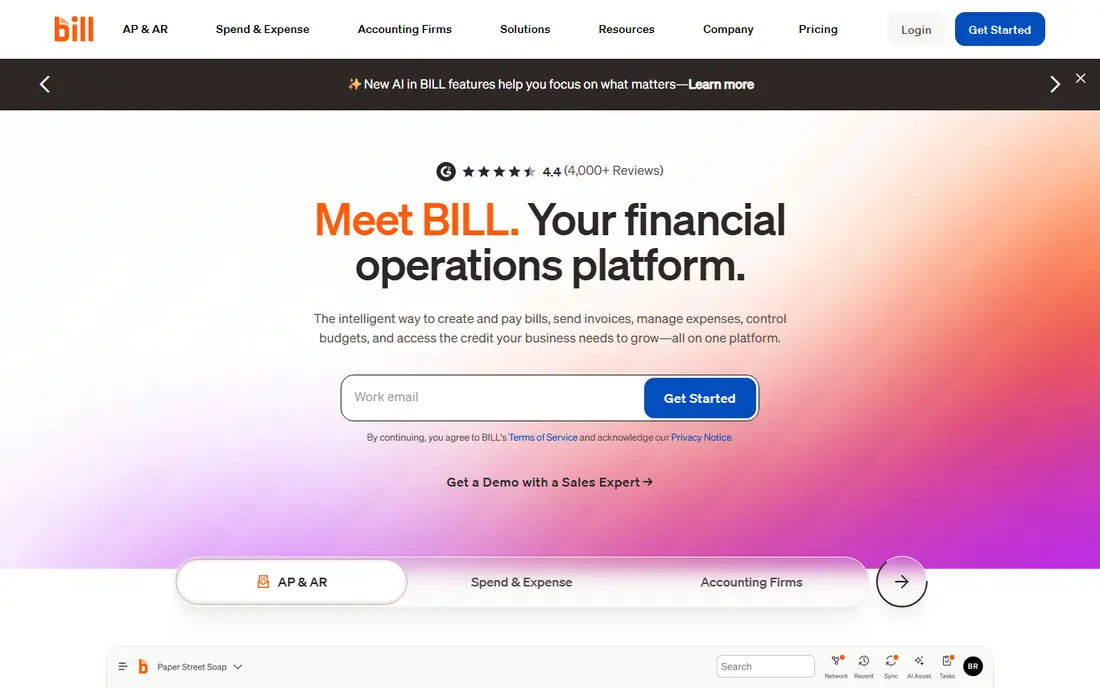
BILL, formerly Bill.com, is the most straightforward AP choice for small and mid-size businesses. It captures invoices, codes them, routes them for approval and pays vendors by ACH, card or check, while syncing with common accounting systems. That end-to-end flow replaces email approvals and manual data entry, which is where most AP errors and late payments start.
The pricing model is the main thing to model. At $49 per user per month for the entry AP plan, a team with many approvers pays more than a team with a few finance users. Higher plans add deeper purchase order matching and controls. For an SMB with steady invoice volume and structured approvals, BILL is our pick for most people, because pricing is public and setup is well documented.
- Clear published pricing
- AI invoice coding
- Sync with QuickBooks, Xero and other accounting tools
- Costs rise per user
- Deeper PO matching needs higher plans
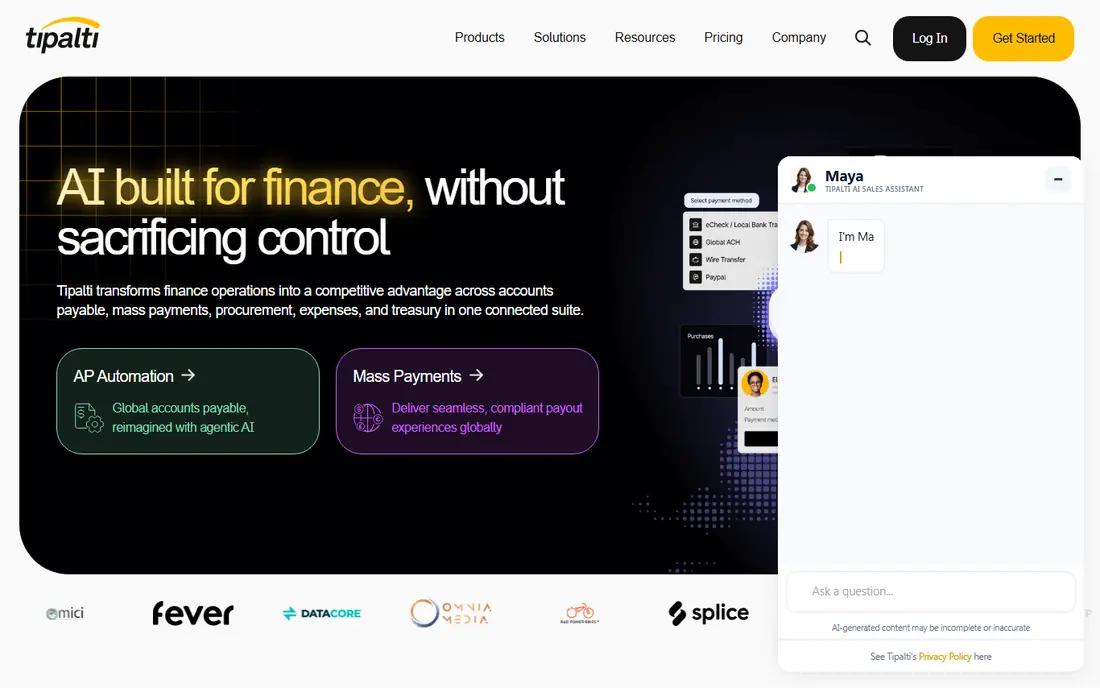
Tipalti is built for companies that pay many suppliers, partners or contractors, especially across borders. It handles supplier onboarding, tax documentation, payment methods and approval workflows, and it supports multi-entity structures. That compliance layer is the reason global teams choose it over a domestic bill pay tool.
Costs go beyond the monthly plan, because per-transaction fees apply, and the setup needs care around entities, tax rules and payment methods. Tipalti is not the cheapest way to pay five local vendors. It earns its place for companies where global payables, tax forms and audit trails are a real burden, and where a payment error can create legal or tax trouble.
- Payments in many countries and currencies
- Supplier onboarding and tax form handling
- Multi-entity support
- Transaction fees apply on top of the plan
- Implementation is heavier than a simple bill pay tool
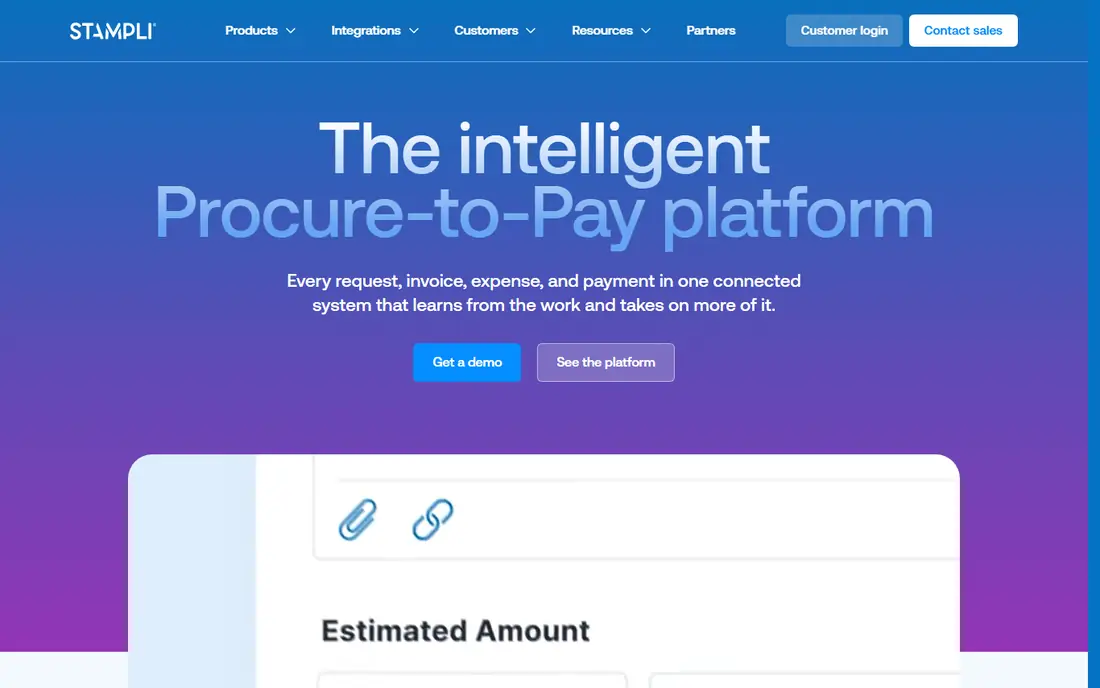
Stampli treats each invoice as a workspace where finance staff, approvers and vendors can discuss questions, attach documents and track status. That design suits mid-market teams where approvals involve several departments and where email threads usually lose track of who approved what. Its AI assistant helps with coding and duplicate detection, and its ERP integrations cover major mid-market systems.
The downside is the buying process. Stampli does not publish a simple self-serve price, and pricing is usually flat monthly by invoice volume with unlimited users on paid plans. Teams that want instant signup will find that frustrating. Teams with high invoice volume and messy approvals may find the collaboration model worth the sales process.
- Invoice-centred collaboration
- Line-level PO matching
- Integrations with many ERP systems
- Quote-based pricing
- Needs a sales process and implementation plan
AvidXchange focuses on mid-market companies moving away from paper invoices and checks. It captures invoice data, validates it, routes approvals and pays suppliers through its network, which can reduce check printing and manual payment work. Its strength in real estate, construction and property management comes from workflows built for those industries.
Like Stampli, AvidXchange is quote-based and needs implementation planning, so it is not a quick pick for a ten-person business. It suits companies with enough invoice volume to justify a platform and a team that can manage a rollout. Smaller firms should start with BILL, Ramp or Melio and revisit AvidXchange when volume grows.
- Invoice capture with expert validation
- Large supplier payment network
- PO automation options
- Quote-based pricing
- Implementation can be complex for smaller teams
Ramp started as a corporate card and spend platform, but its AP features make it a strong low-cost entry point. The free tier includes bill pay, expense management and cards, with accounting integrations for QuickBooks, Xero and NetSuite. That bundle suits startups that want one spend system rather than separate tools for cards, expenses and invoices.
The catch is depth. Ramp's free AP tier covers common needs, but companies with complex PO matching, multi-entity approvals or very high invoice volume may need paid plans or a dedicated AP suite. Ramp is our pick for startups that want to start free and grow into paid controls only when they need them.
- Free tier includes bill pay, cards and expenses
- Vendor management
- Accounting sync
- Deeper AP controls need paid plans
- Best value comes when you also use Ramp cards
Melio is designed for very small businesses that pay a handful of vendors and want a simpler alternative to checks and bank portals. Users can upload bills, schedule payments and let vendors get paid by bank transfer or check, while the business pays by card or bank where allowed. The free entry plan makes it easy to test with a small vendor list.
Melio does not try to be a mid-market AP suite. High invoice volume, deep PO matching and complex multi-department approvals are outside its sweet spot, and fees vary by payment method and plan. For a freelancer or tiny firm with a short vendor list, that simplicity is a strength, not a weakness.
- Simple bill pay for small vendor lists
- Free entry plan
- Approval options on paid plans
- Less suited to high-volume or complex AP
- Payment and plan fees vary by method and tier
Airbase takes AP further upstream. Instead of only processing invoices after spending happens, it adds purchase requests, approvals, cards and expense management in one system. That control helps mid-market finance teams that want to approve spending before it happens, track budgets by department and close the books with fewer surprises.
The trade-off is scope and setup. Airbase is quote-based, and a procure-to-pay rollout needs decisions on approval chains, budgets and ERP mapping. Companies that only need to pay invoices faster may find it more than they need. Companies struggling with uncontrolled spending, however, may find that upstream control is exactly the point.
- Combines purchasing, AP, cards and expenses
- Approval workflows before spending
- ERP integrations
- Quote-based pricing
- More setup than a bill pay-only tool
MineralTree automates invoice capture, approval and payment for mid-market finance teams, with a focus on payment choice. It supports ACH, check and virtual card payments, and virtual card rebates can offset some costs for companies that pay many vendors by card. Its validation step, which combines OCR with human review, aims to reduce errors on tricky invoices.
Pricing is quote-based and often usage-based, so total cost depends on invoice volume and payment mix. That makes a direct price comparison hard without a quote. MineralTree suits finance teams that care about payment optimisation and want a dedicated invoice-to-pay system rather than a general spend platform.
- Invoice capture with human validation
- Virtual card rebates
- Multi-ERP support
- No per-user fees on some plans
- Quote-based pricing
- Usage-based costs need careful modelling
Coupa is a business spend management platform that covers procurement, invoicing and payments at enterprise scale. It gives finance leaders visibility into committed spend, supplier performance and approval bottlenecks, and it integrates with major ERP systems. For large companies, that control can prevent maverick spending and improve audit trails.
For small and mid-size teams, Coupa is usually too much. Pricing is by quote, implementation is a project and the feature set goes far beyond simple invoice automation. It belongs on this list for larger buyers who need purchasing controls upstream of AP, and as a warning to smaller buyers not to buy enterprise scope they will not use.
- Strong procurement and AP controls
- Spend visibility across departments
- Large enterprise integrations
- Enterprise pricing and implementation
- Overkill for small AP teams
How we picked these
We compared official pricing pages, AP features, approval and PO matching depth, ERP and accounting integrations, and the buying model for each tool. We included priced tools for small teams and quote-based tools for mid-market and enterprise teams, because AP needs change sharply with invoice volume. Where a vendor does not publish pricing, we say so rather than repeating a third-party estimate as fact.
How to choose AP automation software
Count invoices and approvers first
Your monthly invoice count, the number of approvers per invoice and the share of invoices tied to purchase orders will narrow the list fast. A tool that is perfect for 50 invoices a month may struggle at 5,000, and a tool built for 5,000 may be slow and costly at 50. Bring real counts to demos, not guesses.
Map your accounting system and payment methods
Check native sync with your accounting or ERP system, and confirm which payment methods you need: ACH, check, card or international payments. Also ask about duplicate detection, fraud controls and audit trails, because AP fraud and duplicate payments are costly problems that automation should reduce, not hide.
Run a pilot with real invoices
Pick a set of messy real invoices, including multi-line bills, partial deliveries and invoices that need a second approver, and run them through the pilot. Watch coding accuracy, approval time and how exceptions are handled. A demo with clean sample invoices tells you little about how the tool handles your actual work.
Sources
- https://www.bill.com
- https://tipalti.com
- https://www.stampli.com
- https://www.avidxchange.com
- https://ramp.com
- https://melio.com
- https://www.airbase.com
- https://www.mineraltree.com
- https://www.coupa.com
- https://rankite.com/blog/best-accounts-payable-software
- https://www.bill.com/blog/best-invoice-automation-software