Best App for Banking in 2026: 9 Apps Compared
By ToolNimba Editorial Team October 29, 2026 9 min read

- Top pick
 Chase Mobile
Branches plus a strong app
Starting priceFreeCheck out Chase MobileRead our review - Runner-up
 Bank of America
Virtual assistant and investing
Starting priceFreeCheck out Bank of AmericaRead our review - Also great
 Capital One Mobile
Cards, checking and savings
Starting priceFreeCheck out Capital One MobileRead our review
How we researched this
We compared official pricing and feature pages, app store listings, privacy policies and public user reviews. Prices change, so check the provider's site before you pay.
Key takeaways
- Chase is our pick for most people who want branches plus a strong app, with Zelle, check deposit and investment tools in one place.
- Capital One and Ally suit app-first banking, with clean interfaces, savings tools and no monthly fee on many accounts.
- Chime and SoFi appeal to fee-sensitive users, with early direct deposit and no monthly fees on their main accounts.
- App ratings alone do not decide this, so check fees, ATM access and whether you ever need a branch before switching banks.
Quick comparison
| Name | Best for | Starting price | Free plan | |
|---|---|---|---|---|
| Chase Mobile | Branches plus a strong app | Free | Yes | Visit |
| Bank of America | Virtual assistant and investing | Free | Yes | Visit |
| Capital One Mobile | Cards, checking and savings | Free | Yes | Visit |
 Wells Fargo Mobile | Traditional banking with branches | Free | Yes | Visit |
 Ally Bank | Online savings and buckets | Free | Yes | Visit |
 SoFi | Banking plus investing and loans | Free | Yes | Visit |
 Chime | Fee-free daily banking | Free | Yes | Visit |
 U.S. Bank | Everyday banking with security | Free | Yes | Visit |
 Discover Mobile | Cashback and credit tracking | Free | Yes | Visit |
The best apps for banking
The best banking app is free to download, but the account behind it is what costs money or saves it. These nine cover big branch banks, online banks and digital-first accounts, with the fees and features that matter most in daily use. This is not financial advice, and account terms change, so confirm fees on the bank's own site before opening an account.
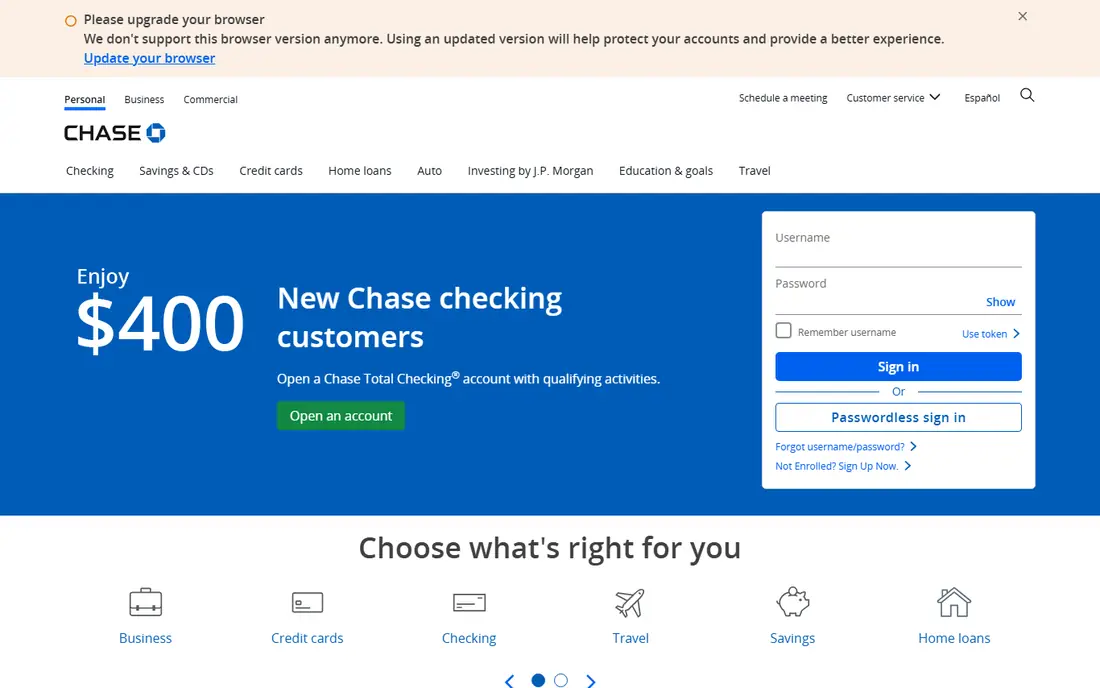
Chase Mobile is the most complete banking app for people who want both digital tools and a branch nearby. Checking, savings, credit cards and J.P. Morgan investing sit in one login, with mobile check deposit, Zelle transfers, card controls and spending insights. The branch network matters when a problem needs a person, such as a large cash deposit or a complex account change.
Fees are the catch. Some Chase checking accounts charge a monthly fee unless direct deposit or balance conditions are met, so the app is free but the account may not be. For households that meet those conditions or value branches, Chase is our pick for everyday banking.
- Huge branch and ATM network
- Zelle, check deposit and budgeting tools
- Investment and card management in one app
- Some accounts charge monthly fees unless conditions are met
- App is packed with features
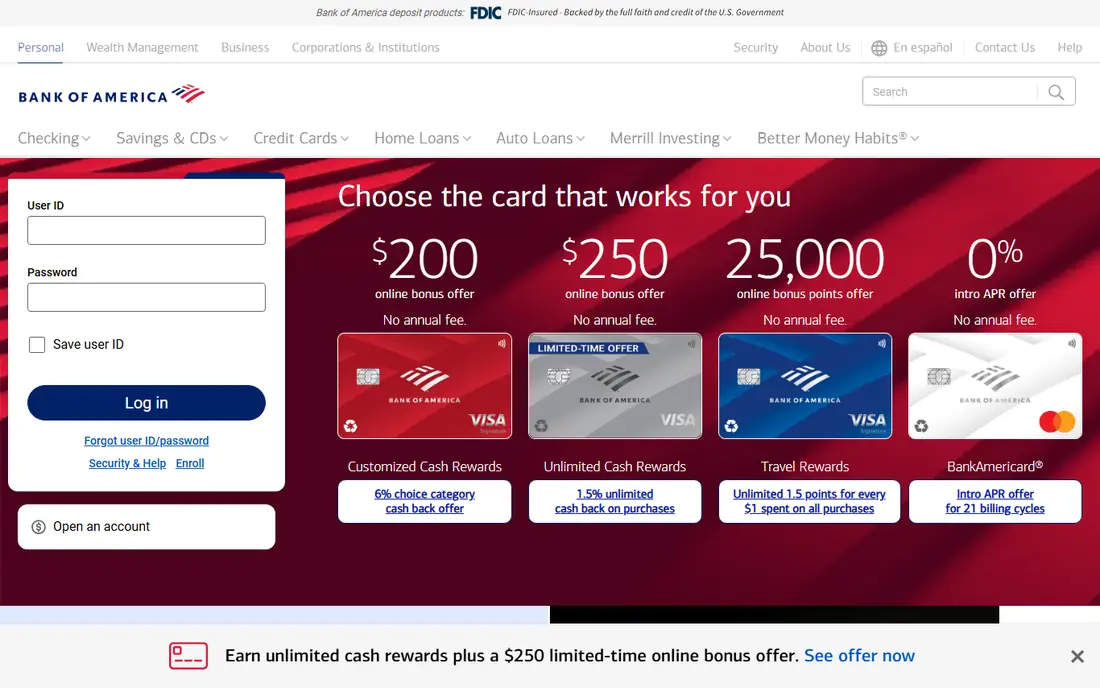
Bank of America pairs a large branch network with Erica, its virtual assistant, which can answer questions, show spending patterns and help with routine tasks. Merrill investing sits in the same app for customers who also invest, and Zelle, check deposit and card controls cover daily banking. The app is polished and consistently rated highly in app stores.
As with Chase, account fees depend on the product and on meeting waiver conditions, so check the account terms, not just the app. Bank of America suits customers who want a full-service bank with a strong digital assistant and investment options in one place.
- Erica virtual assistant
- Merrill investing in the same app
- Zelle and check deposit
- Some accounts have monthly fees
- Branch experience varies by location
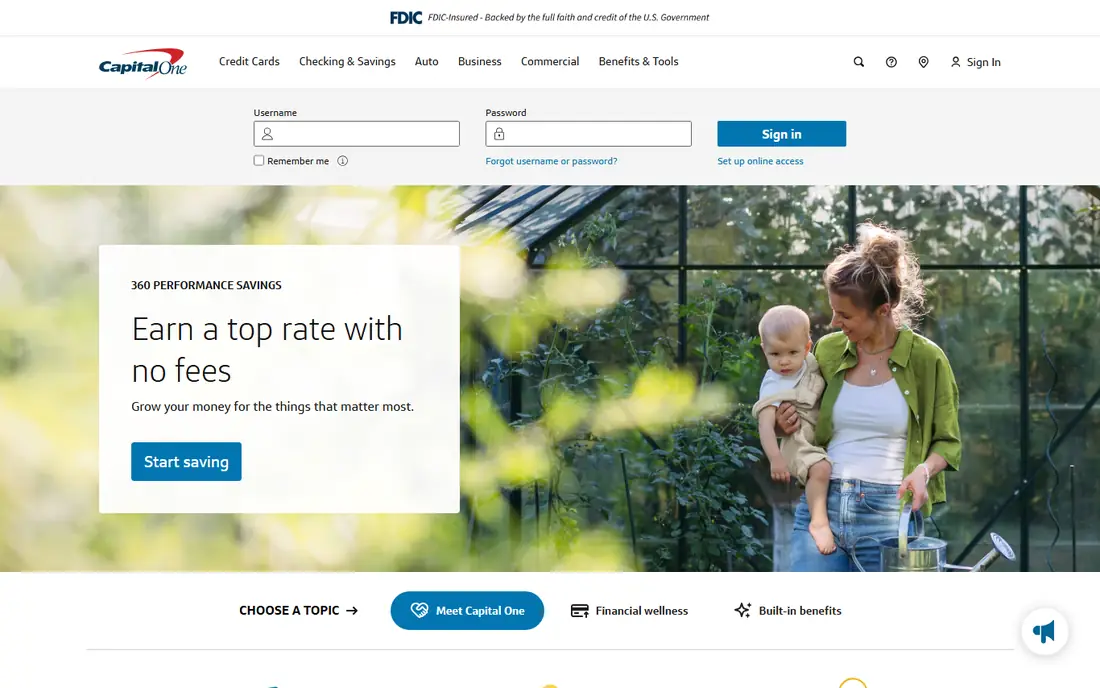
Capital One Mobile is often rated among the best banking apps, and the design explains why. Checking, savings and credit cards sit in a clean interface, with mobile check deposit, Zelle and spending alerts. CreditWise gives free credit monitoring, and virtual card numbers help with online shopping security. The Eno assistant adds alerts and account help.
Branches are fewer than the biggest banks, though Capital One cafes and partner ATMs fill some gaps. Capital One suits customers who mainly bank on a phone, want strong card tools, and do not need a branch on every corner.
- Clean app
- CreditWise credit monitoring
- Virtual cards and Eno assistant
- Zelle transfers
- Branch network is smaller than Chase or Bank of America
- Some products are online only
Wells Fargo Mobile covers the full traditional bank in an app, with checking, savings, cards and investing, plus mobile check deposit and Zelle. Cardless ATM access lets customers withdraw without a physical card, and a FICO score view helps track credit. The branch network is large, which matters for cash, cashier's checks and in-person help.
Monthly fees apply to some accounts unless conditions are met, and some customers remain wary after past sales-practice problems. For a household that wants a traditional bank with a strong app and branches, Wells Fargo still belongs on the shortlist, provided the account terms fit.
- Large branch and ATM network
- Check deposit, Zelle and FICO score view
- Cardless ATM access
- Some accounts carry monthly fees
- Past customer issues still colour trust for some users
Ally Bank is an online-only bank, and its app reflects that focus. Checking and savings accounts carry no monthly maintenance fees on many products, and savings buckets let customers split money by goal, such as bills, travel or an emergency fund. Check deposit, Zelle and card controls cover daily use, and support is available by phone and chat.
The absence of branches is the trade-off. Cash deposits require workarounds, and complex in-person needs are harder to handle. Ally suits savers and app-first customers who rarely need a branch and value fee-free accounts with clear savings tools.
- No monthly maintenance fees on many accounts
- Savings buckets for goals
- Strong online support
- No branches
- Cash deposits are harder than at a branch bank
SoFi started in lending and now offers a broad financial app. Checking and savings sit alongside investing, loans and credit cards, with budgeting tools and access to financial planners on some plans. Accounts carry no monthly fees on many products, and direct deposit can open up higher savings rates and other perks.
Breadth is both a strength and a weakness. Customers who only want a simple checking account may find SoFi busy, and there are no branches for in-person help. SoFi suits customers who want banking, investing and borrowing in one app and are comfortable managing it all on a phone.
- Banking, investing and loans in one app
- No account fees on many products
- Financial planning sessions
- No branches
- Product breadth can feel overwhelming for simple banking needs
Chime is a financial technology company, not a bank, with accounts provided through partner banks. Its app focuses on fee-free daily banking, with no monthly fees, early direct deposit for many users, and SpotMe, which can cover small overdrafts up to a limit for eligible members. Round-ups and automatic transfers help build savings without thinking about it.
The partner-bank model matters. Chime is not itself FDIC insured, though deposits held at its partner banks are covered up to legal limits through those banks, so customers should read the current terms. Cash deposits, large checks and complex issues can be harder than at a branch bank, but for fee-free everyday banking Chime is strong.
- No monthly fees
- Early direct deposit
- SpotMe overdraft feature
- Automatic savings tools
- Not a bank itself, accounts are held at partner banks
- Cash deposits and support can be limited
U.S. Bank Mobile offers reliable everyday banking with a focus on security, including card controls, alerts and biometric login. Checking, savings, cards and investing sit in one app, with Zelle and mobile check deposit for daily use. Its branch network covers many states, giving customers an in-person option that online-only banks lack.
The app is capable rather than standout, and some accounts charge monthly fees unless conditions are met. U.S. Bank suits customers who want a dependable traditional bank app without chasing the newest features, and who value branch access in the states it serves.
- Solid app with strong security controls
- Branch network across many states
- Zelle and check deposit
- Some accounts have monthly fees
- App is less distinctive than Capital One or Chase
Discover Mobile covers online banking and cards in a clean app, with cashback on eligible checking and card products and a free FICO score view. Many accounts carry no monthly fees, and support is available around the clock. Card controls, alerts and check deposit cover the daily jobs well.
Discover has no branches, and its credit cards are accepted in fewer places than Visa or Mastercard, though acceptance has grown. Discover suits customers who want cashback, clear fees and a strong app, and who do not need branch banking.
- Cashback checking and cards
- Free FICO score view
- No monthly fees on many accounts
- Strong support
- No branches
- Credit card acceptance is narrower than Visa or Mastercard in some places
How we picked these
We compared official app pages, account fee schedules and public reviews, and we kept only banks and accounts available in the US today. We favoured apps with check deposit, Zelle, card controls and security features, and we noted where an account is held at a partner bank rather than by the app brand itself. App store ratings were used as a secondary signal, not as proof of quality.
How to choose the right banking app
Start with fees and access, not the app design. Check monthly fees, overdraft terms, ATM networks and whether you need branches for cash or complex help. A beautiful app attached to an account with fees you cannot waive is a poor deal, while a plain app with no fees and good ATM access may save real money.
Then test security and daily tasks. Turn on biometric login, transaction alerts and card controls, and try check deposit, Zelle and bill pay before moving your main account. Keep the old account open until direct deposits and bills have moved cleanly, so a missed transfer does not cause a fee.