Best App for Writing a Book in 2026: 9 Apps Compared
By ToolNimba Editorial Team October 31, 2026 9 min read

- Top pick
 Scrivener
Long novels and research heavy books
Starting priceSee websiteCheck out ScrivenerRead our review - Runner-up
 Novlr
Habit building and focused drafting
Starting priceSee websiteCheck out NovlrRead our review - Also great
 Dabble
Fiction drafting with plot tools
Starting priceSee websiteCheck out DabbleRead our review
How we researched this
We compared official pricing and feature pages, app store listings, privacy policies and public user reviews. Prices change, so check the provider's site before you pay.
Key takeaways
- Scrivener is best for long, complex books, while Novlr and Dabble suit writers who want a gentler drafting experience.
- Atticus is the strongest choice for authors who want drafting and formatting in one purchase.
- Plottr and Campfire are companion tools for plotting and worldbuilding, not full replacements for a drafting app.
- Reedsy Studio and Google Docs offer the best free starting points, with different strengths for structure and collaboration.
Quick comparison
| Name | Best for | Starting price | Free plan | |
|---|---|---|---|---|
| Scrivener | Long novels and research heavy books | See website | Free trial | Visit |
| Novlr | Habit building and focused drafting | See website | Free trial | Visit |
| Dabble | Fiction drafting with plot tools | See website | Free trial | Visit |
 Atticus | Writing and formatting in one tool | See website | No | Visit |
 Plottr | Visual plotting and timelines | See website | Free trial | Visit |
 Ulysses | Focused writing on Apple devices | See website | Free trial | Visit |
 Reedsy Studio | Free browser writing and formatting | Free | Yes | Visit |
 Google Docs | Simple collaborative drafting | Free | Yes | Visit |
 Campfire | Worldbuilding for fantasy and sci-fi | Free | Yes | Visit |
The best apps for writing a book
Writing a book involves several jobs: drafting, organizing research, plotting, and formatting for publication. No single app does all of them best, so the list below separates drafting apps from plotting, worldbuilding, and formatting tools.
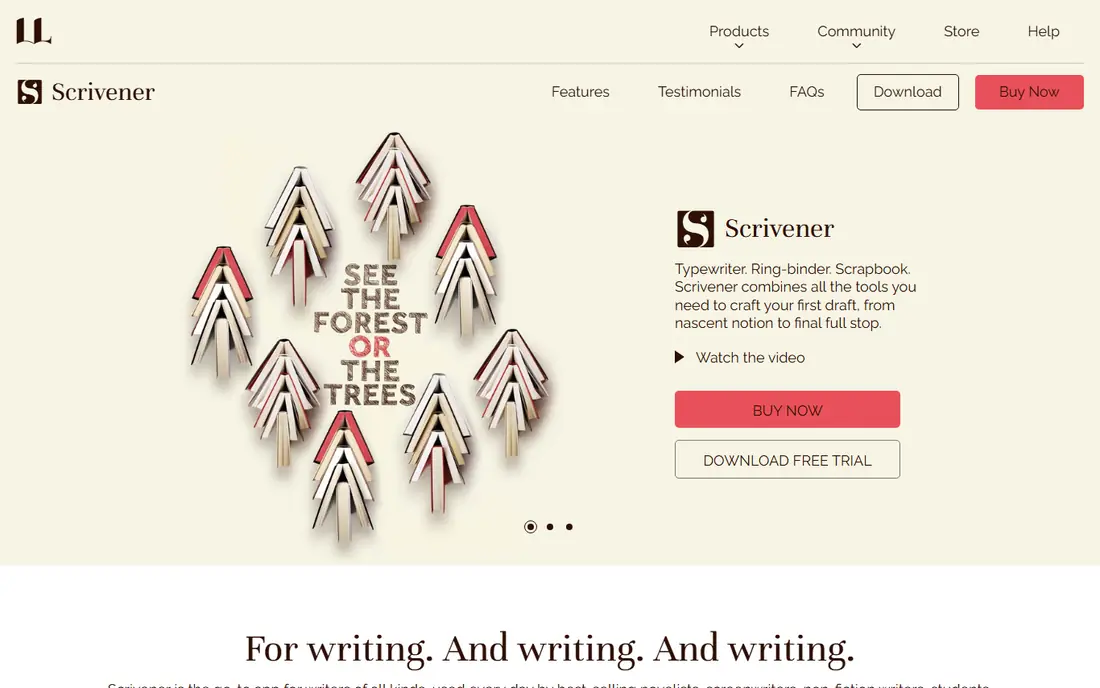
Scrivener remains the standard for long, messy books because it treats a manuscript as many small pieces, not one long document. Chapters, scenes, research notes, and character sheets live in a binder, and the corkboard view lets you reorder scenes by dragging cards. That structure helps most when a book grows past 50,000 words and a single document becomes hard to manage.
The learning curve is real, and the licence is per operating system, so Mac and Windows users pay separately. New writers should expect a few hours of setup before it feels natural. For a complex novel or nonfiction book with research, that investment pays off.
- Binder and corkboard organization
- Scrivenings view
- Strong export options
- Steep learning curve
- Licence per operating system
- Interface feels dense at first
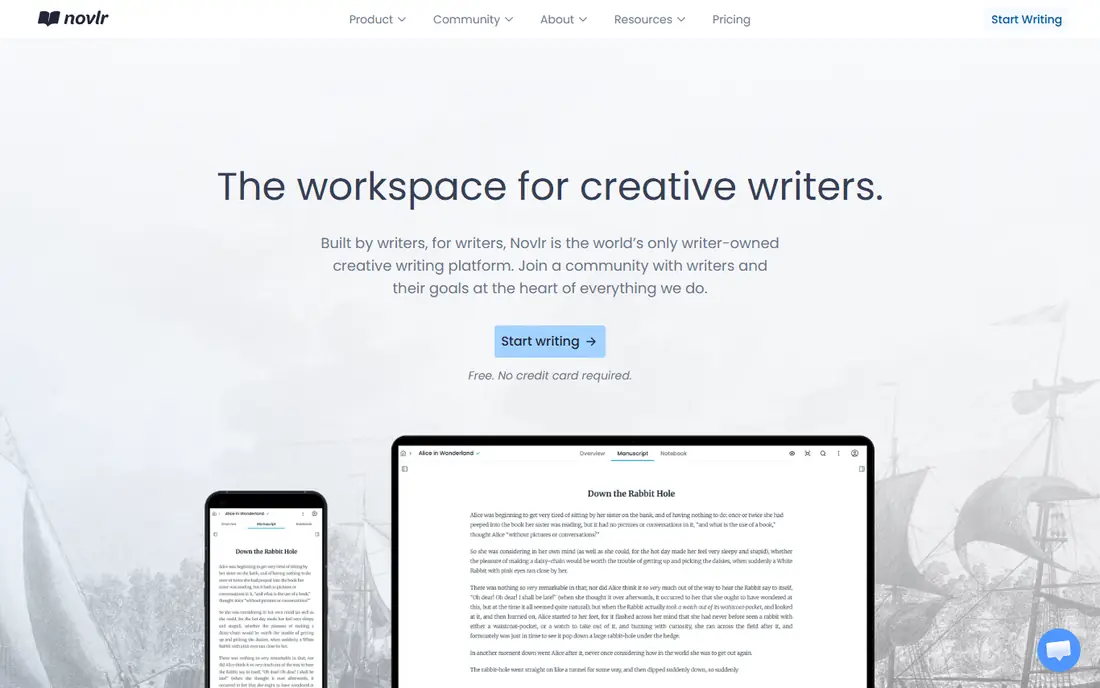
Novlr suits writers who need a gentle structure and a daily habit more than a complex planning system. The browser editor is clean, goals and progress tracking keep momentum visible, and version history protects against lost work. That combination helps first time novelists who stall on organization rather than ideas.
It is browser only, so offline work needs planning, and print formatting is lighter than Atticus or Vellum. Writers who need deep worldbuilding or complex plotting may outgrow it. For steady drafting with clear goals, Novlr is friendly and focused.
- Clean browser editor
- Writing goals and progress tracking
- Version history
- Browser only
- Limited formatting for print
- Planning tools are lighter than Scrivener
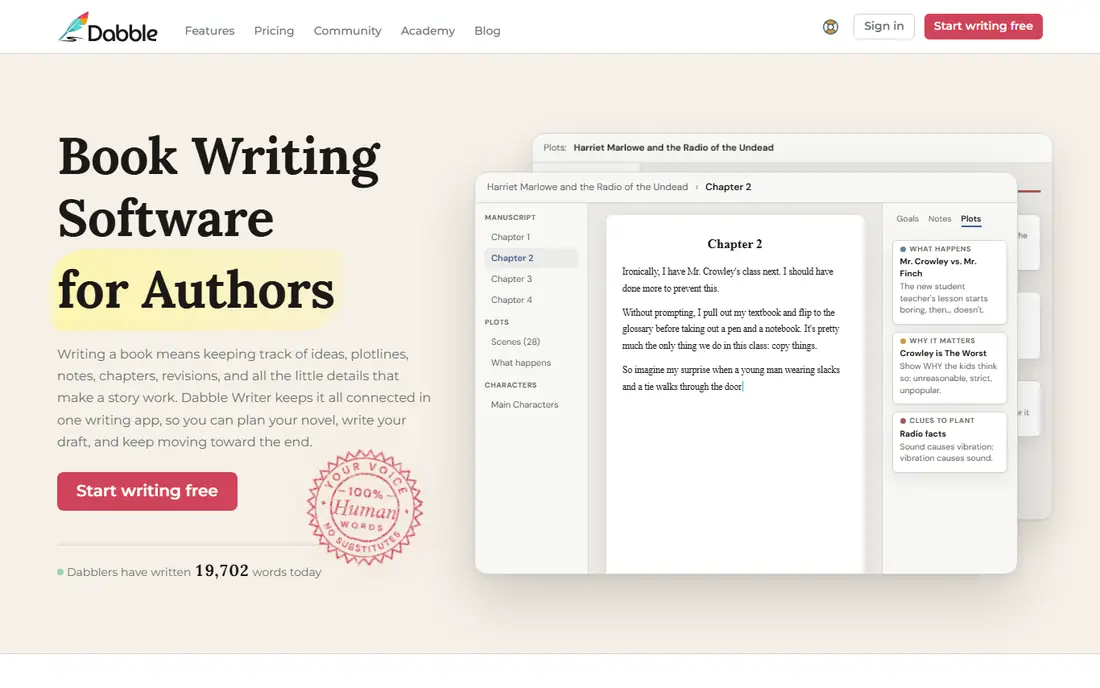
Dabble is a strong middle ground between a plain editor and Scrivener. Drafting feels clean, and the plot grid helps fiction writers track subplots, characters, and story threads without a separate spreadsheet. Cloud sync means a writer can move between laptop and browser without manual file handling.
Subscription pricing adds up over a long book, and final formatting is not its strength. Pair Dabble with Atticus or a formatter for publication, or export to Word for editing. For drafting a novel with several threads, the plot grid is a clear advantage.
- Plot grid for subplots
- Clean drafting
- Cloud sync across devices
- Subscription cost adds up
- Formatting is not as strong as Atticus
Atticus solves a specific pain for self publishing authors: drafting and formatting in the same tool. You can see how chapters, headings, and front matter will look in print and ebook while you write, which avoids a separate formatting stage later. That saves time for authors who publish regularly.
The one time price is high for a first book, and drafting features are simpler than Scrivener or Dabble. Authors who already have a formatter may not need it. For indie authors who want one tool from draft to publishable file, Atticus is a strong pick.
- Live formatting preview
- Exports for print and ebook
- Works on Mac, Windows, and web
- One time price is high for beginners
- Drafting tools are simpler than Scrivener
Plottr is for writers who plan before they draft, or who need to untangle a series. Visual timelines, character arcs, and story templates help you see the whole book at once, which is hard in a linear document. Series writers also benefit from keeping books, characters, and places in one story bible.
It is not a full drafting editor, so most writers will pair it with Scrivener, Dabble, or Google Docs. That adds cost and a second tool to learn. If plotting is your bottleneck, Plottr is worth it. If you draft by discovery, it may sit unused.
- Visual timeline and story bible
- Many story templates
- Series planning
- Plotting only, not a full drafting editor
- Needs pairing with a writing app
Ulysses is the best focused writing experience for writers who live on Apple devices. The Markdown editor is clean, the library keeps projects organized, and sync across Mac, iPad, and iPhone works well for writing on the move. Exports to ebook and PDF are straightforward for a finished draft.
Apple only is the main limit, so Windows or Android writers should look elsewhere. Subscription pricing also divides opinion, since Scrivener offers a one time licence. For Apple only writers who value a calm editor, Ulysses is hard to beat.
- Beautiful Markdown editor
- Library and sync across Apple devices
- Clean exports
- Apple only
- Subscription pricing
- No Windows or Android version
Reedsy Studio is the best free starting point for a book, because it offers browser drafting, chapter organization, and basic formatting without a subscription. Collaboration features help co authors and editors, and the connection to Reedsy marketplace services is useful when a writer later needs an editor or cover designer.
Free access has limits, and the platform naturally points toward paid marketplace services. Research handling is lighter than Scrivener, so research heavy books may need a separate system. For a first book on a budget, Reedsy Studio is a sensible choice.
- Free browser editor
- Chapter and formatting tools
- Collaboration options
- Free tier has limits
- Marketplace upsells
- Less powerful than Scrivener for research
Google Docs is often dismissed as too simple for a book, but it has real strengths: it is free, familiar, and excellent for collaboration. Co authors, beta readers, and editors can comment in real time, and autosave plus version history reduce the risk of lost work. For a short book or a first draft, that simplicity helps.
Long manuscripts can become slow and hard to navigate, and there are no built in plot, character, or research tools. Many writers draft in Docs, then move to Scrivener or Atticus for structure and formatting. As a starting and collaboration tool, Google Docs remains useful.
- Free and familiar
- Real time collaboration
- Autosave and version history
- Weak for long manuscripts
- No plot or story bible tools
- Large docs can slow down
Campfire is built for worldbuilders, especially in fantasy and science fiction. Modular tools for characters, locations, magic systems, and timelines let you build a consistent world beside the manuscript, which reduces contradictions across a series. That focus is its main advantage over a general writing app.
The drafting editor itself is weaker than Scrivener or Dabble, so many writers use Campfire for worldbuilding and draft elsewhere. Some modules are paid, so check which ones your project needs. For a complex invented world, Campfire is a strong companion tool.
- Modular worldbuilding
- Character and location tools
- Timeline features
- Editor is weaker than dedicated drafting apps
- Some modules are paid
How we picked these
We compared official feature pages, current pricing pages, app store listings, and privacy policies, along with public reviews, to check what each product actually offers in October 2026. We kept only products that are available now and that fit the topic directly, and we left out tools that were discontinued, region locked in a way that limits most readers, or too narrow for the list. Prices change often, so check the vendor page before you pay, and treat any free plan limit as a starting point rather than a promise for the future.
How to match an app to your writing style
Planners should start with Plottr or Scrivener, discovery writers with Novlr or Dabble, and Apple only writers with Ulysses. ### Drafting versus publishing
If you self publish, Atticus can save a formatting stage, while Reedsy Studio offers a free path to a formatted draft. If you plan to work with a traditional publisher, export to Word or Docs matters more than built in formatting. ### A practical test
Try the trial with a real chapter, not a blank page. Import research, reorder scenes, and export the result. That test reveals learning curve and export problems faster than a feature list.