Best Apps for Kids in 2026: 10 Apps Compared
By ToolNimba Editorial Team October 31, 2026 10 min read

- Top pick
 Khan Academy Kids
Free all-round early learning
Starting priceFreeCheck out Khan Academy KidsRead our review - Runner-up
 PBS Kids Games
Familiar characters and free games
Starting priceFreeCheck out PBS Kids GamesRead our review - Also great
 Duolingo ABC
Learning to read
Starting priceFreeCheck out Duolingo ABCRead our review
How we researched this
We compared official pricing and feature pages, app store listings, privacy policies and public user reviews. Prices change, so check the provider's site before you pay.
Key takeaways
- Khan Academy Kids, PBS Kids Games, Duolingo ABC, and ScratchJr are the best free starting points, with no ads on the core learning content in recent listings.
- ABCmouse, Epic, Lingokids, and Reading Eggs suit families that want a structured curriculum or a large library and are willing to pay a subscription.
- Age fit matters more than a star rating: an app for ages 2 to 8 will bore a 10-year-old, and an app for ages 8 and up may frustrate a preschooler.
- Check ads, in-app purchases, chat, and data collection before you hand a device to a child, and turn on purchase controls in device settings.
- The best app is the one a child uses with an adult nearby at first, for short, focused sessions, not the one with the most games.
Quick comparison
| Name | Best for | Starting price | Free plan | |
|---|---|---|---|---|
| Khan Academy Kids | Free all-round early learning | Free | Yes | Visit |
| PBS Kids Games | Familiar characters and free games | Free | Yes | Visit |
| Duolingo ABC | Learning to read | Free | Yes | Visit |
 ABCmouse | Structured ages 2 to 8 curriculum | $14.99 per month | Free trial | Visit |
 Epic | Digital book library | $13.99 per month | Free trial | Visit |
 ScratchJr | First coding and stories | Free | Yes | Visit |
 Lingokids | Playful early learning | $13.49 per month | Yes | Visit |
 Prodigy Math | Gamified math practice | Free | Yes | Visit |
 SplashLearn | Math and reading paths | Free | Yes | Visit |
 Reading Eggs | Structured phonics | $9.99 per month | Free trial | Visit |
The best apps for kids
The best apps for kids are not the flashiest games. They teach a clear skill, match the child's age, avoid ads and pressure to buy, and give parents some control. We compared official app store listings, vendor pricing pages, and recent independent comparisons, and we favored apps that are live today and widely used in the US.

Khan Academy Kids is our pick for most families with young children. It covers early reading, math, writing, social skills, and creative play for ages 2 to 8, with characters that guide children through activities. It is free, with no ads and no in-app purchases in recent listings, which removes the most common parent worry.
The limit is age. A child over about eight will outgrow it, and it does not replace school or a teacher. For preschool through early elementary, it is the best free starting point, and it pairs well with a reading app such as Duolingo ABC or Epic.
- Completely free with no ads in recent listings
- Covers reading, math, and social skills
- Ages 2 to 8
- Less depth for older children
- No live teacher or tutoring

PBS Kids Games brings familiar characters from PBS Kids shows into short learning games for ages 2 to 8. Math, reading, science, art, and social skills are all covered, and the app is free as a nonprofit offering. Children who already watch PBS shows will recognize the characters and feel at home quickly.
It is not a structured curriculum like ABCmouse. Games are fun and educational, but progress tracking is lighter, and parents may need to guide choices. As a free, safe, and familiar option, it is an excellent second app alongside Khan Academy Kids.
- Free
- Familiar PBS characters
- Games cover math, reading, science, and social skills
- Content is game-based rather than a full curriculum
- Some games need a download for offline play
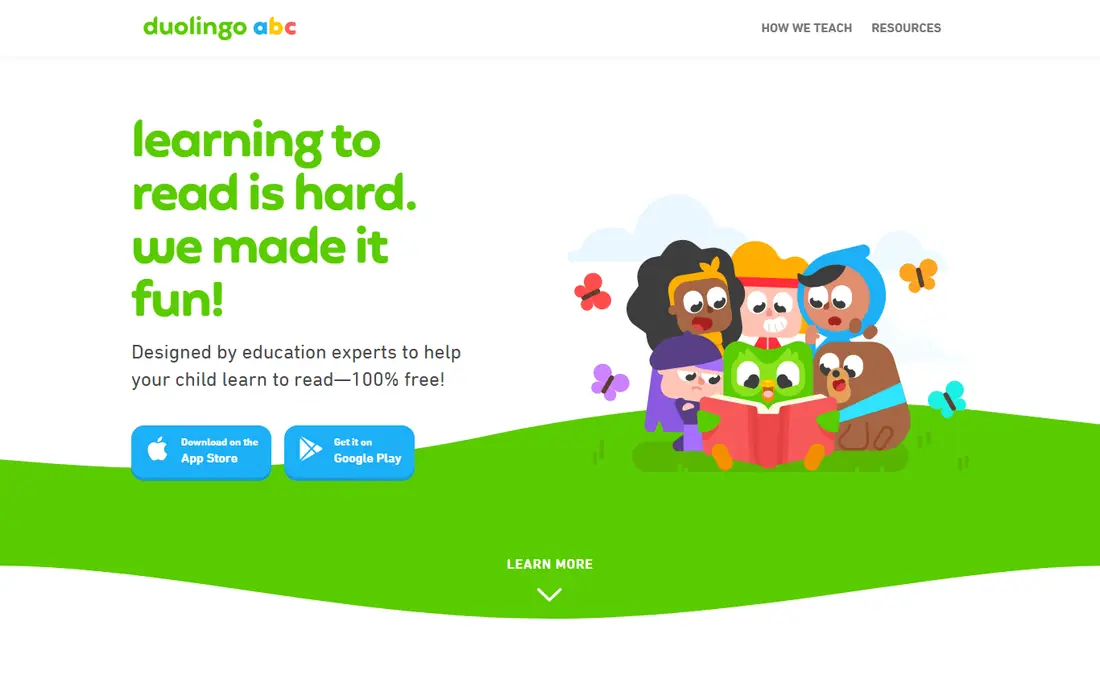
Duolingo ABC focuses on one job: helping young children learn to read. It teaches letter sounds, phonics, and early words through short, playful lessons for ages 3 to 8, and it is free with no ads in recent listings. That narrow focus is a strength, because reading progress is easier to see than in a general app.
It does not cover math, science, or art, so pair it with Khan Academy Kids or PBS Kids Games for a fuller mix. For a child who is just starting to read, Duolingo ABC is one of the clearest and safest choices available.
- Free with no ads in recent listings
- Strong phonics focus
- Ages 3 to 8
- Reading only, not a full curriculum
- Older children will outgrow it fast
ABCmouse offers a structured early learning path for ages 2 to 8, with ten levels that move from letters and numbers to more complex reading and math. It covers reading, math, science, art, and music, with games, books, songs, and printable activities. Pricing is listed at $14.99 per month or $45 per year on the web in recent listings, though app store prices can differ.
The subscription is the main drawback, especially when Khan Academy Kids is free. Some parents also find the reward system busy. If you want a clear, step-by-step curriculum and your child responds well to a structured path, ABCmouse is still a strong paid choice. Try the trial first.
- Structured 10-level curriculum
- Covers reading, math, science, art, and music
- Printable activities
- Subscription cost adds up
- Some children find the gamified rewards overwhelming
Epic is a digital library for children ages 2 to 12, with books, audiobooks, and videos across many topics and reading levels. Read-to-me books help younger readers, while older children can read independently and take quizzes. Pricing is listed at $13.99 per month or $84.99 per year in recent listings.
Epic does not teach math or coding, so it works best as a reading companion to Khan Academy Kids or ABCmouse. For a family that wants to build a reading habit without buying a shelf of books, Epic offers a lot of choice for one subscription.
- Large library of books, audiobooks, and videos
- Read-to-me option
- Ages 2 to 12
- Subscription needed for full access
- Reading only, not a full learning curriculum
ScratchJr, from the MIT team behind Scratch, lets children ages 5 to 7 create stories and games by snapping together colorful coding blocks. It teaches sequencing, cause and effect, and creative thinking without requiring reading fluency. It is free, with no ads in recent listings, and it works offline once downloaded.
The scope is intentionally small. Older children will want Scratch itself, which suits ages 8 and up. For a first coding experience, ScratchJr is safe, creative, and easy for a parent to learn alongside a child.
- Free with no ads in recent listings
- Teaches sequencing and storytelling
- Ages 5 to 7
- Limited to early coding concepts
- No chat or sharing features for safety, which some older kids miss
Lingokids offers playful learning for ages 2 to 8, with games, songs, and activities that cover early English, math, and social skills. It is especially popular with families raising bilingual children or teaching English as an additional language. The free plan allows a limited number of activities per day, and the paid plan is listed at $13.49 per month in recent listings.
The cost is the main question when Khan Academy Kids is free. Lingokids earns it for families that want a more playful, song-based style and parent reports. Try the free activities first and watch whether your child returns to it on their own.
- Playful games and songs for ages 2 to 8
- Good for young English learners
- Parent progress reports
- Paid plan needed for full access
- Free plan limits activities per day in recent listings
Prodigy Math turns math practice into a role-playing game, where children answer math questions to cast spells and progress. It adapts to the child's level and covers grades 1 to 8 in recent listings, with a free core game and optional paid memberships. Teachers can also assign skills, which helps with school work.
Some parents dislike the paid membership perks, because children may ask for game items rather than focus on math. Turn off purchase prompts, set expectations before play, and treat Prodigy as practice, not as a replacement for math lessons.
- Free core math game
- Adapts to the child's level
- Ages 6 to 14 in recent listings
- Paid membership adds game perks that some parents dislike
- Game focus can distract from math for some children
SplashLearn offers adaptive math and English language arts paths for ages 3 to 10, with games, worksheets, and progress dashboards for parents and teachers. The free plan covers basic use, and paid plans open up the full path. It is a good choice for a child who needs steady practice in math and reading, with a clear level to work toward.
The style is more school-like than PBS Kids or Lingokids, which suits some children and bores others. If your child likes structured practice and you want to see progress by skill, SplashLearn is a solid pick.
- Math and reading paths for ages 3 to 10
- Adaptive learning
- Parent and teacher dashboards
- Full path needs a paid plan
- Some content feels worksheet-like compared with games
Reading Eggs is a structured phonics and reading program for ages 2 to 13, with lessons that build letter sounds, words, and comprehension step by step. It is listed at $9.99 per month in recent comparisons, with a free trial to test it. Parents get progress reports, which help track reading growth.
It is reading only, so it pairs best with a math app such as Prodigy or SplashLearn. For a child who needs a clear phonics path, especially if school has flagged reading progress, Reading Eggs is a focused and proven option.
- Structured phonics program
- Ages 2 to 13 across Reading Eggs and related programs
- Progress tracking
- Reading only
- Subscription needed after the trial
- Interface feels more school-like than game-like
How we picked these
We compared official app listings, vendor pricing pages, and recent independent comparisons, and we favored apps that are live today, that state an age range, and that are widely used in the US. We included free and paid options across reading, math, coding, and general learning, and we did not claim hands-on testing. For privacy, we noted where recent listings describe an app as ad-free, and we advise parents to check the current store listing and privacy policy before install.
What to check before you install
Check the age rating, ads, in-app purchases, chat, and data collection on the store listing, because those details change. Turn on purchase controls, review permissions, and preview the app yourself before a child uses it alone. For younger children, choose apps with no ads, no chat, and no external links.
Age, privacy, and screen time
Match the app to the child's age, not to a sibling or a friend. A 4-year-old needs short, guided activities, while a 10-year-old can handle longer, independent practice. Keep sessions short, sit nearby at first, and talk about what the child learned, rather than using the app as unsupervised screen time.
Free versus paid
Free apps such as Khan Academy Kids and Duolingo ABC cover a lot, and many families never need a paid app. Pay only after a child has used the free version or trial for a week and still asks for more, and cancel promptly if use drops.
Sources
- https://www.khanacademy.org/kids
- https://pbskids.org/apps
- https://www.duolingo.com/abc
- https://www.abcmouse.com
- https://www.getepic.com
- https://www.scratchjr.org
- https://www.lingokids.com
- https://www.prodigygame.com
- https://www.splashlearn.com
- https://readingeggs.com
- https://www.androidhire.com/educational-apps-for-kids
- https://blog.khanacademy.org/best-early-learning-apps-for-kids/