Best Apps for Memory Improvement in 2026: 10 Apps Compared
By ToolNimba Editorial Team October 31, 2026 11 min read

- Top pick
 Lumosity
Broad daily brain games
Starting priceFreeCheck out LumosityRead our review - Runner-up
 Elevate
Language and math practice
Starting priceFreeCheck out ElevateRead our review - Also great
 Peak
Short competitive games
Starting priceFreeCheck out PeakRead our review
How we researched this
We compared official pricing and feature pages, app store listings, privacy policies and public user reviews. Prices change, so check the provider's site before you pay.
Key takeaways
- Short daily sessions work better than long, irregular ones, so pick an app you will actually open each day.
- Spaced repetition apps such as Anki suit facts and names, while game apps suit general practice and variety.
- Brain training apps are for practice and entertainment, not proven medical treatment for memory loss or disease.
- Free plans are useful for testing, but most game libraries and progress reports sit behind a paid tier.
- Seniors often do best with large text, simple navigation, and short sessions, which we weighed in our picks.
Quick comparison
| Name | Best for | Starting price | Free plan | |
|---|---|---|---|---|
| Lumosity | Broad daily brain games | Free | Yes | Visit |
| Elevate | Language and math practice | Free | Yes | Visit |
| Peak | Short competitive games | Free | Yes | Visit |
 BrainHQ | Structured cognitive exercises | See website | Free trial | Visit |
 CogniFit | Cognitive assessment and training | See website | Free trial | Visit |
 NeuroNation | Memory and concentration | Free | Yes | Visit |
 Anki | Spaced repetition for facts | Free | Yes | Visit |
 Brilliant | Learning through problem solving | See website | Free trial | Visit |
 MindPal | Quick focus games | Free | Yes | Visit |
 Happy Neuron | Guided multi-skill training | See website | Free trial | Visit |
The best apps for memory improvement
These apps cover different kinds of practice, from recall drills to puzzles and lessons. We compared official feature pages, pricing pages, app store listings, and public reviews, and we kept the focus on what each app does well in daily use.
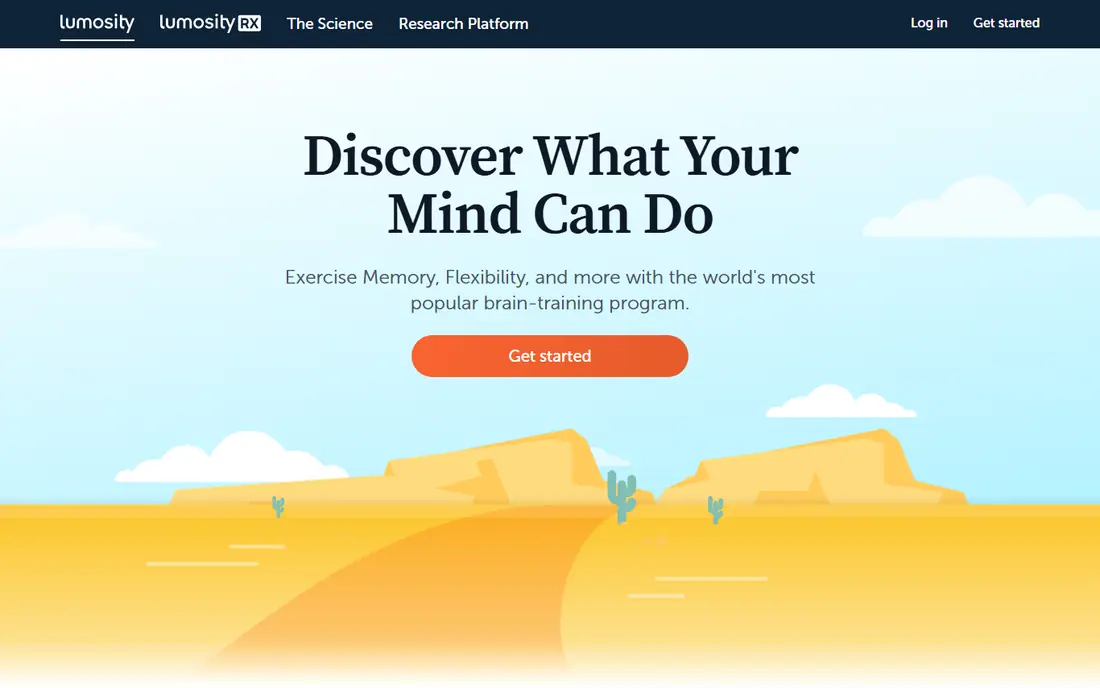
Lumosity is the most familiar name in this list, and it earns that place with a wide set of short games for memory, attention, speed, and problem solving. A daily workout keeps sessions short, which makes it easier to build a habit than an app that asks for 30 minutes at a time. The program adapts to your performance, so the difficulty shifts as you improve. The honest catch is that Lumosity is practice, not a medical treatment, and better scores in the app do not prove better memory in everyday life. The free version gives a taste of the workouts, while the full set of games and detailed insights sit behind payment. If you want variety in one place and you like tracking progress over weeks, this is a solid starting point.
- Large game library
- Short daily workouts
- Clear progress tracking
- Full library needs a subscription
- Games may feel repetitive over time

Elevate feels closer to school and work than most brain game apps, because its exercises cover vocabulary, reading comprehension, writing clarity, and mental math. That practical slant is useful if you forget words mid-sentence or want to sharpen everyday calculation. Sessions are short, the design is calm, and the daily program gives you a clear next step instead of a long menu. For pure memory recall, Elevate is narrower than Lumosity or BrainHQ, since it leans toward language and processing speed. Still, many people find that this focus makes progress easier to notice, for example when reading feels faster or mental arithmetic feels less effortful. Try the free version for a week before paying, and judge it by whether the exercises feel useful, not just fun.
- Practical reading, writing, and math games
- Clean design
- Personalized daily program
- Less focus on pure visual memory
- Full program needs a subscription
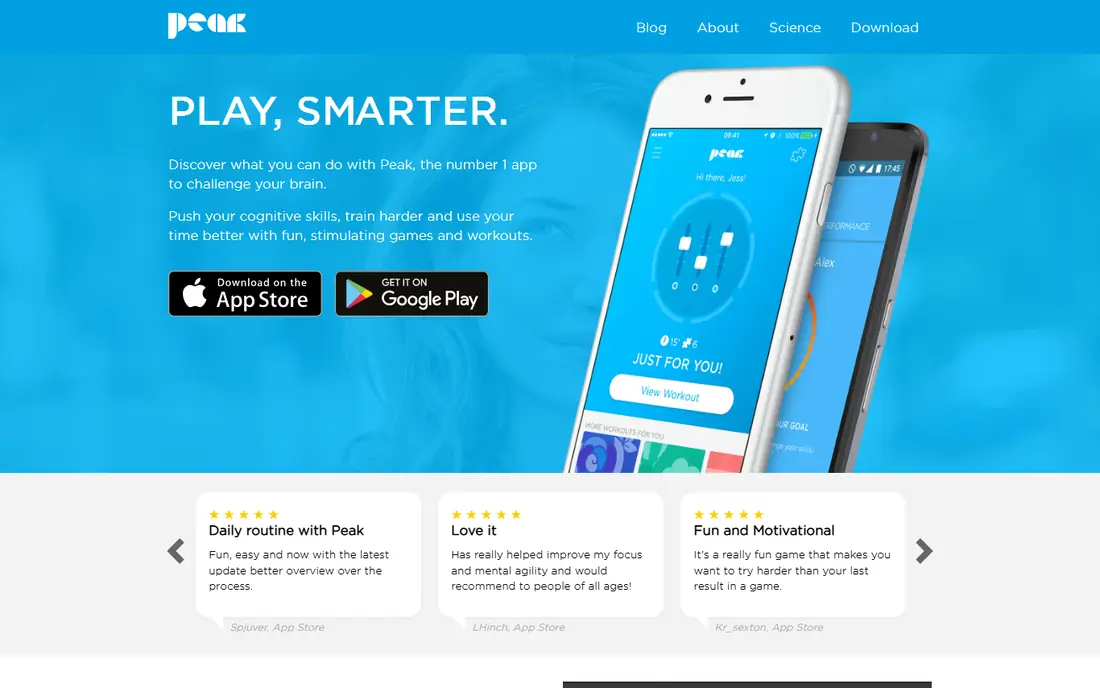
Peak packs its training into small games that fit into a coffee break, and it covers memory, focus, mental agility, and problem solving. The app compares your results with others in your age group, which some people find motivating and others find distracting. Either way, the short format lowers the barrier to daily use. Peak works best as a light daily habit rather than a deep study tool. If you want to memorize names, facts, or long lists, a spaced repetition app will serve you better. If you want a varied, low-pressure way to keep your mind active for a few minutes a day, Peak is easy to recommend, especially on the free tier.
- Many quick mini-games
- Comparison with peers by age group
- Polished design
- Sessions can feel game-like rather than deep
- Best features need a subscription
BrainHQ comes from Posit Science and takes a more clinical tone than most apps here. Its exercises target attention, brain speed, memory, and visual and auditory processing, with difficulty that adjusts to your level. The design is less colourful than Lumosity or Peak, but the structure will appeal to people who want a plan rather than a game shelf. Check the current pricing on the vendor site before subscribing, because plans and offers change. BrainHQ suits users who prefer steady, focused exercises and do not mind a plainer look. It is still a practice tool, not a treatment, and anyone with concerns about memory loss should speak to a clinician rather than rely on an app alone.
- Exercises based on published research
- Focus on attention and processing speed
- Adjustable difficulty
- Interface feels less playful than rivals
- Pricing is not always clear at a glance
CogniFit starts with an assessment that maps strengths and weaker areas across memory, attention, reasoning, and other skills. That starting point helps if you want training aimed at a specific weakness rather than a general workout. The library is large, and the training plans change as your scores change. The trade-off is cost and complexity. CogniFit is priced above many casual brain apps, and the dashboard has a lot of detail for a newcomer. It fits best for people who like data and want a structured program, or for families helping an older relative who wants a clear assessment first. Use the trial to see whether the assessment feels useful before committing.
- Initial cognitive assessment
- Wide range of skills covered
- Personalized training plans
- Higher price than many rivals
- Interface can feel busy
NeuroNation builds a personal plan from an initial analysis, then offers exercises for memory, concentration, and processing speed. The sessions are structured and the progress view makes it easy to see which areas are improving. For seniors, the clear structure and steady pace are a plus, provided the text size and contrast work well on their device. The free tier lets you test the core exercises, but the broader program is paid. NeuroNation is a good middle ground between a playful game app and a clinical tool. It does not promise medical benefits, and it should be used as a daily mental workout, alongside reading, social activity, and other habits that support brain health.
- Assessment-based personal plan
- Focus on memory and concentration
- Progress reports
- Full exercises need a subscription
- Some games repeat quickly
Anki is different from every game app on this list, and for many memory goals it is the most effective. It uses spaced repetition, showing a flashcard just before you are likely to forget it, which is ideal for names, vocabulary, exam facts, and languages. You can make your own decks or use shared decks made by other users. The design is plain and the learning curve is real, especially when you first build decks or adjust settings. That effort pays off if your goal is recall of specific information rather than general brain exercise. Students, language learners, and professionals who need to remember terms will get more from Anki than from any game app, and the desktop version is free.
- Powerful spaced repetition
- Huge shared deck library
- Works on desktop and mobile
- Plain design
- Setup takes patience for beginners
Brilliant teaches through short interactive problems in math, science, data, and logic, which trains working memory and reasoning in a practical context. Instead of repeating the same memory game, you work through a concept step by step, which can help ideas stick. The paths are well organized, so you always know what to study next. This is not the right pick if you only want recall drills, and the full catalog needs a paid plan. It suits curious adults and older students who want mental challenge with real learning attached. Pair it with Anki if you also need to memorize facts, since Brilliant builds understanding while Anki builds recall.
- Interactive math, science, and logic courses
- Learn by solving, not just reading
- Well-structured paths
- Not a pure memory app
- Subscription needed for full access
MindPal is built for people who want a fast mental break rather than a long program. Its games are short, the interface is simple, and you can finish a session in a few minutes. That simplicity makes it a good second app or a gentle introduction for seniors who find larger apps overwhelming. Depth is the limit here. MindPal will not replace a structured program or a spaced repetition system for serious study. Use it when you want to stay consistent on busy days, and switch to a fuller app when you have more time. The free tier is enough to judge whether the style suits you.
- Very short games
- Simple interface
- Good for a quick daily reset
- Smaller library than Lumosity or Peak
- Limited depth for long-term training
Happy Neuron divides its activities into five areas, memory, attention, language, executive function, and visual and spatial skills, and builds a personal program around them. That breadth is useful if you want balanced practice rather than one type of game. The exercises feel structured, and progress tracking shows how each area changes over time. Because it is less familiar than the big names, check the current plan and trial terms on the official site before paying. Happy Neuron fits people who like a guided plan and a calm, clinical style. Like every app here, it is best seen as enjoyable practice, not as proof of treatment for cognitive decline.
- Covers memory, attention, language, logic, and visual skills
- Personalized programs
- Progress tracking
- Less well known than Lumosity
- Pricing varies by plan and region
How we picked these
We compared official feature pages, pricing pages, and app store listings for each app, and we read public reviews to check common complaints about free limits, repetition, and ease of use. We favoured apps that are still maintained, work on current phones, and state their pricing or free tier clearly. For the health angle, we kept claims modest and favoured apps that describe practice and training rather than medical outcomes.
What to look for before you pay
Start with your goal, because memory is not one skill. If you need to remember facts, choose spaced repetition. If you want general daily practice, choose a game app with short sessions. If you are buying for a senior, test text size, contrast, and navigation on their actual phone before subscribing, and check whether the app has ads that could confuse or distract. Check the free tier carefully. Some free plans offer one workout a day, others offer a small set of games with no time limit. Note the renewal price, the cancellation steps, and whether a family plan exists. Set a reminder to review after two weeks, and keep the app only if you use it at least four or five days a week.
A simple daily routine that sticks
Pick one app, one time of day, and a session length under 15 minutes. Pair the app with a real-world habit, such as reviewing names after a meeting or reading a chapter after a session. If you miss a day, return the next day instead of doubling the session, since consistency matters more than intensity for a habit like this.