Best Apps for Tracking Expenses in 2026: 9 Apps Compared
By ToolNimba Editorial Team October 29, 2026 10 min read

- Top pick
 Monarch Money
Full household dashboard
Starting price$14.99 per monthCheck out Monarch MoneyRead our review - Runner-up
 YNAB
Hands-on zero-based budgeting
Starting price$14.99 per monthCheck out YNABRead our review - Also great
 Copilot Money
Apple users who value design
Starting price$13 per monthCheck out Copilot MoneyRead our review
How we researched this
We compared official pricing and feature pages, app store listings, privacy policies and public user reviews. Prices change, so check the provider's site before you pay.
Key takeaways
- Monarch Money is our pick for most households, thanks to a full dashboard covering budgeting, net worth, and investments.
- YNAB suits hands-on budgeters who want a method that changes spending habits, not just a spending report.
- Rocket Money, PocketGuard, and Goodbudget all offer usable free tiers, so you can start tracking without paying.
- Expensify is the only pick here built for small business expense reports, receipts, and reimbursements.
Quick comparison
| Name | Best for | Starting price | Free plan | |
|---|---|---|---|---|
| Monarch Money | Full household dashboard | $14.99 per month | Free trial | Visit |
| YNAB | Hands-on zero-based budgeting | $14.99 per month | Free trial | Visit |
| Copilot Money | Apple users who value design | $13 per month | Free trial | Visit |
 Rocket Money | Subscriptions and bills | $7 per month | Yes | Visit |
 PocketGuard | Safe-to-spend number | $12.99 per month | Yes | Visit |
 Quicken Simplifi | Affordable all-rounder | $5.99 per month | Free trial | Visit |
 Goodbudget | Envelope budgeting | $10 per month | Yes | Visit |
 EveryDollar | Simple zero-based budgeting | $17.99 per month | Yes | Visit |
 Empower | Free net worth tracking | Free | Yes | Visit |
The best apps for tracking expenses
We compared official pricing pages, app store listings, and public reviews for apps that track personal spending. The list below mixes full dashboards, method-driven budgeters, free trackers, and one small business tool.
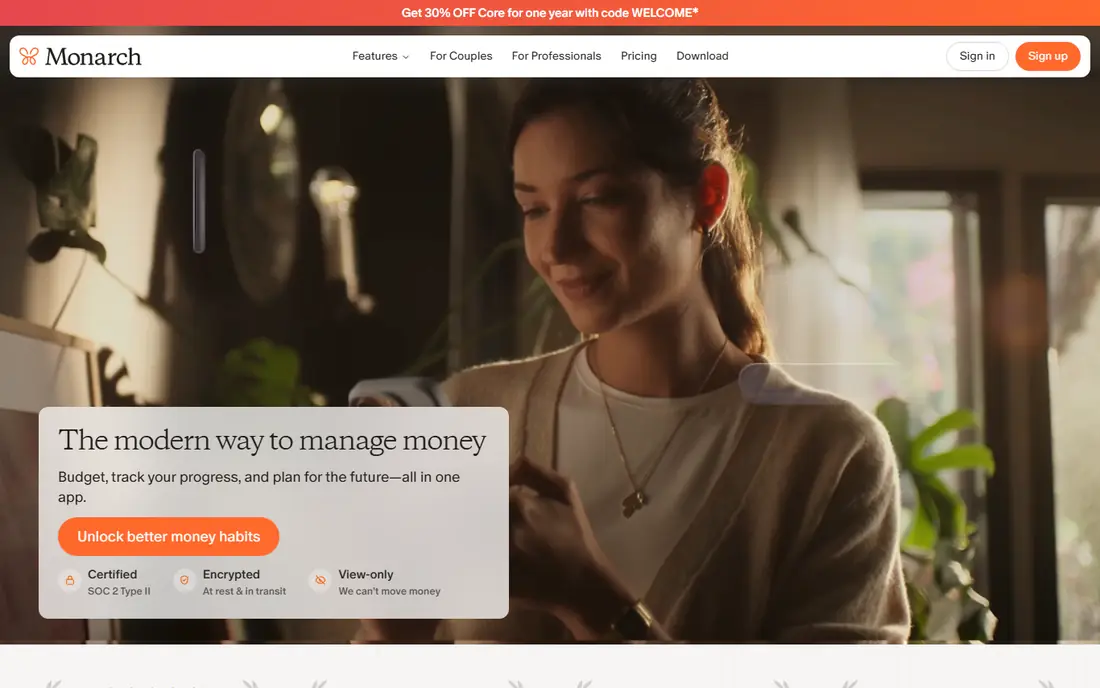
Monarch Money is our pick for households that want one clear view of their money. Bank accounts, cards, investments, and budgets sync into a single dashboard, and flexible targets track spending by category without forcing a strict zero-based method. Couples can share access, and an AI assistant can answer plain questions about past spending.
The cost is the main barrier. At $14.99 per month or $99.99 per year, Monarch is a real subscription, and the 7-day trial is short for testing bank connections and category rules. If you already track spending in a spreadsheet and only need a report, a free app may suffice. If you want a full household dashboard, Monarch is the strongest all-rounder here.
- Budgeting, net worth, and investments in one place
- Shared household access
- Flexible spending targets
- No permanent free tier
- 7-day trial feels short for a yearly decision
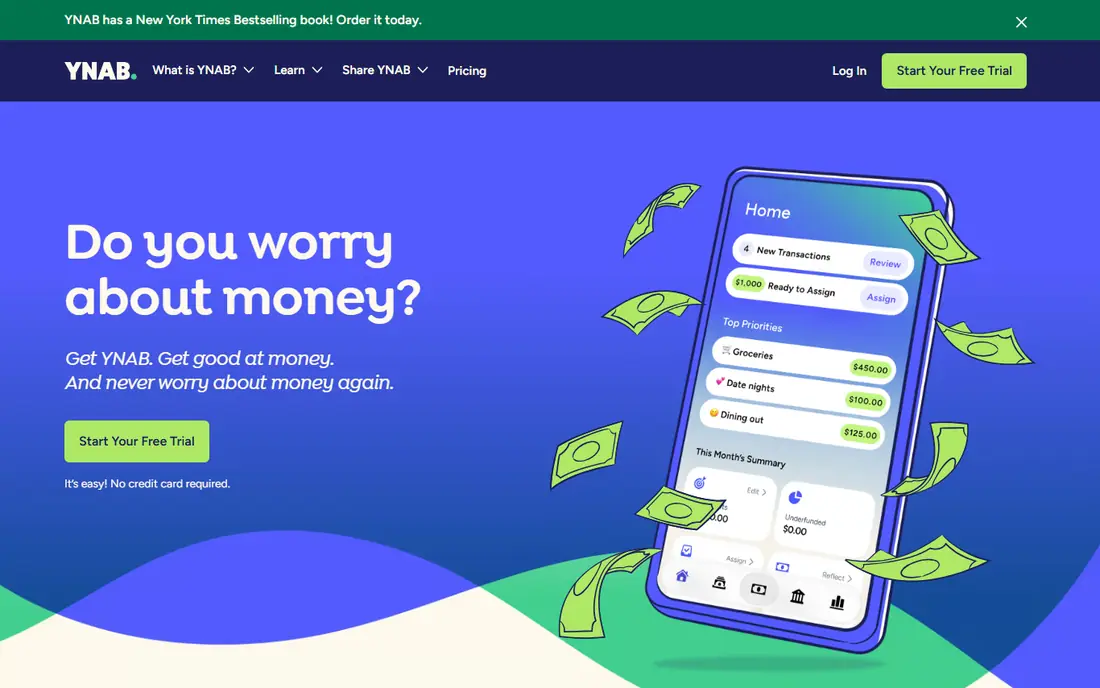
YNAB, short for You Need A Budget, works differently from a passive tracker. You assign every dollar a job before the month begins, then adjust as spending happens, which makes overspending visible right away. Debt payoff tools, goals, and free workshops support that method, and the 34-day trial gives enough time to learn it properly.
That method demands attention. YNAB works best if you check it weekly and approve transactions, and it does not track investments in depth. At $14.99 per month or $109 per year, it is also one of the pricier picks. For budgeters who want behavior change rather than a dashboard, the method is worth the effort.
- Clear zero-based method
- Strong debt payoff tools
- 34-day trial
- Free for eligible students
- Requires regular manual attention
- No investment tracking
- Learning curve at first
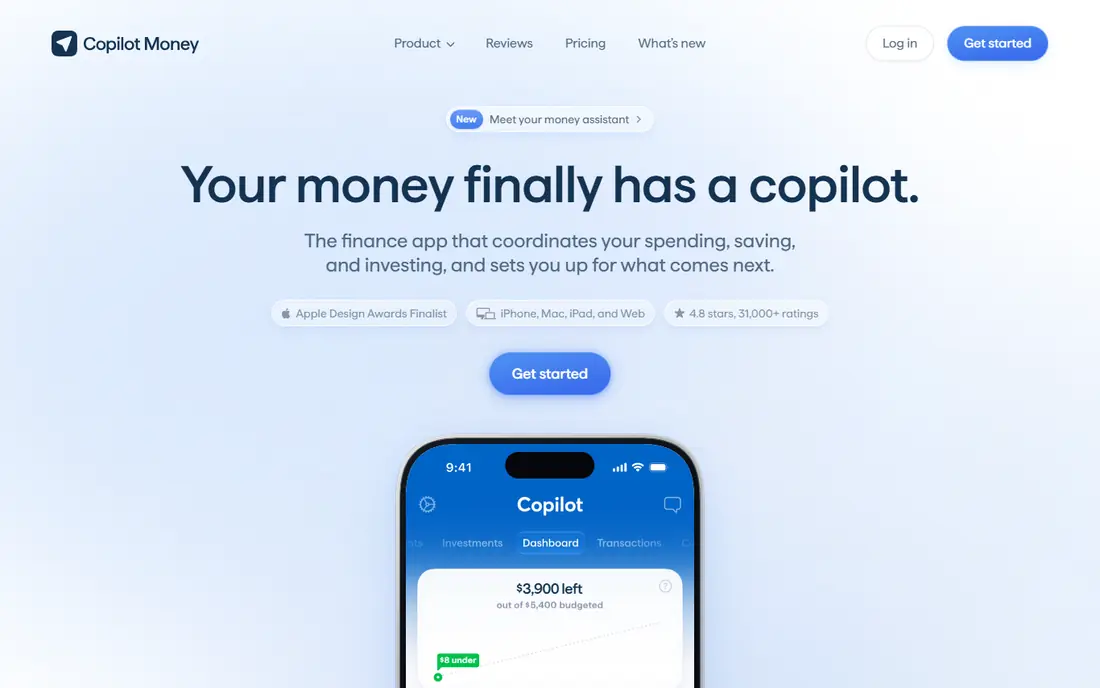
Copilot Money is the design-led pick in this list. Its interface makes spending, budgets, and net worth easy to read at a glance, and automatic categorization keeps manual work low. A one-month trial is generous compared with most rivals, which helps when testing bank connections.
Platform support is the limit. Copilot works on Apple devices and the web, with no Android app, so Android households should look at Monarch or Simplifi instead. At $13 per month or $95 per year, it sits in the same price band as Monarch and YNAB, so choose it for design and Apple fit, not for savings.
- Clean design and smart categorization
- Budgeting and net worth views
- One-month trial
- Apple and web only, no Android app
- No permanent free tier
Rocket Money starts from a different question: what are you paying for without noticing. It scans linked accounts for subscriptions and recurring bills, flags price rises, and helps cancel or negotiate selected bills. Basic tracking tools are free, and Premium adds budgeting, alerts, and negotiation features.
Premium pricing is pay-what-you-want from about $7 to $14 per month, so your total depends on the level you choose. That flexibility is useful, but it makes direct price comparison harder. If forgotten subscriptions are your main leak, Rocket Money finds them faster than a general budget app will.
- Finds subscriptions automatically
- Bill negotiation help
- Free basic tools
- Premium price is pay-what-you-want, so totals vary
- Bill negotiation takes a cut where it applies
PocketGuard answers one question well: after bills, goals, and savings, what can you safely spend today. That single number helps impulse control more than a long category report does. Setup is quick, linked accounts sync automatically, and the free tier covers basic tracking for a small number of accounts.
Depth is limited next to Monarch or YNAB. Investment tracking and advanced budgeting are thinner, and full features need Plus at $12.99 per month or $74.99 per year. If you want a simple daily spending guardrail rather than a full financial plan, PocketGuard is a good fit.
- Clear safe-to-spend figure after bills and goals
- Simple setup
- Limited free tier
- Less depth for investment tracking
- Plus needed for full features
Quicken Simplifi is the cheapest capable all-rounder here. For $5.99 per month billed annually, it offers bank sync, a spending plan, watchlists for categories, and cash-flow forecasting that rivals charge more for. That forecast view, which projects balances forward, helps avoid overdrafts and plan large bills.
The interface is functional rather than beautiful, and it lacks the design polish of Copilot or Monarch. For buyers who want full tracking at the lowest subscription price, that trade is easy to accept. Check the current first-year offer at checkout, since Simplifi pricing has varied by promotion.
- Low billed-annually price
- Cash-flow forecasting
- Spending plan and watchlists
- Interface is less polished than Monarch or Copilot
- No permanent free tier
Goodbudget turns the old cash envelope method into an app. You divide income into envelopes for groceries, rent, transport, and fun, then record spending against each envelope. That structure helps households that overspend in one category while another sits untouched, and shared budgets let partners use the same envelopes.
The free tier covers 20 envelopes, which suits a simple household, while Plus at $10 per month or $80 per year adds unlimited envelopes and more history. Bank sync is not the focus here, so manual entry plays a larger role than in Monarch or Simplifi. If you like envelopes and privacy, that manual habit is a feature, not a flaw.
- Digital envelope method that works without bank links
- Shared budgets
- Free tier with 20 envelopes
- Manual entry on the free tier
- Bank sync is limited compared with rivals
EveryDollar keeps zero-based budgeting simple. You plan income and spending before the month starts, track against the plan, and aim to give every dollar a job. The free version covers manual entry, which suits budgeters who prefer to type in spending rather than link accounts.
Bank connection and automatic transactions need Premium, at $17.99 per month or $79.99 per year, which is steep next to Simplifi. EveryDollar also follows a specific debt payoff philosophy that suits some households and not others. If you want a simple plan and manual control, the free version is a solid start.
- Simple zero-based budgeting
- Free manual version
- Baby-steps guidance for debt payoff
- Premium price is high
- Bank connection needs Premium
Empower offers the strongest free dashboard here. Linked bank, card, and investment accounts feed a net worth view, spending breakdown, and retirement planning tools at no cost. For tracking expenses alongside investments, that free tier is hard to beat.
Budgeting depth is lighter than Monarch or YNAB, and Empower will surface its paid wealth management service to users with larger balances. Treat Empower as a free tracking and net worth hub, and pair it with YNAB or Goodbudget if you need strict monthly budgeting. Used that way, it costs nothing and covers a lot.
- Free dashboard for accounts, spending, and investments
- Net worth view
- Retirement planning tools
- Budgeting is lighter than Monarch or YNAB
- Wealth management upsells appear in the product
How we picked these
We compared official pricing pages, app store listings, and public reviews, and we favored apps that are available in the United States in October 2026 and actively maintained. Each app had to track personal spending from linked accounts or manual entry, and we included free, mid-price, and premium options plus one small business tool.
We did not claim hands-on testing of every app, and we did not invent bank connection counts or accuracy rates. Prices change often, so check the vendor page at checkout, especially for annual billing, which usually lowers the monthly figure quoted here.
How to choose the right expense tracker
Start with how much structure you want, then check platform fit and price.
Decide how hands-on you want to be
Passive trackers such as Monarch, Copilot, and Empower suit people who want a clear report with little daily work. Method-driven apps such as YNAB, Goodbudget, and EveryDollar suit people who want a plan that changes spending. Rocket Money and PocketGuard suit people who mainly want to catch subscriptions or avoid overspending.
Check bank connections before you pay
Link your main bank and cards during the trial and confirm transactions import and categorize sensibly. A tracker that misses your main bank will fail no matter how good its charts look. Also check whether the app supports your phone platform, since Copilot has no Android app.
Start free, then upgrade with a reason
Use a free tier for two to four weeks and note what you actually miss: more accounts, bank sync, forecasting, or shared access. Upgrade only for a missing feature you hit weekly, not for a feature list. A tracker you open weekly beats a premium app you abandon after a month.
Sources
- https://www.monarchmoney.com
- https://www.ynab.com
- https://copilot.money
- https://www.rocketmoney.com
- https://pocketguard.com
- https://www.quicken.com/simplifi
- https://www.empower.com
- https://goodbudget.com
- https://www.ramseysolutions.com/ramseyplus/everydollar
- https://financefeeds.com/the-best-budgeting-apps-of-2026/
- https://rankite.com/blog/best-home-accounting-software