Best Audio Editing Software in 2026: 9 Tools Compared
By ToolNimba Editorial Team October 29, 2026 12 min read

- Top pick
 Audacity
Free editing and recording for everyone
Starting priceFreeCheck out AudacityRead our review - Runner-up
 GarageBand
Free Mac and iOS recording studio
Starting priceFreeCheck out GarageBandRead our review - Also great
 Reaper
Best-value full studio for any platform
Starting price$60 one-timeCheck out ReaperRead our review
How we researched this
We compared official pricing and feature pages, app store listings, privacy policies and public user reviews. Prices change, so check the provider's site before you pay.
Key takeaways
- Audacity, GarageBand and Ocenaudio cover most free audio editing and recording jobs without a subscription.
- Reaper at $60 for a discounted license is the best-value full recording and editing studio for Windows, Mac and Linux.
- Adobe Audition is the strongest pick for broadcast and podcast cleanup, at $22.99 per month on an annual plan.
- Descript suits podcasters who prefer to edit audio by editing a transcript rather than cutting waveforms.
- Logic Pro and FL Studio are the best buy-once options for Mac and Windows music makers who dislike subscriptions.
Quick comparison
| Name | Best for | Starting price | Free plan | |
|---|---|---|---|---|
| Audacity | Free editing and recording for everyone | Free | Yes | Visit |
| GarageBand | Free Mac and iOS recording studio | Free | Yes | Visit |
| Reaper | Best-value full studio for any platform | $60 one-time | Free trial | Visit |
 Adobe Audition | Pro broadcast and podcast cleanup | $22.99 per month | Free trial | Visit |
 Logic Pro | Full Mac music production, one-time price | $199.99 one-time | No | Visit |
 FL Studio | Beat making and electronic production | $99 one-time | Free trial | Visit |
 Ocenaudio | Lightweight free single-file editing | Free | Yes | Visit |
 Descript | Text-based podcast and video editing | Free | Yes | Visit |
 WavePad | Simple editing with a free version | Free | Yes | Visit |
The best audio editing software
Good audio editing software should match the job in front of you, not the biggest feature list. A podcaster needs clean voice editing and noise removal, a musician needs instruments and mixing, and a beginner needs tools that do not get in the way. The nine tools below cover those jobs, from free editors to full studios.
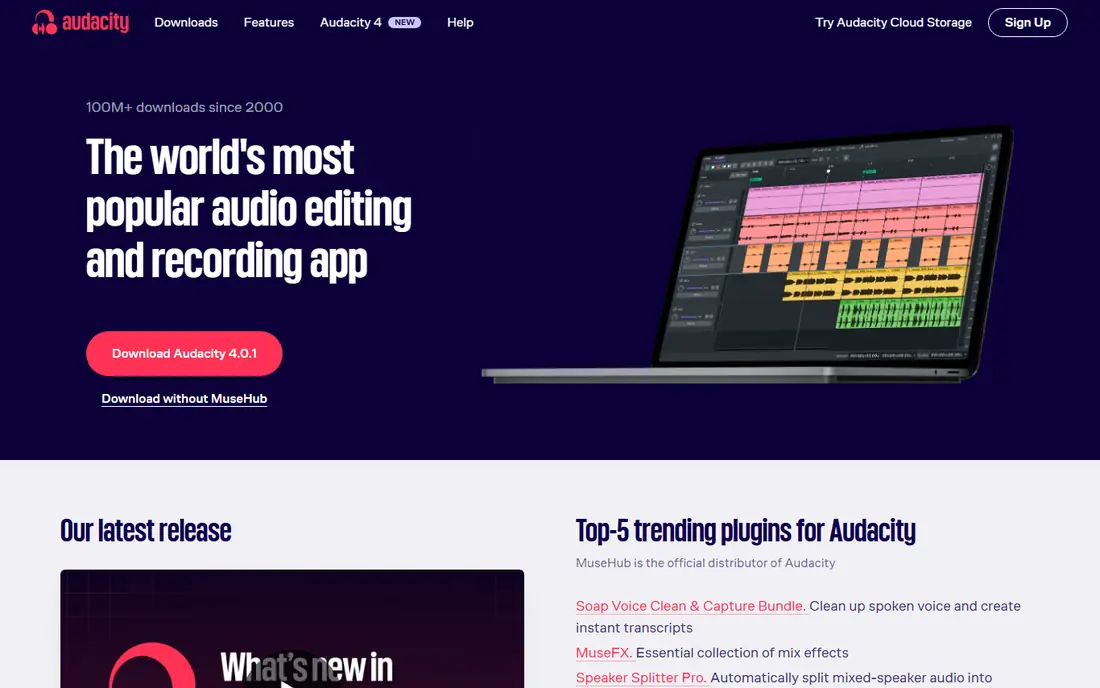
Audacity remains the default free answer for most audio editing jobs, and for good reason. It records and edits multiple tracks, supports common effects and plugins, and handles the everyday tasks of trimming, leveling, noise reduction and exporting to common formats. If you only need to clean up a voice recording or cut a long interview into clips, Audacity does the job without costing anything.
The limits show up when you move into music production. Audacity is an editor first, not a full studio, so it lacks the virtual instruments, loop libraries and mixing workflow of Logic Pro or FL Studio. Its interface also takes a little learning, though the large community and many tutorials make that learning curve easier to handle.
- Free and open source on Windows, Mac and Linux
- Multitrack recording and editing
- Large plugin support and community help
- Interface feels dated next to newer editors
- No built-in music instruments or full mixing studio
GarageBand is the easiest starting point if you already own a Mac, iPhone or iPad. It combines simple audio editing with virtual instruments, loops and lessons, so a beginner can record a song or a podcast episode without buying anything extra. The layout is friendly, and the built-in sounds are good enough for demos and early releases.
The main limit is the platform. GarageBand does not run on Windows, so a team or collaborator on a PC cannot open the same project directly. It also lacks some of the deeper editing and mixing controls found in Logic Pro, which is the natural next step when a GarageBand user outgrows it. For a free first studio on Apple devices, though, it is hard to fault.
- Free with Mac and iOS devices
- Easy recording with loops and virtual instruments
- Projects open in Logic Pro later
- Mac and iOS only
- Fewer mixing and editing controls than a full professional studio
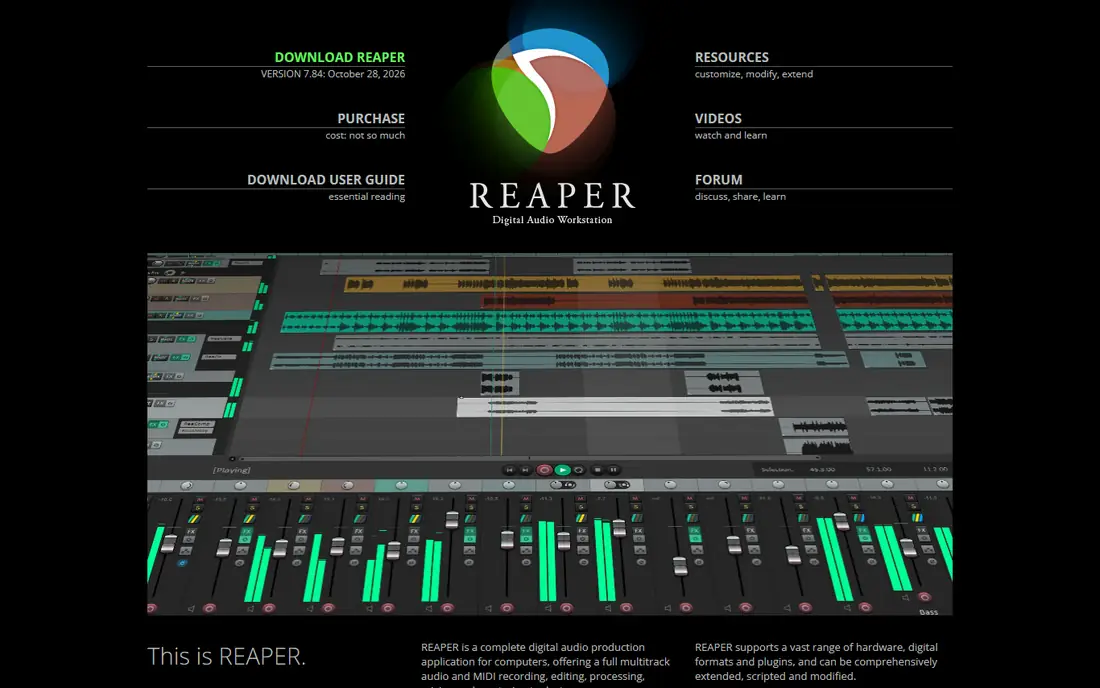
Reaper gives you a full professional studio for $60 on a discounted license, with a $225 commercial license for larger businesses, and that value is hard to match. It records, edits and mixes audio and MIDI, supports common plugins, and runs well on older computers thanks to its small install size. The 60-day evaluation is fully functional, so you can test it on real projects before paying.
Reaper does ask more of you at the start than GarageBand or Audacity. The menus are deep, the default look is plain, and you will need to set up your own instruments and effects for music work. Users who enjoy shaping software around their own workflow tend to love that flexibility, while users who want a ready-made sound library may prefer Logic Pro or FL Studio.
- Full multitrack recording, editing and mixing at a low one-time price
- Runs on Windows, Mac and Linux
- Deep customization and plugin support
- Interface and setup take time to learn
- Included instruments and loops are thinner than Logic Pro
Adobe Audition is the tool to pick when the recording itself is the problem. Its noise reduction, click removal and spectral editing tools handle hum, hiss, clicks and background noise better than most free editors, and the Essential Sound panel speeds up common podcast and broadcast tasks. It also works smoothly with Premiere Pro, so video editors can fix audio without leaving the Adobe workflow.
The subscription is the honest drawback. At $22.99 per month on an annual plan, Audition costs more over two years than a one-time Reaper or FL Studio license, and occasional editors may not use it enough to justify that. It is also not a music composing tool, since it lacks the MIDI and instrument workflow of Logic Pro. For voice work and audio repair, though, it remains a top pick.
- Strong noise reduction and audio restoration tools
- Waveform and multitrack editing in one app
- Works well with Premiere Pro and Creative Cloud
- Subscription adds up for occasional editors
- No built-in MIDI instruments for music composing
Logic Pro is the full studio that many GarageBand users graduate to, and it keeps the one-time pricing that musicians like. For $199.99, you get a deep library of loops, samples and virtual instruments, plus strong MIDI editing, Flex Time and Flex Pitch tools and a full mixing console. It handles everything from a simple demo to a finished album without extra purchases for basic instruments.
Logic Pro only runs on Mac, which rules it out for Windows users, and its depth can overwhelm a beginner who only needs simple edits. The download is also large, so allow time and disk space for the sound library. For Mac musicians who want a complete studio without a monthly bill, Logic Pro is the clearest buy-once choice.
- Large sound library, instruments and effects included
- Strong MIDI editing and mixing tools
- One-time price with no subscription
- Mac only
- Large download and learning curve for beginners
FL Studio has long been a favorite for beat makers and electronic producers, and its pattern-based workflow explains why. You build loops and patterns, arrange them into a song, and mix with a large set of included instruments and effects. Paid editions include lifetime free updates, which makes the $99 starting price easier to justify over time.
FL Studio is less natural for straight audio editing or podcast work. Recording and trimming long voice tracks feels clumsier than in Audacity, Reaper or Audition, and the interface takes adjustment if you are used to a linear timeline editor. For music makers, especially in hip hop and electronic styles, that trade-off is usually worth it.
- Pattern-based workflow suits beats and electronic music
- Lifetime free updates on paid editions
- Runs on Windows and Mac
- Audio recording and podcast editing are weaker than Reaper or Audition
- Workflow feels unusual if you come from a linear editor
Ocenaudio is the tool to open when you want a quick edit without waiting for a heavy studio to load. It is free, fast and light, and its real-time effect previews let you hear a change before you apply it, which saves a lot of trial and error on long files. It supports VST plugins and includes a spectrogram view for spotting problems in a recording.
The main limit is scope. Ocenaudio works best on single files, and it does not match Audacity for multitrack editing or Reaper for full song production. If your job is trimming, cleaning and converting individual clips, that focus is a strength rather than a weakness. If you need to mix many tracks, start with Audacity or Reaper instead.
- Free on Windows, Mac and Linux
- Real-time effect previews
- Fast and light on long files
- Limited multitrack work compared with Audacity
- Smaller plugin community
Descript changes the editing job for podcasters and video creators who think in words rather than waveforms. You get a transcript of your recording, delete words from the text, and the audio follows, which makes cutting an interview far faster than dragging clips on a timeline. It also includes filler-word removal and tools that polish voice recordings.
Descript is not the best choice for fine waveform surgery or music mixing, where Audition or Reaper give more direct control. The free plan also has limits on transcription and project length, so regular podcasters will likely need a paid plan. For spoken-word creators who dread timeline editing, the transcript workflow is a genuine time saver.
- Edit audio by editing the transcript
- Filler-word removal and studio sound tools
- Free plan for trying the workflow
- Paid plans are needed for longer projects
- Waveform-level editing is less direct than Audition or Reaper
WavePad suits users who want a simple editor without learning a full studio. It covers cutting, copying, pasting, effects, noise reduction and batch processing, and the free version is enough for occasional non-commercial edits. The interface is plain and direct, which helps beginners who find Audacity or Reaper crowded.
The free version is not a full professional tool, and the paid edition is needed for commercial use and the complete feature set. WavePad also lacks the deeper restoration tools of Audition and the mixing depth of Reaper. For quick, simple edits on a home computer, though, it is a practical low-cost option.
- Simple interface for basic edits
- Free version for non-commercial use
- Supports batch processing and common formats
- Free version has limits and the full version is a separate purchase
- Fewer advanced tools than Audition or Reaper
How we picked these
We compared official feature pages, pricing pages and app store listings for each tool, along with public reviews that described real editing workflows. We kept only tools that are live in October 2026 and that truly cover audio editing or recording, rather than music players or converters with a trim button. Where pricing varies by plan length or store, we used the starting figure from the vendor or a recent pricing roundup and noted where to check.
We weighed free plans, one-time versus subscription pricing, platform support, and whether each tool fits voice work, music work or both. We also favored tools with a clear strength for a specific user, so the list does not repeat the same general editor nine times. No vendor paid for a place on this list.
How to choose the right audio editor
Start with the kind of audio you edit most. Voice work favors cleanup tools and simple timelines, music work favors instruments and mixing, and podcast work favors transcript editing or fast multitrack cutting. Picking by job first will narrow this list to two or three tools quickly.
Match the tool to the job
For voice and podcast edits, Audacity, Ocenaudio, Descript and Adobe Audition are the natural shortlist. For songs and beats, GarageBand, Logic Pro, FL Studio and Reaper make more sense. If you do both, Reaper is the most flexible single purchase, since it handles voice, music and mixing in one app.
Check formats, plugins and export options
Make sure the tool opens your recording format and exports the format your podcast host, video editor or distributor needs. Check plugin support if you already own effects, and test a full export before you commit to a project. A tool that cannot export cleanly to your next step will cost you time on every episode or song.
Try the free route before you pay
Audacity, GarageBand and Ocenaudio cost nothing, and Reaper offers a fully functional 60-day evaluation. Use those options on a real project, with your own microphone and files, before paying for a subscription. You will learn more from one finished edit than from any feature list, and you may find the free tool already does everything you need.
Sources
- https://www.audacityteam.org
- https://www.apple.com/mac/garageband/
- https://www.reaper.fm
- https://www.adobe.com/products/audition.html
- https://www.apple.com/logic-pro/
- https://www.image-line.com
- https://www.ocenaudio.com
- https://www.descript.com
- https://www.nchsoftware.com/wavepad/
- https://rankite.com/blog/best-audio-editing-software
- https://www.soundstripe.com/blogs/the-best-audio-editing-software