Best Automation Tools in 2026: 9 Tools Compared
By ToolNimba Editorial Team October 31, 2026 8 min read

- Top pick
 Zapier
No-code app-to-app automation
Starting price$19.99 per monthCheck out ZapierRead our review - Runner-up
 Make
Visual multi-step workflows
Starting price$9 per monthCheck out MakeRead our review - Also great
 n8n
Technical workflows with self-hosting
Starting price$20 per monthCheck out n8nRead our review
How we researched this
We compared official pricing and feature pages, app store listings, privacy policies and public user reviews. Prices change, so check the provider's site before you pay.
Key takeaways
- Zapier leads for ease and catalog size, Make leads for visual multi-step value, and n8n leads for technical control and self-hosting.
- Power Automate is the natural pick inside Microsoft 365, while UiPath and Workato suit enterprise and legacy needs.
- Billing units decide real cost, since Zapier counts tasks, Make counts credits, and n8n counts executions, so test one real workflow on each shortlist tool.
Quick comparison
| Name | Best for | Starting price | Free plan | |
|---|---|---|---|---|
| Zapier | No-code app-to-app automation | $19.99 per month | Yes | Visit |
| Make | Visual multi-step workflows | $9 per month | Yes | Visit |
| n8n | Technical workflows with self-hosting | $20 per month | Yes | Visit |
 Microsoft Power Automate | Microsoft 365 and Office automation | $15 per user per month | Yes | Visit |
 UiPath | Enterprise RPA and legacy automation | $25 per month | Free trial | Visit |
 Workato | Enterprise integration and orchestration | See website | Free trial | Visit |
 Pabbly Connect | Budget automation with multi-step flows | $14 per month | Yes | Visit |
 ActivePieces | Open-source no-code automation | Free | Yes | Visit |
 Integrately | One-click ready automations | See website | Yes | Visit |
The best automation tools
Automation software connects apps, moves data, and runs repeatable tasks without manual copying. This list covers no-code tools, visual builders, developer platforms, and enterprise RPA, including strong Power Automate alternatives for teams outside the Microsoft stack.
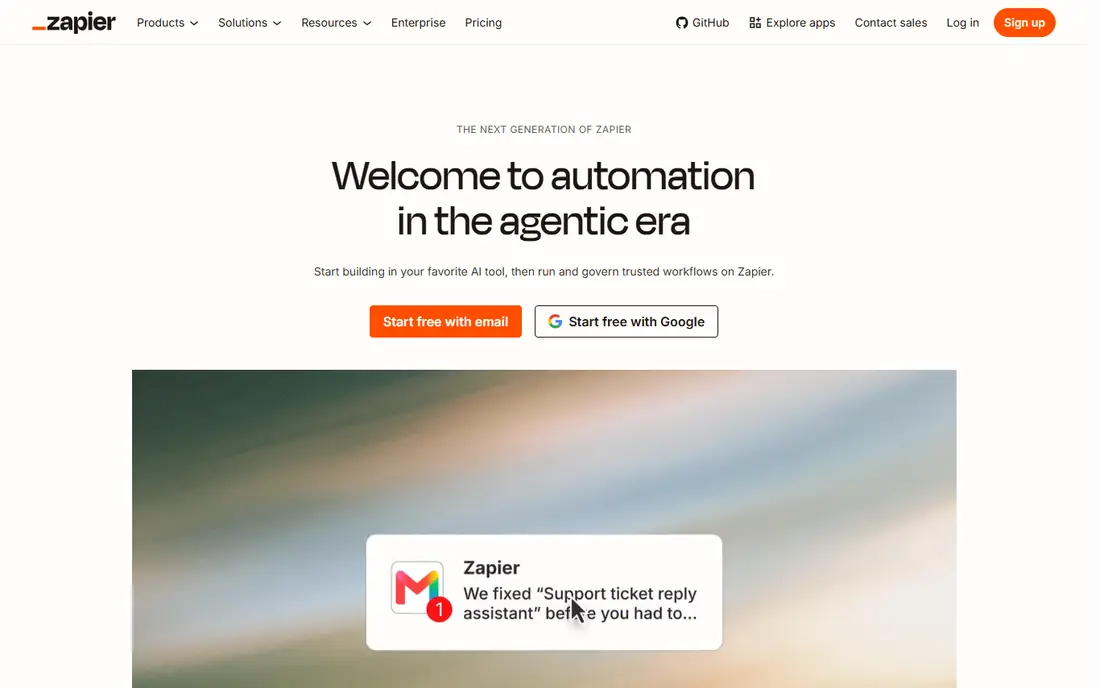
Zapier fits non-technical teams that want to connect apps quickly without writing code. Its builder uses triggers and actions, so a form submission can update a sheet, send a message, and create a task in a few clicks. The integration catalog is the main advantage, covering most common office and CRM tools. The catch is task pricing, since every successful action counts, so high-volume workflows need a higher plan. Check the export or sharing step early, because a tool that feels fast while you edit can still add friction at delivery.
- Thousands of app integrations
- Easy no-code builder
- AI workflow help
- Task-based pricing grows with volume
- Complex logic needs care
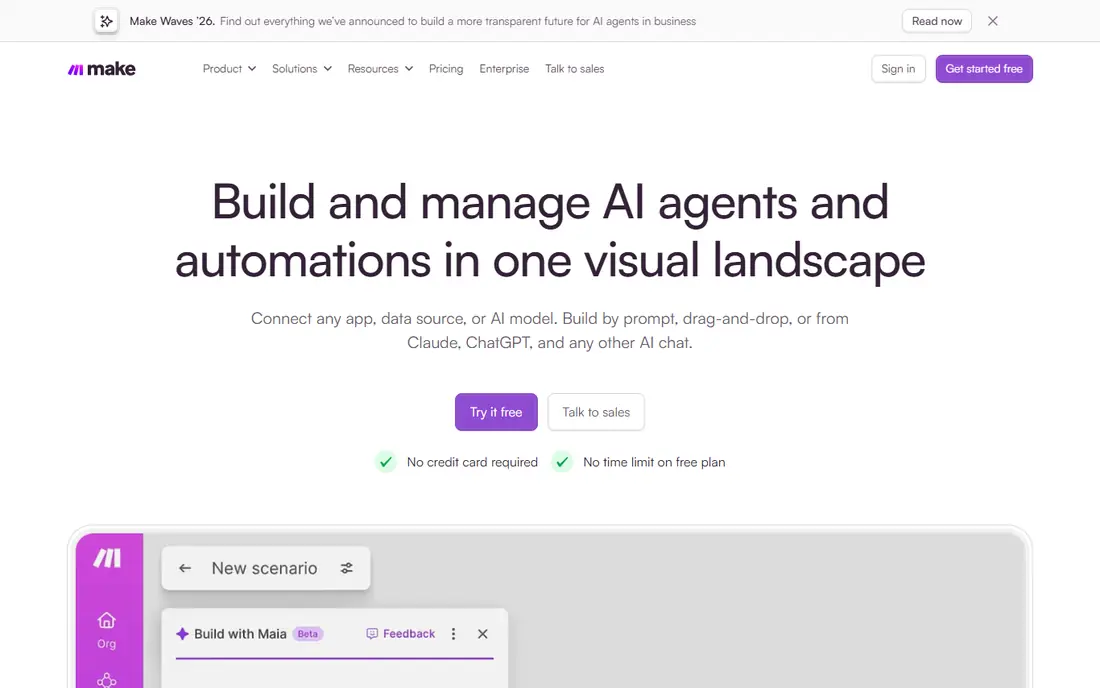
Make fits teams that want visual, multi-step workflows with branching, loops, and data transforms. Its scenario builder shows data flowing through each module, which makes debugging easier than a simple trigger-action list. For longer workflows, Make often costs less than task-based rivals. The catch is credits, since each module action uses credit, so long or frequent scenarios add up. Try the free tier or trial on a small job first, and note what is locked behind a paid plan before you build a workflow around it.
- Visual scenario builder
- Deep data handling
- Lower entry price than Zapier
- Credit use grows with steps
- Complex scenarios take learning
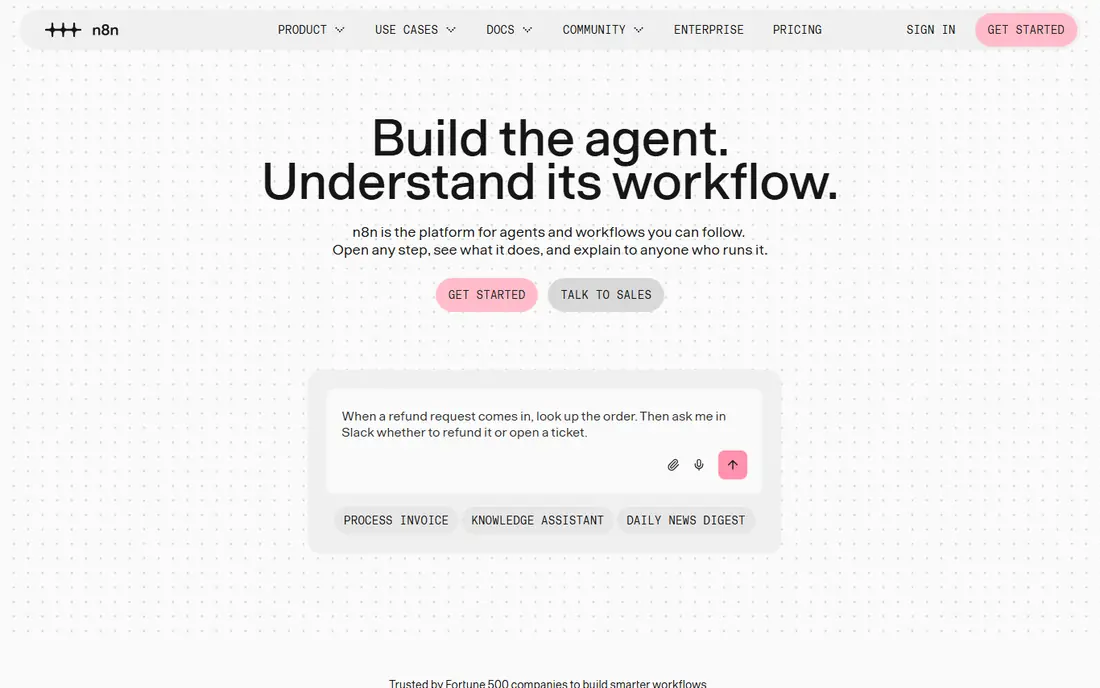
n8n fits technical teams that want control over data, hosting, and custom logic. You can self-host the community edition for free, use code nodes for custom transforms, and build AI workflows with native nodes. Execution-based pricing helps long workflows, since one run counts once rather than per step. The catch is ownership, since self-hosting, updates, and security fall on your team. Before you commit, test it on one real project with your usual files and export settings, so you can see where it slows down before it matters.
- Self-host free community edition
- Code and AI nodes
- Execution-based pricing
- Needs technical ownership
- Cloud plan is less polished for beginners
Microsoft Power Automate
Best for: Microsoft 365 and Office automation
Microsoft Power Automate fits organizations already built around Microsoft 365, Teams, and Dynamics. It automates cloud flows between Microsoft apps and desktop flows for legacy software, with AI Builder on higher plans. For Microsoft shops, native connectors and governance are strong advantages. The catch is neutrality, since teams with mixed stacks may prefer Zapier, Make, or n8n as a central layer. Check the export or sharing step early, because a tool that feels fast while you edit can still add friction at delivery.
- Deep Microsoft integration
- Cloud and desktop flows
- Process mining
- Best value inside Microsoft
- Less neutral across other stacks
UiPath fits enterprises that must automate legacy desktop software and compliance-heavy processes. Its robots interact with screens and systems that lack APIs, handling tasks that SaaS connectors cannot reach. That RPA depth is unmatched for old systems and regulated workflows. The catch is weight, since small teams with simple SaaS needs will find it heavier and costlier than Zapier or Make. Try the free tier or trial on a small job first, and note what is locked behind a paid plan before you build a workflow around it.
- RPA for legacy UI automation
- Attended and unattended robots
- Agentic features
- Heavier than needed for simple SaaS workflows
- Enterprise tiers are sales-led
Workato fits enterprises that need governed integration and process orchestration across many systems. It offers recipes, connectors, and controls for IT-led automation, with audit and security features for large teams. Governance is the reason enterprises choose it over lighter tools. The catch is scale, since pricing is quote-only and the platform suits IT-led programs, not solo builders. Before you commit, test it on one real project with your usual files and export settings, so you can see where it slows down before it matters.
- Enterprise governance
- Pre-built connectors
- Process orchestration
- Quote-only pricing
- Too heavy for small teams
Pabbly Connect fits budget-conscious teams that want multi-step automation without Zapier prices. It supports multi-step workflows and internal tasks, which helps teams that run many routine transfers between apps. Value is the main draw, especially for teams with steady, predictable volume. The catch is catalog size, since some niche apps may lack a ready connector. Check the export or sharing step early, because a tool that feels fast while you edit can still add friction at delivery.
- Lower-cost multi-step workflows
- Internal task handling
- One-time deal history
- Smaller integration catalog than Zapier
- Interface is less polished
ActivePieces fits teams that want an open-source, no-code automation tool they can self-host. Its builder covers common triggers and actions, with pieces for popular apps and options to build custom pieces. Self-hosting gives data control at low software cost. The catch is ecosystem size, since the catalog is smaller than Zapier or Make, so check your apps first. Try the free tier or trial on a small job first, and note what is locked behind a paid plan before you build a workflow around it.
- Free self-host option
- No-code builder
- Growing piece library
- Smaller ecosystem than Zapier
- Self-hosting needs technical care
Integrately fits beginners who want a ready automation for a common app pair without building from scratch. Its one-click automations cover frequent combinations, so you can connect two apps and start in minutes. Speed of setup is the advantage for simple, repeatable tasks. The catch is depth, since complex branching and data transforms may need Make or n8n instead. Before you commit, test it on one real project with your usual files and export settings, so you can see where it slows down before it matters.
- One-click automations for common pairs
- Quick setup
- Good for beginners
- Less depth for complex logic
- Pricing varies by plan
How we picked these
We compared official feature pages, current pricing pages, app store listings, privacy policies where they mattered, and public reviews. We kept only products that exist and work today, and that fit the topic directly rather than loosely. Where a price was unclear or changed by plan, we used See website instead of guessing, and we treated free tiers as useful only when they cover real work, not just a demo. We also weighed the honest trade-offs. A strong feature set means less when the price, the learning curve, or the export options make everyday use harder. That is why each write-up below names a catch alongside the strengths, so you can match the tool to your budget, skill level, and the kind of output you actually need.
How to choose an automation tool
Count the billing unit, not just the price
Test your longest real workflow on each tool and record tasks, credits, or executions used. A cheap headline plan can become expensive if it counts every step, while an execution-based plan stays cheaper for long runs.
Check your must-have connectors first
List the apps and actions you actually automate, then confirm each connector supports the trigger and action you need. A large catalog does not help if your key app lacks the right trigger.
Start with one workflow and add error handling
Automate a single, frequent workflow, add alerts for failures, and log runs for a week. Once that workflow runs cleanly, expand to the next, rather than automating ten processes at once.