Best Backup Software for Churches: 7 Options for 2026
By ToolNimba Editorial Team November 19, 2026 7 min read
We did not test these tools hands-on. Picks are based on vendor documentation and public information. Read our editorial policy and disclosure.

- Top pick
 Acronis Cyber Protect
All-in-one backup and security
Starting priceSee websiteCheck out Acronis Cyber ProtectRead our review - Runner-up
 Veeam Backup & Replication
Virtual server and data resilience
Starting priceSee websiteCheck out Veeam Backup & ReplicationRead our review - Also great
 Backblaze
Affordable offsite cloud storage
Starting price$99 per yearCheck out BackblazeRead our review
How we researched this
We compared official pricing and feature pages, app store listings, privacy policies and public user reviews. Prices change, so check the provider's site before you pay.
Direct answer
Acronis Cyber Protect is the first pick for most churches because it combines backup with security in one console. Backblaze suits low-cost offsite archiving, and Veeam fits larger churches with virtual servers. Seven options are compared here.
Key takeaways
- Acronis Cyber Protect pairs backup with endpoint security, which helps small church IT teams cover more ground.
- Veeam Backup & Replication is built for virtualized servers and heavier recovery needs.
- Backblaze offers S3-compatible cloud storage that works well as an offsite archive target.
- IDrive consolidates computers and mobile devices into one cloud backup account.
Quick comparison
| Name | Best for | Starting price | Free plan | |
|---|---|---|---|---|
| Acronis Cyber Protect | All-in-one backup and security | See website | See website | Visit |
| Veeam Backup & Replication | Virtual server and data resilience | See website | See website | Visit |
| Backblaze | Affordable offsite cloud storage | $99 per year | Free trial | Visit |
 Carbonite | Simple automatic cloud backup | See website | See website | Visit |
 IDrive | One account for many devices | $11.99 per month | Yes | Visit |
 Cove Data Protection | Managed data protection for IT | See website | See website | Visit |
 Datto SIRIS | Business continuity and disaster recovery | See website | See website | Visit |
Backup Software for Churches, one by one
Church offices hold donor records, service media, and administrative files that are hard to rebuild after a failure. ToolNimba compared documented features and stated limits across seven backup tools to help you shortlist.
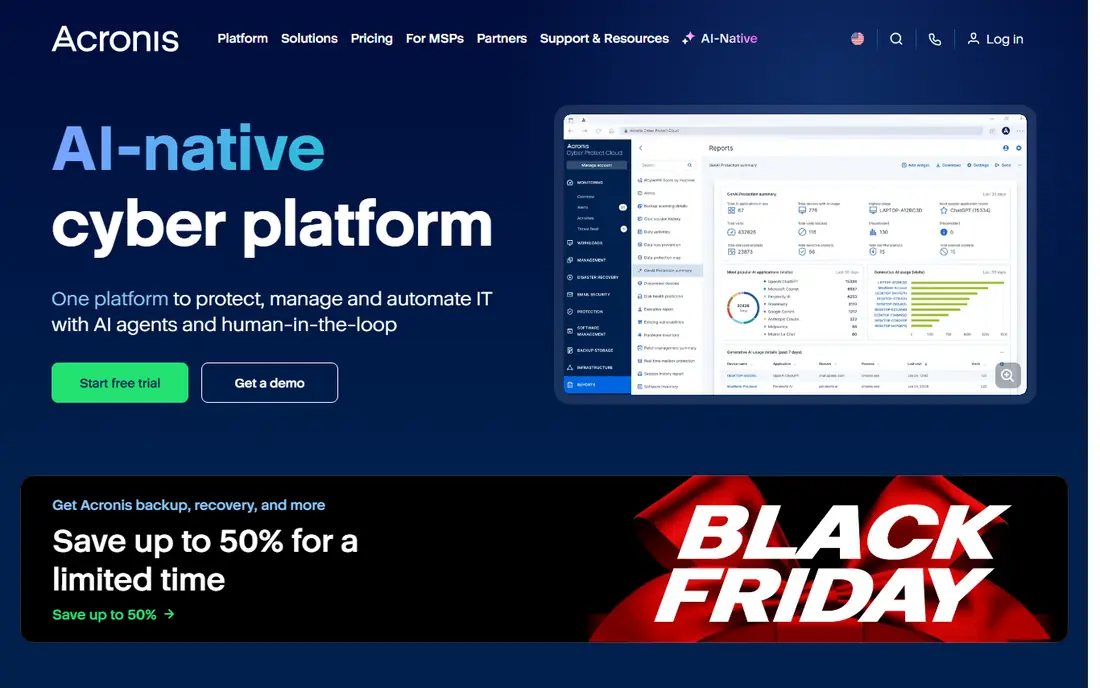
Acronis Cyber Protect is a platform that combines backup, cybersecurity, endpoint management, and automation in one place. The vendor describes deeply integrated AI-powered features across these areas. For a church with limited IT staff, having protection and recovery under one console can reduce the number of tools to manage. It fits congregations that want a single vendor for data protection and basic security rather than separate products.
The breadth of features can be more than a small church office needs, and it may take time to configure policies correctly. Churches with very simple requirements, such as backing up a single office computer, may find a lighter tool easier to run. Consider Acronis when you want backup and security handled together.
- Integrated backup and cybersecurity
- Endpoint management included
- AI-powered features
- Feature set may overwhelm small teams
- Needs setup planning
Veeam Backup & Replication
Best for: Virtual server and data resilience
Veeam Backup & Replication is positioned around cyber-resilient solutions for AI and data, with messaging about seeing risk, moving data securely, and staying compliant. It is a strong fit for larger churches or ministries that run virtualized servers and need dependable recovery for those workloads. IT staff or a managed provider will get the most from it.
The product is designed for IT professionals, so a church without technical staff may need outside help to deploy and maintain it. Smaller congregations with only a few workstations may not need this level of capability. Choose Veeam when server recovery and compliance are central concerns.
- Cyber-resilient data protection
- Compliance-focused features
- Supports AI and data workloads
- Aimed at IT professionals
- May be heavy for small offices
Backblaze provides high-performance cloud storage, including B2 Cloud Storage, which is described as S3-compatible object storage without limits. Churches can use it as an offsite destination for backups created by other tools, which helps separate copies from the main office. It fits organizations that already have a backup application and need a reliable cloud target for archives and media.
Backblaze is primarily a storage platform, so it does not replace a complete backup application with scheduling and restore workflows on its own. Churches wanting a single turnkey backup product may prefer a bundled service. Pick Backblaze when you need a flexible cloud repository for offsite copies.
- S3-compatible object storage
- High-throughput design
- Suited to archive targets
- Storage service, not a full backup app
- Requires configuration
Carbonite, now under OpenText, is presented as backup and data protection for home and business, with automatic backups as the core message. Its simplicity suits small church offices that want files protected without a complex setup. Staff can keep working while backups run in the background, and the product is easy to explain to volunteers or part-time administrators.
The product messaging focuses on backup rather than advanced disaster recovery or server virtualization, so larger churches with complex infrastructure may need more. Churches that want granular control over virtual environments should look at other options. Carbonite fits when straightforward file protection is the priority.
- Automatic backups
- Home and business options
- Straightforward positioning
- Less emphasis on advanced recovery
- May lack deep server features
IDrive provides cloud backup and storage for home and business, covering PCs, Macs, iPhones, Android, and other mobile devices in one account. That consolidation is useful for churches where staff and volunteers use a mix of laptops, desktops, and phones. It fits congregations that want a single cloud backup service across many endpoints without managing separate subscriptions per device.
IDrive is centered on cloud backup rather than full disaster recovery for servers, so churches running on-site server infrastructure may need additional tools. The interface is approachable but may not provide the depth some IT administrators expect. Choose IDrive when broad device coverage and simple cloud backup matter most.
- Covers computers and mobile devices
- Single account for multiple devices
- Cloud backup focus
- Consumer-style interface may not suit all
- Advanced server recovery limited
Cove Data Protection is part of N-able, which offers software and tools for MSPs and IT departments, including remote monitoring and management, data protection, and security. Churches that work with a managed service provider may encounter Cove through that relationship. It fits organizations that want data protection delivered and monitored by an IT partner rather than managed entirely in-house.
The product is positioned for service providers and IT departments, so a church without a partner may find it less direct to adopt. Smaller congregations may not need the surrounding management tools. Consider Cove when your church already works with an MSP or has an IT department.
- Part of N-able portfolio
- Built for MSPs and IT departments
- Combines with RMM and security
- Oriented to service providers
- May require partner setup
Datto SIRIS is part of Datto's lineup for IT professionals, with messaging around mission-critical business continuity and disaster recovery, networking, business management, and file backup and sync. Churches with significant on-premises systems and a need for rapid recovery may evaluate it. It suits organizations that treat downtime as a serious risk and have technical staff or a partner to run it.
The platform is designed for IT professionals and larger environments, so a small church office may find it excessive. Churches seeking a simple cloud file backup may prefer a lighter product. Pick Datto SIRIS when continuity and disaster recovery are the main requirements.
- Mission-critical continuity focus
- Backup and sync options
- Built for IT professionals
- Aimed at larger IT environments
- May be more than small churches need
How the list was put together
ToolNimba compared documented features, vendor homepage descriptions, and stated limits for each tool. We focused on how each option fits church environments, from small offices to server-based infrastructure. Details can change, so confirm current capabilities on vendor sites before deciding. The ordering is editorial and reflects general fit rather than a formal rating.
What to confirm before you sign up
- Check that the tool covers every device and server your church uses.
- Confirm restore options and how quickly files can be recovered.
- Ask whether offsite or cloud copies are included or require a separate service.
- Verify support for donor records and other sensitive data handling needs.
- Review whether staff or a volunteer can manage the tool day to day.
Sources
Official websites of the products reviewed above. Features and prices were checked against these sites when the guide was written, and they can change, so confirm on the vendor site before you buy.
Frequently asked questions
What should a church look for in backup software?
Prioritize reliable restore, coverage for the devices and servers you actually use, and an offsite copy. Also consider who will manage backups and whether the tool fits your technical comfort level.
Is cloud backup enough for a church?
Cloud backup protects files offsite, which helps after theft, fire, or ransomware. Churches with servers or critical systems may also want image-based or disaster recovery features for faster rebuilding.
Can volunteers manage church backups?
Simpler tools with automatic scheduling and clear restore steps are easier for volunteers. More advanced platforms such as Veeam or Datto SIRIS usually need IT staff or a managed provider.
How often should church data be backed up?
Frequency depends on how much data changes. Donor records and administrative files may need daily protection, while media archives might be backed up less often. Confirm the schedule your tool supports.