Best Blogging Platform in 2026: 9 Platforms Compared
By ToolNimba Editorial Team October 29, 2026 9 min read

- Top pick
 WordPress.com
Most bloggers, easy growth
Starting priceFreeCheck out WordPress.comRead our review - Runner-up
 Ghost
Paid newsletters and memberships
Starting price$15 per monthCheck out GhostRead our review - Also great
 Wix
A site with a blog, no code
Starting priceFreeCheck out WixRead our review
How we researched this
We compared official pricing and feature pages, app store listings, privacy policies and public user reviews. Prices change, so check the provider's site before you pay.
Key takeaways
- WordPress.com is our pick for most bloggers, because it balances ease of use with room to grow.
- Ghost is the best choice for paid newsletters and memberships, with no revenue cut from Ghost itself.
- Substack is fastest for writers who want readers first and a website second.
- Wix and Squarespace suit bloggers who also need a full business website in one account.
- Blogger and Medium cost nothing to start, but you give up control over your address and your audience.
Quick comparison
| Name | Best for | Starting price | Free plan | |
|---|---|---|---|---|
| WordPress.com | Most bloggers, easy growth | Free | Yes | Visit |
| Ghost | Paid newsletters and memberships | $15 per month | No | Visit |
| Wix | A site with a blog, no code | Free | Yes | Visit |
 Squarespace | Design-led blogs and portfolios | $19 per month | Free trial | Visit |
 Medium | Getting read without a site | Free | Yes | Visit |
 Substack | Newsletter-first publishing | Free | Yes | Visit |
 Blogger | Free hobby blogging | Free | Yes | Visit |
 Webflow | Design-first CMS blogs | $15 per month | Yes | Visit |
 beehiiv | Growing a newsletter audience | Free | Yes | Visit |
The best blogging platforms
The best platform is not the one with the most features. It is the one that matches how you plan to grow: do you want search traffic to your own domain, readers inside a network, or paying subscribers by email. Those three goals point to different platforms, and picking the wrong one early makes moving later much harder.

WordPress.com is the managed version of WordPress, so you do not run a server or handle updates yourself. You can start free, publish on a WordPress subdomain, and upgrade when you need a custom domain, more storage, or plugins. That upgrade path is why it suits most bloggers: you do not have to migrate to grow.
The free plan has real limits. It shows WordPress ads, gives 1 GB of storage in recent guides, and does not allow plugins. Paid plans start at $4 per month billed yearly in recent comparisons, with Business at about $25 per month for full plugin access. If you know you need plugins from day one, budget for Business, not the cheapest paid plan.
- Huge theme and plugin ecosystem on paid plans
- Managed hosting
- Easy to start free
- Free plan shows WordPress ads and limits plugins
- Custom domain needs a paid plan

Ghost is built for publishers whose business is readers, not ads. It combines a blog, a newsletter, and paid memberships in one system, and Ghost takes no cut of your subscription revenue on its hosted plans. The editor is calm and fast, and the design options suit long-form writing well.
Hosted pricing starts at $15 per month billed yearly for the Starter plan, with Publisher at $29 per month for paid memberships at 1,000 members. You can also self-host the open-source software for free, but then you pay for hosting and handle maintenance. Choose Ghost when subscriptions are the plan, not a later idea.
- Native memberships and newsletters
- No revenue cut from Ghost
- Clean editor
- No built-in store
- Self-hosting needs technical skill
- Member-based pricing rises
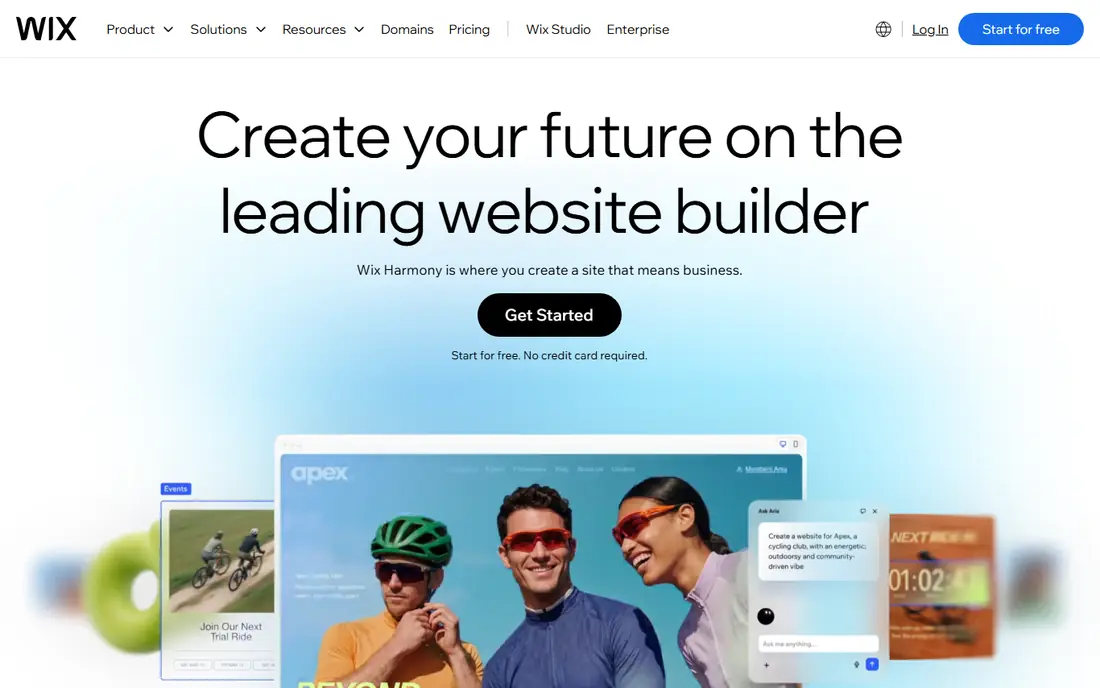
Wix suits a small business that needs a website first and a blog inside it. The drag-and-drop editor lets you place text, images, and forms without code, and the blog tools cover categories, scheduling, and basic SEO settings. Paid plans start at $17 per month billed yearly for the Light plan in recent guides.
The main risk is lock-in. Moving a Wix site elsewhere is not a clean export, so treat Wix as a long-term home, not a trial. If your main goal is a blog you may one day move, WordPress or Ghost gives you a cleaner exit.
- Drag-and-drop builder
- App market
- Free plan to try the editor
- Free plan shows Wix branding
- Migration away from Wix is hard
- Blog SEO is good but not best in class
Squarespace is the pick for bloggers who care most about how the site looks on day one. Its templates are polished, consistent, and easy to adapt without a designer, and blogging, portfolios, and a store can live in one account. Pricing starts at $19 per month billed yearly for the Basic plan in recent guides.
Freedom is the trade-off. There is no plugin marketplace like WordPress, and some features, such as email campaigns, cost extra. If design quality and simplicity matter more than deep customization, Squarespace is a strong choice. If you plan to add complex tools later, WordPress fits better.
- Strong templates out of the box
- Store and email built in
- Simple setup
- No free plan, only a trial
- Less plugin freedom than WordPress
- Newsletter is a paid add-on
Medium is best when discovery matters more than ownership. You publish, and Medium can recommend your work to readers who follow your topics, without you building traffic from zero. That is valuable for a new writer who wants feedback fast, and publishing itself is free.
The cost is control. Your posts live on Medium, your address is not your own unless you pay for membership, and monetization through the Partner Program depends on member reading. Use Medium to reach readers, but keep your own site or email list as a home base if the blog matters long term.
- Built-in reader network
- Clean reading experience
- Free to publish
- You do not own the audience
- Partner Program rules can change
- Custom domain needs membership
Substack is the fastest route from an idea to a paid newsletter. You write a post, it goes to email subscribers and to the web, and readers can pay to support you without you setting up a store or a membership plugin. Recommendations between publications can also bring new readers in a way a standalone blog cannot.
The price is a revenue share. Substack keeps 10 percent of paid subscriptions, plus Stripe payment fees, and a custom domain costs a one-time $50 in recent guides. If you plan to earn mainly from subscriptions, compare that share with Ghost, which takes no cut but charges a monthly fee.
- Free to publish
- Native paid subscriptions
- Recommendations between publications
- Substack takes 10 percent of paid subscriptions plus payment fees
- Limited site design
Blogger, from Google, is still the simplest free blog. There are no paid tiers, no forced ads on your blog, and you can connect a custom domain you buy separately. For a hobby blog, a family journal, or a test project, that is enough, and setup takes minutes.
The ceiling arrives fast. Templates are limited, there is no plugin system, SEO controls are basic, and moving to WordPress later needs redirect work because Blogger URLs use a date-based format. Start on Blogger only if you are happy to stay there, or if the blog is truly a hobby.
- Completely free
- Simple setup
- AdSense support
- Custom domain possible
- Minimal templates
- No plugin ecosystem
- Weak SEO controls
- Migration is messy
Webflow suits designers and teams who want pixel-level control without writing code by hand. Its CMS lets you define post fields, collections, and templates, so a blog can look like a designed magazine rather than a template. A free Starter plan lets you try the editor on a Webflow subdomain.
Blogging on Webflow needs a paid plan for CMS features, with Basic at $15 per month billed yearly and Premium at $25 per month in recent guides. It is powerful, but a pure writer will find WordPress, Ghost, or Substack faster. Choose Webflow when design is the product, not just the wrapper.
- Visual design control
- CMS for structured posts
- Clean code output
- CMS features need a paid site plan
- Learning curve is steeper
- Blogging is not its main focus
beehiiv is a newsletter platform that also works as a blogging tool, and it is built for growth. The free plan covers up to 2,500 subscribers, and its recommendation network helps new publications find readers. Paid plans start at $49 per month billed yearly at 1,000 subscribers in recent guides, with paid subscriptions and no take rate from beehiiv on Lite and up.
It is less ideal if you want a traditional blog with deep pages and categories as the main product. For a writer whose main channel is email, and who plans to grow a list and monetize it, beehiiv is a strong alternative to Substack, with a clearer path to keeping more revenue as you grow.
- Free up to 2,500 subscribers
- Recommendation network
- Paid subscriptions from Lite
- Custom domain needs a paid plan
- Less suited to a traditional standalone blog
How we picked these
We compared official pricing pages, help pages, and public guides for platforms that let you publish and grow a blog today. We kept platforms with distinct models, including owned, hosted, network, and newsletter-first options, so readers can match a platform to a goal rather than compare near-identical tools. We left out page builders and social apps that do not offer a real blog home.
What to check before you pick
Decide on ownership first. If you want your own domain, an exportable audience, and freedom to move, pick WordPress.com, Ghost, or self-hosted WordPress. If you want readers fast and accept platform rules, Medium, Substack, and beehiiv are better. That one choice shapes everything else, from monetization to migration.
Check monetization before you build an audience
Work out how you plan to earn, if at all, and check the cut and the requirements. Substack takes 10 percent of subscriptions, Ghost takes no cut but charges monthly, Medium pays through its Partner Program, and Blogger leans on AdSense. A platform that fits your writing style but taxes your income model is the wrong platform.
Test the editor with a real post
Write and publish one real post on your top two choices before you commit. Check image handling, embeds, scheduling, mobile editing, and how a post looks in email and on the web. A platform that feels slow at 11 pm, when you actually write, will cost you more posts than any feature list will save.
Sources
- https://wordpress.com
- https://ghost.org
- https://www.wix.com
- https://www.squarespace.com
- https://medium.com
- https://substack.com
- https://www.blogger.com
- https://webflow.com
- https://beehiiv.com
- https://firstsiteguide.com/best-blogging-platforms/comment-page-3/
- https://www.outrank.so/free-blog/best-free-blogging-platforms