Best Branding Tools for Startups in 2026: 9 Tools Compared
By ToolNimba Editorial Team October 29, 2026 10 min read

- Top pick
 Canva
All-round design for startups
Starting priceFreeCheck out CanvaRead our review - Runner-up
 Looka
Logo plus brand kit in one sitting
Starting price$20 one-timeCheck out LookaRead our review - Also great
 Brandmark
Pay once, own the files
Starting price$25 one-timeCheck out BrandmarkRead our review
How we researched this
We compared official pricing and feature pages, app store listings, privacy policies and public user reviews. Prices change, so check the provider's site before you pay.
Key takeaways
- Canva is our pick for most startups, because one subscription covers logo, social posts, decks, and documents.
- Looka and Brandmark are best when you want to pay once for a logo and brand kit, with no monthly bill.
- Hatchful is the best free starting point, but it lacks vector files for print and signage.
- Adobe Express suits teams already in Adobe tools, with strong fonts and templates.
- A logo maker buys files, not distinctiveness, so hire a designer when the brand must carry real revenue.
Quick comparison
| Name | Best for | Starting price | Free plan | |
|---|---|---|---|---|
| Canva | All-round design for startups | Free | Yes | Visit |
| Looka | Logo plus brand kit in one sitting | $20 one-time | No | Visit |
| Brandmark | Pay once, own the files | $25 one-time | No | Visit |
 Tailor Brands | Logo plus business launch tools | See website | No | Visit |
 Adobe Express | Adobe users and content teams | Free | Yes | Visit |
 Hatchful by Shopify | Free logo to launch fast | Free | Yes | Visit |
 Logo.com | Budget logo and brand assets | Free | Yes | Visit |
 Visme | Brand documents and presentations | See website | Yes | Visit |
 LogoAI | One-time logo and identity kit | $29 one-time | No | Visit |
The best branding tools for startups
Branding for a startup is not just a logo. It is a name, colors, fonts, templates, and files you can use on a website, a pitch deck, packaging, and social posts without redesigning each time. The tools below differ in whether they sell you a single logo, a full kit, or an ongoing design workspace.
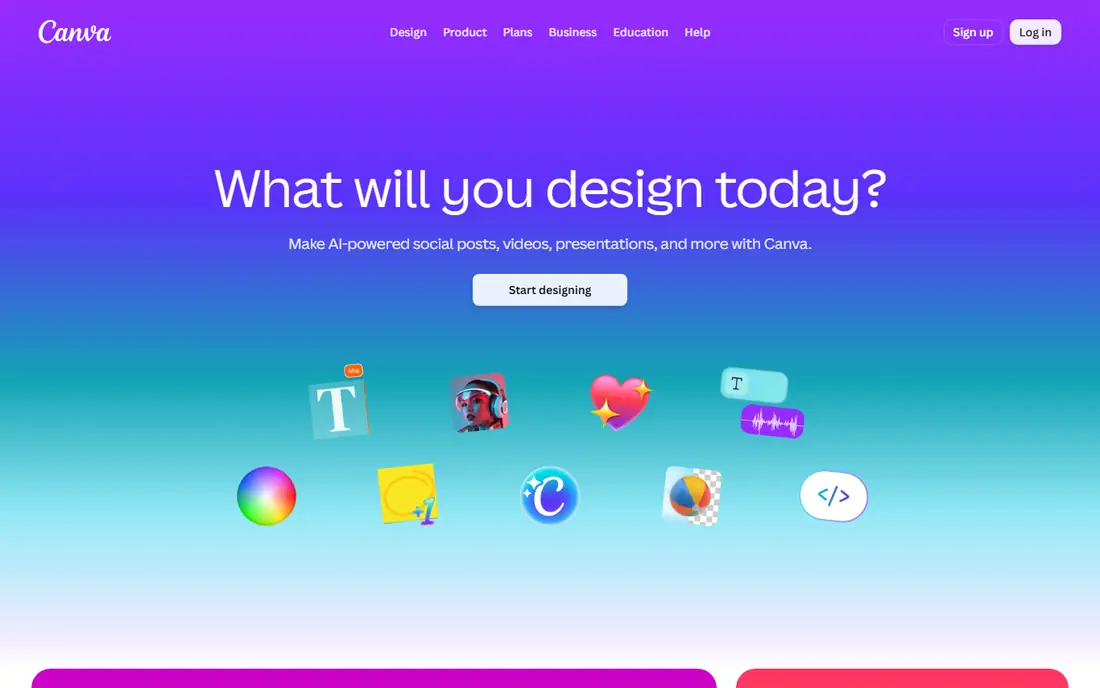
Canva is the most useful branding tool for a startup that also needs marketing design every week. You can make a logo, then use the same colors and fonts for social posts, a pitch deck, a one-pager, and a website graphic, all in one account. Pro adds Brand Kit storage, premium assets, and SVG export, with Pro listed at $14.99 per month in recent guides, or $144 per year.
The honest limit is distinctiveness. Canva templates are widely used, and its licence says template and stock logos cannot be trademarked. Use Canva for launch speed and everyday design, and commission an original mark later if trademark protection matters for the business.
- Huge template library
- Brand Kit on Pro
- Easy team editing
- Logo templates cannot be trademarked as a logo
- Vector export needs Pro
- Pro price rose in recent years
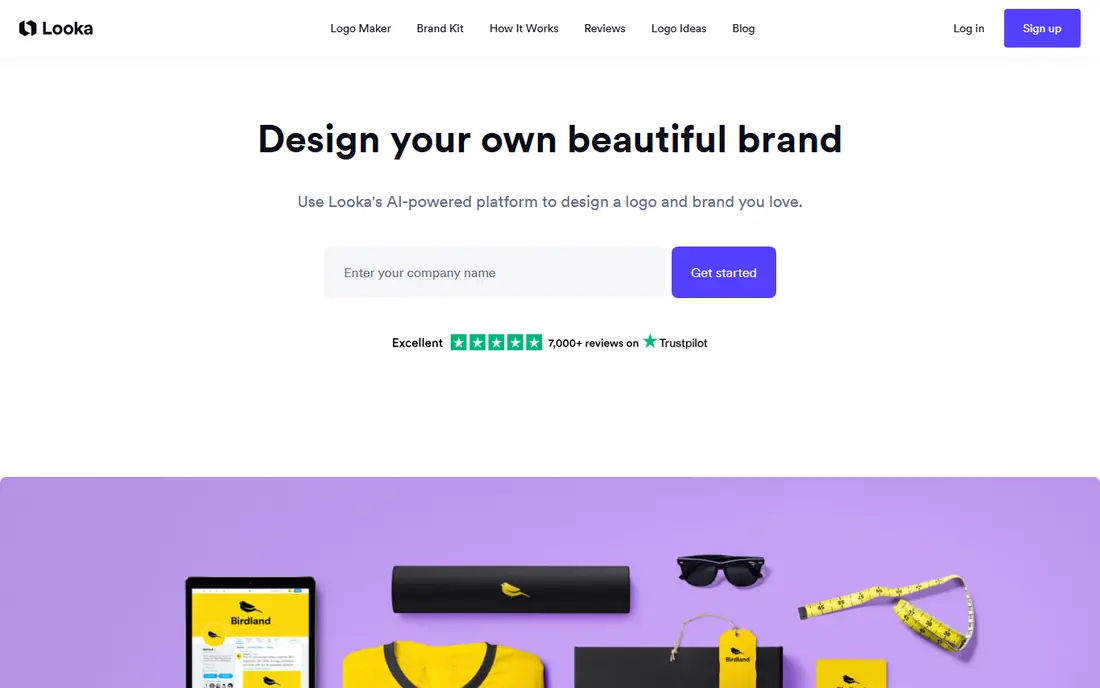
Looka is the fastest route from an idea to a finished logo plus matching assets. You enter a name, pick styles, and get concepts to refine, with business cards, social templates, and email signatures in the Brand Kit. The Basic Logo package is $20 one-time for a low-resolution file, while Premium at $65 one-time adds SVG, EPS, and PDF files, full ownership, and unlimited post-purchase edits in recent guides.
Brand Kit subscriptions run $96 per year, or $129 per year with a website, billed annually. That is good value if you need matching materials now, but poor value if you only need a logo file. Preview free, then pay only when a concept is good enough to use everywhere.
- Fast guided logo creation
- Full brand kit option
- Vector files on Premium
- Free only to design and preview
- Brand Kit is a separate subscription
- Template-driven results
Brandmark suits founders who hate subscriptions. You pay once, get the logo files and branding tools, and keep editing after purchase without another bill. Pricing starts at $25 one-time for Basic, with Designer at $65 and Enterprise at $175 in recent guides, and exports cover SVG, PNG, and PDF plus a brand guide and social assets.
The style leans minimal and modern, which suits tech and service startups well, but not every industry. The asset library is thinner than Looka, and a one-page website costs extra. If you want one clean logo and no ongoing fee, Brandmark is hard to beat on price.
- One-time pricing
- Full copyright ownership
- Minimal, modern style
- Smaller asset library than Looka
- Website costs extra
- Limited customization
Tailor Brands is broader than a logo maker. It pairs logo creation with business formation, domain, website, and branding tools, which suits a founder launching a legal business, not just a side project. Recent guides list plans from about $3.99 per month billed annually, with bundled LLC plans from $0 plus state fees, but pricing varies by region and promotion, so check checkout before you budget.
That breadth is also the weakness. If you only need a logo, a subscription is poor value compared with a $20 to $65 one-time package. Choose Tailor Brands when you want launch help in one place, and a one-time logo tool when you only need files.
- Logo plus LLC, domain, and business tools in one account
- Brand kit and templates
- Subscription model
- Poor value if you only need a logo
- Pricing varies by promotion
Adobe Express gives startups a free design tool with professional fonts, templates, and AI features from Firefly, plus a Brand Kit that applies your logo and colors to new designs. Premium is listed at $9.99 per month in recent guides, and the free plan includes high-quality PNG, JPG, and PDF downloads without a watermark in some guides.
It is less specialized for logos than Looka or Brandmark, and SVG export is limited on some plans. Its strength is the wider Adobe ecosystem: a logo made here connects to social posts, videos, and documents without switching tools. If you already use Adobe tools, Express is the natural branding home.
- Strong fonts and templates
- Firefly AI features
- Brand Kit applies across designs
- Some vector exports need Premium
- Less logo-specialized than dedicated makers
Hatchful is genuinely free, with no paid tier, no watermark, and no need for a Shopify store to use it. You pick an industry and style, customize colors and fonts, and download PNG files in multiple sizes, including social profile images and a favicon. For a side project, a test brand, or a social avatar, that is enough.
The limit is print. Hatchful does not offer SVG or vector exports, and it lacks business cards, letterheads, and brand guidelines. A free PNG works on screen, but signage, packaging, and embroidery need vectors. Use Hatchful to launch, then pay for vectors when the brand proves itself.
- Completely free
- Fast and simple
- Social sizes included
- No vector files
- Template-driven
- No business cards or brand guidelines
Logo.com offers a free entry point for logo creation, with a brand plan listed at about $10 per month in some guides. It suits a founder who wants a quick, budget logo and basic brand assets without a complex editor. The workflow is simple: enter a name, pick styles, and refine concepts.
Because pricing and included file types vary and need confirmation at checkout, do not assume vector files are included in the free tier. Preview concepts, check exactly what downloads include, and compare with Looka or Brandmark before you pay for a full kit.
- Free logo downloads reported
- Simple AI workflow
- Brand plan option
- Pricing and file details need checkout confirmation
- Limited depth versus rivals
Visme is a branding tool of a different kind. It is less about generating a logo and more about keeping a brand consistent across presentations, reports, infographics, and social graphics. Its Brand Kit stores colors, fonts, and logos, then applies them to templates, which helps a small team look consistent without a designer on every document.
If you only need a logo, Visme is the wrong first buy. If you already have a logo and need to turn it into investor decks, sales sheets, and reports that all look like one company, Visme earns its place. Check the current pricing page, because plans and limits change often.
- Brand Kit for documents
- Strong presentation and infographic tools
- Templates for decks
- Not a dedicated logo maker
- Best value is for content teams, not logo-only buyers
LogoAI is another one-time option, with Basic at $29, Standard at $59, and Professional at $99 in recent guides. It generates concept directions, then builds a brand kit with social assets, and offers logo animation on higher tiers. For a founder who wants files once and no subscription, it sits neatly between Brandmark and Looka on price.
As with all AI logo tools, the first round needs human judgment. Check typography at small sizes, check the mark in black and white, and check that it does not look like a rival in your market. A fast generator saves time, but it does not replace a trademark or distinctiveness check.
- One-time pricing
- Brand kit and animation options
- Clean identity kits
- Free only to preview
- First concepts need careful typography checks
How we picked these
We compared official sites, pricing pages, and public guides for tools that help a startup create and use a brand today. We kept tools with distinct models, including free, one-time, subscription, and workspace options, and we favored tools with clear file and ownership terms. We left out freelance marketplaces, because hiring a designer is a different purchase from buying a tool.
What to check before you pay
Check files before price. A logo you cannot use for print is not a bargain, no matter how cheap it was. Confirm SVG, EPS, or PDF vector files, transparent backgrounds, color variants, and full commercial ownership before checkout. A $20 PNG that must be remade for packaging costs more than a $65 vector package bought once.
Test the brand in real places
Put the logo on a website header, a social avatar, a pitch deck slide, and a black background before you pay. Many AI logos look good large and fail small, or fail in one color. If the mark does not survive those four tests, try another concept rather than forcing a weak one into use.
Plan for the rebrand you may need
Logo makers produce competent, generic marks. They do not produce distinctive brands. Use a maker for launch, validation, and side projects, and budget for a designer, typically $200 to $1,000 for a small business logo in recent guides, when the brand must carry signage, packaging, or investor decks. Many startups do both: a maker logo at launch, and a designer rebrand in year two.
Sources
- https://www.canva.com
- https://looka.com
- https://brandmark.io
- https://www.tailorbrands.com
- https://www.adobe.com/express
- https://hatchful.shopify.com
- https://logo.com
- https://www.visme.co
- https://www.logoai.com
- https://www.manypixels.co/blog/brand-design/best-logo-makers
- https://rankite.com/blog/top-logo-design-software