Best Business Phone Service in 2026: 9 Services Compared
By ToolNimba Editorial Team October 29, 2026 11 min read

- Top pick
 RingCentral
Growing teams and integrations
Starting price$20 per user per monthCheck out RingCentralRead our review - Runner-up
 Nextiva
Reliability and support
Starting price$15 per user per monthCheck out NextivaRead our review - Also great
 Dialpad
AI transcription and coaching
Starting price$15 per user per monthCheck out DialpadRead our review
How we researched this
We compared official pricing and feature pages, app store listings, privacy policies and public user reviews. Prices change, so check the provider's site before you pay.
Key takeaways
- RingCentral is our pick for growing teams that need many integrations, while Nextiva suits teams that value live support and reliability.
- Dialpad is the best AI-first pick, with transcription and summaries built into every plan, and Ooma suits small teams that want simple, contract-free pricing.
- Zoom Phone and Google Voice are the cheapest add-ons for teams already paying for Zoom or Google Workspace.
- Compare annual versus monthly pricing carefully, because the gap can be large, and check whether SMS, call recording, and extra numbers are included.
Quick comparison
| Name | Best for | Starting price | Free plan | |
|---|---|---|---|---|
| RingCentral | Growing teams and integrations | $20 per user per month | Free trial (14 days) | Visit |
| Nextiva | Reliability and support | $15 per user per month | No | Visit |
| Dialpad | AI transcription and coaching | $15 per user per month | Free trial (14 days) | Visit |
 Ooma Office | Small teams, no contract | $19.95 per user per month | Free trial (30 days) | Visit |
 Zoom Phone | Teams already on Zoom | $10 per user per month | No | Visit |
 Vonage | Softphone teams and APIs | $13.99 per line per month | No | Visit |
 Grasshopper | Solo owners, flat rate | $14 per month | Free trial (7 days) | Visit |
 Google Voice | Google Workspace teams | $10 per user per month | No | Visit |
 OpenPhone | Text-heavy small teams | $15 per user per month | Free trial (7 days) | Visit |
The best business phone services
A business phone service should do three things well, which are answer calls professionally, let your team work from anywhere, and keep costs predictable. The services below differ mainly in price structure, AI features, and how much setup they need. We compared official pricing pages and product pages to sort them by team size and workflow.
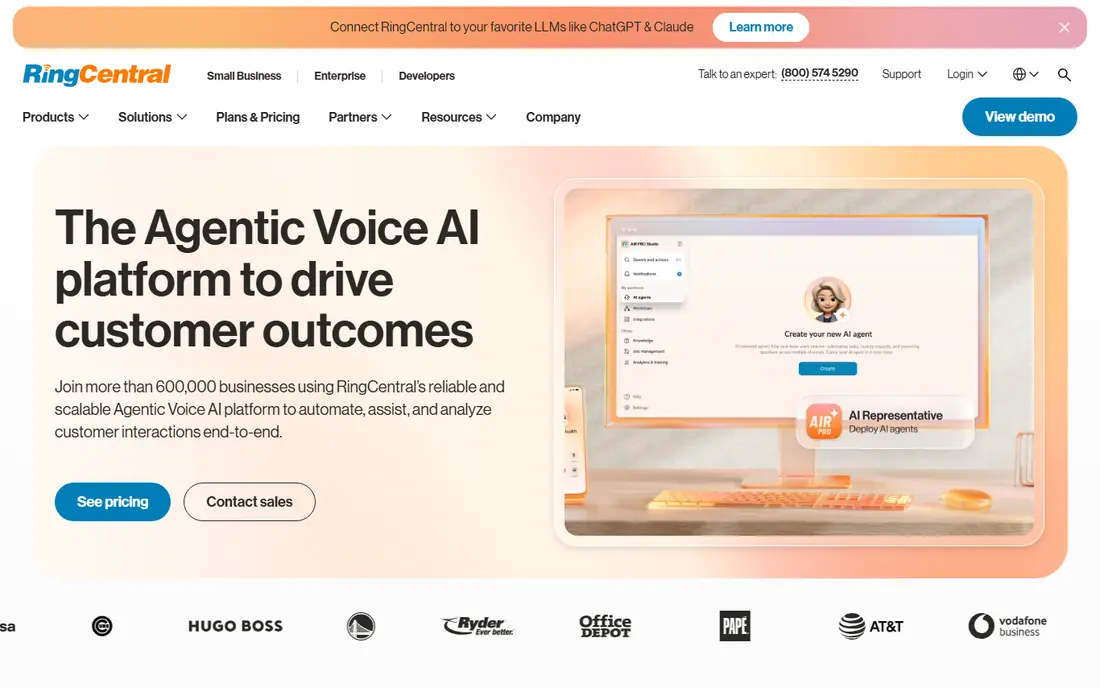
RingCentral is the safest all-round pick for a team that expects to grow. Its core plan, at $20 per user per month on annual billing, covers phone, video, messaging, and team chat, and it connects to more than 300 business apps, including major CRMs and helpdesk tools. That breadth matters when a sales or support team lives in another system and needs calls logged there automatically.
The trade-offs are price and complexity. Monthly billing costs more than annual billing, and AI features, analytics, and SMS packs can add cost on top of the base plan. The admin console is also deeper than a solo owner needs, so setup takes longer than with Ooma or Grasshopper. For a team of ten or more that wants one platform to scale toward a contact center, RingCentral is our pick. For a solo owner, a simpler service will be cheaper and faster to run.
- Very large integration library
- Phone, video, and messaging in one app
- Strong admin controls for larger teams
- Monthly price is higher than the annual rate
- Add-ons can raise the bill
- Admin setup takes time
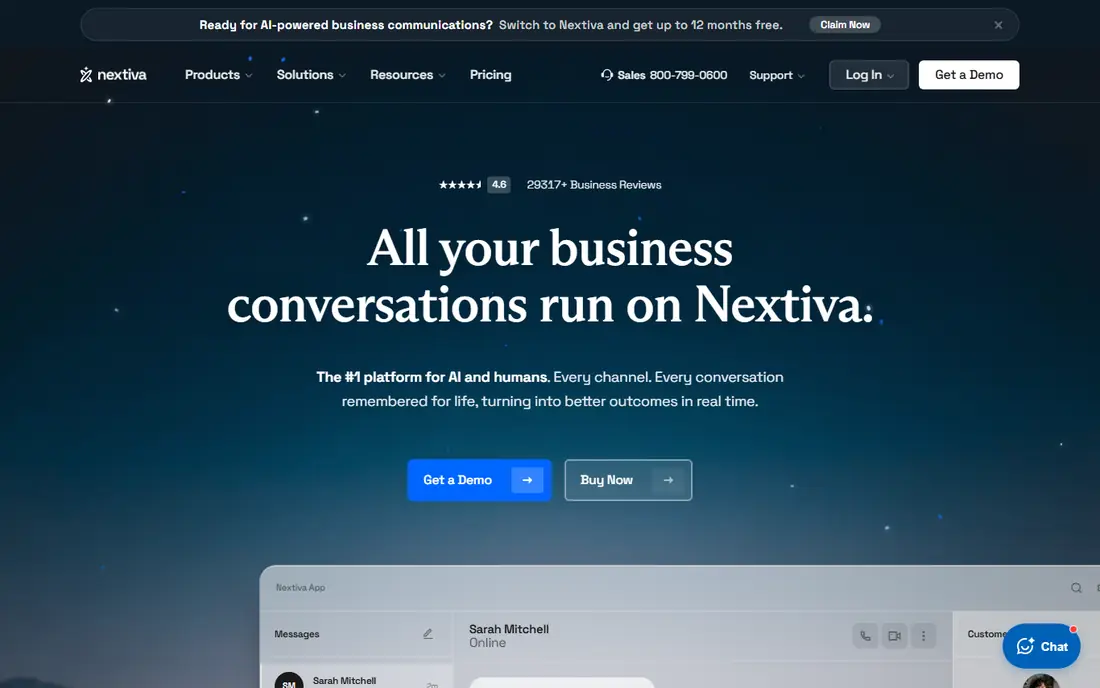
Nextiva suits businesses that want a phone service to simply work, with a human to call when it does not. Its core plan starts at $15 per user per month on annual billing, and higher plans add customer experience tools such as chat, surveys, and contact center features. Support quality is the feature most often praised in public reviews, which matters for a business that cannot afford a missed call or a long outage.
The pricing needs a careful read. The monthly rate is $23 per user, well above the annual rate, and the top Scale plan is far more expensive, so a team should price the tier it actually needs, not just the entry tier. Nextiva also offers no free trial in the usual sense, although it offers a money-back period on some plans. For a small business that values reliability and support over the lowest price, Nextiva is a strong, dependable choice.
- Strong reputation for reliability and live support
- Phone, chat, and surveys in one thread on higher plans
- Simple admin
- No free trial on some plans
- Monthly price jumps to $23 per user
- Higher tiers get expensive
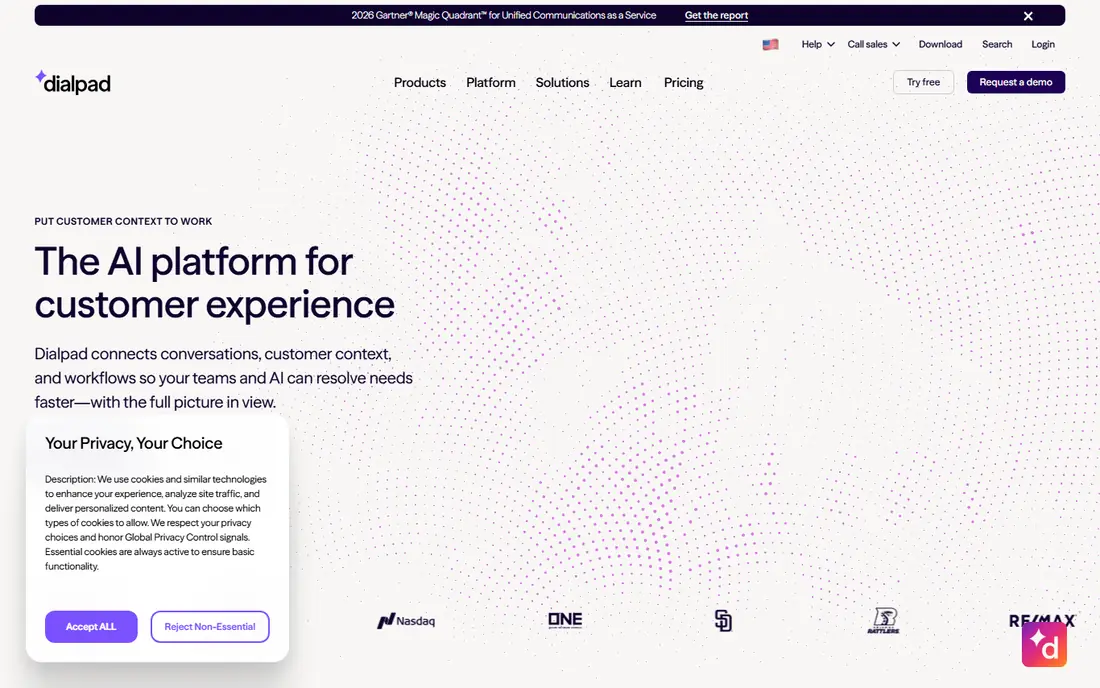
Dialpad is the AI-first pick in this group. Its AI transcribes calls, writes summaries, and can coach a sales or support agent during a live call, and those features sit on every plan rather than only on the most expensive tier. That makes Dialpad attractive to sales and support teams who want to review calls, spot coaching moments, and keep notes without extra software.
The catches are pricing and integrations. The annual price is $15 per user per month, but monthly billing rises to $27, a large gap, and full CRM integrations need the Pro tier at $25 per user per month on annual billing. Single sign-on also needs a larger seat count. For a team that will actually use AI summaries and coaching every day, Dialpad is worth the price. For a team that just needs a phone line, a cheaper service will do.
- AI transcription, summaries, and live coaching on every plan
- Clean interface
- Good mobile and desktop apps
- Monthly price jumps to $27 per user
- Full CRM integrations need the Pro tier
- Single sign-on needs a large seat count
Ooma Office suits a small team moving off landlines and wanting a simple, predictable bill. The Essentials plan costs $19.95 per user per month, with no annual contract, and includes a virtual receptionist, which is the auto-attendant that greets callers and routes them to the right person. Ooma also sells pre-configured desk phones, which can make setup painless for an office that still wants handsets.
The limits show up as a team grows. Call recording, CRM integrations, and deeper analytics sit on the Pro and Pro Plus tiers at $24.95 and $29.95 per user per month, and Ooma lacks the full contact center depth of RingCentral or Nextiva. For a team under ten that wants a reliable phone, a clear price, and no contract, Ooma is an excellent, low-stress choice.
- Simple flat pricing with no annual contract
- Virtual receptionist included
- Pre-configured desk phones available
- Call recording and CRM integrations sit on higher tiers
- Fewer advanced contact center tools
Zoom Phone is the cheapest way to add calling for a team that already lives in Zoom. The entry metered plan starts at about $10 per user per month on annual billing, on top of a Zoom Workplace plan, and it lets users make and take calls in the same app they use for video meetings. A call can also escalate to video with one click, which is handy for support and sales conversations that need a screen share.
The weakness is that Zoom Phone is an add-on, not a standalone phone-first platform. Advanced routing, supervisor tools, and analytics need higher tiers, and a team that does not use Zoom for video has little reason to choose it over RingCentral or Dialpad. For a Zoom-standard team, though, the low price and single app make Zoom Phone an easy, sensible addition.
- Low add-on price for Zoom users
- One app for video and calling
- Easy call escalation to video
- Needs a Zoom Workplace plan
- Advanced routing and analytics need higher tiers
- Weaker as a standalone choice
Vonage suits teams that work from softphones on a computer or mobile, and teams that may later build custom calling features. Its Mobile plan starts at $13.99 per line per month on annual billing, and Vonage offers a large developer platform, backed by Ericsson, for voice, messaging, and video APIs. That makes it a good pick for a business that wants a phone service now and custom integrations later.
The trade-off is add-ons. Call recording, call queues, and some integrations cost extra, and usage caps and terms vary by plan, so the headline price is not always the full price. Vonage also feels less polished as an all-in-one collaboration suite than RingCentral. For a softphone team that values a low entry price and API flexibility, Vonage is a strong choice, provided you price the add-ons you actually need.
- Low entry price
- Strong developer platform for custom calling features
- Good mobile and desktop apps
- Call recording and some features are paid add-ons
- Pricing and usage caps need a careful read
Grasshopper is different from the other services here, because it is a virtual phone system rather than a full VoIP platform. For $14 per month on annual billing for the True Solo plan, a solo owner gets a business number, a professional greeting, extensions, and call forwarding to a personal mobile. That is enough for a freelancer, consultant, or small shop that wants to sound professional without buying a phone system.
The limits matter for teams. Grasshopper forwards calls to existing phones rather than providing a full VoIP calling platform, and it lacks the deep routing, integrations, and contact center tools of RingCentral or Nextiva. For a solo owner, that simplicity is the point. For a team of five or more that needs shared inboxes, queues, and CRM logging, OpenPhone or Ooma will serve better.
- Flat monthly rate, not per user
- Simple setup for a solo owner
- Business number, greetings, and extensions
- Not a full VoIP system for larger teams
- Limited advanced routing and integrations
- Call quality depends on forwarding
Google Voice is the simplest add-on for a team already paying for Google Workspace. The Starter plan costs $10 per user per month, on top of Workspace, and it gives each user a business number, voicemail transcription, and spam filtering, with calls and texts in a familiar Google interface. Setup is quick, and for a micro-team that mainly needs a business number and basic calling, it is hard to beat on price.
The weakness is depth. Multi-level auto-attendants, advanced routing, and deeper analytics need the Standard plan at $20 per user per month or Premier at $30, and Google Voice lacks the contact center and AI coaching features of Dialpad or RingCentral. For a Workspace team that wants a simple, cheap business line, Google Voice is a smart pick. For a support or sales team, a dedicated phone platform will be better.
- Lowest cost for Workspace teams
- Simple setup
- Good spam filtering and voicemail transcription
- Needs a Google Workspace plan
- Meaningful features need Standard or Premier tiers
- Limited advanced phone features
OpenPhone, now also known as Quo in some listings, suits small teams that live on texting as much as calling. Its Starter plan costs $15 per user per month on annual billing, and it offers shared numbers, team inboxes, SMS threads, and mentions, so any team member can see a customer conversation and pick it up. That shared view is the feature that sets it apart from a simple forwarding service such as Grasshopper.
The trade-off is traditional telephony depth. OpenPhone offers limited IP desk phone provisioning and fewer advanced routing features than RingCentral or Nextiva, so an office that needs handsets and complex queues should look elsewhere. For a modern small team that handles customers by call and text from laptops and mobiles, OpenPhone is a clean, well-priced choice.
- Shared team inboxes for calls and texts
- Easy SMS and mentions
- Modern, simple interface
- Limited traditional desk phone provisioning
- Fewer advanced routing features than larger platforms
How we picked these
We compared official pricing pages and product pages, and we favored services that are still sold in October 2026 and that publish a clear starting price. We included full VoIP platforms, add-on services for Zoom and Google Workspace, and a virtual system for solo owners, so different team sizes are covered. We also flagged annual versus monthly pricing, because that gap changes the real cost more than any single feature for many small businesses.
What to check before you switch
Start with your call flow, not the feature list. Write down how calls should be answered, who should get them after hours, and whether texting matters as much as calling. A solo owner needs a greeting and forwarding, a sales team needs queues and CRM logging, and a support team needs shared inboxes and recording. Pick the service that matches that flow, not the one with the longest feature list.
Then price the whole setup for your team size. Check whether the quoted price needs annual billing, whether SMS, recording, and extra numbers are included, and whether you need desk phones or can use apps. Finally, port one number first and test it for a week before moving every number, because porting, call quality, and voicemail behavior are hard to judge from a demo alone.