Best Business Software in 2026: 9 Tools Compared
By ToolNimba Editorial Team October 29, 2026 10 min read

- Top pick
 QuickBooks Online
Small business accounting in the US
Starting price$38 per monthCheck out QuickBooks OnlineRead our review - Runner-up
 Xero
Accounting with unlimited users
Starting price$25 per monthCheck out XeroRead our review - Also great
 Zoho One
Many business apps under one price
Starting priceSee websiteCheck out Zoho OneRead our review
How we researched this
We compared official pricing and feature pages, app store listings, privacy policies and public user reviews. Prices change, so check the provider's site before you pay.
Key takeaways
- QuickBooks Online and Xero cover accounting, while HubSpot and Salesforce cover sales and customer records.
- Asana, Slack, and Notion cover how a team plans, talks, and stores knowledge, which is a different job from accounting.
- Zoho One suits businesses that want many apps under one subscription, but setup takes time.
- Count users, invoices, and contacts before you buy, since those limits drive the real monthly cost more than the headline price.
Quick comparison
| Name | Best for | Starting price | Free plan | |
|---|---|---|---|---|
| QuickBooks Online | Small business accounting in the US | $38 per month | Free trial | Visit |
| Xero | Accounting with unlimited users | $25 per month | Free trial | Visit |
| Zoho One | Many business apps under one price | See website | Free trial | Visit |
 HubSpot | Free CRM with marketing tools | Free | Yes | Visit |
 Salesforce | Large teams with complex sales | $25 per user per month | Free trial | Visit |
 Asana | Team projects and task tracking | Free | Yes | Visit |
 Slack | Team messaging and quick coordination | Free | Yes | Visit |
 Notion | Docs, wikis, and light project tracking | Free | Yes | Visit |
 FreshBooks | Invoicing for freelancers and service firms | $23 per month | Free trial | Visit |
The best business software
Business software is a broad label. It covers accounting, customer records, projects, messaging, and documents, and no single app does all of them well. This guide picks strong tools for each job, so you can build a small stack that fits your team rather than buying one bloated suite. We compared official pricing pages and recent pricing guides for tools that are widely used in the United States.
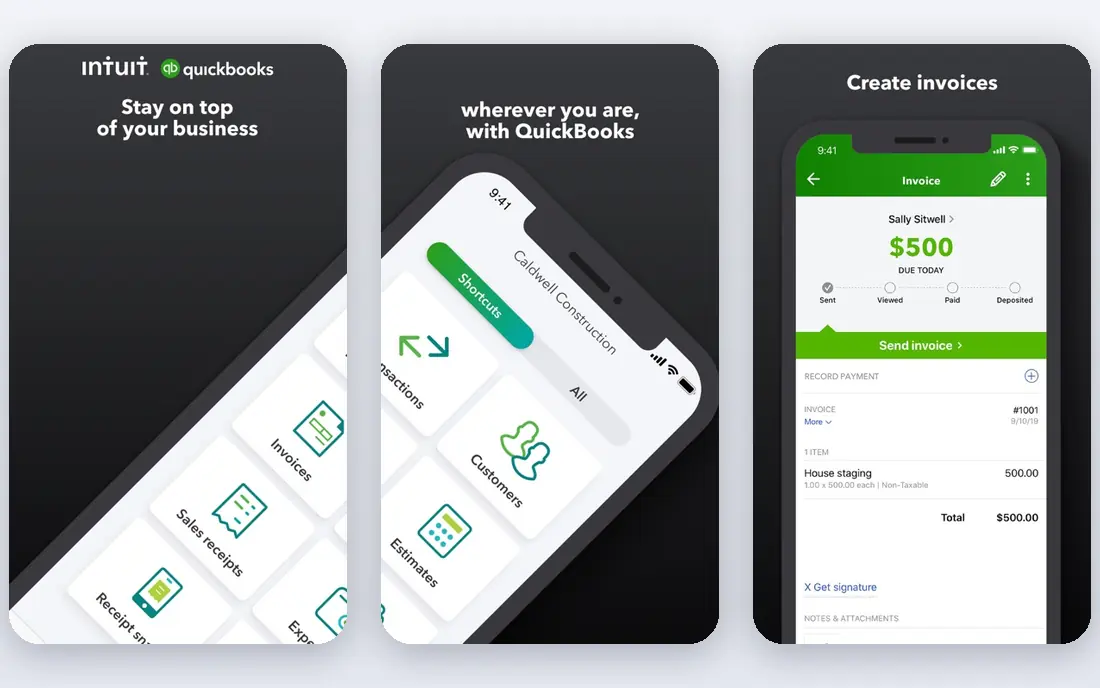
QuickBooks Online is the most common accounting choice for US small businesses, and that popularity helps. Accountants know it, banks connect to it, and add-ons cover payroll, inventory, and payments. Invoicing, expense tracking, bank feeds, and tax-ready reports are all built in.
The cost model needs attention. Simple Start starts at $38 per month for one user, with higher plans for more users and features. A solo owner with simple needs may find a cheaper tool enough. For a growing business that wants a well-supported US accounting system, QuickBooks is a safe and practical pick.
- Largest US accountant and add-on ecosystem
- Strong invoicing, payroll links, and reporting
- Scales from solo to mid-size teams
- User counts are capped by plan
- Price rises with users and features
- Interface can feel busy for a solo owner
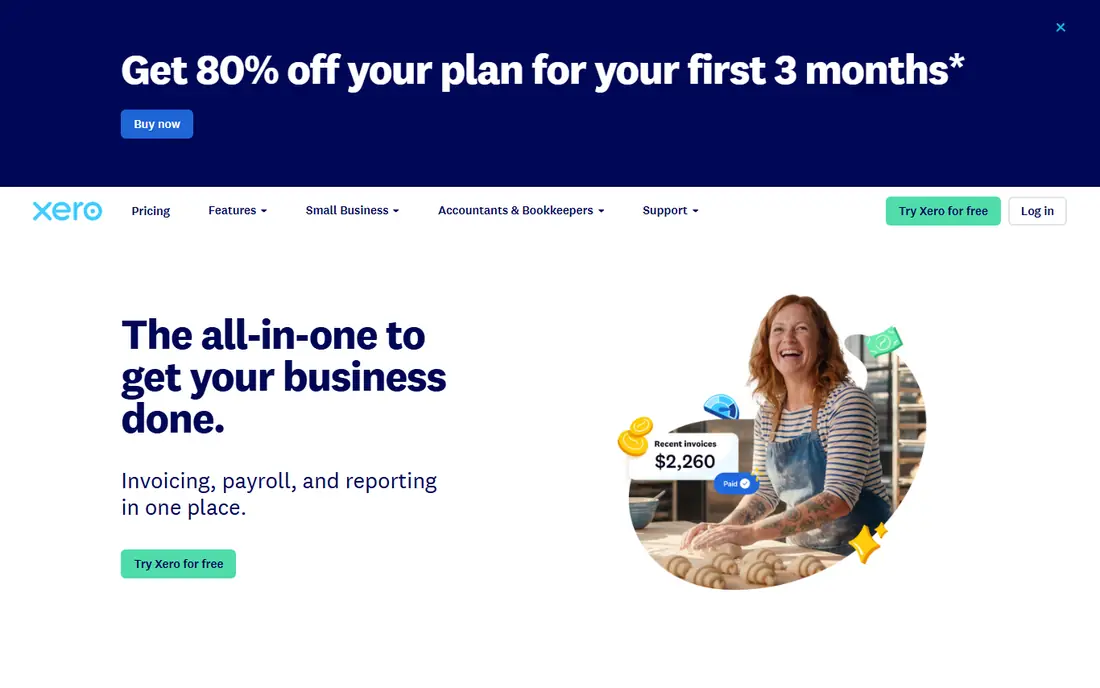
Xero suits teams where several people need access to the books. All plans include unlimited users, so the price does not rise with headcount in the same way as QuickBooks. Bank reconciliation is clean, multi-currency support is strong, and the app store adds many tools.
The entry Early plan at $25 per month caps invoices and bills, so a busy business may need the Growing plan at $59 per month. US payroll is also less central than in QuickBooks. If many people touch your books, or you work across currencies, Xero is an excellent alternative to QuickBooks.
- Unlimited users on all plans
- Clean bank reconciliation
- Strong multi-currency and app ecosystem
- Entry plan caps invoices and bills
- US payroll options are more limited than QuickBooks
- Higher plans needed for advanced features
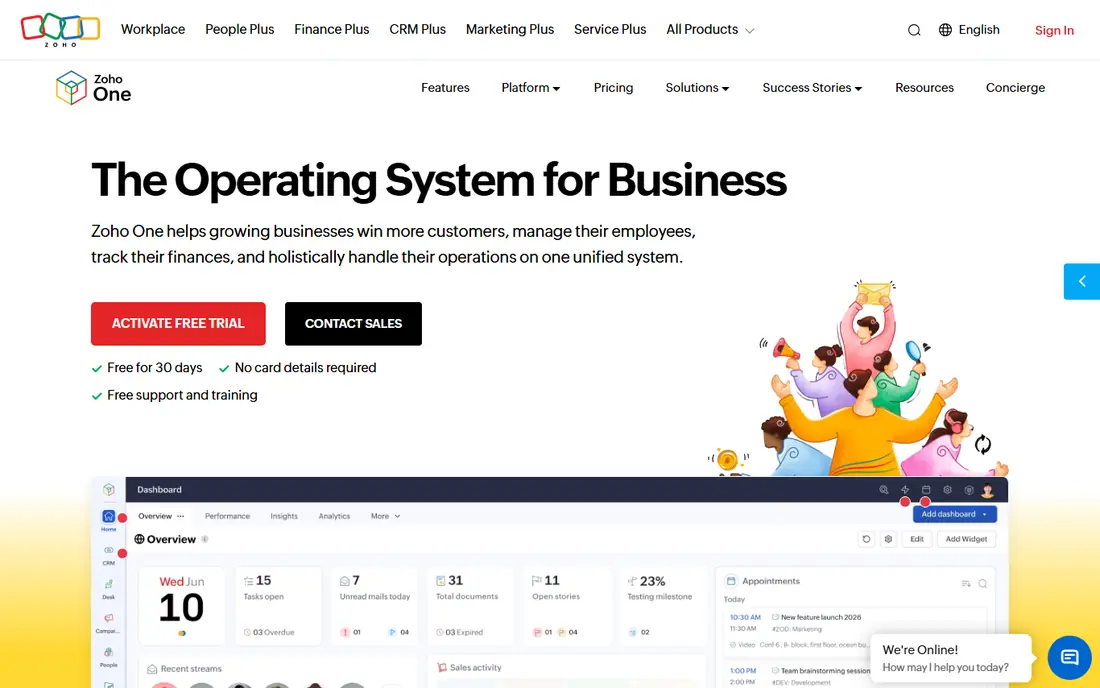
Zoho One bundles a large suite of business apps for one per-user price. That includes CRM, accounting, projects, documents, mail, and HR tools, all sharing one login. For a small business that would otherwise buy five separate subscriptions, the value can be strong.
The risk is sprawl. Learning and setting up so many apps takes time, and a few Zoho apps are less polished than a focused rival. If you want one vendor and one bill, and you have time to set it up well, Zoho One is worth a trial. If you only need accounting or CRM, buy that one tool instead.
- Dozens of apps for CRM, books, projects, mail, and HR in one suite
- Single login and shared data
- Good value for the range
- Setup and learning time across so many apps
- Some apps are weaker than best-in-class rivals
- Pricing varies by user and region
HubSpot is the easiest CRM to start with. The free CRM covers contacts, companies, deals, and pipelines, with email, forms, and basic marketing tools. As a business grows, paid Marketing, Sales, and Service Hubs add automation, reporting, and support tools in the same system.
Paid prices jump at higher tiers, so a small team should stay on free or low-cost plans until a specific feature is needed. Reporting and automation limits also appear on free plans. For a business that wants a CRM that can grow from free to full marketing, HubSpot is a strong and low-risk start.
- Free CRM for contacts, deals, and pipelines
- Marketing, sales, and service hubs can grow together
- Many integrations
- Paid hubs rise sharply in price
- Advanced automation sits on higher tiers
- Free plan limits some reporting and branding
Salesforce is the standard CRM for larger and more complex sales teams. It handles custom objects, workflows, approvals, forecasting, and reporting at a scale that smaller CRMs cannot match. The AppExchange adds thousands of integrations and industry tools.
That power comes with cost and complexity. Starter starts at $25 per user per month, with higher tiers at $100 and above, and most teams need an admin or partner to set it up well. For a small team with a simple pipeline, HubSpot or Zoho CRM will be faster and cheaper. For a larger team with complex sales, Salesforce earns its price.
- Deep customization, reporting, and automation
- Huge app ecosystem
- Strong enterprise security and controls
- Needs admin time and setup help
- Higher plans are costly
- Small teams may find it more than they need
Asana helps a team turn work into visible projects. Tasks, due dates, timelines, and dashboards show who is doing what, and integrations link it to Slack, Google Drive, and other tools. That clarity helps cross-team work where email and chat alone lose track of tasks.
The free plan now covers only very small teams, and paid Starter starts at $10.99 per user per month. Advanced reporting, portfolios, and goals need higher tiers. For a team that needs structured project tracking without a steep learning curve, Asana is a polished and reliable choice.
- Clear projects, tasks, timelines, and dashboards
- Strong integrations
- Polished interface for cross-team work
- Free plan is limited to small teams
- Paid Starter starts at $10.99 per user per month
- Advanced reporting sits on higher tiers
Slack is where many small teams talk. Channels keep topics separate, threads keep replies tidy, and integrations bring alerts from other tools into the conversation. Huddles and canvases add quick calls and shared notes without leaving the app.
Slack is not a project tracker, though. Tasks discussed in chat can scroll away, so pair it with Asana, Notion, or another task tool for work that must be tracked. Free plans also limit message history. For daily team communication, Slack remains the most widely used and easiest to adopt option.
- Fast channels, threads, and search
- Many app integrations
- Huddles and canvases for quick work
- Messages and history limits apply on free plans
- Paid plans add per-user cost
- Important work can scroll away without a task tool
Notion is a flexible workspace for documents, wikis, and databases. A team can build a company handbook, a content calendar, a CRM lite, and a task board in one place, using templates to start fast. That flexibility suits small teams that want one home for knowledge.
Flexibility is also the weakness. A blank Notion workspace does nothing until someone designs it, and complex project management still suits Asana better. Paid Plus starts at $10 per user per month for teams that need more guests and history. For docs and shared knowledge, Notion is a strong and affordable pick.
- Flexible pages, databases, and templates
- Good for wikis, notes, and light projects
- Free plan for individuals
- Needs setup to become useful
- Not a full project manager for complex work
- Paid Plus starts at $10 per user per month
FreshBooks suits freelancers and service businesses that live by invoices. Sending a professional invoice, tracking time, capturing expenses, and letting clients pay online are all simple. The client portal also makes it easy for customers to see invoices and payment history.
It is not a full double-entry accounting system in the same way as QuickBooks or Xero, and payroll is an extra cost. Inventory tracking is also limited. For a service business that needs clean invoicing without full accounting complexity, FreshBooks is a friendly and focused choice.
- Easy invoicing, time tracking, and expense capture
- Clean client portal
- Good for service businesses
- Less full accounting depth than QuickBooks or Xero
- Payroll costs extra
- Inventory features are limited
How we picked these
We compared official pricing pages and recent pricing guides, and we favored tools that are widely used, still maintained, and clear about user, invoice, or contact limits. We did not claim hands-on testing. Business software pricing changes often, and many vendors offer first-year discounts that expire, so confirm the regular price before you commit.
How to build a small business stack
Do not buy everything at once. Start with the job that causes the most pain, usually money or customers, then add one tool at a time. A common small stack is an accounting tool, a CRM, a task tool, and a docs tool, with messaging on top.
Count the seats first
Per-user pricing multiplies fast. List everyone who truly needs to edit, not just view, and check guest and viewer options. A tool with a flat price or unlimited users can beat a cheaper per-user headline price for a larger team.
Check integrations before you buy
Make sure your accounting, CRM, and task tools share data or connect through a common integration. Manual copying between apps wastes time and creates errors. Ask your accountant which accounting tool they already use, since that choice affects year-end work.
Trial with real work
Use a trial with real invoices, real deals, or real projects, not sample data. Check that reports, permissions, and mobile access fit your team. A tool that only the owner understands will fail when the team grows.