Best Cleaning Schedule App in 2026: 9 Apps Compared
By ToolNimba Editorial Team October 29, 2026 8 min read

- Top pick
 Sweepy
Automatic schedules
Starting priceSee websiteCheck out SweepyRead our review - Runner-up
 Tody
Flexible intervals
Starting price$9.99 per yearCheck out TodyRead our review - Also great
 OurHome
Family chore sharing
Starting priceFreeCheck out OurHomeRead our review
How we researched this
We compared official pricing and feature pages, app store listings, privacy policies and public user reviews. Prices change, so check the provider's site before you pay.
Key takeaways
- Sweepy suits households that want automatic schedules and progress tracking in a polished app.
- Tody suits people who want flexible, interval-based cleaning rather than fixed weekdays, with Premium at 9.99 dollars per year.
- OurHome suits families sharing chores, with points and rewards for kids, free to use.
- Homey suits families who want chore charts with allowances, starting at 4.99 dollars per month for premium.
- Clean My House suits simple room-by-room checklists without complexity.
- The best app is the one your household actually opens: simple beats feature-rich if nobody uses it.
Quick comparison
| Name | Best for | Starting price | Free plan | |
|---|---|---|---|---|
| Sweepy | Automatic schedules | See website | Yes | Visit |
| Tody | Flexible intervals | $9.99 per year | Yes | Visit |
| OurHome | Family chore sharing | Free | Yes | Visit |
 Homey | Family rewards and allowance | $4.99 per month | Yes | Visit |
 Clean My House | Simple checklists | See website | Yes | Visit |
 Habitica | Gamified chores | Free | Yes | Visit |
 Cozi | Family organizer | Free | Yes | Visit |
 Microsoft To Do | Simple shared lists | Free | Yes | Visit |
 Google Tasks | Minimal task lists | Free | Yes | Visit |
The best cleaning schedule app
Cleaning schedule apps turn housework into routines: tasks repeat on intervals, household members share chores, and progress stays visible. We compared official app pages, feature pages and public documentation to build this list, covering solo users, couples and families.
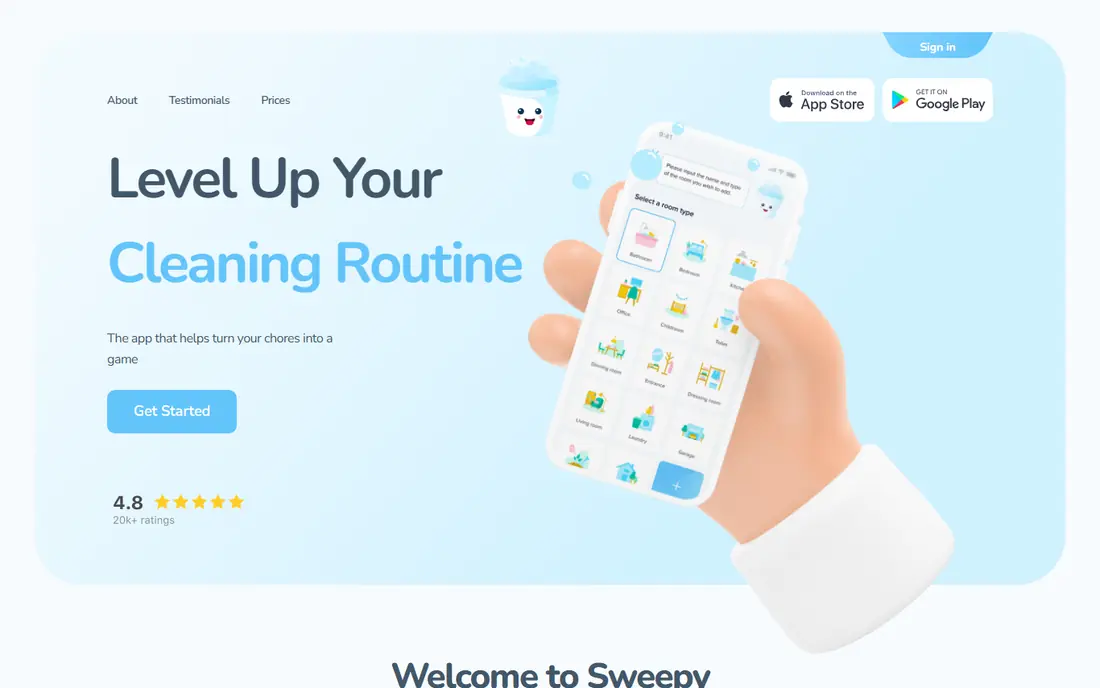
Sweepy builds a cleaning schedule automatically from your rooms and tasks, tracking progress, streaks and completion across the household. The app is free with a premium subscription adding unlimited rooms, tasks and features.
The automatic scheduling suits busy households that want a plan without building one from scratch. Premium is needed for larger homes with many rooms. For automatic schedules, Sweepy is our pick.
- Automatic schedule generation
- Room-by-room tasks
- Progress tracking and streaks
- Premium needed for full features
- Free version includes ads
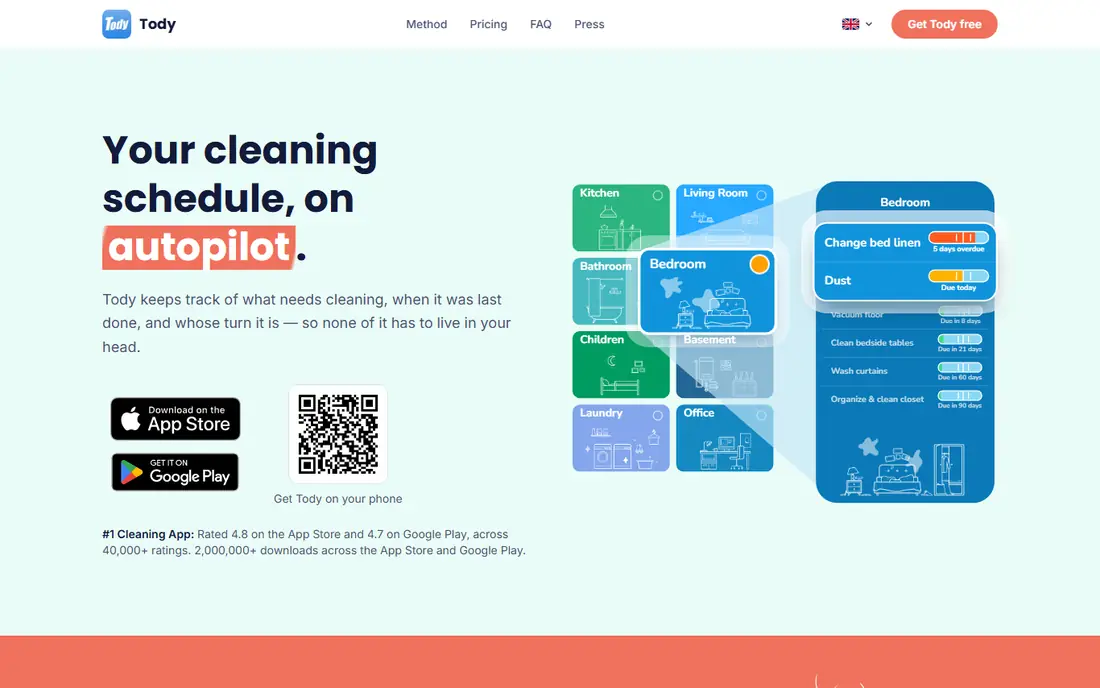
Tody schedules cleaning by interval rather than fixed weekdays: each task shows a dirtiness indicator that grows over time, so you clean what needs it most. The free plan covers the core cleaning plan for one person with no ads, while Tody Premium costs 9.99 dollars per year for multiple homes and a focus timer, and Premium Plus adds household sync from 25 dollars per year.
The interval approach suits people who hate rigid weekday schedules and prefer cleaning when tasks actually need it. Household sync needs the Premium Plus tier. For flexible scheduling, Tody is a top pick.
- Interval-based scheduling
- Visual dirtiness indicators
- Household sharing and rotation
- Premium needed for multiple homes
- Design takes getting used to
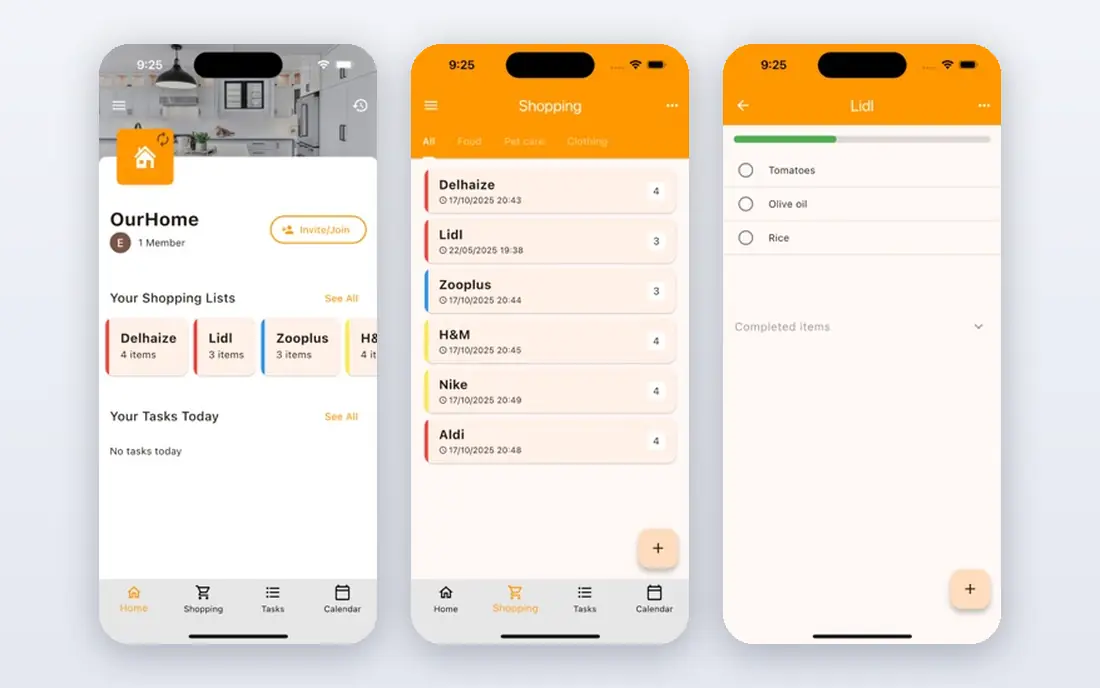
OurHome lets families assign chores, track points and set rewards for kids, with shared grocery lists and a family calendar. The app is free, with optional extras.
The family focus suits households with children, where motivation matters more than scheduling depth. Advanced scheduling trails Sweepy and Tody. For family chore sharing, OurHome is a great pick.
- Free for families
- Points and rewards for kids
- Shared grocery lists
- Fewer advanced scheduling features
- Interface is simple rather than polished
Homey turns chores into a system families can run together, with chore charts, allowance payments, savings jars and rewards that teach kids how money is earned. Basic Homey is free for up to three accounts, while Premium costs 4.99 dollars per month or 49.99 dollars per year.
The allowance features suit families with children old enough to earn and save. Larger families need the paid tier. For family rewards and allowance, Homey is a strong pick.
- Chore charts with allowance and rewards
- Kids learn money skills
- Syncs across devices
- Premium needed for more than three accounts
- Bank transfer is US only
Clean My House offers straightforward room-by-room cleaning checklists with daily reminders, a master chore list, bulk actions and backup to Google Drive, with no ads. The app is free with an optional premium upgrade.
The simplicity suits solo users who want a checklist, not a system. Sharing and progress tracking are thinner than Sweepy or OurHome. For simple checklists, Clean My House is a good pick.
- Simple room-by-room checklists
- Daily reminders
- No ads
- Backup to Google Drive
- Fewer sharing features
- Android focused
Habitica turns tasks and habits into a role-playing game, where completing chores earns experience, gold and items for your character, and parties let household members hold each other accountable. The core app is free, with optional subscriptions for extra features.
The game layer suits people who struggle with motivation and like streaks and rewards. Cleaning-specific features like room plans are missing. For gamified chores, Habitica is a fun pick.
- Turns chores into a role-playing game
- Parties and accountability
- Free core app
- Game elements distract some users
- Cleaning-specific features are basic
Cozi is a family organizer with a shared calendar, shopping lists, to-do lists and chore lists that the whole household can see. The core app is free, with Cozi Gold removing ads and adding features.
The shared calendar suits families that want chores alongside schedules and shopping in one place. Cleaning scheduling is simpler than interval-based apps. For a family organizer with chores, Cozi is a good pick.
- Shared family calendar and lists
- Chore lists for the household
- Free core app
- Ads in the free version
- Scheduling is simpler than Tody
Microsoft To Do handles cleaning schedules through shared lists with recurring tasks, reminders and due dates, letting household members check off chores from their phones. The app is free, with Microsoft 365 integration for Outlook users.
The simplicity suits households that already use Microsoft tools and want one list app for everything. Cleaning-specific features like room plans are missing. For simple shared chore lists, Microsoft To Do is a solid pick.
- Free
- Shared lists for households
- Reminders and recurring tasks
- Microsoft 365 integration
- Not cleaning-specific
- No dirtiness tracking or room plans
Google Tasks offers minimal task lists with due dates and reminders, integrated with Gmail and Google Calendar, letting you set recurring cleaning tasks in seconds. The service is free with a Google account.
The minimal design suits solo users who want the lightest possible system. Household sharing and cleaning features are thin. For a minimal free option, Google Tasks completes the list.
- Free
- Minimal and fast
- Integrates with Gmail and Google Calendar
- Very basic
- No household sharing depth or cleaning features
How we picked these
We compared official app pages, feature pages and public documentation for each app, and favored apps that are actively available in October 2026 with real household use. We mixed automatic schedulers, interval-based tools, family apps and simple checklists so the list covers solo users through large families. Pricing varies by platform and plan, so where pricing differs we point to vendor pages rather than quoting figures that may shift.
How to build a cleaning schedule that sticks
Start small: pick five tasks that matter most, set realistic intervals, and add more only after two weeks of consistency. Share the load visibly, since shared apps reduce arguments about who does what. Review monthly: intervals that always show overdue need longer gaps, while tasks that never trigger need shorter ones.
Pick one app and commit for a month
Switching apps kills momentum, so choose the simplest app your household will actually open and use it for a month before judging. A basic checklist used daily beats a perfect system nobody opens.
Do one room completely before starting the next. Deep cleaning fails when people drift between rooms and finish none of them, so pick a room, gather supplies first, and work top to bottom until it is done. Put on a timer for 45 minutes with a short break after, since focused bursts beat marathon sessions that end in exhaustion. A finished room motivates the next one far better than three half-cleaned rooms.
Involve everyone who lives there, including kids, with age-appropriate tasks. Shared apps like OurHome and Homey help by making assignments visible and rewarding completion, which cuts the nagging that poisons household routines. Review the split monthly, since fairness drifts as schedules change, and rotate the least popular jobs so nobody feels stuck with them permanently.