Best Clock In and Out App in 2026: 9 Apps Compared
By ToolNimba Editorial Team October 31, 2026 8 min read

- Top pick
 Homebase
Free scheduling plus time clock for small teams
Starting priceFreeCheck out HomebaseRead our review - Runner-up
 Connecteam
Mobile-first app for deskless teams
Starting priceFreeCheck out ConnecteamRead our review - Also great
 Jibble
Free verified clock-ins at any size
Starting priceFreeCheck out JibbleRead our review
How we researched this
We compared official pricing and feature pages, app store listings, privacy policies and public user reviews. Prices change, so check the provider's site before you pay.
Key takeaways
- Homebase, Connecteam, Jibble, and Sling offer real free starting points, so small teams can test a time clock without paying.
- Deputy leads for compliance-heavy shift work, while Buddy Punch leads for verification against buddy punching.
- Per-location pricing suits large single-site teams, while per-user pricing suits small teams spread across sites, so model both for your headcount.
Quick comparison
| Name | Best for | Starting price | Free plan | |
|---|---|---|---|---|
| Homebase | Free scheduling plus time clock for small teams | Free | Yes | Visit |
| Connecteam | Mobile-first app for deskless teams | Free | Yes | Visit |
| Jibble | Free verified clock-ins at any size | Free | Yes | Visit |
 Deputy | Compliance-heavy shift operations | $5 per user per month | Free trial (31 days) | Visit |
 When I Work | Affordable scheduling-first time tracking | $2.50 per user per month | Free trial (14 days) | Visit |
 Buddy Punch | Stopping buddy punching with verification | $19 per month | Free trial (14 days) | Visit |
 Sling | Free scheduling with team messaging | Free | Yes | Visit |
 7shifts | Restaurants from scheduling to payroll | Free | Yes | Visit |
 QuickBooks Time | QuickBooks payroll users | $20 per month | Free trial (30 days) | Visit |
The best clock in and out app
An employee time clock app should make clocking in easy for staff, accurate for managers, and simple to turn into payroll. This list covers free time clock apps for small business, scheduling-first tools, and compliance-heavy platforms, so you can match the app to team size, locations, and payroll setup.
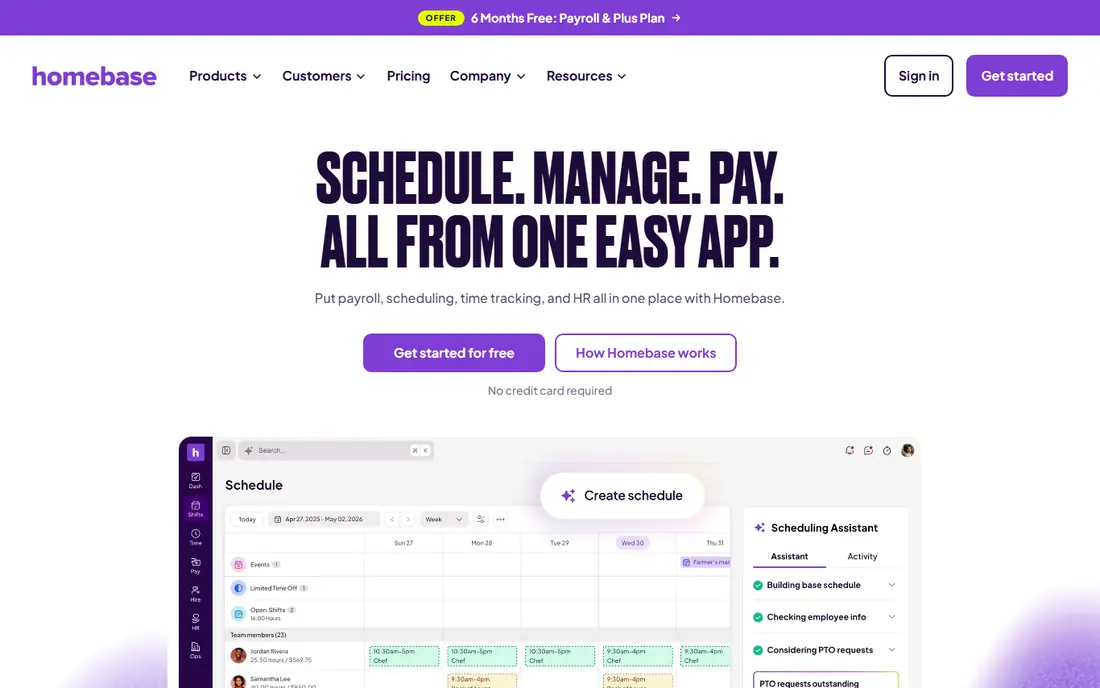
Homebase fits small businesses with hourly teams that want scheduling, a time clock, and team messaging in one app. Its free Basic plan covers one location and up to 10 employees, which lets small teams start without a subscription. That free start is a strong advantage for cafes, shops, and clinics. The catch is per-location pricing, since costs rise as you add sites, and payroll sits on a paid add-on. Check the export or sharing step early, because a tool that feels fast while you edit can still add friction at delivery.
- Free Basic plan for one location and up to 10 employees
- Scheduling and payroll add-on
- Paid tiers priced per location
- Payroll is a paid add-on
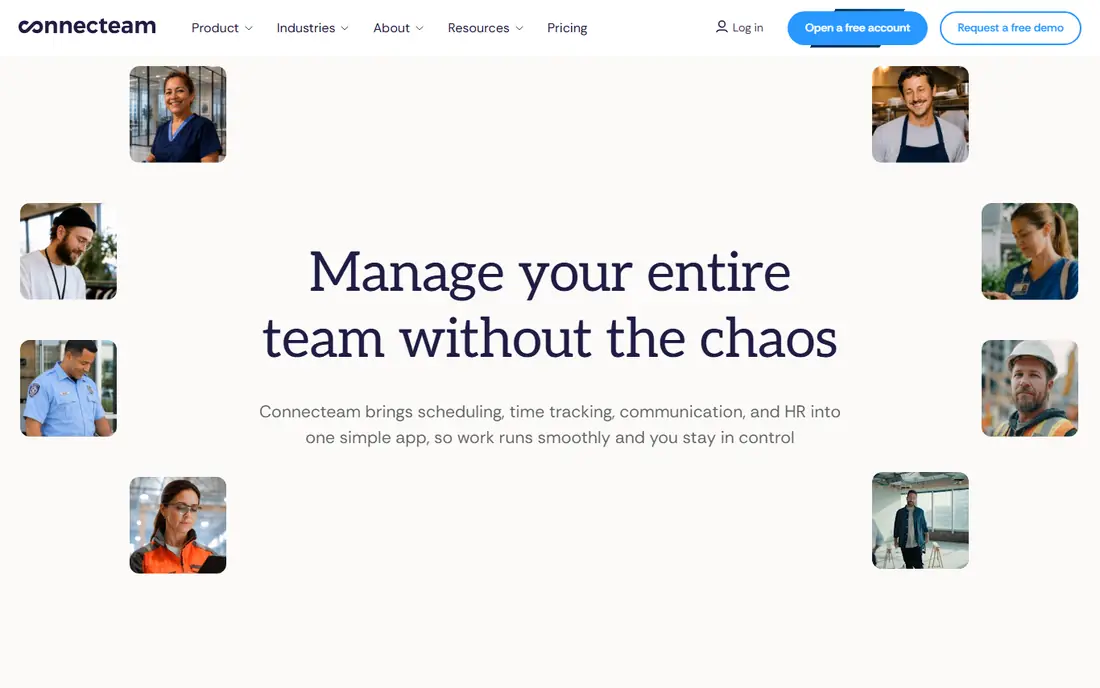
Connecteam fits deskless and frontline teams that need a single employee app on phones. Staff clock in from the app, managers build schedules, and teams share updates, forms, and training in the same place. For teams under 10 users, the free plan covers a great deal. The catch is breadth, since an all-in-one app may lack depth in one area compared with a specialist. Try the free tier or trial on a small job first, and note what is locked behind a paid plan before you build a workflow around it.
- Free for up to 10 users
- Time clock, scheduling, forms, and chat in one app
- Paid plans start at $29 per month for larger teams
- Depth varies by area
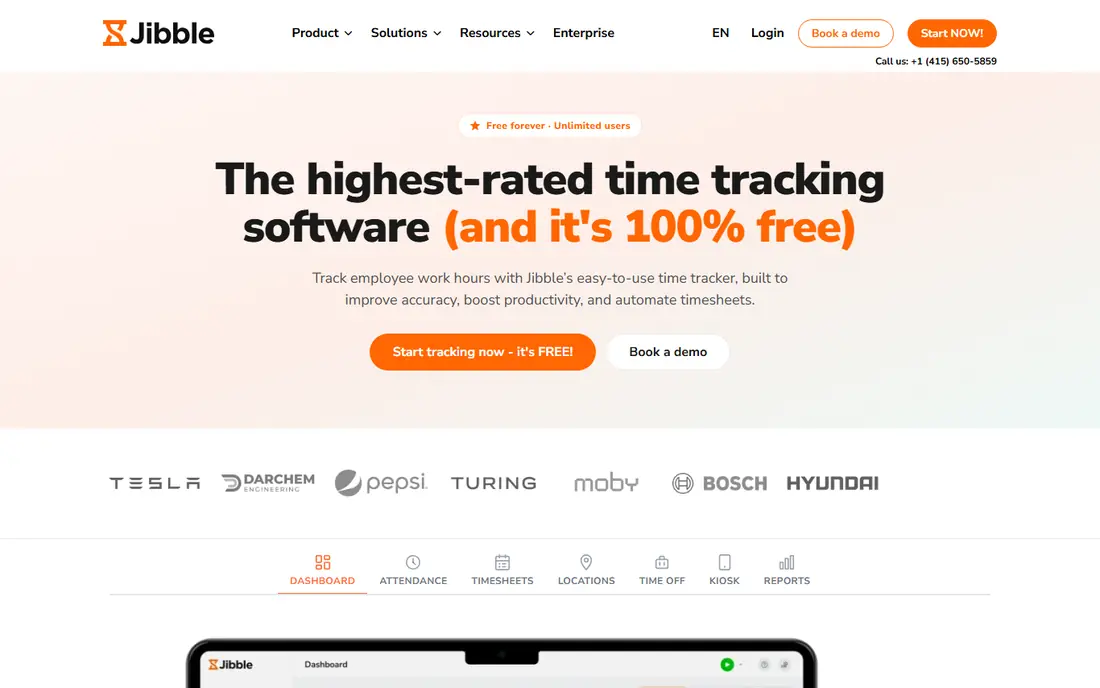
Jibble fits teams whose main need is accurate hours, not complex scheduling. Its free plan covers unlimited users with clock-in verification, including facial recognition and GPS checks. That free scale is unusual and valuable for growing teams. The catch is that deeper reporting, payroll integrations, and advanced controls sit on paid tiers. Before you commit, test it on one real project with your usual files and export settings, so you can see where it slows down before it matters.
- Free for unlimited users
- Facial recognition and GPS verification
- Advanced reports and integrations need paid plans
Deputy fits growing businesses with complex shift rules, multiple locations, and compliance needs. It combines scheduling, time tracking, and labor compliance tools, with integrations to payroll providers. For regulated or multi-site work, that compliance depth matters. The catch is per-user pricing, so large teams should model the full monthly cost before signing. Check the export or sharing step early, because a tool that feels fast while you edit can still add friction at delivery.
- Strong scheduling and compliance tools
- Multi-location support
- Payroll integrations
- No free plan
- Costs grow per user across large teams
When I Work fits shift-based teams whose main pain is building and filling the roster. Managers publish schedules, staff swap shifts in the app, and time tracking can be added for hours and payroll. The low per-user price makes it easy to start for small shift teams. The catch is add-on pricing, since time tracking may cost extra on top of the base plan. Try the free tier or trial on a small job first, and note what is locked behind a paid plan before you build a workflow around it.
- Low per-user price
- Easy scheduling
- Shift swaps in the app
- Time tracking is an add-on
- No free plan for teams
Buddy Punch fits employers worried about buddy punching and inaccurate hours. It verifies clock-ins with facial recognition, GPS, and geofencing, and offers PTO tracking and payroll exports. Those verification tools directly address time theft, which is the main reason teams choose it. The catch is pricing shape, since a base fee plus per-user charges needs modeling for your team size. Before you commit, test it on one real project with your usual files and export settings, so you can see where it slows down before it matters.
- Facial recognition, GPS, and geofencing
- Simple time tracking
- PTO tools
- Base fee plus per-user charges
- Less scheduling depth than Deputy
Sling fits budget-minded small teams that want free scheduling plus messaging in one place. Staff see schedules, swap shifts, and message the team, while managers track basic time data. The free tier covers core scheduling for small teams. The catch is depth, since advanced time clock and payroll features are thinner than specialist tools. Check the export or sharing step early, because a tool that feels fast while you edit can still add friction at delivery.
- Free scheduling essentials
- Team messaging
- Shift swaps
- Paid features limited in detail
- Check integration list for payroll
7shifts fits restaurants that want scheduling, time tracking, and communication built for hospitality work. It handles shift swaps, availability, and labor costs, with a payroll product for teams that want one system. Restaurant focus means features match real service workflows. The catch is per-location pricing and tier limits, so multi-site groups should check the full plan. Try the free tier or trial on a small job first, and note what is locked behind a paid plan before you build a workflow around it.
- Restaurant-focused scheduling
- Free plan for one location
- Own payroll product
- Pricing per location
- Some features need higher tiers
QuickBooks Time fits businesses already running QuickBooks payroll who want time data to flow straight into pay runs. Staff clock in from mobile or web, track time by job or customer, and managers approve hours for payroll. Removing the export step saves admin time and reduces errors. The catch is pricing, since a base fee plus per-user charges applies, and value is highest for QuickBooks users. Before you commit, test it on one real project with your usual files and export settings, so you can see where it slows down before it matters.
- Native QuickBooks integration
- GPS and job tracking
- Mobile clock-ins
- Base fee plus per-user charges
- Best value inside QuickBooks
How we picked these
We compared official feature pages, current pricing pages, app store listings, privacy policies where they mattered, and public reviews. We kept only products that exist and work today, and that fit the topic directly rather than loosely. Where a price was unclear or changed by plan, we used See website instead of guessing, and we treated free tiers as useful only when they cover real work, not just a demo. We also weighed the honest trade-offs. A strong feature set means less when the price, the learning curve, or the export options make everyday use harder. That is why each write-up below names a catch alongside the strengths, so you can match the tool to your budget, skill level, and the kind of output you actually need.
How to choose a time clock app
Start with how staff actually work
Field crews need GPS and offline-friendly mobile clock-ins, while shop staff may use a shared tablet. Test clock-in on the devices your team really uses, not just on a manager laptop.
Decide how much verification you need
Facial recognition and geofencing help where buddy punching is a risk, but they also raise privacy questions. Tell staff what is collected, check local rules, and choose the lightest verification that solves your problem.
Check the payroll path before you buy
Confirm how approved hours reach payroll, whether by native integration, export, or manual entry. A clean payroll path saves more time than a pretty schedule view.