Best Cloud Migration Tools in 2026: 9 Tools Compared
By ToolNimba Editorial Team November 6, 2026 9 min read

- Top pick
 AWS Application Migration Service
AWS server migration
Starting priceFreeCheck out AWS Application Migration ServiceRead our review - Runner-up
 Azure Migrate
Azure server and app migration
Starting priceFreeCheck out Azure MigrateRead our review - Also great
 Google Cloud Migration Center
Google Cloud migration planning
Starting priceSee websiteCheck out Google Cloud Migration CenterRead our review
How we researched this
We compared official pricing and feature pages, app store listings, privacy policies and public user reviews. Prices change, so check the provider's site before you pay.
Key takeaways
- Native cloud tools are often free for a period, while third-party tools charge by server or engagement.
- Assessment and rightsizing matter as much as replication, since they control the bill after cutover.
- Cloud-agnostic tools help when the destination is not yet decided, but native tools integrate better.
- Always pilot one workload before moving a full estate.
Quick comparison
| Name | Best for | Starting price | Free plan | |
|---|---|---|---|---|
| AWS Application Migration Service | AWS server migration | Free | Free trial | Visit |
| Azure Migrate | Azure server and app migration | Free | Free trial | Visit |
| Google Cloud Migration Center | Google Cloud migration planning | See website | No | Visit |
 Cloudamize | Cloud-agnostic migration planning | See website | No | Visit |
 RiverMeadow | Automated cloud migration | See website | No | Visit |
 Zerto | Resilient workload mobility | See website | No | Visit |
 Flexera | Migration and cloud cost planning | See website | No | Visit |
 VMware HCX | VMware workload migration | See website | No | Visit |
 Carbonite Migrate | Server migration for smaller estates | See website | No | Visit |
The best cloud migration tools
We compared official pricing pages, feature pages, and app store listings to build this list of cloud migration tools. Prices change, so check the vendor page before you buy, and use the free plan or trial where one is offered to confirm fit.
AWS Application Migration Service
Best for: AWS server migration
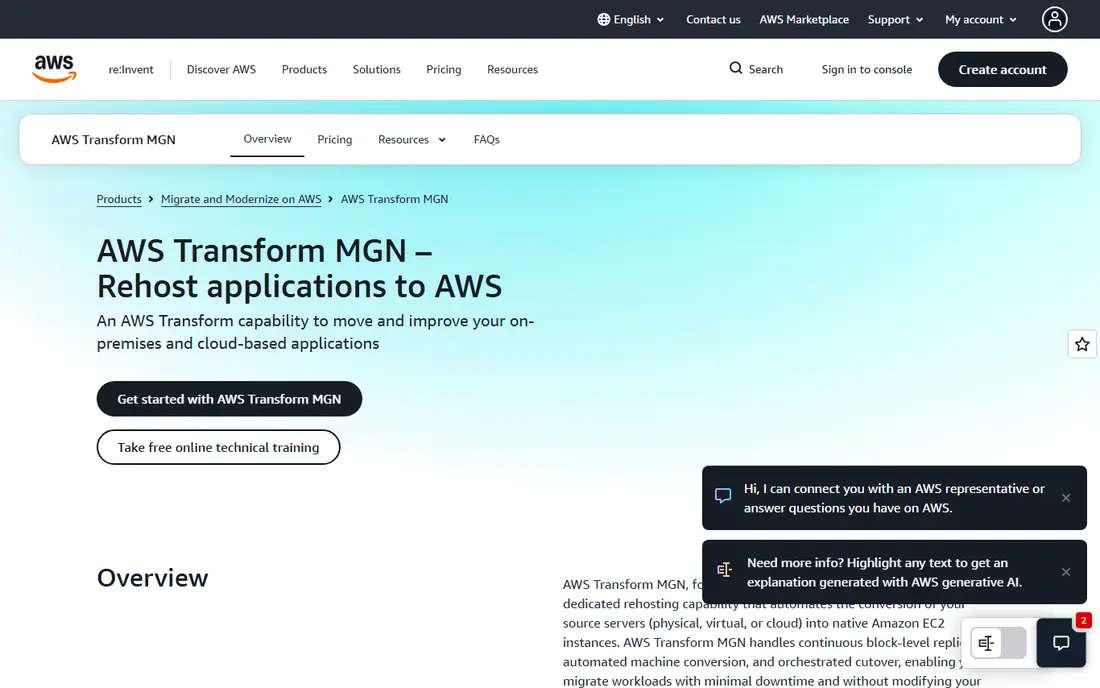
For teams that want a clear starting point, AWS Application Migration Service stands out because moving servers into AWS with limited downtime.
It suits teams already running on AWS, since the destination services, permissions, and billing stay in one account. Replication keeps source servers running during the move, which helps when a long cutover window is not possible.
Before you commit, check AWS Application Migration Service against the tools you already use, confirm the plan limits for your team size, and use the trial period to test the exact workflow you will rely on most. A short pilot with real data, real users, and a clear success measure will tell you more than a feature list, and it makes it easier to compare this option fairly with the others on this list.
- Replicates servers with continuous replication
- Integrates with AWS services
- Free period per server
- AWS only as a target
- Target cloud costs still apply
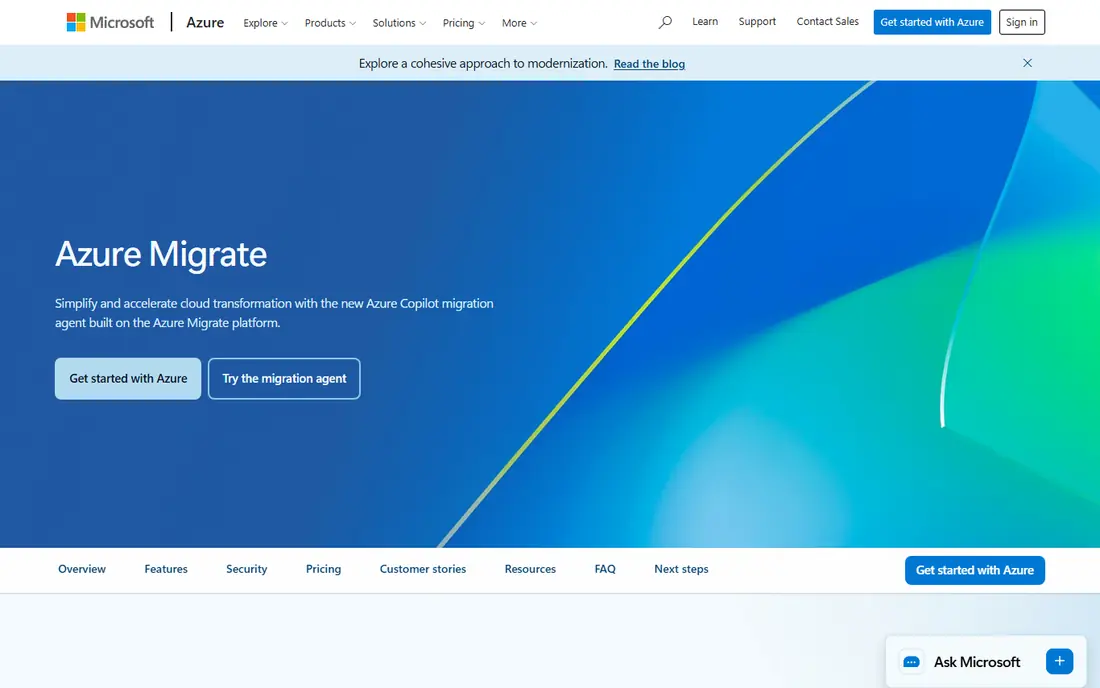
If your main concern is assessing and moving workloads into Azure, Azure Migrate deserves a close look.
It gives a structured path from discovery to migration, with assessments that flag readiness issues before replication starts. That planning step matters for estates with mixed servers, databases, and web apps.
Before you commit, check Azure Migrate against the tools you already use, confirm the plan limits for your team size, and use the trial period to test the exact workflow you will rely on most. A short pilot with real data, real users, and a clear success measure will tell you more than a feature list, and it makes it easier to compare this option fairly with the others on this list.
- Discovery, assessment, and migration in one hub
- Agentless options for VMware
- Cost estimates for Azure
- Azure only as a target
- Some features need extra Azure services
Google Cloud Migration Center
Best for: Google Cloud migration planning
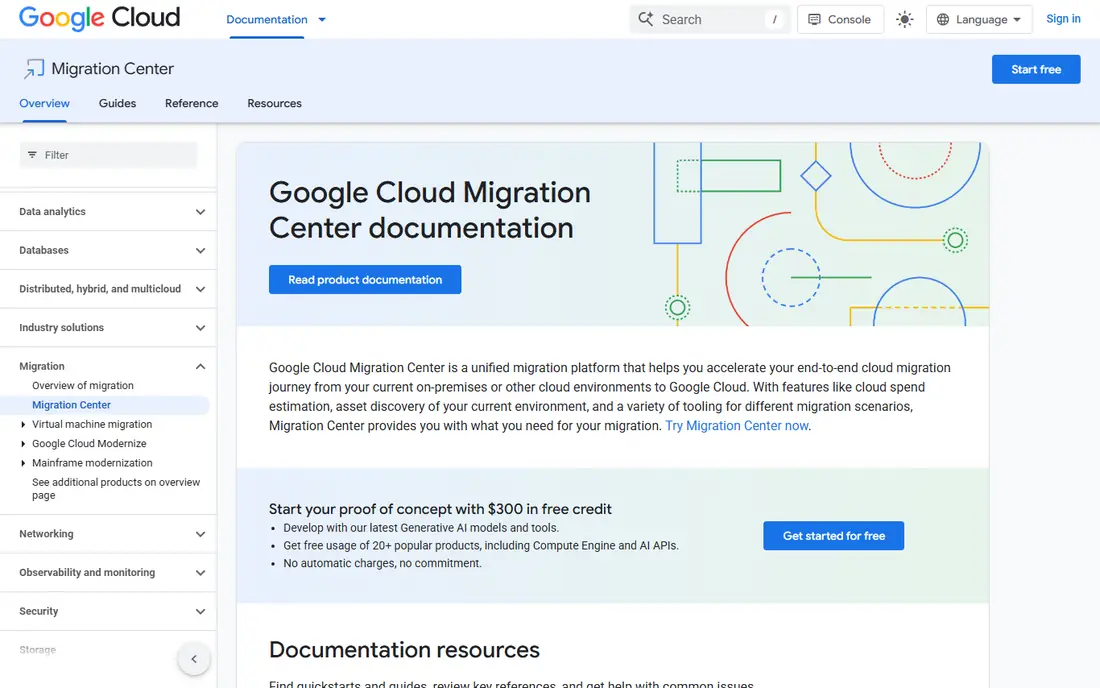
Google Cloud Migration Center earns its place here through planning a move into Google Cloud, and it suits a specific kind of buyer.
It is a planning hub first, which helps when finance and engineering need the same cost picture. Once the plan is set, it points to the right Google migration tool for each workload type.
Before you commit, check Google Cloud Migration Center against the tools you already use, confirm the plan limits for your team size, and use the trial period to test the exact workflow you will rely on most. A short pilot with real data, real users, and a clear success measure will tell you more than a feature list, and it makes it easier to compare this option fairly with the others on this list.
- Central discovery and total cost estimates
- Covers servers, databases, and apps
- Links to migration tools
- Google Cloud only as a target
- Pricing for related services varies
Buyers who prioritise comparing clouds before you commit will find Cloudamize a strong match.
It helps teams that have not yet picked a destination cloud, because it compares costs and groups workloads into migration waves. That is useful when the business case, not just the technical move, still needs approval.
Before you commit, check Cloudamize against the tools you already use, confirm the plan limits for your team size, and use the trial period to test the exact workflow you will rely on most. A short pilot with real data, real users, and a clear success measure will tell you more than a feature list, and it makes it easier to compare this option fairly with the others on this list.
- Cloud-agnostic assessment
- Total cost comparison across clouds
- Migration planning by waves
- Quote-based pricing
- Replication may need partner help
We include RiverMeadow for readers who need automating a migration across clouds without extra complexity.
It focuses on automation, which can cut manual work for larger estates. The managed option also suits teams without spare engineers to run the migration themselves.
Before you commit, check RiverMeadow against the tools you already use, confirm the plan limits for your team size, and use the trial period to test the exact workflow you will rely on most. A short pilot with real data, real users, and a clear success measure will tell you more than a feature list, and it makes it easier to compare this option fairly with the others on this list.
- Automated migration across clouds
- Supports physical and virtual servers
- Managed service option
- Pricing is by engagement
- Smaller teams may find it costly
Among the options here, Zerto is the one to check first for combining migration with disaster recovery.
It appeals to teams that want migration and recovery on the same platform, so the work done for the move also improves resilience afterwards. That dual use can justify the cost for critical workloads.
Before you commit, check Zerto against the tools you already use, confirm the plan limits for your team size, and use the trial period to test the exact workflow you will rely on most. A short pilot with real data, real users, and a clear success measure will tell you more than a feature list, and it makes it easier to compare this option fairly with the others on this list.
- Continuous replication
- Disaster recovery and migration in one platform
- Multi-cloud support
- Enterprise pricing
- Setup needs skilled staff
For a buyer focused on rightsizing workloads before migration, Flexera offers a practical route forward.
It is useful when the goal is not just to move, but to move the right size of workload and avoid paying for unused capacity. Finance teams often value the cost modelling as much as the technical discovery.
Before you commit, check Flexera against the tools you already use, confirm the plan limits for your team size, and use the trial period to test the exact workflow you will rely on most. A short pilot with real data, real users, and a clear success measure will tell you more than a feature list, and it makes it easier to compare this option fairly with the others on this list.
- Discovery and rightsizing
- Cost modelling
- Broad IT asset coverage
- Quote-based
- Breadth can feel heavy for a single move
VMware HCX is best understood as a tool for moving VMware workloads with little downtime, rather than a general fix for everything.
It is the natural choice for VMware shops, because it keeps networks and workloads consistent during the move. Teams outside VMware will get less value from it.
Before you commit, check VMware HCX against the tools you already use, confirm the plan limits for your team size, and use the trial period to test the exact workflow you will rely on most. A short pilot with real data, real users, and a clear success measure will tell you more than a feature list, and it makes it easier to compare this option fairly with the others on this list.
- Live migration for VMware estates
- Network extension
- Bulk migration support
- VMware-centric
- Licensing and target costs apply
When smaller server migrations matters most, Carbonite Migrate is a sensible name to put on a shortlist.
It suits smaller estates that need replication without an enterprise platform. Keep the scope tight, confirm support terms, and test one server before moving the rest.
Before you commit, check Carbonite Migrate against the tools you already use, confirm the plan limits for your team size, and use the trial period to test the exact workflow you will rely on most. A short pilot with real data, real users, and a clear success measure will tell you more than a feature list, and it makes it easier to compare this option fairly with the others on this list.
- Server migration with replication
- Supports physical and virtual sources
- Simpler scope than enterprise suites
- Smaller vendor footprint
- Check current support terms
How we picked these
We compared official feature and pricing pages for native tools from AWS, Azure, and Google Cloud, plus third-party migration platforms. We checked which sources each tool supports, whether pricing is published or quote-based, and how long any free replication period lasts. We did not run migrations ourselves, and we did not treat review-site claims as vendor facts.
What to check before you pick a migration tool
Start with the destination, not the tool. If you already run on AWS, Azure, or Google Cloud, the native tool usually costs less and integrates better than a third-party option. If you have not chosen a cloud yet, a cloud-agnostic assessment tool gives a fairer comparison. Then check three things: which source types are supported, how long replication stays free, and what you pay for the target cloud after cutover. Run a pilot with one low-risk workload, measure downtime and cost, and only then schedule the rest in waves.
Sources
- https://aws.amazon.com/application-migration-service/
- https://azure.microsoft.com/en-us/products/azure-migrate
- https://cloud.google.com/migration-center
- https://www.cloudamize.com
- https://www.rivermeadow.com
- https://www.zerto.com
- https://www.flexera.com
- https://www.vmware.com/products/hcx.html
- https://www.carbonite.com
Frequently asked questions
What is the cheapest way to migrate to the cloud?
Use the native tool for your chosen cloud where possible, since the migration tool itself is often free for a period. The larger costs are usually target cloud resources, dual running, and staff time, so keep the overlap short and rightsize before cutover.
How long does a cloud migration take?
A small estate can move in weeks, while a large estate with databases and legacy apps can take months. Assessment, pilot, and wave planning take time, and rushing cutover often creates more downtime than a careful schedule.
Should I rehost or refactor?
Rehosting, or lift and shift, is faster and lower risk. Refactoring takes longer but can lower running costs. Most teams rehost first and refactor only the workloads where the saving is clear.
Do migration tools move databases too?
Some do, and some need a separate database tool. Check database support early, especially for SQL Server, Oracle, MySQL, and PostgreSQL, and test replication before you commit to a date.
What happens after the free replication period?
Charges for the target cloud and any continued replication apply, so plan cutover before the free period ends. Confirm the exact period on the vendor page, since it differs by tool.