Best Cloud Services in 2026: 9 Services Compared
By ToolNimba Editorial Team November 6, 2026 10 min read

- Top pick
 Google Drive
Most people and Google users
Starting price$1.99 per monthCheck out Google DriveRead our review - Runner-up
 Apple iCloud
iPhone, iPad, and Mac users
Starting price$0.99 per monthCheck out Apple iCloudRead our review - Also great
 Microsoft OneDrive
Windows and Microsoft 365 users
Starting price$1.99 per monthCheck out Microsoft OneDriveRead our review
How we researched this
We compared official pricing and feature pages, app store listings, privacy policies and public user reviews. Prices change, so check the provider's site before you pay.
Key takeaways
- Google Drive offers the most generous free tier among the big names, with 15 GB shared across Drive, Gmail, and Photos.
- Apple and Microsoft users get the best value by staying inside their own ecosystem, since backups and office tools are bundled.
- Privacy-focused options such as Proton Drive and Sync.com trade some convenience for end-to-end encryption.
- Lifetime plans from pCloud can beat subscriptions over several years, but only if you are sure you will stay with the service.
Quick comparison
| Name | Best for | Starting price | Free plan | |
|---|---|---|---|---|
| Google Drive | Most people and Google users | $1.99 per month | Yes | Visit |
| Apple iCloud | iPhone, iPad, and Mac users | $0.99 per month | Yes | Visit |
| Microsoft OneDrive | Windows and Microsoft 365 users | $1.99 per month | Yes | Visit |
 Dropbox | Reliable syncing and sharing | $11.99 per month | Yes | Visit |
 pCloud | Lifetime plans and media playback | See website | Yes | Visit |
 MEGA | Large free tier with encryption | See website | Yes | Visit |
 Sync.com | Privacy-first personal storage | $8.00 per month | Yes | Visit |
 Proton Drive | Privacy and Proton ecosystem users | See website | Yes | Visit |
 IDrive | Backups across many devices | See website | Yes | Visit |
The best cloud services
Choosing the best cloud service comes down to three questions: how much space do you need, which devices do you use, and how much do you care about encryption. The best cloud storage app for most people is the one tied to the phone and email they already use, since backups then happen without thinking. We compared free tiers, entry paid prices, collaboration, and privacy for the services below.
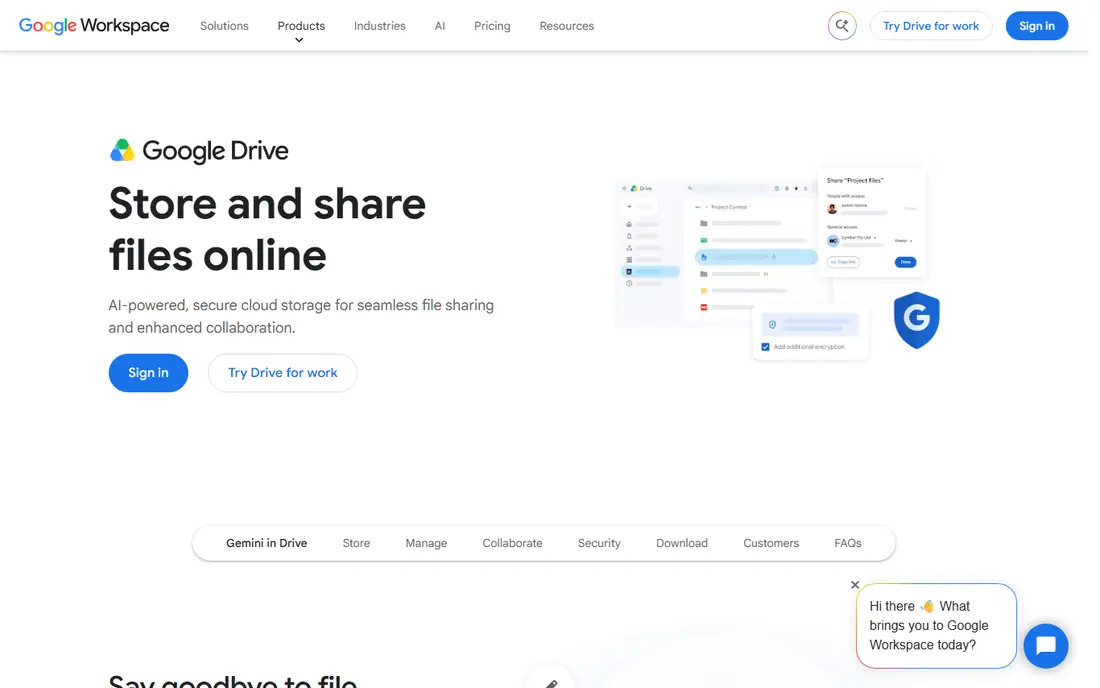
Google Drive is our pick for most people because the free tier is generous and the paid steps are cheap. Paid Google One plans start at $1.99 per month for 100 GB, and 2 TB costs $9.99 per month in the United States. Docs, Sheets, and Slides edit in the browser, and sharing a folder with a link takes seconds.
The main catch is that the 15 GB free allowance covers Gmail and Google Photos as well as Drive, so a heavy photo library can eat it quickly. Privacy is also a fair question for some users, since Google can scan content for abuse and service reasons under its own policies. If you already live in Gmail, though, Drive is the path of least resistance.
- 15 GB free
- Strong Docs and Gmail integration
- Easy link sharing and collaboration
- Free 15 GB is shared with Gmail and Photos, so it fills fast
Apple iCloud, sold as iCloud+, is the best cloud platform for Apple households because backups, photos, and device settings sync without extra steps. The entry paid plan costs $0.99 per month for 50 GB, and 2 TB costs $9.99 per month. Advanced Data Protection can add end-to-end encryption for many data types if you turn it on.
The free tier is small at 5 GB, which rarely covers a full iPhone backup once photos grow. Windows and Android support exists through the web and an app, but the experience is plainly better inside Apple gear. If your household is all Apple, iCloud+ is worth paying for before you look elsewhere.
- Automatic device backups
- 5 GB free
- Deep integration with Photos and device settings
- Only 5 GB free
- Best on Apple devices
OneDrive makes the most sense if you use Windows or Microsoft 365, since files, Office documents, and desktop folders can sync in the background. A standalone 100 GB plan costs $1.99 per month, while Microsoft 365 Personal at $6.99 per month bundles 1 TB with Word, Excel, and PowerPoint. Co-editing Office files in OneDrive is smooth and familiar.
On its own, the 5 GB free tier is thin, and the standalone storage plans are less generous than Google at the same price. OneDrive also shines brightest on Windows, with a thinner feel on some other platforms. Buy it as part of Microsoft 365 if you need Office anyway, and the storage becomes a strong bonus.
- Built into Windows
- 5 GB free
- 1 TB bundled with Microsoft 365 Personal
- Only 5 GB free on its own
- Best value needs a Microsoft 365 subscription
Dropbox built its name on syncing that just works, and that reputation still holds for many teams and freelancers. Files update quickly across computers and phones, version history helps after a mistake, and a wide range of apps connect to Dropbox. The Plus plan costs $11.99 per month for 2 TB, or less per month when billed annually.
The free tier is only 2 GB, which is the smallest here, so Dropbox is a poor pick if you want free space. The paid price is also higher than Google Drive or OneDrive for the same 2 TB. Choose Dropbox when syncing reliability and integrations matter more than the cheapest price per gigabyte.
- Fast, dependable sync
- Broad third-party integrations
- Simple sharing controls
- Only 2 GB free
- 2 TB Plus plan is pricier than rivals
pCloud stands out for two reasons: a lifetime purchase option and a media player that streams music and video from your files. Free accounts start with up to 10 GB, and lifetime plans have been listed at $199 for 500 GB and $399 for 2 TB as one-time purchases. That can save money over years of subscriptions if you stick with the service.
The catch is that client-side Crypto encryption is a paid add-on rather than included, and a lifetime deal only pays off if the company and your needs stay stable for years. Support and feature depth also trail the biggest platforms. For media lovers who hate subscriptions, pCloud still earns a place on the shortlist.
- Up to 10 GB free
- Lifetime purchase options
- Built-in media player
- Crypto encryption costs extra
- Lifetime value depends on staying long term
MEGA offers 20 GB free, which is the largest free allowance among the well-known services here, and it encrypts files end to end by default. That combination suits people who want privacy without paying at once. Paid plans start at a modest monthly price for several hundred gigabytes, with larger plans for heavy users.
Free accounts can hit transfer limits, and the desktop and mobile apps feel less refined than Google Drive or Dropbox. Collaboration features are also thinner than the office-linked rivals. If free space and encryption top your list, MEGA is a strong first try before you pay anything.
- 20 GB free
- End-to-end encryption by default
- Generous sharing controls
- Transfer limits can apply on free accounts
- Interface feels less polished
Sync.com is built around zero-knowledge encryption, which means the company cannot read your files because only you hold the keys. The individual 2 TB plan costs $8.00 per month, and a 5 GB free tier lets you test syncing and sharing. For sensitive documents, that privacy model is a real difference, not just marketing language.
The trade is convenience. Sync.com has fewer third-party integrations and collaboration tools than Google Drive, Dropbox, or OneDrive, and losing your password can mean losing access to encrypted files. If privacy outranks office editing, Sync.com is one of the best cloud apps to choose.
- End-to-end encryption by default
- 5 GB free
- 2 TB plan for individuals
- Smaller app ecosystem
- Fewer collaboration features
Proton Drive extends the privacy-first approach of Proton Mail into file storage, with end-to-end encryption and a provider based in Switzerland. It suits people who already use Proton Mail or Proton VPN and want one privacy-focused account for mail and files. Paid plans add storage and sharing features on top of a small free tier.
Proton Drive is younger and smaller than the big platforms, so integrations and collaboration tools are thinner. The free tier is also modest, which pushes most serious users to a paid plan. Pick it for privacy and ecosystem fit, not for the cheapest bulk storage.
- End-to-end encryption by default
- Swiss-based provider
- Ties into Proton Mail and VPN
- Smaller free tier
- Fewer integrations than mainstream rivals
IDrive is best thought of as a backup service rather than a daily file folder, and that focus is its strength. One plan can cover several computers and mobile devices, with version history and snapshots that help after ransomware or accidental deletion. Introductory prices are often low, which makes the first year cheap.
The interface feels built for backups rather than for sharing and editing files every day, so it pairs better with a workspace cloud than replacing one. Renewal prices also rise after the first year, so check the renewal rate before you commit. For protecting many devices on a budget, IDrive is hard to ignore.
- Backs up many devices on one plan
- Version history and snapshot features
- Low first-year prices
- Interface is backup-focused, not a daily file workspace
- Renewal prices are higher
How we picked these
We compared official pricing pages, free tier details, and app store listings for each service, and we weighed storage size against ecosystem fit, sharing, and encryption. We did not claim hands-on testing, and where a price was not clearly published on the vendor site at the time of writing, we wrote See website rather than guessing.
How to choose the right cloud service
Match the service to your devices
An iPhone household gains the most from iCloud, a Windows and Office household from OneDrive, and a Gmail household from Google Drive. Cross-platform households should favour Google Drive, Dropbox, or pCloud, since they behave well on every major system. Switching later is possible, but moving terabytes of photos takes time.
Count the real free space
Free tiers are not equal. Google gives 15 GB shared across mail and photos, Apple and Microsoft give 5 GB, Dropbox gives 2 GB, and MEGA gives 20 GB. Check what already fills your account before you assume the free tier is enough, and turn on storage alerts so a full account does not block email or backups.
Treat encryption as a choice, not a slogan
Mainstream clouds encrypt files in transit and at rest, but the provider can still access them for service reasons. Zero-knowledge providers such as Sync.com and Proton Drive keep keys with you, which is stronger for sensitive files but riskier if you lose your password. Use a password manager and keep a second copy of irreplaceable files.
Sources
Frequently asked questions
Which cloud service is best overall?
For most people, Google Drive is our pick, thanks to 15 GB free, $1.99 per month for 100 GB, and tight Gmail and Docs integration. Apple users should weigh iCloud+ instead, and Microsoft 365 users should weigh OneDrive, since each bundles storage with tools they already pay for.
What is the best cloud storage app for privacy?
Sync.com and Proton Drive lead on privacy, since both offer end-to-end encryption by default and keep decryption keys away from the provider. MEGA also encrypts by default and gives 20 GB free. Keep your password safe, since a lost password can lock you out of encrypted files.
What is the best cloud platform right now for photos?
Google Drive and Photos suit Android and mixed-device households, while iCloud Photos suits Apple households because originals, Live Photos, and device backups sync together. pCloud is a useful third option for people who want media streaming and a lifetime plan.
How much cloud storage do most people need?
Most casual users fit in 100 GB to 200 GB once photos, documents, and device backups are counted, while regular 4K video shooters should plan for at least 1 TB. Audit old backups and duplicate photos first, since they often inflate the total.
Are lifetime cloud plans worth it?
A lifetime plan can save money over several years if you stay with the service and your storage needs do not grow past the plan size. It is a bet on the provider lasting, so keep a local or second-cloud copy of anything irreplaceable.