Best Cloud Storage App for Free in 2026: 9 Apps Compared
By ToolNimba Editorial Team October 31, 2026 10 min read

- Top pick
 Google Drive
Most people
Starting priceFreeCheck out Google DriveRead our review - Runner-up
 MEGA
Largest free space
Starting priceFreeCheck out MEGARead our review - Also great
 pCloud
Media playback
Starting priceFreeCheck out pCloudRead our review
How we researched this
We compared official pricing and feature pages, app store listings, privacy policies and public user reviews. Prices change, so check the provider's site before you pay.
Key takeaways
- Google Drive is our pick for most people because 15 GB shared across Drive, Gmail, and Photos pairs with strong collaboration and apps.
- MEGA offers the largest free space on this list at 20 GB with end-to-end encryption, but transfer limits apply.
- pCloud and Box offer 10 GB free, while Proton Drive and Sync.com suit private files with smaller free allowances.
- Free space is not the whole story: check file size limits, shared quotas, inactivity rules, and whether encryption is included.
Quick comparison
| Name | Best for | Starting price | Free plan | |
|---|---|---|---|---|
| Google Drive | Most people | Free | Yes | Visit |
| MEGA | Largest free space | Free | Yes | Visit |
| pCloud | Media playback | Free | Yes | Visit |
 Microsoft OneDrive | Windows and Office users | Free | Yes | Visit |
 Apple iCloud | Apple users | Free | Yes | Visit |
 Dropbox | Simple sharing | Free | Yes | Visit |
 Box | Light collaboration | Free | Yes | Visit |
 Proton Drive | Private documents | Free | Yes | Visit |
 Sync.com | Secure sharing | Free | Yes | Visit |
The best free cloud storage apps
A free cloud storage app should do three things well: keep files safe, sync them across devices, and make sharing simple. We compared official plan pages and recent provider comparisons, and we focused on permanent free tiers rather than short trials. Space figures change, so check your account quota before moving an important archive.
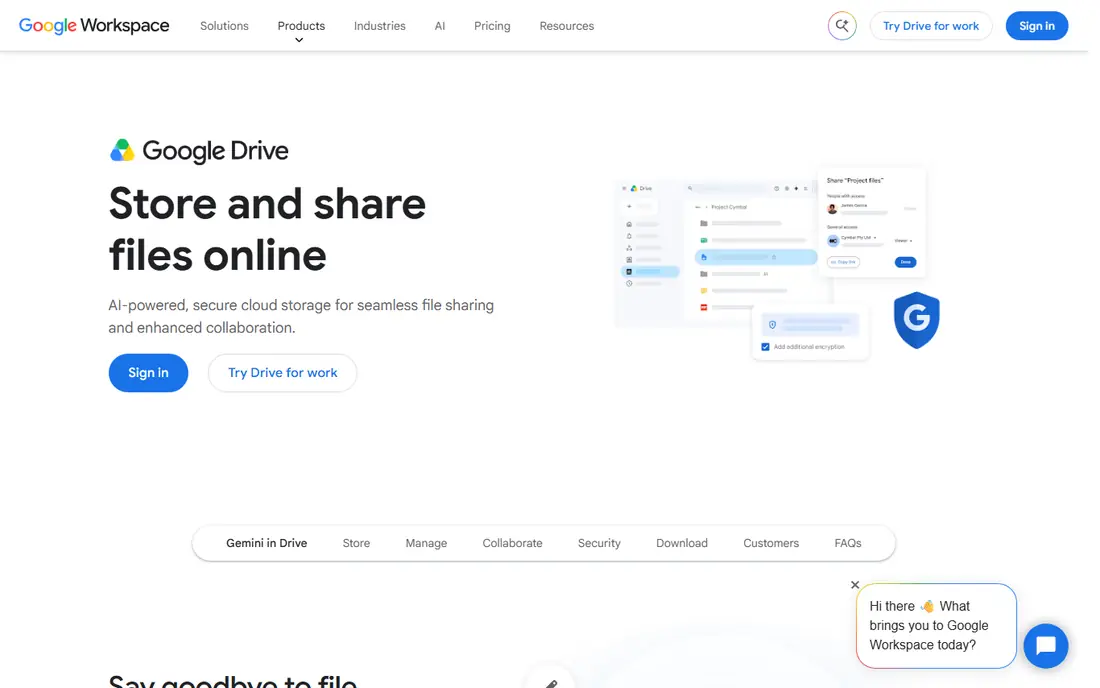
Google Drive is the easiest free choice for most people because it is already part of a Google account. The 15 GB free allowance is shared across Drive, Gmail, and Google Photos, which is generous for documents and photos but can fill fast if email attachments pile up. Docs, Sheets, and Slides collaboration is a clear strength, with real-time editing and simple link sharing.
Privacy is the main caveat. Google Drive does not offer end-to-end encryption by default, so users with highly sensitive files should encrypt them before upload or use a privacy-focused service. Paid Google One plans add space for those who outgrow the free tier. For everyday files, school work, and team documents, Google Drive remains the most practical free starting point.
- 15 GB shared across Google services
- Strong Docs collaboration
- Apps on every major platform
- Quota is shared with Gmail and Photos
- No end-to-end encryption by default
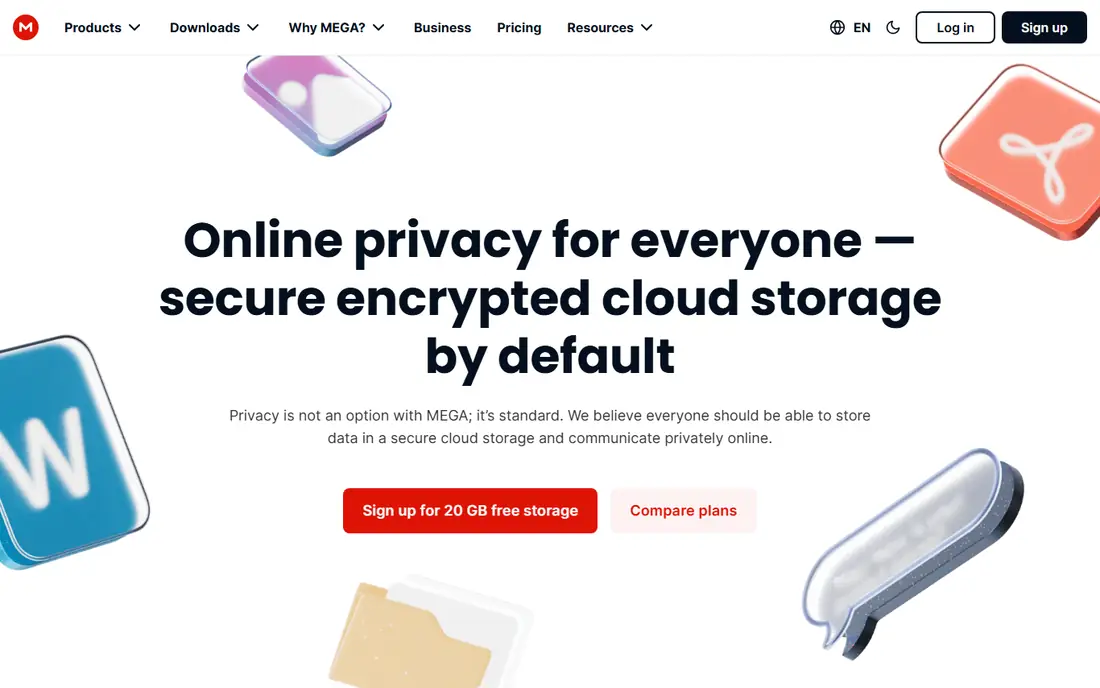
MEGA offers the largest free allowance on this list, at 20 GB, with end-to-end encryption on every account. That combination suits users who want both space and privacy without paying. Sync apps cover desktop and mobile, and link sharing with passwords and expiry dates adds control for shared folders.
The limits are transfer quotas and recovery. Free accounts have a data transfer allowance, so moving very large files often can hit a cap. Because encryption is end-to-end, losing recovery details can also make files hard to restore. For a large, private free archive that you sync at a normal pace, MEGA is a strong pick.
- 20 GB free
- End-to-end encryption by default
- Good sync and sharing tools
- Free transfer allowance is limited
- Account recovery needs care with encryption keys
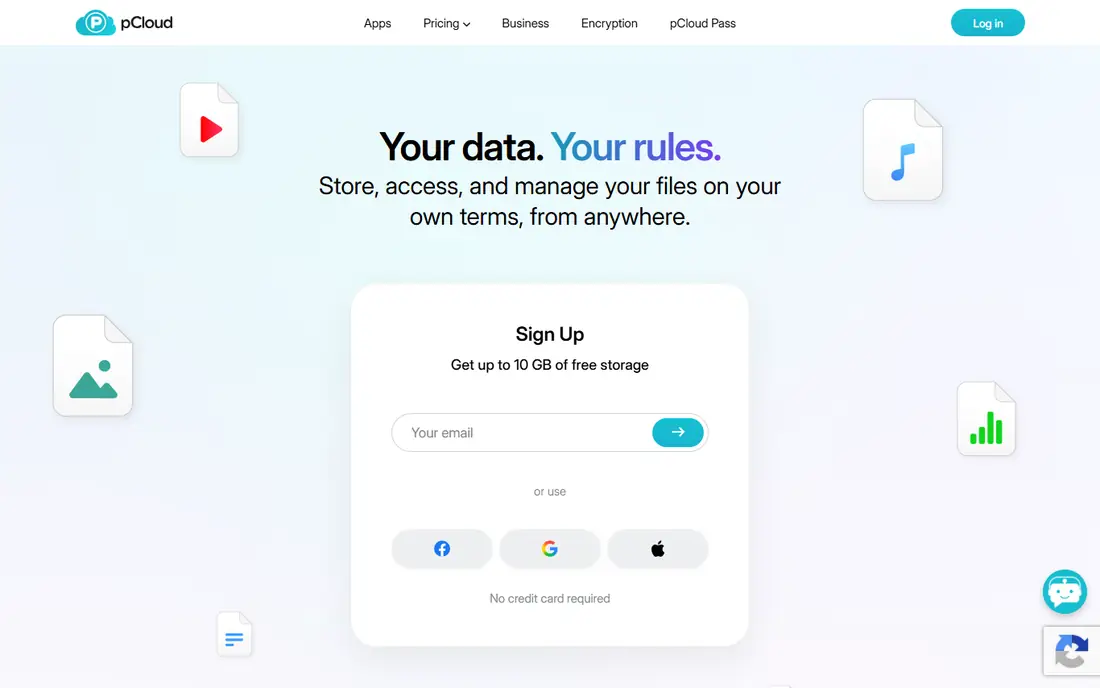
pCloud suits people who store music, video, and photos and want to play them from the cloud. The built-in media player and virtual drive make files feel local without filling a hard drive, and apps cover desktop and mobile well. The free tier starts smaller and reaches up to 10 GB after setup tasks, so users should complete those steps early.
Encryption is the trade-off. pCloud Crypto, its client-side encryption add-on, is paid, so free files are not end-to-end encrypted by default. Free accounts may also face inactivity rules over time. For media-heavy users who value playback and a clean drive experience, pCloud is a good free option, with Proton Drive or MEGA better for private files.
- Up to 10 GB free
- Built-in media player
- Virtual drive on desktop
- Full 10 GB needs setup tasks
- Client-side encryption is a paid add-on
OneDrive is the natural free choice on Windows, since it is built into the system and works closely with Word, Excel, and PowerPoint. Files sync to the desktop, photos back up from a phone, and sharing links work well for Office documents. For a Windows household or a Microsoft 365 user, that integration saves setup time.
The free allowance is only 5 GB, which fills fast if it also holds photos and email attachments. That makes OneDrive a poor main archive on the free tier alone, though paid Microsoft 365 plans add far more space. Use OneDrive free for current Office work and documents, and pair it with Google Drive or MEGA for a larger free archive.
- 5 GB free
- Deep Windows and Office integration
- Good photo and document backup
- Small free allowance
- Quota is shared across Microsoft services
iCloud is the simplest free storage for Apple users because it is already on the device. Photos, device backups, and app data sync without extra setup, and files move between iPhone, iPad, and Mac with little fuss. The paid upgrade for 50 GB is listed at $0.99 per month in recent US comparisons, which makes it cheap to expand if needed.
The free tier is only 5 GB, and that quota also covers backups and photos, so many iPhone owners hit the limit fast. Windows and Android support exists but is thinner than the Apple experience. For Apple-only users, iCloud free is a fine start for current files, with a low-cost upgrade as the obvious next step.
- 5 GB free
- Built into iPhone, iPad, and Mac
- Easy device backup and photo sync
- Small free allowance
- Best experience is Apple only
Dropbox remains the easiest service to explain to someone else: put a file in a folder, and it appears on your other devices and in a share link. Its apps are polished, sync is reliable, and link sharing is simple for clients and family. For a small set of active files, that simplicity still matters.
The free tier is the smallest here, at 2 GB, and recent guides note a three-device limit on Basic. That makes Dropbox a poor choice as a main free archive. It works best as a sharing and active-work folder, with a larger free service holding photos and backups. If you already use Dropbox at work, the free tier is a handy personal companion, not a full archive.
- Simple, reliable sync
- Polished apps
- Easy link sharing
- Only 2 GB free
- Three linked devices on the free Basic plan in recent guides
Box offers 10 GB free, which is generous for documents and light collaboration. Its sharing controls and document preview suit teams and students who pass files back and forth, and its business roots show in permission settings. For a document library rather than a video archive, Box is a practical free option.
The main limit is file size. The free Individual plan caps single uploads at 250 MB in recent comparisons, so large videos and disk images need another service. Desktop sync and advanced features also sit mainly on paid plans. Use Box free for documents and shared work, and keep large media on MEGA, pCloud, or Google Drive.
- 10 GB free
- Good document collaboration
- Business-friendly sharing controls
- 250 MB single-file limit on free Individual plan
- Desktop sync is thinner on free tier
Proton Drive suits users who put privacy first. Files are end-to-end encrypted, and the service sits alongside Proton Mail and Calendar for users who want one privacy-focused account. The free tier starts at 2 GB and can reach up to 5 GB after welcome tasks, based on recent provider comparisons, which is enough for important documents and photos.
Space and collaboration are the limits. Proton Drive free is not a media archive, and its sharing tools are simpler than Google Drive. For sensitive contracts, tax files, and personal documents, that trade is sensible: keep private files in Proton Drive and everyday files in a larger free service. That split gives privacy where it matters and space where it is needed.
- End-to-end encryption
- Starts at 2 GB and can reach 5 GB
- Part of a privacy-focused suite
- Smaller free space than MEGA or Google
- Sharing and collaboration are simpler
Sync.com offers 5 GB free with end-to-end encryption and secure sharing, which suits small teams and individuals who share sensitive files. Link passwords, expiry dates, and download limits add control, and the desktop and mobile apps cover the main platforms. For a private sharing folder, Sync.com is a credible free choice.
The free tier is smaller than Google Drive or MEGA, and collaboration features are limited compared with Google or Microsoft. It also works best as a secure vault rather than a full media library. Use Sync.com free for client files, contracts, and private sharing, and use a larger service for photos and everyday backups.
- 5 GB free
- End-to-end encryption
- Secure link sharing with passwords and expiry
- Free sharing and collaboration limits
- Smaller free space than larger rivals
How we picked these
We compared official plan pages and recent provider comparisons for free cloud storage in October 2026, and we kept only services with a permanent free tier and current apps. We weighed free space, file size limits, shared quotas, encryption, sync, sharing, and device fit. We did not claim hands-on testing, and where a free allowance depends on setup tasks we said so rather than presenting the maximum as the starting figure.
How to use free storage without losing files
Free storage works best as part of a plan, not as a single archive. Keep active files in one service, photos in another if needed, and a local copy of anything you cannot replace. That way a quota change or an account issue does not take your only copy with it.
Check the fine print
Read the quota, file size limit, and inactivity rule before you move files. Some free accounts can be removed after long inactivity, and some shared quotas fill faster than the headline suggests. Turn on two-factor authentication, keep recovery details safe, and check the quota shown in your own account.
Match the service to the file type
Use Google Drive for collaboration, MEGA for a large private archive, pCloud for media playback, and Proton Drive or Sync.com for sensitive documents. That split uses each free tier for what it does best, instead of forcing one small free plan to hold everything.
When to pay
Pay when you outgrow free space, need larger file uploads, or need team controls and support. A low-cost upgrade from your main service is usually cheaper and simpler than juggling many free accounts. Before paying, clean up duplicates and old backups, since many users free several gigabytes that way.
Sources
- https://drive.google.com
- https://mega.io
- https://www.pcloud.com
- https://www.onedrive.com
- https://www.icloud.com
- https://www.dropbox.com
- https://www.box.com
- https://proton.me/drive
- https://www.sync.com
- https://blog.mega.io/best-free-cloud-storage
- https://www.examcollection.com/blog/top-10-free-cloud-storage-services-store-your-data-in-a-safe-place/