Best Collaboration Software in 2026: 10 Tools Compared
By ToolNimba Editorial Team October 31, 2026 10 min read

- Top pick
 Slack
Team chat and integrations
Starting priceFreeCheck out SlackRead our review - Runner-up
 Microsoft Teams
Microsoft 365 teams
Starting priceSee websiteCheck out Microsoft TeamsRead our review - Also great
 Asana
Structured project work
Starting priceFreeCheck out AsanaRead our review
How we researched this
We compared official pricing and feature pages, app store listings, privacy policies and public user reviews. Prices change, so check the provider's site before you pay.
Key takeaways
- No single tool covers chat, docs, tasks, and video equally well, so most teams need a small stack, not one app.
- Slack and Microsoft Teams lead for messaging, while Asana, monday.com, and ClickUp lead for structured project work.
- Notion is strongest when docs and knowledge matter more than strict task tracking.
- Free plans work for small teams, but message history, permissions, and timelines are the usual upgrade triggers.
- Price per seat adds up fast, so count every seat, including part-time collaborators, before choosing.
Quick comparison
| Name | Best for | Starting price | Free plan | |
|---|---|---|---|---|
| Slack | Team chat and integrations | Free | Yes | Visit |
| Microsoft Teams | Microsoft 365 teams | See website | Free trial | Visit |
| Asana | Structured project work | Free | Yes | Visit |
 monday.com | Visual project boards | $9 per month | Yes | Visit |
 Notion | Docs, wikis, and databases | Free | Yes | Visit |
 ClickUp | All-in-one tasks and docs | Free | Yes | Visit |
 Trello | Simple kanban boards | $5 per month | Yes | Visit |
 Zoom | Video meetings and webinars | Free | Yes | Visit |
 Google Workspace | Docs, mail, and meetings together | See website | Free trial | Visit |
 Miro | Visual brainstorming | Free | Yes | Visit |
The best collaboration software
The tools below cover messaging, project work, docs, and visual planning. We compared official pricing and feature pages, integration lists, and public reviews, and we grouped picks by the job they do best rather than by size alone.
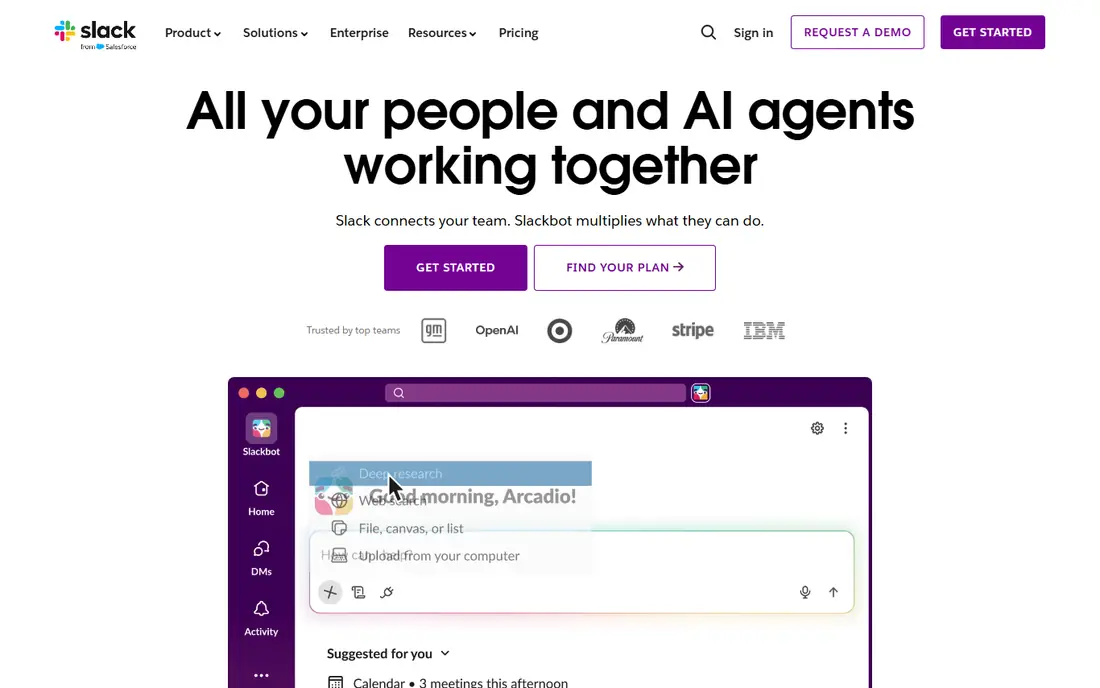
Slack remains the default chat tool for many fast-moving teams because channels, threads, and integrations keep work visible without endless email. You can bring updates from project tools, support desks, and code tools into the channels where decisions happen. Huddles cover quick voice chats, and Slack Connect lets you work with clients in shared channels. The catch is cost and history. The free plan limits searchable message history, which hurts when a team needs to find an old decision. Paid plans fix that, but the per-user price adds up for large teams. Slack fits best when chat is the centre of your day and you already use several other tools that need to post into it.
- Channels keep topics organized
- Huge integration library
- Strong search on paid plans
- Free message history is limited
- Per-seat cost grows with large teams
Teams makes most sense when your company already pays for Microsoft 365, because chat, meetings, and file storage arrive in the same bundle. Co-authoring Word, Excel, and PowerPoint files inside Teams is a real advantage for document-heavy teams. Admin controls, compliance tools, and guest access also suit larger, regulated organisations. Teams can feel heavy for small teams that only need chat, and the layered interface takes time to learn. If you are not already in the Microsoft ecosystem, Slack or Google Workspace may feel simpler. If you are, Teams is often the cheapest way to get chat, video, and files without adding another subscription.
- Chat, video, and files in one bundle
- Strong Office co-authoring
- Enterprise controls
- Interface can feel busy
- Best value only inside Microsoft 365

Asana turns messy work into lists, boards, and timelines with a clear owner and deadline for each task. That structure helps marketing, operations, and product teams run repeatable processes such as launches and onboarding. Rules can move tasks, assign work, and update fields without manual chasing, which saves time on larger projects. The free plan covers basic work, but timelines, portfolios, and advanced rules sit on paid tiers. Asana is less suited to free-form brainstorming or long-form docs, and small teams may find it more formal than Trello. Choose Asana when dropped handoffs and unclear ownership are your main problem.
- Clear owners and deadlines
- Timeline and portfolio views
- Strong workflow rules
- Advanced views need paid plans
- Can feel formal for very small teams
monday.com appeals to teams that think visually, because boards, timelines, and dashboards show status at a glance. Columns can track people, dates, budgets, and priorities, and automations handle routine updates. It works well across departments, from marketing campaigns to hiring pipelines, without forcing one rigid workflow. The risk is sprawl. Boards grow quickly if no one owns the structure, and higher tiers are needed for advanced automations and time tracking. Still, for teams that want a clear visual overview and are willing to spend an hour setting up templates, monday.com is one of the easiest project tools to adopt.
- Colourful, visual boards
- Flexible columns and automations
- Good for cross-team work
- Pricing rises with features
- Board setup needs care to stay tidy
Notion combines notes, docs, wikis, and databases, which makes it ideal for teams that lose decisions in chat threads. You can build a handbook, a meeting notes system, and a lightweight task tracker in the same workspace, and link pages so related work stays connected. Templates speed up setup for common uses such as product docs and team wikis. As a strict project tracker, Notion lacks some of the rules and workload views that Asana and monday.com offer out of the box. Large workspaces can also become messy without clear ownership. Pick Notion when knowledge and docs are the bottleneck, and pair it with a dedicated tracker if you run complex, deadline-driven projects.
- Docs, wikis, and databases in one place
- Flexible templates
- Good for knowledge teams
- Weaker workflow automations than Asana
- Large workspaces need governance
ClickUp tries to replace several tools at once, with tasks, docs, whiteboards, goals, and time tracking in a single workspace. That breadth gives good value, especially for small teams that want one bill instead of four. The free tier is generous, and the many views, list, board, calendar, and Gantt, let different people work the way they prefer. Breadth is also the downside. New users can feel lost among settings and views, so a team needs a simple starting template and a short onboarding session. If you want one hub and you are willing to invest in setup, ClickUp offers more features per dollar than most rivals. If you want the simplest possible tool, Trello or Notion may be calmer.
- Tasks, docs, goals, and chat in one app
- Generous free tier
- Many views
- Feature breadth can overwhelm new users
- Setup takes time
Trello is still the easiest way to start collaborating, because a board, lists, and cards map directly to how many teams already think. You can move a card from to do to doing to done in seconds, add checklists and due dates, and invite teammates without training. Power-Ups add calendars, integrations, and extra fields when needed. Trello struggles with complex reporting, dependencies, and portfolio views, so larger programs usually outgrow it. It is best for small teams, personal projects, and simple workflows where visibility matters more than automation. Start with Trello if your team resists new software, then move to Asana or monday.com only when boards start to feel cramped.
- Very easy to learn
- Drag-and-drop boards
- Useful Power-Ups for integrations
- Limited reporting and workload views
- Large projects need more structure
Zoom is a collaboration tool in the meeting sense, not the chat sense, and it remains strong for video calls, webinars, and external meetings. Guests can join without an account in most cases, recording and transcription help people who miss a call, and breakout rooms suit workshops and training. For client-facing work, Zoom often feels more neutral than a tool tied to one vendor ecosystem. Zoom does not replace a chat or project tool, and long meetings need a paid plan. Use Zoom alongside Slack, Teams, or Google Workspace, and treat it as your meeting layer. Teams that already use Teams or Meet may not need Zoom, but teams that meet many external guests often keep it for reliability.
- Reliable video quality
- Easy joining for guests
- Webinar and recording options
- Chat and task features are thinner than Slack or Teams
- Paid plans needed for long meetings
Google Workspace bundles Gmail, Drive, Docs, Sheets, and Meet, and its real-time co-editing is still the standard for shared documents. Multiple people can edit the same doc, leave comments, and see changes live, which makes it strong for drafting, planning, and review. Admin is simpler than Microsoft 365 for many small and mid-size teams. Workspace is not a dedicated project tracker, so teams that need timelines and workload views will add Asana, Trello, or ClickUp. Check the current plan details on the vendor site, since storage and feature limits differ by tier. Choose Workspace when docs, email, and video are your core collaboration needs.
- Real-time co-editing in Docs and Sheets
- Gmail and Meet included
- Simple admin for small teams
- Project tracking needs add-ons
- Storage limits vary by plan
Miro gives remote teams a shared whiteboard for brainstorming, mapping, planning, and design sprints. Templates cover journey maps, retrospectives, org charts, and workshops, and sticky notes, voting, and timers help a facilitator run a session. It is the closest digital equivalent to a room full of whiteboards. Miro is not a replacement for Asana or Notion, since tasks and docs still need a home after the workshop ends. Use it for the creative phase, then move decisions into your tracker and wiki. The free plan is enough for small teams to test, while larger workshops benefit from paid boards and controls.
- Infinite canvas for workshops
- Many templates
- Good for remote design sprints
- Not a task tracker
- Large boards need organisation and paid features
How we picked these
We compared official pricing and feature pages, integration lists, and public reviews for each tool, and we focused on tools that are widely used, still actively developed, and available to new teams in October 2026. We weighed free tier limits, per-seat pricing, and the specific job each tool does best, rather than ranking by feature count alone.
How to choose without buying everything
Start with the pain, not the feature list. If messages get lost, fix chat first. If deadlines slip, fix task ownership next. If the same questions repeat, build a wiki. Test two tools with a real project for two weeks, not a demo, and watch whether people update the tool without being reminded. Count total cost, including seats for contractors and part-time staff, and check data controls, guest access, and export options before you commit. A tool that makes it hard to leave is a risk, even if the first year looks cheap.
A lean starter stack
For many small teams, Slack or Teams for chat, Google Workspace or Microsoft 365 for docs and mail, and Asana, Trello, or Notion for tasks covers the basics. Add Miro for workshops and Zoom only if you meet many external guests. Add more tools only when a specific gap appears.