Best Content Marketing Tools in 2026: 9 Tools Compared
By ToolNimba Editorial Team November 6, 2026 10 min read

- Top pick
 HubSpot
Teams that want CRM, email, social, and reporting together
Starting priceFreeCheck out HubSpotRead our review - Runner-up
 Semrush
Search research, topic ideas, and competitor analysis
Starting price$139.95 per monthCheck out SemrushRead our review - Also great
 Ahrefs
Backlink research and keyword data for search content
Starting price$29 per monthCheck out AhrefsRead our review
How we researched this
We compared official pricing and feature pages, app store listings, privacy policies and public user reviews. Prices change, so check the provider's site before you pay.
Key takeaways
- HubSpot suits teams that want CRM, email, social, and reporting in one place, but costs rise fast as contacts and seats grow.
- Semrush and Ahrefs are the strongest choices for search-led content, with Semrush broader on topics and ads and Ahrefs stronger on links.
- Buffer and Sprout Social cover social publishing well, while Canva, Jasper, and Surfer SEO fill design, drafting, and optimization gaps.
- Start with the job you do most often, then add a second tool only when one platform clearly leaves a gap.
Quick comparison
| Name | Best for | Starting price | Free plan | |
|---|---|---|---|---|
| HubSpot | Teams that want CRM, email, social, and reporting together | Free | Yes | Visit |
| Semrush | Search research, topic ideas, and competitor analysis | $139.95 per month | Free trial | Visit |
| Ahrefs | Backlink research and keyword data for search content | $29 per month | Yes | Visit |
 Buffer | Simple, low-cost social scheduling for small teams | Free | Yes | Visit |
 Hootsuite | Larger social teams that need monitoring and reporting | $99 per month | Free trial | Visit |
 Sprout Social | Social inbox work, approvals, and client-ready reports | $79 per month | Free trial | Visit |
 Canva | Fast social graphics, presentations, and short video | Free | Yes | Visit |
 Jasper | AI-assisted marketing drafts with a consistent brand voice | $49 per month | Free trial | Visit |
 Surfer SEO | Scoring and improving articles against top-ranking pages | $49 per month | No | Visit |
The best content marketing tools
Content marketing covers a lot of jobs, from finding topics to publishing posts and proving results. The tools below each handle a different part of that chain, so the right pick depends on where your current workflow breaks down first.
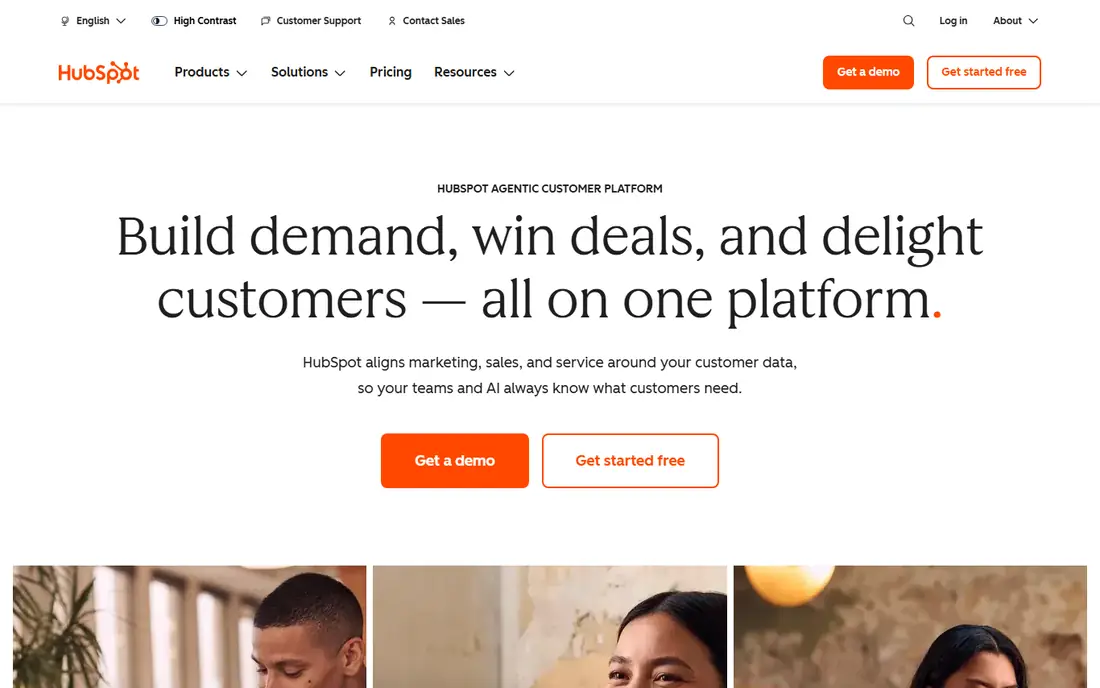
HubSpot is the closest thing on this list to a single home for content marketing. It links blog posts, landing pages, email campaigns, social posts, and contacts, so a reader who downloads a guide can move into a nurture sequence without manual exports. For a small business that wants fewer logins, that connected view is a real advantage.
The catch is price growth. The free tools are useful for getting started, and Starter starts at $20 per seat per month, but Professional starts at $890 per month and adds a one-time onboarding fee. Check your contact count and seat count before you commit, and make sure you will use the CRM side, not just the blog.
- Wide feature set in one login
- Strong CRM and email tools
- Clear reporting for campaigns
- Higher tiers are costly
- Contact-based pricing can rise quickly
- Setup takes time
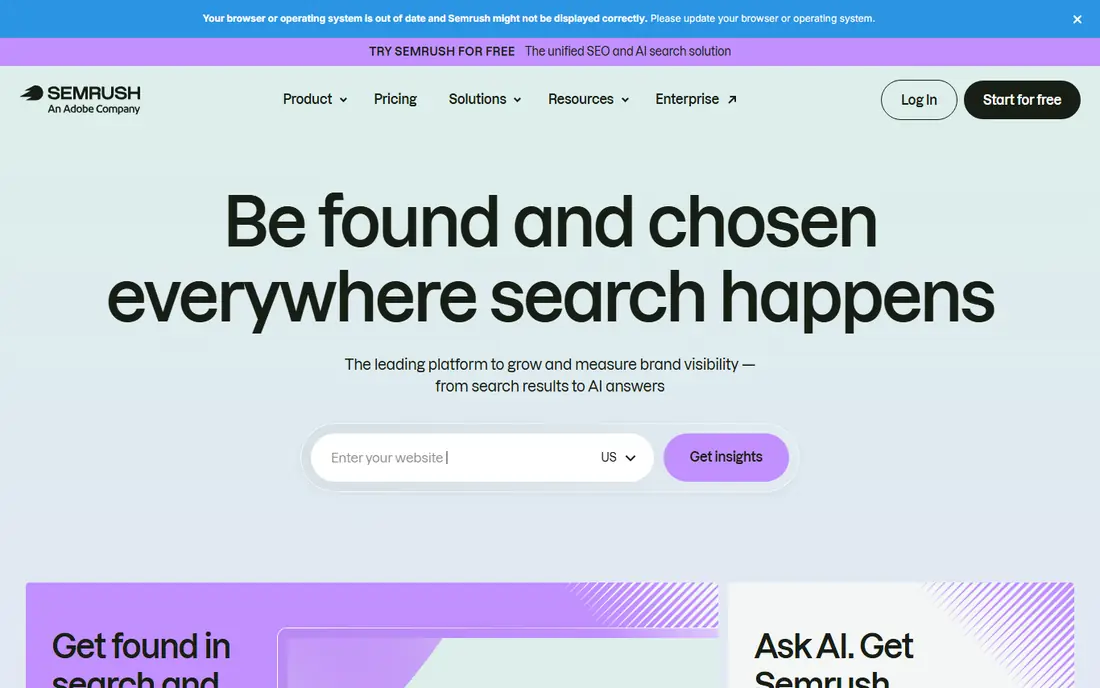
Semrush helps a content team answer two questions before writing: what people search for, and what rivals already rank for. Its keyword tools, site audit, and position tracking give a writer a brief grounded in real demand rather than guesswork. On Guru, content marketing tools add topic research and writing assistance to that research base.
The main limit is tier placement. Pro at $139.95 per month covers core SEO work, but teams that publish often will likely need Guru at $249.95 per month for the fuller content set. If you only need occasional keyword checks, the limited free account may be enough alongside a cheaper editor.
- Very large keyword database
- Content tools on Guru and above
- PPC and social research included
- Pro lacks the full content toolkit
- Extra seats and add-ons add cost
- Interface can feel crowded
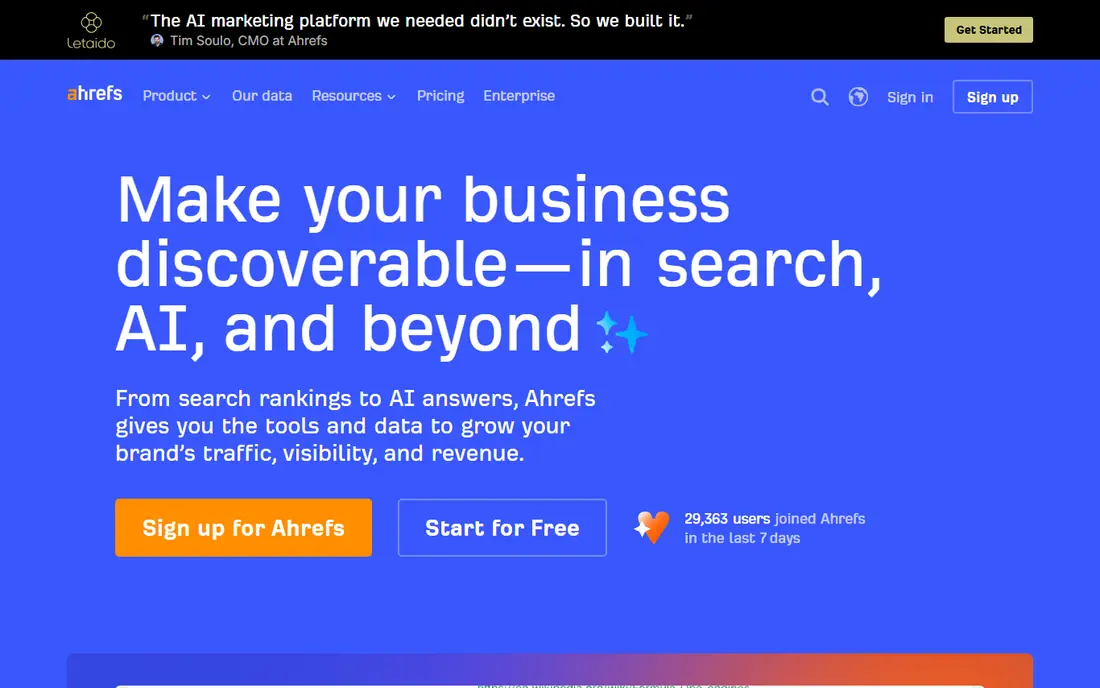
Ahrefs is a strong pick when links and search competition matter most. Site Explorer shows which pages earn links for a rival, Keywords Explorer gives difficulty and traffic context, and Rank Tracker follows movement over time. For an editor building authority content, that link view is often the deciding factor.
Starter at $29 per month is a low-cost entry, while Lite at $129 per month suits freelancers with several projects. Watch the limits on lower tiers, including tracked keywords and report rows, and budget for extra seats if more than one person will pull data daily.
- Large backlink index
- Clear Site Explorer and Keywords Explorer
- Free tools for verified sites
- No free trial on paid plans
- Extra seats cost more
- Lower tiers have credit and row limits
Buffer does one job well: it gets posts out on time across several networks without a steep learning curve. The free plan covers up to 3 channels with 10 scheduled posts per channel, plus an AI assistant and basic insights. For a solo creator or a small shop, that is often enough to stay consistent.
Paid plans start at $5 per channel per month on annual billing for Essentials and $10 per channel per month for Team. That per-channel math matters, so count every account before you compare it with a per-seat tool. If you need approval workflows and deep reporting, look at Hootsuite or Sprout Social instead.
- Genuine free plan for up to 3 channels
- Clean queue and calendar
- Per-channel pricing stays clear
- Analytics are basic compared with premium suites
- No deep social listening
- Costs rise per channel
Hootsuite fits teams that treat social as a daily operations channel, not just a posting queue. Standard at $99 per user per month on annual billing covers up to 10 social accounts, unlimited scheduling, an inbox, and competitor benchmarking. Professional at $199 per user per month removes the account cap and adds automation and custom reports.
The trade-off is cost per seat. A three-person team on Standard pays about $297 per month before add-ons, so small teams should test the 14-day trial with real accounts and real approval needs. Hootsuite earns its price when monitoring, inbox work, and reporting all happen in one place.
- Wide network coverage
- Brand and competitor monitoring
- Strong reporting on higher tiers
- No permanent free plan
- Per-seat pricing adds up fast
- Approvals sit on higher tiers
Sprout Social
Best for: Social inbox work, approvals, and client-ready reports
Sprout Social stands out for teams that answer customers on social every day. The Smart Inbox pulls messages into one queue, tagging and assignment keep replies from slipping, and reports are clean enough to share with clients or managers. Essentials starts at $79 per seat per month on annual billing, with a 30-day trial.
Profile caps deserve attention. Essentials and Standard both cover 5 profiles, so a brand on six networks needs Professional at $299 per seat per month for unlimited profiles. Price the full team, not one seat, and confirm whether listening or premium analytics will be added later.
- Polished Smart Inbox
- Strong reporting and approval workflows
- Useful review management
- Entry tiers cap profiles at 5
- Per-seat costs are high
- Listening and premium analytics are add-ons
Canva turns a blog post into a set of social graphics, a presentation, and a short video without hiring a designer for every asset. The free plan covers a large template set and basic AI uses, while Pro at $18 per month, or $144 per year, adds premium assets, background removal, Magic Resize, and more storage. For content teams that publish daily, those time savings add up.
Two limits matter. Pro covers one person, so teams need Business at $25 per person per month, and AI use is metered, with a paid AI Pass for heavy use. Canva is best as a production tool for everyday assets, not a replacement for print or complex brand design.
- Huge template library
- Easy drag-and-drop editor
- Brand kits on paid plans
- AI allowances are metered
- Pro is single-person only
- Advanced design still needs a dedicated editor
Jasper is built for marketers who need drafts fast but want them to sound like one brand. Creator at $49 per month, or $39 per month on annual billing, gives one seat, one brand voice, templates, and Jasper Chat. Pro at $69 per month, or $59 per month on annual billing, covers up to 5 seats with more brand voices and collaboration features.
Treat Jasper as a drafting assistant, not a publisher. Every draft still needs a human check for facts, claims, and tone, especially for regulated topics. It earns its fee when a team produces many emails, ads, and landing pages each week and reuses the same voice across them.
- Brand voice training
- Many marketing templates
- Team workspaces on Pro
- No permanent free plan
- 7-day trial is short
- Output still needs human editing and fact checks
Surfer SEO helps an editor turn a good draft into a page shaped to compete in search. Its Content Editor scores a draft against pages that already rank and suggests terms, headings, and length targets. Discovery starts at $49 per month on annual billing with 120 documents per year, while Standard at $99 per month adds more documents and AI prompt tracking.
The quota is the catch. Creating and optimizing both draw from the same allowance, and limits do not roll over, so a team that revises heavily can burn through documents quickly. Use Surfer after keyword research, not before, and keep a human editor in charge of accuracy and readability.
- Clear Content Editor scores
- Term and heading guidance
- AI visibility tracking on higher tiers
- Document quotas can run out fast
- No permanent free plan
- Does not replace a writer or editor
How we picked these
We compared official pricing pages, feature lists, free tiers, and plan limits for tools that cover planning, writing, design, publishing, and measurement. We favored tools that are widely used, still actively sold, and clear about what each tier includes. We did not claim hands-on testing, and we left out tools that could not be verified as current or that duplicated another pick without a distinct strength.
Choose by your biggest bottleneck
Start with the work that slows you down most. If ideas and rankings are the problem, pick Semrush or Ahrefs first. If publishing and replies are the problem, pick Buffer, Hootsuite, or Sprout Social. If production speed is the problem, add Canva or Jasper. Most small teams do well with two tools: one for research and one for publishing.
Watch the billing model
Per-seat, per-channel, per-contact, and quota models all look similar in a headline price and very different on an invoice. Count seats, channels, contacts, and monthly documents before you sign up, and check whether annual billing is prepaid in full. A short trial with real content is worth more than a feature chart.
Keep quality control in place
AI drafts, SEO scores, and scheduled posts all help, but none of them check facts for you. Set a simple review step for claims, links, images, and legal wording, and keep one person responsible for final approval. That step protects the brand more than any single tool feature.
Sources
Frequently asked questions
What are the best content marketing tools for a small business?
Start with a research tool and a publishing tool that fit your budget. Buffer or Canva can cover daily output at low cost, while Semrush or Ahrefs adds search planning when organic traffic matters. Add HubSpot only when you also need CRM and email in the same system.
What is the best content marketing software for SEO?
Semrush and Ahrefs lead for search-led content, and Surfer SEO adds page-level optimization. Semrush is broader for topics, ads, and content planning, while Ahrefs is stronger for backlink analysis. Many teams use one of the two plus Surfer for final edits.
What is the best content marketing platform for social media?
Buffer is the simplest low-cost option, Hootsuite suits larger teams with monitoring needs, and Sprout Social suits teams that handle many inbox replies and client reports. The best choice depends on team size, profile count, and whether approvals matter.
Is there a good free content marketing tool?
Yes. Buffer and Canva both offer useful free plans, and Ahrefs offers free tools for verified sites. Free plans work well for testing a workflow, but expect limits on channels, assets, or data. Upgrade when a limit blocks work you do every week.
How much should a small team budget for content marketing tools?
It varies widely, from free for a solo creator using Buffer and Canva to several hundred dollars per month for a team using Semrush, Sprout Social, and Jasper together. Price seats, channels, and quotas together, and drop any tool that does not save time or improve results within a month or two.