Best Contract Management Software in 2026: 9 Tools Compared
By ToolNimba Editorial Team October 29, 2026 10 min read

- Top pick
 Ironclad
Enterprise CLM
Starting priceSee websiteCheck out IroncladRead our review - Runner-up
 DocuSign CLM
DocuSign shops
Starting priceSee websiteCheck out DocuSign CLMRead our review - Also great
 PandaDoc
Small teams and sales docs
Starting price$19 per user per monthCheck out PandaDocRead our review
How we researched this
We compared official pricing and feature pages, app store listings, privacy policies and public user reviews. Prices change, so check the provider's site before you pay.
Key takeaways
- PandaDoc is our pick for small teams that need contracts, proposals and signatures in one affordable tool.
- ContractSafe and ContractWorks offer published pricing and simple repositories for teams that mainly need control after signing.
- Ironclad, DocuSign CLM and Icertis suit larger legal teams, but expect custom quotes and longer rollouts.
- Concord and Juro sit in the middle, with browser-based negotiation and clearer starting prices than full enterprise CLM.
- Before you buy, decide whether you need drafting and workflow, a searchable archive, or both, since that choice changes the price sharply.
Quick comparison
| Name | Best for | Starting price | Free plan | |
|---|---|---|---|---|
| Ironclad | Enterprise CLM | See website | No | Visit |
| DocuSign CLM | DocuSign shops | See website | Free trial | Visit |
| PandaDoc | Small teams and sales docs | $19 per user per month | Yes | Visit |
 Agiloft | Configurable workflows | See website | Yes | Visit |
 Juro | Browser-based contracting | See website | Free trial | Visit |
 ContractWorks | Simple repository | $600 per month | Free trial | Visit |
 Concord | Mid-size team contracting | $499 per month | No | Visit |
 ContractSafe | Simple archive and alerts | $450 per month | Free trial | Visit |
 Icertis | Large enterprise CLM | See website | No | Visit |
The best contract management software
Contract software ranges from a simple signed-document archive to a full lifecycle system that drafts, negotiates, approves and tracks every agreement. The tools below cover that range, with prices where vendors publish them and honest warnings where they do not.
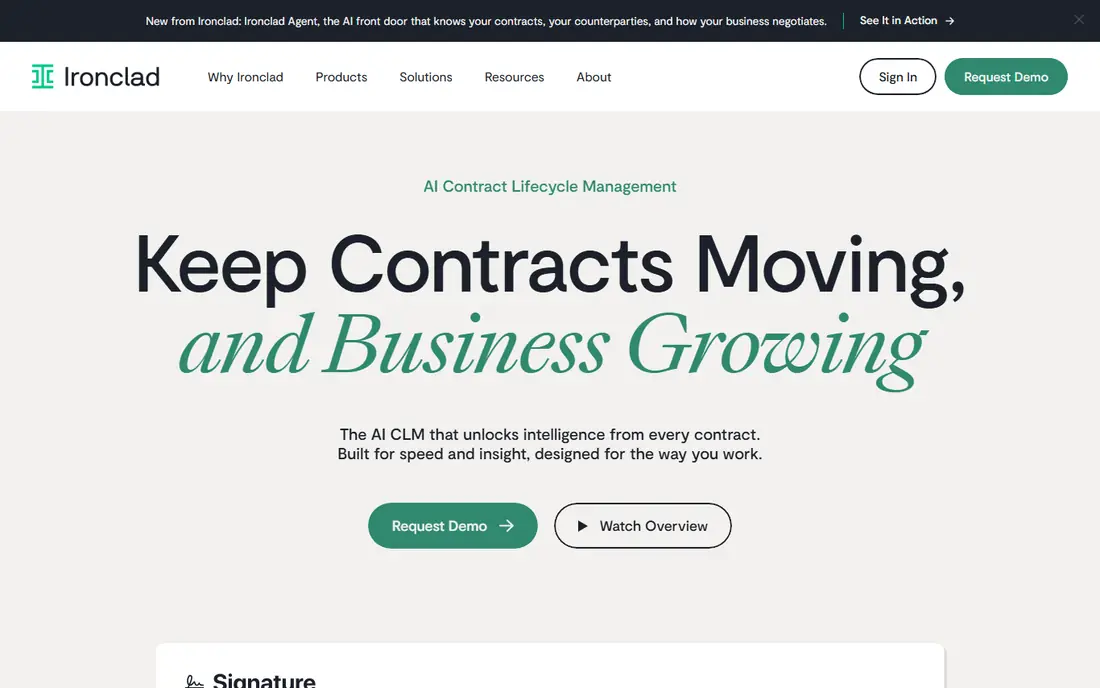
Ironclad is built for legal teams that handle high contract volume across sales, procurement, HR and finance. Its Workflow Designer lets teams route approvals, collect intake data and track every stage without code, while AI tools flag risky clauses, suggest approved language and extract key data from uploaded contracts. A central repository then turns those contracts into searchable business data.
The cost and effort are the honest trade-offs. Ironclad does not publish pricing, and third-party deal data puts many deployments well into five figures per year, plus implementation work. Smaller teams will find simpler tools faster and cheaper. For a growing legal team that needs control, speed and audit trails at scale, Ironclad is a leading choice.
- Full lifecycle workflows with no-code design
- AI clause review and data extraction
- Strong Salesforce and Slack integrations
- Quote-only pricing
- Implementation can be a major project
- Too much tool for a small team
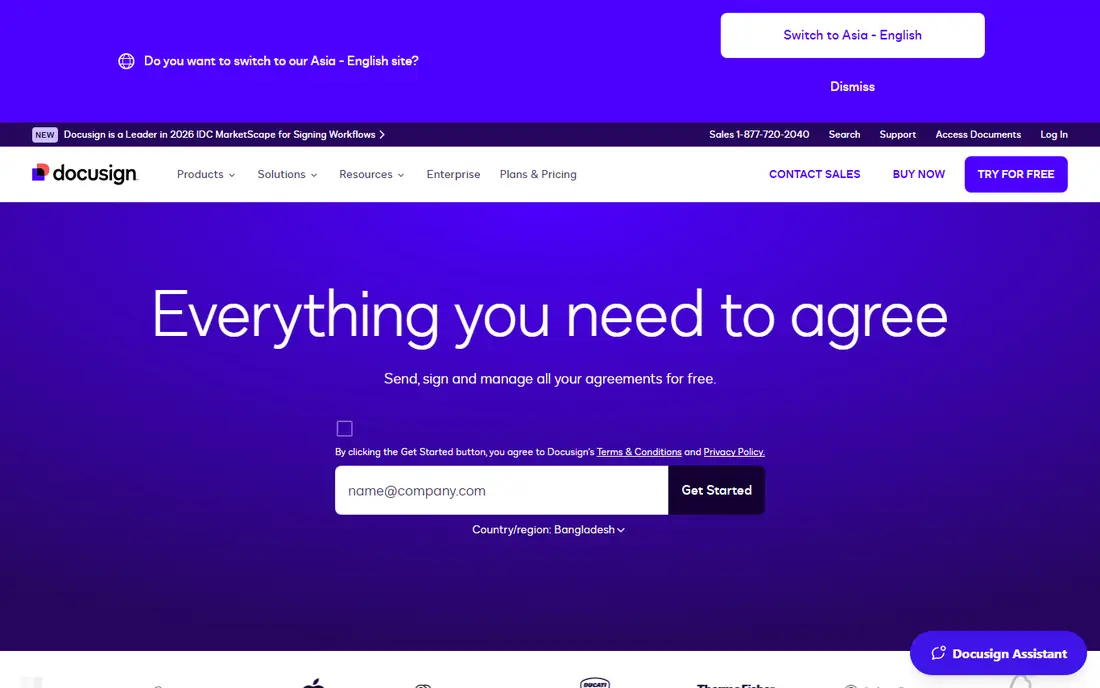
DocuSign CLM extends the signature product most teams already know into document generation, approval routing and storage. Templates can pull data from Salesforce or another connected system, contracts route through conditional approvals, and the signed copy files itself with extracted metadata. For teams already signing in DocuSign, adoption is less of a hurdle than with a new vendor.
Do not confuse eSignature pricing with CLM pricing. The familiar per-user signature plans are a different product, while CLM is quoted separately at enterprise levels. Implementation can also take months and may need outside help. Pick DocuSign CLM when signature familiarity and Salesforce integration matter most, and budget for the full rollout, not just the license.
- Familiar signature workflow
- Template generation from CRM data
- Central repository with AI-extracted metadata
- CLM is priced separately from eSignature
- Implementation can take months
- Negotiation tools are weaker than legal-first rivals
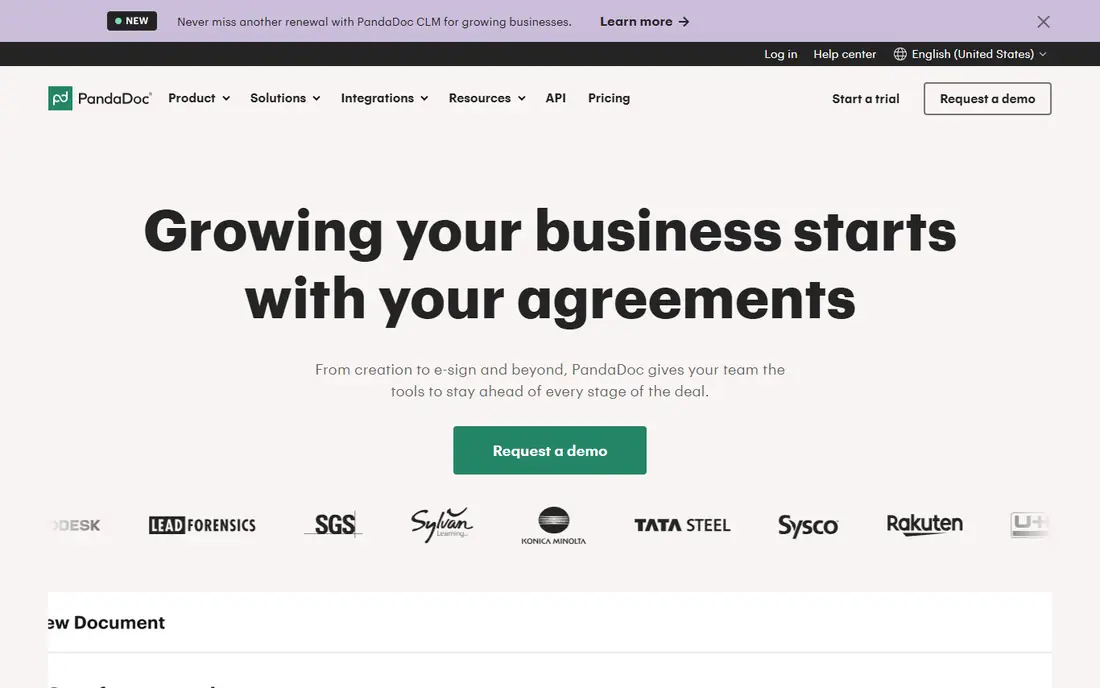
PandaDoc is the most approachable tool on this list for small teams. Its drag-and-drop editor builds proposals, quotes and contracts quickly, and paid plans include unlimited uploads and eSignatures, real-time tracking and approval workflows on Business. Starter costs $19 per user per month on annual billing, and the free plan covers occasional signing with limits.
PandaDoc is not a full enterprise CLM system. Deep clause libraries, complex approval chains and post-signature obligation tracking are thinner here than in Ironclad or Icertis. For sales teams and small businesses that need good documents signed fast, that trade is usually fine. For a legal team managing thousands of contracts, look higher up this list.
- Easy document editor and templates
- Unlimited eSignatures on paid plans
- Free plan for occasional signing
- Full contract lifecycle features are thinner than dedicated CLM
- CRM integrations sit on higher plans
Agiloft suits teams that want to shape contract workflows to their own process rather than adapt to a fixed template. Its no-code configuration handles approvals, clause libraries, obligation tracking and custom fields, and it supports cloud, on-premise or hybrid deployment. A free edition exists for small teams, which makes it easy to test core features before committing.
Flexibility has a cost. The interface looks older than newer rivals, and the more you customize, the more you need an admin who understands the system. Pricing is also quoted rather than fully published, so get a written quote that covers users, features and implementation. Agiloft rewards teams with a clear process and someone to own it.
- Highly configurable no-code workflows
- Free edition for small teams
- Cloud, on-premise and hybrid options
- Interface feels dated
- Deep configuration needs a trained admin
- Pricing is not fully transparent
Juro takes a different approach by keeping the whole contract in the browser. Teams draft from templates, negotiate in one shared document, sign electronically and store the finished agreement with reminders for key dates. AI tools help draft clauses and summarize terms, which speeds up routine sales and HR agreements without endless Word attachments.
Pricing is custom, with Essentials, Growth and Enterprise tiers, so small teams should confirm the minimum deal size before investing time in a demo. Juro is strongest for fast-growing companies signing routine contracts every week. Very large enterprises with complex procurement workflows may still prefer Ironclad or Icertis.
- Contracts created and negotiated in the browser
- AI drafting and review help
- Clean experience for sales and legal teams
- Pricing is custom
- Advanced enterprise features may need higher tiers
- Smaller teams should confirm minimum scope
ContractWorks is a good fit when the main problem is finding and tracking signed contracts. Standard costs $600 per month billed annually, with unlimited users, 2,500 documents and five eSignature licenses. Smart tagging, OCR search, permission-based roles, date alerts and customizable reports help a team stay on top of renewals without a large implementation project.
It is not a full workflow platform. Drafting, negotiation and complex approvals are thinner here than in Ironclad or Juro, and higher document counts require the $800 or $1,000 per month tiers. If your team mostly needs a secure, searchable archive with alerts, ContractWorks is simple, predictable and fast to launch.
- Unlimited users
- Published tier pricing
- Smart tagging, OCR and date alerts included
- Less workflow depth than full CLM
- Document caps on lower tiers
- Signature licenses are limited per tier
Concord targets the large group of routine business agreements that do not need heavy legal complexity. Its Essentials plan costs $499 per month billed annually for five users, with extra users at $49 per month, and it includes a searchable repository, renewal reminders, AI extraction and unlimited eSignatures. Business teams can draft from templates and negotiate in the browser without waiting on legal for every standard agreement.
Growth is where the math needs attention. Each added paid user raises the bill, so a company-wide rollout costs more than a single-team deployment. Concord also lacks the deep enterprise compliance and workflow depth of the largest CLM platforms. For a single department or mid-size company, it is a clear, well-priced middle option.
- Published pricing
- In-browser negotiation and eSignature
- Unlimited documents and signatures on paid plans
- Per-user costs add up as teams grow
- Less enterprise depth than Ironclad or Icertis
ContractSafe keeps the buying decision simple. Pricing starts at $450 per month billed annually for up to 100 contracts, with unlimited users on every plan and no separate implementation fee. AI extracts key data from uploaded contracts, full-text search with OCR finds clauses fast, and alerts warn owners before renewals and deadlines.
The trade-off is scope. Approval workflows, redlining and built-in eSignature appear on higher plans, so teams that need heavy drafting and negotiation should check those tiers first. For teams drowning in signed contracts stored in shared drives, ContractSafe is one of the fastest ways to regain control.
- Published pricing by contract volume
- Unlimited users on every plan
- AI extraction and renewal alerts included
- Approval workflows and eSignature sit on higher plans
- Not a full drafting platform
Icertis is built for large enterprises that treat contracts as core business data. It covers the full lifecycle, from drafting and negotiation to signing, obligation management and analytics, with AI tools that surface risks and commitments across a huge portfolio. Global companies use it to standardize contracting across regions, business units and systems.
That power comes with enterprise cost and effort. Pricing is custom, implementations are major projects, and the platform needs a dedicated team to run well. Small and mid-size buyers should not start here. For a large organization that needs governance, compliance and insight across thousands of agreements, Icertis belongs on the shortlist.
- Deep enterprise CLM with AI analytics
- Strong obligation and compliance tracking
- Global scale and integrations
- Quote-only enterprise pricing
- Long implementation
- Overkill for small and mid-size teams
How we picked these
We compared official feature pages, published pricing, free plans and public reviews, and we favored tools that cover real contract lifecycle work, from drafting to signing to renewal tracking. We included both published-price tools and quote-only enterprise platforms because the market splits that way, and we marked quote-only tools clearly rather than inventing a price. Where third-party deal data gave a range, we treated it as a guide, not a quote, and we recommend confirming every figure with the vendor.
What to check before you sign
Contract software touches legal risk, so a rushed choice costs more than a slow one. Use these checks before you commit.
Map your lifecycle first
Write down each stage you need: intake, drafting, negotiation, approval, signature, storage, renewal and reporting. A tool that only archives signed contracts will not fix a slow approval process, and a full CLM system is wasteful if you only need an archive. Match the tool to the stages that actually hurt today.
Test with a real contract
Run one real agreement through a trial or demo, from template to signature to renewal alert. Check how easy it is to find a clause later, who can see the document, and what happens when a date passes. A demo with sample data hides permission problems and search gaps.
Get the full first-year cost in writing
Ask for license fees, implementation, training, integrations and renewal terms in one document. Quote-only vendors can add services that double the first-year total. Also ask who owns the data on exit and how you export contracts if you leave.