Best CRM Tools for B2B Startups in 2026: 10 Tools Compared
By ToolNimba Editorial Team October 31, 2026 11 min read

- Top pick
 HubSpot CRM
All-in-one free start
Starting priceFreeCheck out HubSpot CRMRead our review - Runner-up
 Pipedrive
Visual pipeline management
Starting price$14 per monthCheck out PipedriveRead our review - Also great
 Zoho CRM
Budget-friendly breadth
Starting price$14 per monthCheck out Zoho CRMRead our review
How we researched this
We compared official pricing and feature pages, app store listings, privacy policies and public user reviews. Prices change, so check the provider's site before you pay.
Key takeaways
- HubSpot CRM is the easiest free starting point for B2B startups that need contacts, deals, and email in one place.
- Pipedrive suits sales-led teams that want a clear visual pipeline without a long setup project.
- Zoho CRM and Freshsales offer strong value for budget-conscious startups, with wide feature sets at lower starting prices.
- Attio and folk fit founder-led teams that need flexible records and relationship tracking more than a rigid sales process.
- Salesforce is the right choice only once a startup has complex needs and someone to manage configuration, since cost and setup rise quickly.
Quick comparison
| Name | Best for | Starting price | Free plan | |
|---|---|---|---|---|
| HubSpot CRM | All-in-one free start | Free | Yes | Visit |
| Pipedrive | Visual pipeline management | $14 per month | Free trial | Visit |
| Zoho CRM | Budget-friendly breadth | $14 per month | Yes | Visit |
 Salesforce | Complex scaling needs | $25 per month | No | Visit |
 Freshsales | Built-in calling and AI help | Free | Yes | Visit |
 Close | Outbound sales teams | $49 per month | Free trial | Visit |
 Attio | Flexible data model | Free | Yes | Visit |
 folk | Founder-led relationship tracking | Free | Yes | Visit |
 Copper | Google Workspace teams | $29 per month | Free trial | Visit |
 monday Sales CRM | Visual workflows and boards | $12 per month | Free trial | Visit |
The best crm tools for b2b startups apps
A B2B startup does not need every CRM feature on day one. It needs a shared record of who it talked to, what was promised, and what happens next. We compared official pricing and feature pages, plus public reviews, to find tools that fit small teams with long sales cycles and several decision makers per deal.
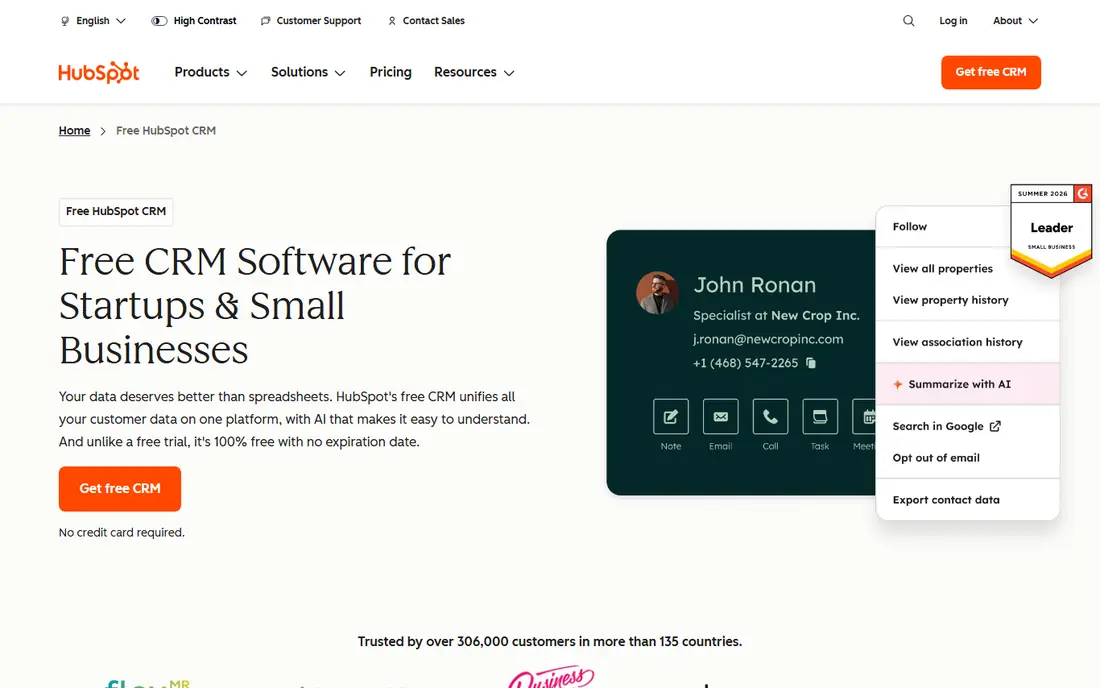
HubSpot CRM is our pick for most B2B startups because the free tier covers the basics well. You get contact and company records, deal pipelines, email tracking, and meeting scheduling without paying. That lets a founder and a small sales team share one record from the first lead onward, rather than tracking deals in spreadsheets and inboxes.
The trade-off appears as you grow. Marketing, sales, and service Hubs each have paid tiers, and costs rise when you add automation, forecasting, and advanced reporting. Start free, prove the pipeline, and upgrade only for features you actually use. HubSpot's upgrade path is clear, which is part of its appeal for startups that expect to scale.
- Generous free tier for contacts and deals
- Email, meeting, and pipeline tools included
- Wide integration library
- Paid Hubs get costly as features are added
- Advanced automation sits behind paid tiers
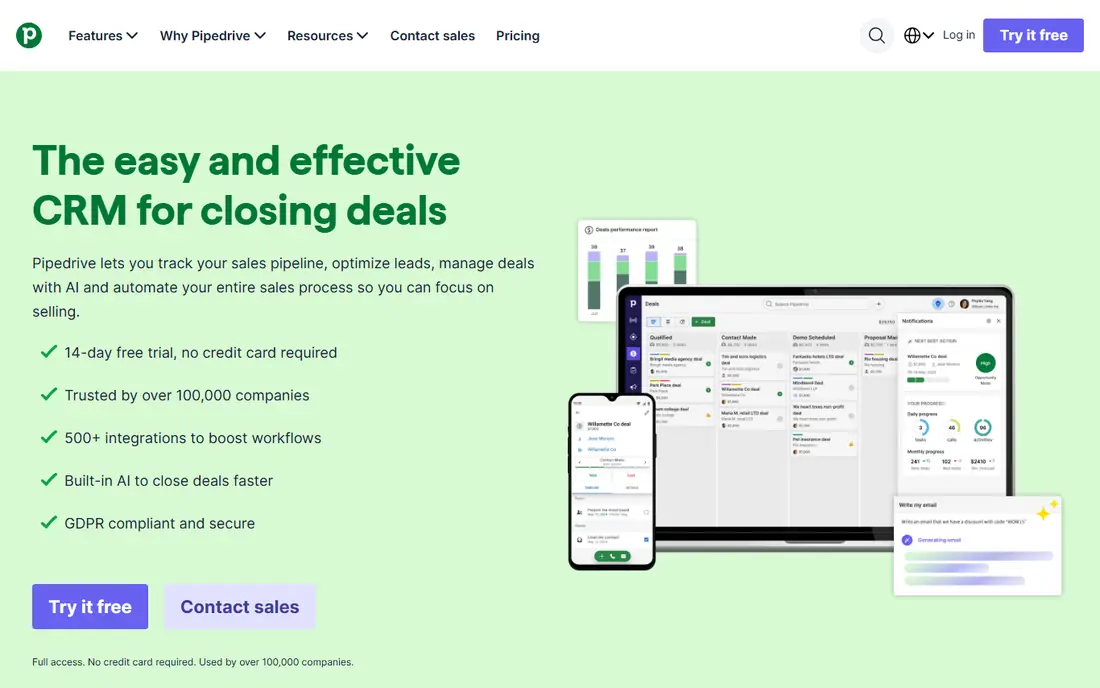
Pipedrive is built around one idea, that a sales pipeline should be visible at a glance. Deals sit in columns by stage, and you drag them forward as they progress. Activities, calls, and emails attach to each deal, so the next step is obvious. For a sales-led B2B startup, that clarity beats a larger platform that takes weeks to configure.
Setup is quick, and most teams can import contacts and start working the same day. The limits show up when you need marketing automation or customer service in the same system. Pipedrive handles sales well and other areas less fully, so pair it with a separate marketing tool if that matters to you.
- Clear drag-and-drop pipeline
- Fast setup for small teams
- Useful activity reminders and email sync
- Marketing and service features are thinner than HubSpot
- Reporting depth needs higher tiers
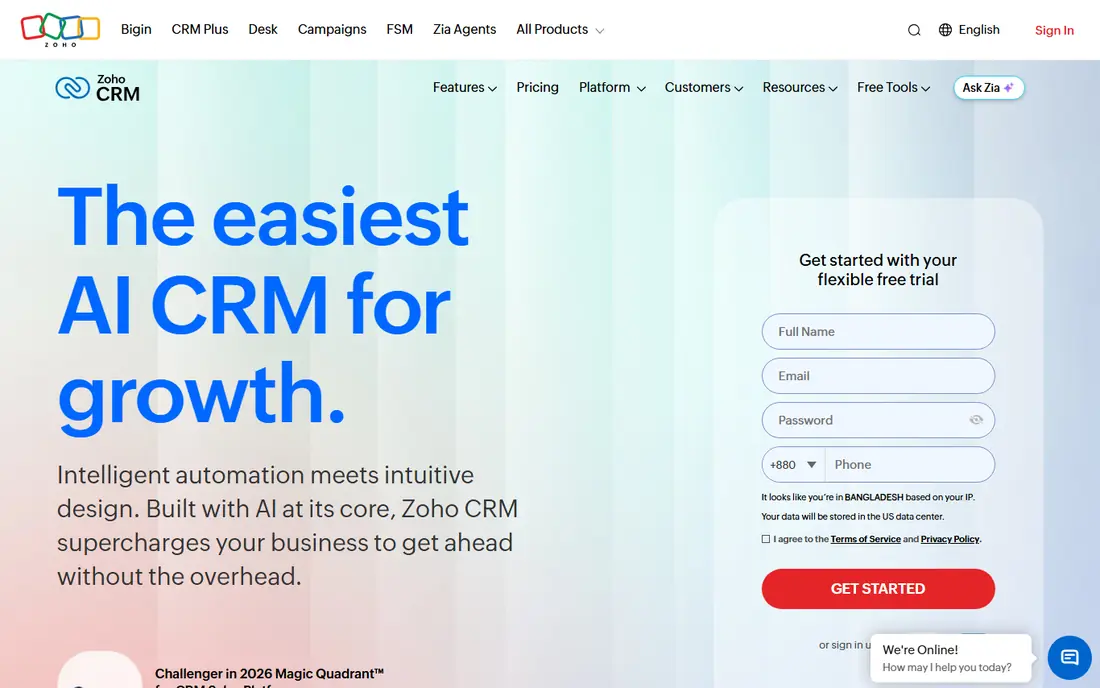
Zoho CRM gives budget-conscious startups a lot for the money. The paid Standard tier, listed from $14 per user per month on the vendor site, includes pipeline management, workflow rules, and email integration. A free tier exists for up to three users, which suits a tiny founding team testing a CRM for the first time.
The breadth is also the catch. Zoho has many settings, and the interface can feel busy until you learn where things live. Startups already using Zoho Books, Zoho Mail, or other Zoho apps will get more value, since records and billing can sit in one ecosystem. If you want the simplest possible CRM, Pipedrive or HubSpot may feel lighter.
- Wide features for the price
- Workflow automation and AI assistant
- Large Zoho app ecosystem
- Interface takes time to learn
- Setup can feel heavy for very small teams
Salesforce remains the standard for larger B2B organisations, and some fast-growing startups adopt it early to avoid a later migration. Its strength is depth. You can model complex account hierarchies, approval flows, territory rules, and forecasting that smaller CRMs cannot match. The AppExchange marketplace adds thousands of integrations and extensions.
That depth comes with cost and effort. Even the entry Starter tier, listed from $25 per user per month, is only the start if you need advanced features. Most teams need an admin, or a consultant, to configure Salesforce well. Choose it when your sales process is already complex, not when you are still finding product-market fit.
- Deep customisation and integrations
- Strong reporting and forecasting
- Large app marketplace
- Setup and admin effort is high
- Costs rise with add-ons and users
Freshsales, part of Freshworks, is a practical pick for startups that sell by phone and email. The free tier covers contacts, deals, and basic pipeline work, while paid tiers add built-in calling, sequences, and AI-assisted scoring. Having the phone inside the CRM means calls, notes, and follow-ups stay attached to the right deal.
Pricing starts free, with paid tiers listed from $9 to $15 per user per month in recent vendor and review summaries, so confirm the current tier on the Freshworks pricing page before you buy. The main limit is depth. Very complex B2B processes may outgrow Freshsales sooner than Salesforce or HubSpot, but for early-stage teams it covers the core well.
- Free tier for unlimited users as listed
- Built-in phone and email
- AI scoring and summaries on paid tiers
- Some advanced sales features need higher tiers
- Interface breadth can feel busy
Close is a sales-first CRM for teams that live on outbound calls and email. Calling, SMS, and sequences sit inside the deal record, so a rep can work a list without switching tools. That focus makes it strong for B2B startups where founders and early hires are also sellers, and where speed of follow-up decides deals.
The starting price is higher than Pipedrive or Zoho, so Close fits teams that will actually use the dialer daily. If your pipeline comes mainly from inbound marketing, HubSpot may be a better fit. For outbound-heavy startups, Close removes the need for a separate dialer and keeps activity data in one place.
- Built-in power dialer, email, and SMS
- Sequences for follow-up
- Reporting on rep activity
- Higher starting price than simpler CRMs
- Less suited to marketing-led teams
Attio takes a different approach from traditional CRMs. Instead of forcing your data into fixed deal stages, it lets you build records, lists, and workflows around how your team actually works. Email and calendar sync pull interaction history into each record, so you can see who talked to whom without manual logging.
That flexibility is powerful for startups with unusual sales motions, such as partnership-led or community-led growth. It also means more upfront decisions. Teams that want a ready-made pipeline with stages already set may prefer Pipedrive. Teams that want to shape the CRM around their own process will like Attio, and its free tier makes it easy to test.
- Flexible records, lists, and workflows
- Email and calendar sync for interaction history
- Modern interface
- Less ready-made sales structure than Pipedrive
- Setup needs decisions about data model
folk suits founder-led startups that sell through networks, partnerships, and outreach rather than a formal sales team. It captures contacts from email and the web, enriches them with public details, and lets you run small outreach sequences from the same place. Setup takes minutes, not days.
The limit is scale. Once you have a larger sales team, formal stages, and forecasting needs, folk will feel light. For a solo founder or a two-person team managing relationships and early deals, that lightness is the point. Use folk to stay organised now, and move to a fuller CRM when the team and process grow.
- Lightweight contact capture and enrichment
- Email outreach in the same tool
- Simple setup
- Less depth for structured sales teams
- Advanced automation and forecasting are limited
Copper is built for teams that live in Gmail and Google Workspace. It pulls contacts, emails, and calendar events into the CRM automatically, so much of the record-keeping happens without manual entry. Pipelines, tasks, and project tracking sit alongside that inbox data, which keeps a small B2B team in one workflow.
Outside Google Workspace, Copper loses much of its edge. Teams on Outlook or mixed tools should look at HubSpot or Pipedrive instead. For a Google-first startup, Copper's integration can save real admin time, but check the current starting price, since it sits above some rivals.
- Deep Gmail and Google Calendar integration
- Automatic contact and activity capture
- Simple pipeline views
- Weaker outside Google Workspace
- Higher starting price for small teams
monday Sales CRM appeals to teams that already use monday.com for work management. Deals, leads, and activities live on boards you can shape with columns, automations, and views. That visual style suits startups that think in boards rather than in traditional CRM forms.
The trade-off is depth. As a CRM, it is less sales-focused than Pipedrive or Close, and advanced reporting sits on higher tiers. If your team already runs projects on monday, adding its CRM keeps work in one place. If you need a dedicated sales engine first, a sales-led CRM will fit better.
- Visual boards that mirror your process
- Automation and email integration
- Ties into monday work management
- Built as an add-on to a work platform, not a sales-first CRM
- Deeper CRM reporting needs higher tiers
How we picked these
We compared official pricing and feature pages for CRMs commonly recommended for B2B startups, plus public reviews that describe setup effort and free-tier limits. We favoured tools with a clear free tier or trial, a pipeline that handles multiple contacts per account, and integrations for email and calendar. We left out enterprise-only platforms with no startup pricing and consumer contact apps that lack deal tracking.
How to choose a CRM for a B2B startup
Start with the sales motion, not the feature list
Inbound, outbound, and partnership-led startups need different CRMs. Inbound teams benefit from HubSpot's marketing links. Outbound teams benefit from Close's dialer. Partnership teams benefit from folk or Attio's relationship focus. Pick the motion first, then shortlist two or three tools that serve it well.
Count the real cost at your team size
Free tiers look generous until you add users and paid features. Model the cost for your team in six months, not just today, including automation, reporting, and any marketing add-ons. A $14 per user tool for five people is very different from a platform where each Hub adds a separate charge.
Test with real deals, not sample data
Import a small set of real contacts and deals, run them through your stages, and check that email sync, tasks, and reporting work as expected. A two-week trial with real data reveals setup friction, missing fields, and reporting gaps that a demo will not show.
Keep data entry light
A CRM fails when reps avoid updating it. Favour tools with email and calendar sync, mobile apps, and simple deal updates. If updating a deal takes more than a minute, your team will skip it, and the pipeline data will drift.
Sources
- https://www.hubspot.com/products/crm
- https://www.pipedrive.com/en/pricing
- https://www.zoho.com/crm/pricing.html
- https://www.salesforce.com/crm/
- https://www.freshworks.com/crm/pricing/
- https://close.com/pricing/
- https://attio.com/pricing
- https://www.folk.app/pricing
- https://www.copper.com/pricing
- https://monday.com/crm/pricing/