Best Crypto Wallet Apps in 2026: 9 Apps Compared
By ToolNimba Editorial Team October 31, 2026 10 min read

- Top pick
 Coinbase Wallet
Beginners
Starting priceFreeCheck out Coinbase WalletRead our review - Runner-up
 MetaMask
Ethereum and DeFi
Starting priceFreeCheck out MetaMaskRead our review - Also great
 Trust Wallet
Broad mobile support
Starting priceFreeCheck out Trust WalletRead our review
How we researched this
We compared official pricing and feature pages, app store listings, privacy policies and public user reviews. Prices change, so check the provider's site before you pay.
Key takeaways
- Coinbase Wallet and Trust Wallet are the easiest starting points for beginners who want self-custody on mobile.
- MetaMask remains the standard for Ethereum apps and DeFi, while Phantom leads for Solana users.
- Most wallets are free to download, but in-app swaps carry fees, with MetaMask at 0.875% and Phantom at 0.85% in recent comparisons.
- Self-custody means you are responsible for your keys. Lose your seed phrase and your funds are usually unrecoverable, so back it up offline.
Quick comparison
| Name | Best for | Starting price | Free plan | |
|---|---|---|---|---|
| Coinbase Wallet | Beginners | Free | Yes | Visit |
| MetaMask | Ethereum and DeFi | Free | Yes | Visit |
| Trust Wallet | Broad mobile support | Free | Yes | Visit |
 Phantom | Solana users | Free | Yes | Visit |
 Exodus | Multi-asset desktop and mobile | Free | Yes | Visit |
 Zengo | No seed phrase recovery | Free | Yes | Visit |
 Electrum | Bitcoin specialists | Free | Yes | Visit |
 BlueWallet | Bitcoin on mobile | Free | Yes | Visit |
 Ledger Live | Hardware wallet companion | Free | Yes | Visit |
The best crypto wallet apps
This is not financial advice. Crypto carries risk, prices can fall sharply, and self-custody means you are responsible for your keys and for checking every transaction before you sign it. The wallets below are free to download in most cases, but network fees and in-app swap fees still apply, and hardware wallets cost extra. Choose based on the chains you use, not on hype.
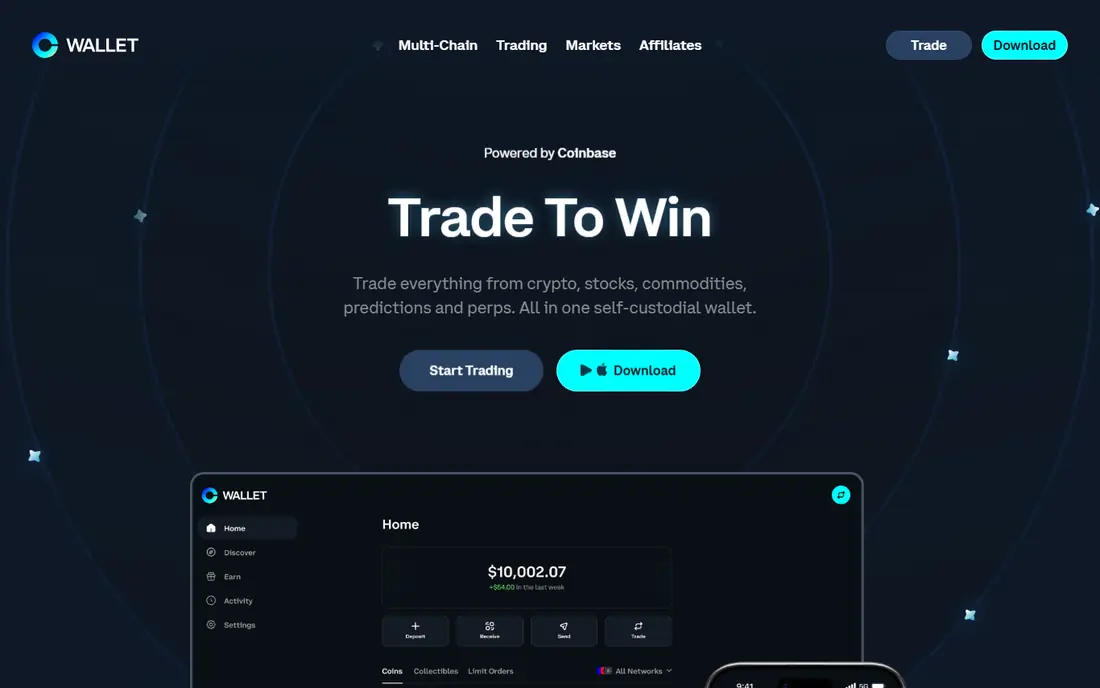
Coinbase Wallet is a self-custody wallet, separate from a Coinbase exchange account, which means you control the keys rather than the exchange holding them for you. The app is simple, supports multiple chains, and includes a browser for decentralized apps, which makes it a gentle first wallet for someone moving crypto off an exchange. It is free to download and use, with network fees for transactions and swap fees for in-app trades.
The cost to watch is swaps. Recent fee comparisons list Coinbase Wallet swap fees up to 1%, which adds up if you trade often. For holding and occasional transfers, that matters little. For frequent swapping, compare the quoted rate with a decentralized exchange before you confirm, and keep larger, long-term holdings in a hardware wallet if you can.
- Very easy mobile interface
- Multi-chain support
- Built-in browser for apps
- Coinbase integration
- Swap fees up to 1% in recent comparisons
- Fewer chains than Trust Wallet
- Tied to a large exchange brand
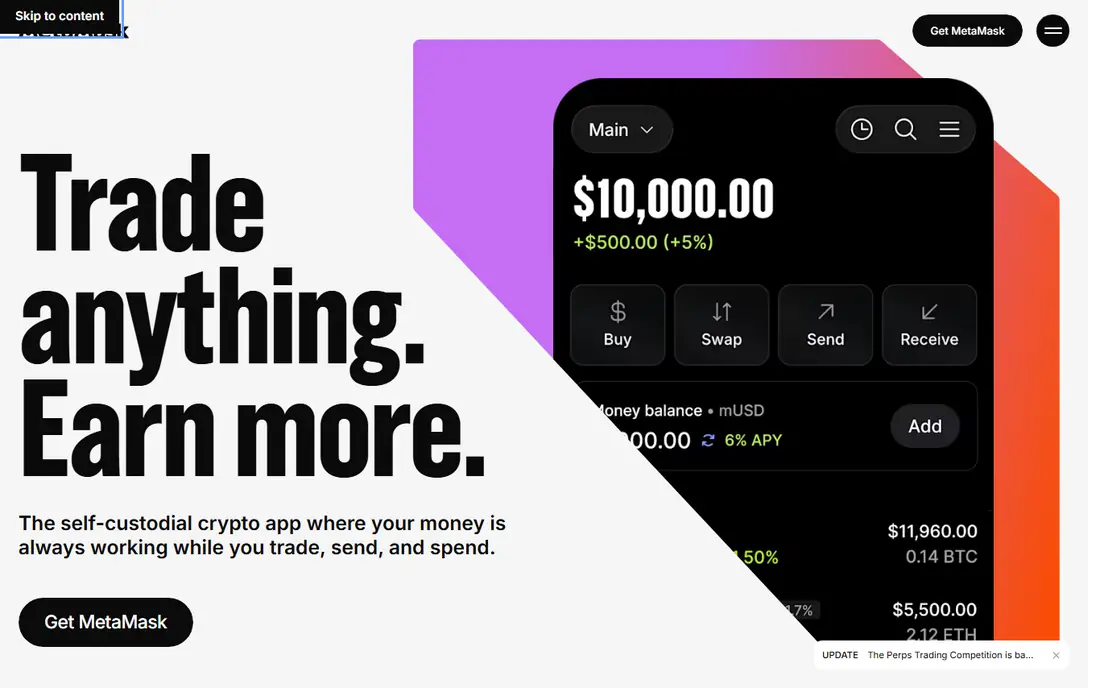
MetaMask is the default wallet for Ethereum and compatible chains, and most decentralized apps support it first. It works as a browser extension and mobile app, supports multiple EVM networks, and offers Snaps that add features for other chains and security tools. For DeFi, NFTs on Ethereum, and token swaps, it is the most compatible choice.
Security needs care. MetaMask is a frequent phishing target, so only install it from the official site or app store listing, never from a link in a message, and always check the address and amount before signing. Its swap fee is listed at 0.875% in recent comparisons, so frequent traders should compare quotes. For Ethereum users, its compatibility outweighs those costs, as long as you practice careful signing.
- Widest support among Ethereum apps
- Multi-chain EVM support
- Snap extensions
- Large community
- Swap fee of 0.875%
- Browser extension is a phishing target
- EVM chains only by default
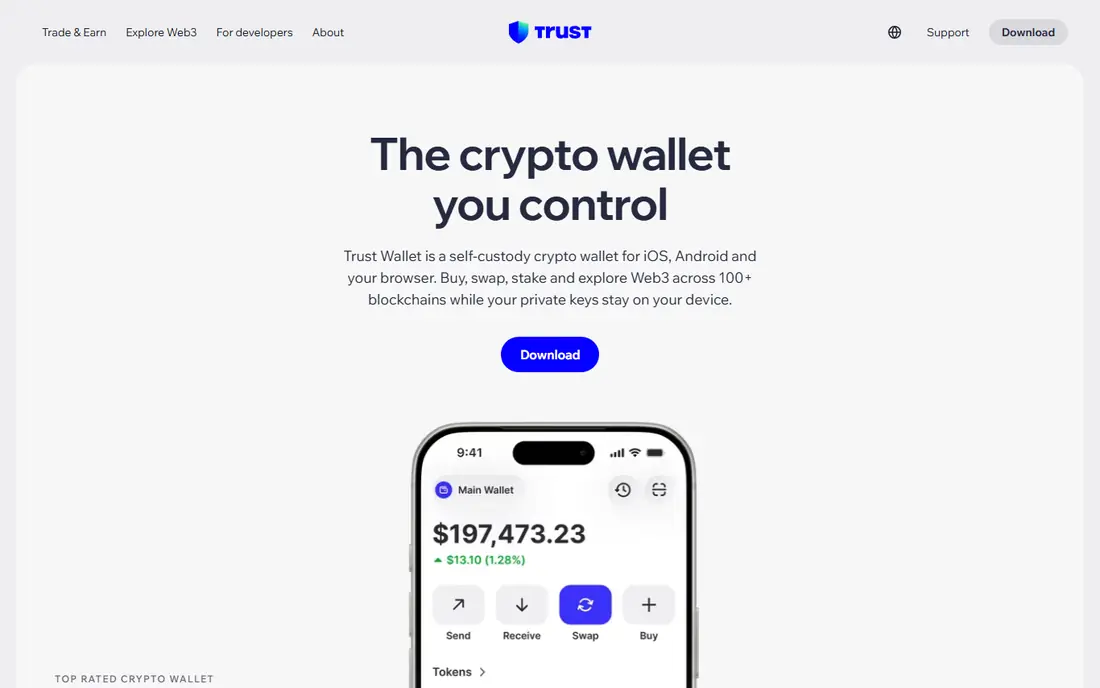
Trust Wallet is a mobile-first, non-custodial wallet with broad chain support, covering more than 100 blockchains in current listings. It suits users who hold many different assets and want one app for sending, receiving, swapping and staking, without a desktop setup. The interface is clean, and the app is free to download and use, with network fees for transactions.
Trust Wallet is a hot wallet, connected to the internet, so it carries more risk than a hardware wallet for large balances. Its swap fee structure is also less transparent than some rivals, with its FAQ stating no additional fees while campaigns note 0% fees on some stablecoin swaps, which suggests other pairs carry a cost. Check the quoted rate before confirming any swap, and keep long-term funds offline where possible.
- Supports 100 plus blockchains
- Clean mobile interface
- Built-in swap and staking
- Non-custodial
- Hot wallet limits apply
- Less DeFi depth than MetaMask
- Swap fees are not always published clearly
Phantom started as a Solana wallet and remains the best choice for Solana users. It handles tokens, NFTs, staking and swaps in a clean interface, and it now supports Ethereum, Polygon and Bitcoin as well, which makes it useful beyond Solana alone. It is free to download, with network fees and a swap fee listed at 0.85% in recent comparisons.
The limit is breadth. Phantom is still strongest on Solana, and Ethereum DeFi users will find MetaMask more widely supported. Its track record is also shorter than older wallets, so keep software updated and verify downloads from the official site. For Solana-first users, Phantom is the clearest pick in this list.
- Excellent Solana experience
- Multi-chain support growing
- Clean design
- Built-in swap and NFTs
- Swap fee of 0.85%
- Newer track record than MetaMask
- Less DeFi tooling for Ethereum
Exodus is known for a polished, beginner-friendly interface on desktop and mobile, with support for many assets and a built-in exchange for swaps. It syncs across devices, shows portfolio value clearly, and suits users who want a wallet that looks good and is easy to use without learning DeFi jargon. The app itself is free to download.
Swap costs are the honest catch. Exodus states exchange fees from about 0.5%, built into the quoted rate rather than itemized, while some independent breakdowns report higher effective spreads on some pairs. Always compare the amount you will receive with another quote before confirming. For holding and simple transfers, Exodus is pleasant. For frequent swaps, a cheaper route will save money.
- Very easy interface across desktop and mobile
- Broad asset support
- Built-in exchange
- Swap costs built into the rate, often higher than rivals
- Closed source in part
- Hot wallet risks
Zengo removes the seed phrase, which is the single biggest loss risk for new users. It uses multi-party computation, where key shares are split between your device and Zengo servers, and recovery uses email, a recovery file and facial verification. That model suits beginners who fear losing a 12-word phrase, and the app is free to download with a clean interface.
The trade is dependence. Recovery depends on Zengo systems and your recovery factors, rather than a phrase you can restore anywhere, and swap fees vary, with help pages noting exchange fees that can reach higher levels on some routes. For a beginner wallet with small to medium balances, Zengo is a thoughtful choice. For maximum independence, a seed-phrase wallet plus a hardware backup remains the standard.
- No seed phrase to lose
- Multi-party computation security
- Three-factor recovery
- Easy onboarding
- Swap fees can reach higher levels on some routes
- Fewer chains than Trust Wallet
- Recovery depends on Zengo systems
Electrum is a long-running, open source Bitcoin wallet for users who want control rather than simplicity. It offers detailed fee controls, address management, and support for hardware wallets, which suits Bitcoin holders who care about privacy and verification. It is free, lightweight, and runs on desktop and mobile, with a focus on Bitcoin alone.
That focus is also its limit. Electrum does not hold Ethereum tokens, Solana assets or NFTs, and its interface will feel sparse next to Trust Wallet or Phantom. Beginners should take time to learn backup, fee and address basics before moving large amounts. For Bitcoin-only users who value open source software and control, Electrum remains a respected pick.
- Long track record for Bitcoin
- Open source
- Advanced fee and address controls
- Hardware wallet support
- Bitcoin only
- Interface feels dated
- Beginners need to learn address and fee settings
BlueWallet is a free, open source Bitcoin wallet for mobile, with support for on-chain Bitcoin and Lightning payments. It suits users who pay with Bitcoin, receive tips, or want a simple mobile wallet separate from a multi-asset app. The interface is clean, setup is quick, and Lightning support makes small, fast payments practical where merchants accept them.
Lightning adds a learning curve around channels and liquidity, so read a basic guide before funding a Lightning wallet with a large amount. BlueWallet also holds Bitcoin only, so multi-asset users will need another app. For Bitcoin-focused mobile use, it is a clear, focused alternative to larger wallets.
- Clean Bitcoin mobile wallet
- Lightning support
- Open source
- Easy for everyday Bitcoin use
- Bitcoin and Lightning only
- Lightning needs channel understanding
- Less suited to multi-asset holders
Ledger Live is the companion app for Ledger hardware wallets, and it is free to download, though a Ledger device itself costs extra, with models such as the Nano X listed around $149 in recent comparisons. The app lets you manage accounts, buy, swap and stake, while private keys stay on the hardware device, which is far safer for long-term holdings than a phone-only wallet.
You need the device to get the full security benefit, and some users prefer fully open source firmware, which Ledger does not offer. For larger balances, that trade is usually worth it: a hardware wallet keeps keys offline, while Ledger Live gives you a usable interface for everyday management. Pair a hardware wallet with a mobile hot wallet for small spending, and keep the bulk offline.
- Pairs with Ledger hardware wallets
- Broad asset support
- Buy, swap and stake in one app
- App is free but hardware costs extra
- Some features need a Ledger device
- Closed-source firmware concerns for some users
How we picked these
We compared official wallet pages, app store listings and October 2026 fee comparisons for wallets that offer self-custody today. We favored wallets with clear chain support, active maintenance, and a distinct strength, whether beginner ease, Ethereum compatibility, Solana focus, Bitcoin control or hardware security. We did not claim hands-on testing, and we flagged swap fees and phishing risks where they matter.
How to stay safe with a crypto wallet
Download only from the official site or app store listing, and never enter a seed phrase on a website, in a message, or in an app you did not install yourself. Write your seed phrase on paper, store it offline in a safe place, and never photograph it or store it in cloud notes. Start with a small test transaction to a new address, check the address character by character, and verify swap quotes before signing.
Separate spending from savings
Keep a small amount in a mobile hot wallet for everyday use, and larger, long-term holdings in a hardware wallet. That split limits loss if a phone is lost or a phishing site tricks you once. Review connected apps regularly, revoke permissions you no longer use, and update wallet software from official sources only.