Best Customer Service Software in 2026: 9 Tools Compared
By ToolNimba Editorial Team October 29, 2026 10 min read

- Top pick
 Zendesk
Large multi-channel teams
Starting price$55 per agent per monthCheck out ZendeskRead our review - Runner-up
 Freshdesk
Most small and mid-size teams
Starting price$19 per agent per monthCheck out FreshdeskRead our review - Also great
 HubSpot Service Hub
HubSpot CRM teams
Starting price$20 per seat per monthCheck out HubSpot Service HubRead our review
How we researched this
We compared official pricing and feature pages, app store listings, privacy policies and public user reviews. Prices change, so check the provider's site before you pay.
Key takeaways
- Freshdesk is our pick for most small and mid-size teams, because it offers full ticketing at a lower entry price than Zendesk.
- Zendesk remains the most mature platform for large, multi-channel teams that need deep customization.
- HubSpot Service Hub is best when support must live inside HubSpot CRM, with customer history in one place.
- Zoho Desk is the budget pick, especially for teams already using other Zoho apps.
- AI costs now matter as much as seat prices, so check per-resolution fees before you buy.
Quick comparison
| Name | Best for | Starting price | Free plan | |
|---|---|---|---|---|
| Zendesk | Large multi-channel teams | $55 per agent per month | Free trial | Visit |
| Freshdesk | Most small and mid-size teams | $19 per agent per month | Free trial | Visit |
| HubSpot Service Hub | HubSpot CRM teams | $20 per seat per month | Yes | Visit |
 Intercom | In-app messenger support | $29 per seat per month | Free trial | Visit |
 Zoho Desk | Budget teams and Zoho users | $14 per agent per month | Yes | Visit |
 Help Scout | Email-first small teams | $25 per user per month | Yes | Visit |
 Salesforce Service Cloud | Enterprises on Salesforce | $25 per user per month | Free trial | Visit |
 LiveAgent | Ticketing, chat, and calls in one | $15 per agent per month | Free trial | Visit |
 Gorgias | Ecommerce stores | $10 per month | No | Visit |
The best customer service software
Customer service software is not just a ticket list. It is how email, chat, phone, and social messages become one queue, with customer history, automation, and a help center attached. The tools below differ in channel depth, CRM fit, and how AI is billed, and those differences matter more than headline seat price.
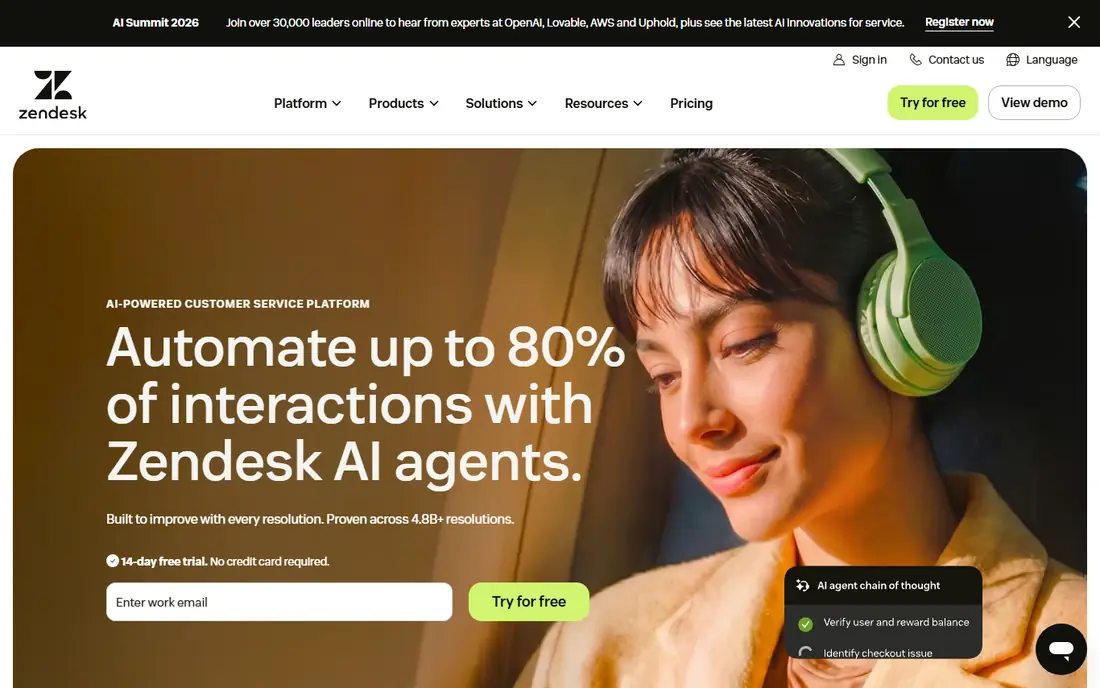
Zendesk is the most mature platform in this list, with ticketing, live chat, voice, social, and WhatsApp messaging in its Suite, plus a large app marketplace. Large teams value its workflows, triggers, macros, and reporting, which handle complex routing and service levels without workarounds. If support is a large operation with tiers and regions, Zendesk is built for that scale.
The cost is the catch. Suite Team at $55 per agent per month on annual billing adds up fast for ten agents, and AI Copilot and automated resolutions are billed on top in recent guides. Small teams should trial the Support Team tier or Freshdesk first, and only move to Suite when the extra depth is actually used.
- Mature ticketing and marketplace
- Omnichannel in one suite
- Strong reporting
- Suite Team is $55 per agent per month annual
- AI resolutions cost extra
- Setup can take weeks
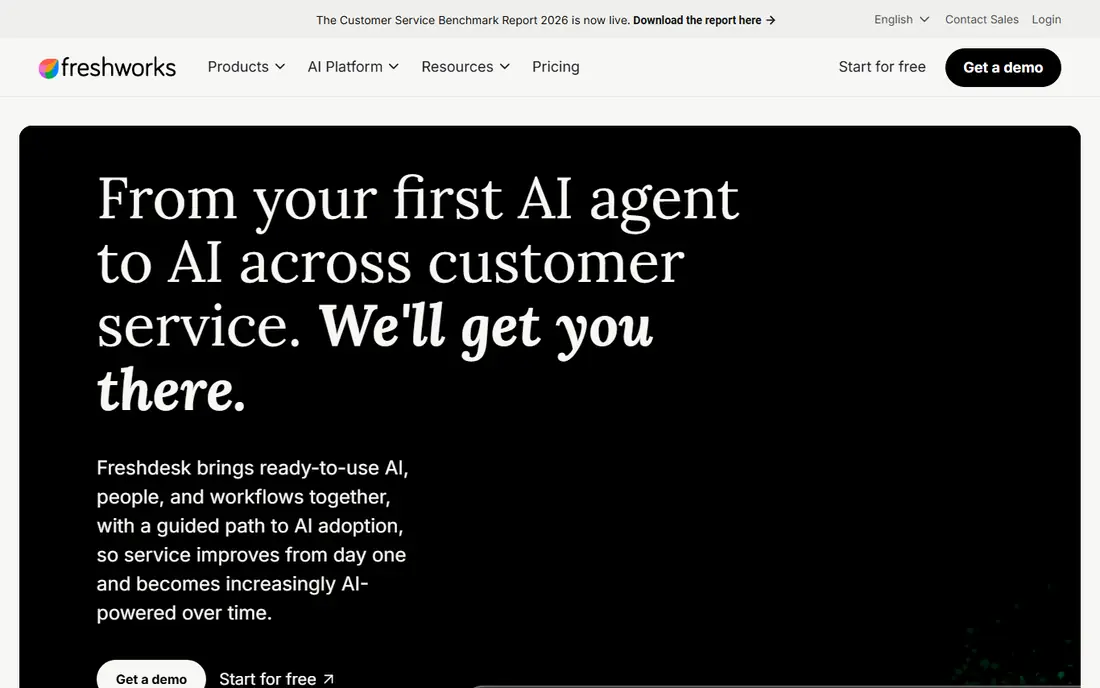
Freshdesk is our pick for most teams because it covers the core job well at a fair price. Growth at $19 per agent per month on annual billing includes multichannel ticketing, automation, and a knowledge base, and most teams can go live in days rather than weeks. It handles email, chat, phone, and social in one queue, which is enough for most small businesses.
Watch AI billing. Recent guides list Copilot at $29 per agent per month and AI sessions at $49 per 100 sessions, with a one-time grant on some plans. That is still cheaper than Zendesk for many teams, but model AI cost on your real ticket volume, not just seat count, before you commit.
- Full multichannel ticketing
- Fast setup
- Lower entry price than Zendesk
- Free program is limited
- AI sessions are billed in packs
- Advanced reporting needs higher tiers
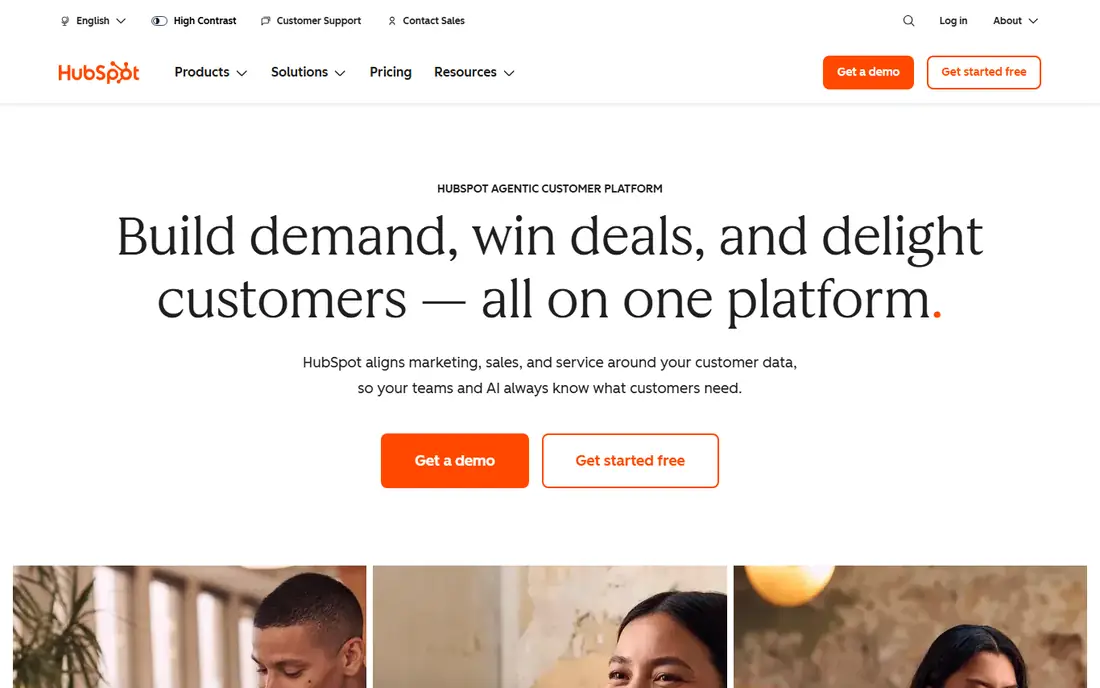
HubSpot Service Hub makes sense when the business already runs on HubSpot CRM. Tickets link to contacts, companies, and deals, so an agent sees purchase and conversation history without switching tools. Free service tools cover up to 2 users, and Starter at $20 per seat per month adds paid features for small teams.
Professional at $90 per seat per month on annual billing, plus a $1,500 onboarding fee in recent guides, is a jump. Buy HubSpot for the CRM connection, not for ticketing alone, because Freshdesk or Zoho Desk beat it on ticketing price if you do not use HubSpot elsewhere.
- Real CRM built in
- Free tools for up to 2 users
- Ticketing tied to deals and contacts
- Professional onboarding fee is $1,500 in recent guides
- AI uses credits
- Seat costs rise fast
Intercom is built for support inside a website or app, not for an email queue. Its messenger feels native to a product, and Fin, its AI agent, can resolve common conversations before a human steps in, at $0.99 per Fin outcome in recent guides. Essential starts at $29 per seat per month on annual billing, with a 14-day trial.
That per-outcome model is both a strength and a risk. If Fin resolves many chats, you save agent time. If volume is high and resolution rate is low, the bill varies month to month. Trial it with real product traffic, and track outcomes per conversation, not just seat price, before you scale it.
- Strong in-app messenger
- Fin AI agent resolves chats
- Proactive messaging built in
- Per-seat plus per-outcome pricing
- Costs vary with volume
- Less email-first than rivals
Zoho Desk is the budget pick that still feels like a real help desk. Standard at $14 per agent per month on annual billing covers ticketing, automation, and a knowledge base, and the free edition covers up to 3 agents with limits. For a team already using Zoho CRM, Books, or other Zoho apps, the integration value is high.
The trade-off is polish. The interface and some workflows feel less refined than Zendesk or Help Scout, and the best AI features sit on higher tiers. For a cost-conscious team that needs solid ticketing, that is a fair trade. For a brand where support design is part of the product, trial the interface with agents first.
- Low seat price
- Free edition for up to 3 agents
- Strong Zoho integrations
- Interface is less polished than rivals
- Advanced AI needs higher tiers
- Pricing varies by region
Help Scout suits teams whose support is mostly email. It presents a shared inbox that feels like email, not a ticket system, which customers often prefer, and agents can collaborate with notes and assignments without a steep learning curve. Standard at $25 per user per month, with a free plan for up to 5 users and 100 contacts per month in recent guides, makes it easy to start small.
Phone support and complex enterprise workflows are weaker here than in Zendesk or Salesforce. AI Answers costs $0.75 per resolution in recent guides, so model that on volume too. Choose Help Scout when email is the main channel and simplicity matters more than channel breadth.
- Shared inbox that feels like email
- Free plan for up to 5 users
- Simple setup
- Less strong for phone and complex workflows
- AI Answers billed per resolution
Salesforce Service Cloud is the enterprise choice for companies already on Salesforce. Cases link to accounts, orders, and custom objects, and automation can span sales, service, and field work in one platform. Starter at $25 per user per month, with Professional at $80 and Enterprise at $165 in recent guides, covers a wide range of team sizes on paper.
In practice, implementation, customization, and add-ons raise the total cost well beyond seat price, and small teams often find it heavy. Buy it when Salesforce is already the system of record and service must live there. Otherwise, a standalone help desk will be faster and cheaper.
- Deep Salesforce integration
- Enterprise case management
- Agentforce AI options
- Implementation can be costly
- Higher tiers rise fast
- Overkill for small teams
LiveAgent is a good value pick for small businesses that need voice as well as chat and email. At $15 per agent per month on annual billing in recent guides, it bundles a call center with ticketing and live chat, which rivals often charge extra for. That makes it useful for a small team that still takes phone calls every day.
The interface and AI features are less modern than Intercom or Zendesk, and reporting is simpler. If your team needs advanced AI resolution, look elsewhere. If you need phone, chat, and tickets in one affordable tool, LiveAgent covers the basics well.
- Ticketing, live chat, and call center in one tool
- Low entry price
- Forum support included
- Interface feels dated to some teams
- AI is basic compared with Intercom or Zendesk
Gorgias is built for ecommerce, and its pricing reflects that. Starter at $10 per month for 50 tickets in recent guides charges by ticket volume, not by seat, which beats per-seat plans for lean, high-volume stores with seasonal peaks. Order data from Shopify appears inside each conversation, so agents can answer shipping, refund, and exchange questions without switching apps.
It is less useful outside ecommerce, where order data is not the main context. Ticket overages and AI agent interactions add cost, so model peak months, not average months. For a Shopify store, though, it is the most focused tool in this list.
- Priced by tickets, not seats
- Shopify order data in every conversation
- Automation for order questions
- Less suited to non-ecommerce teams
- Ticket overages add cost
- No free plan
How we picked these
We compared official pricing pages, feature pages, and public reviews for tools that handle customer service as a core job. We kept tools with distinct models, including per-seat, per-ticket, CRM-bundled, and email-first options, so readers can match a tool to team size and channel mix. We left out internal IT tools, because this guide is for customer-facing support.
What to check before you pay
Price a team of ten, not a team of one. Per-agent prices look small until you multiply them, and AI fees, onboarding, and add-ons change the ranking. In recent comparisons, ten agents on a mid-tier plan ranged from about $230 per month for Zoho Desk Professional to $1,150 for Zendesk Suite Professional before AI. Run your own ten-agent math on the plan you will actually use.
Check channels and AI billing together
List every channel you support, including email, chat, phone, WhatsApp, and social, then confirm each is included on the plan you buy. Then check AI billing: per seat, per session, per resolution, or credits. A tool with cheap seats and expensive resolutions can cost more than a tool with higher seats and included AI, once volume grows.
Trial with real tickets, not demo data
Import or forward a week of real tickets into a trial, and let agents work them end to end. Check assignment, macros, knowledge base search, and reporting on those real cases. A demo with clean data hides the messy cases that decide whether a tool survives contact with customers.
Sources
- https://www.zendesk.com
- https://freshdesk.com
- https://www.hubspot.com
- https://www.intercom.com
- https://www.zoho.com/desk
- https://www.helpscout.com
- https://www.salesforce.com
- https://www.liveagent.com
- https://gorgias.com
- https://www.spotsaas.com/blog/best-help-desk-software
- https://rankite.com/blog/top-10-help-desk-software