Best Data Integration Tools in 2026: 9 Tools Compared
By ToolNimba Editorial Team October 31, 2026 11 min read

- Top pick
 Fivetran
Fully managed data ingestion
Starting priceFreeCheck out FivetranRead our review - Runner-up
 Airbyte
Open-source data movement
Starting priceFreeCheck out AirbyteRead our review - Also great
 Informatica
Enterprise data integration and quality
Starting priceSee websiteCheck out InformaticaRead our review
How we researched this
We compared official pricing and feature pages, app store listings, privacy policies and public user reviews. Prices change, so check the provider's site before you pay.
Key takeaways
- Managed ELT like Fivetran suits analytics teams that want low maintenance, while Airbyte suits engineering teams that want control.
- Pricing models differ sharply, with monthly active rows, credits, events and quotes all in use, so model your volumes first.
- Simple ELT suits small teams, but complex transformations, governance and app integration may need a broader platform.
Quick comparison
| Name | Best for | Starting price | Free plan | |
|---|---|---|---|---|
| Fivetran | Fully managed data ingestion | Free | Yes | Visit |
| Airbyte | Open-source data movement | Free | Yes | Visit |
| Informatica | Enterprise data integration and quality | See website | No | Visit |
 Talend | Data integration with quality tools | See website | No | Visit |
 Stitch | Simple ELT for small teams | Free | Yes | Visit |
 Hevo Data | No-code pipelines for growing teams | See website | Free trial | Visit |
 Matillion | Cloud-native ETL for warehouses | See website | Free trial | Visit |
 Boomi | Integration plus API management | See website | No | Visit |
 Workato | Automation and data integration | See website | No | Visit |
The best data integration tools
We compared official pricing pages, feature pages, app store listings and public reviews to build this list of 9 options for best data integration tools. The picks below cover well-known leaders and strong smaller options, so you can match a tool to your budget and your actual use, not just to a brand name.
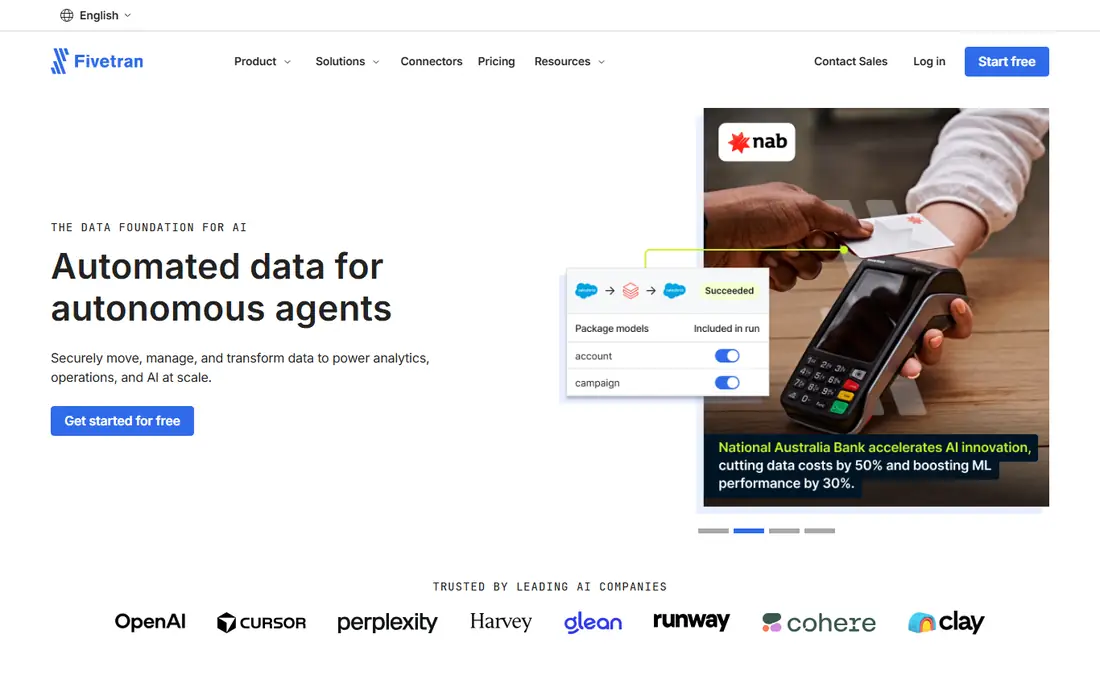
Fivetran fits analytics teams that want pipelines to just work, because managed connectors reduce maintenance. That focus matters because the right choice depends on your daily use, not on a feature list alone. Before you commit, check coverage, pricing and limits for your own case, since those details decide whether a tool feels helpful or frustrating after the first week.
Reliability is the strength, since schema changes and sync issues are handled by the vendor, not your team. On pricing, the starting point listed above is Free, with a free plan status of Yes. If that price does not fit, check the vendor pricing page for current tiers, since plans and limits change over time.
The catch is cost at scale, since monthly active row pricing can rise sharply with many connectors and high change volume. If that trade-off feels acceptable, try the free tier or trial first with a real task, and keep an eye on total cost, not just the headline price.
- 700 plus managed connectors
- Automatic schema handling
- Free tier up to 500,000 monthly active rows
- Usage pricing can grow fast at scale
- Annual minimums apply on paid plans
- Limited custom pipeline control
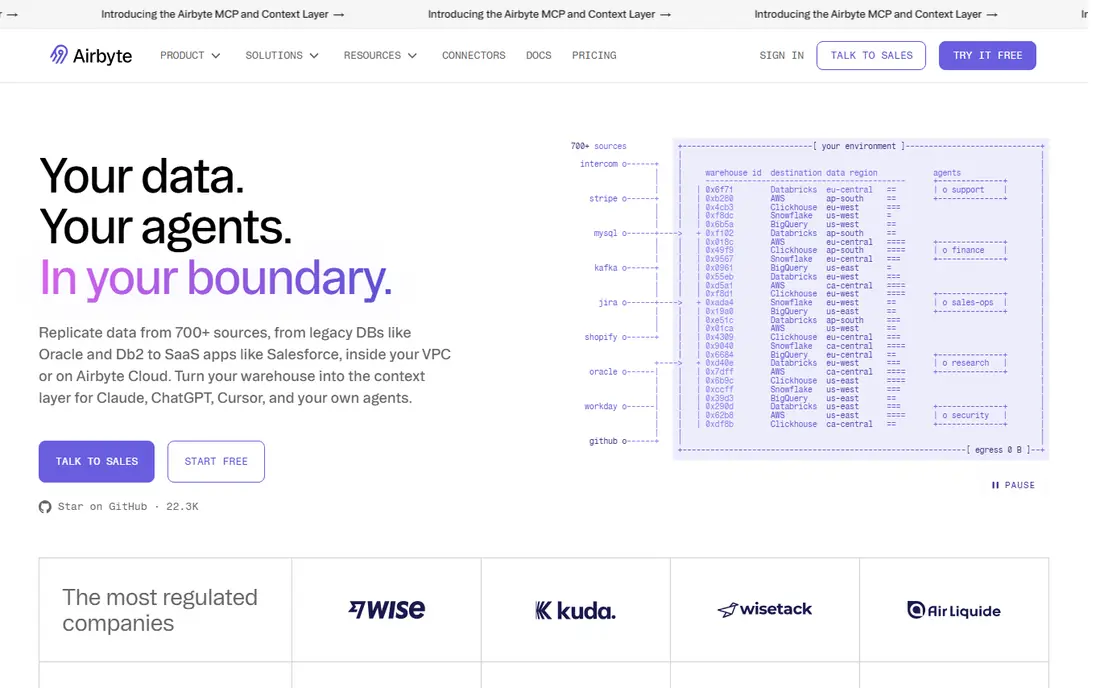
Airbyte fits engineering-led teams that want control, custom connectors and no per-row penalty. That focus matters because the right choice depends on your daily use, not on a feature list alone. Before you commit, check coverage, pricing and limits for your own case, since those details decide whether a tool feels helpful or frustrating after the first week.
Open source is the strength, since self-hosting avoids license fees and gives full control over the pipeline. On pricing, the starting point listed above is Free, with a free plan status of Yes. If that price does not fit, check the vendor pricing page for current tiers, since plans and limits change over time.
The downside is operations, since self-hosting means your team owns reliability, upgrades and monitoring. If that trade-off feels acceptable, try the free tier or trial first with a real task, and keep an eye on total cost, not just the headline price.
- 700 plus connectors
- Free self-hosted core
- Cloud plans from low entry prices
- Custom connector builder
- Self-hosted use needs engineering time
- Connector quality varies
- Cloud pricing models have changed
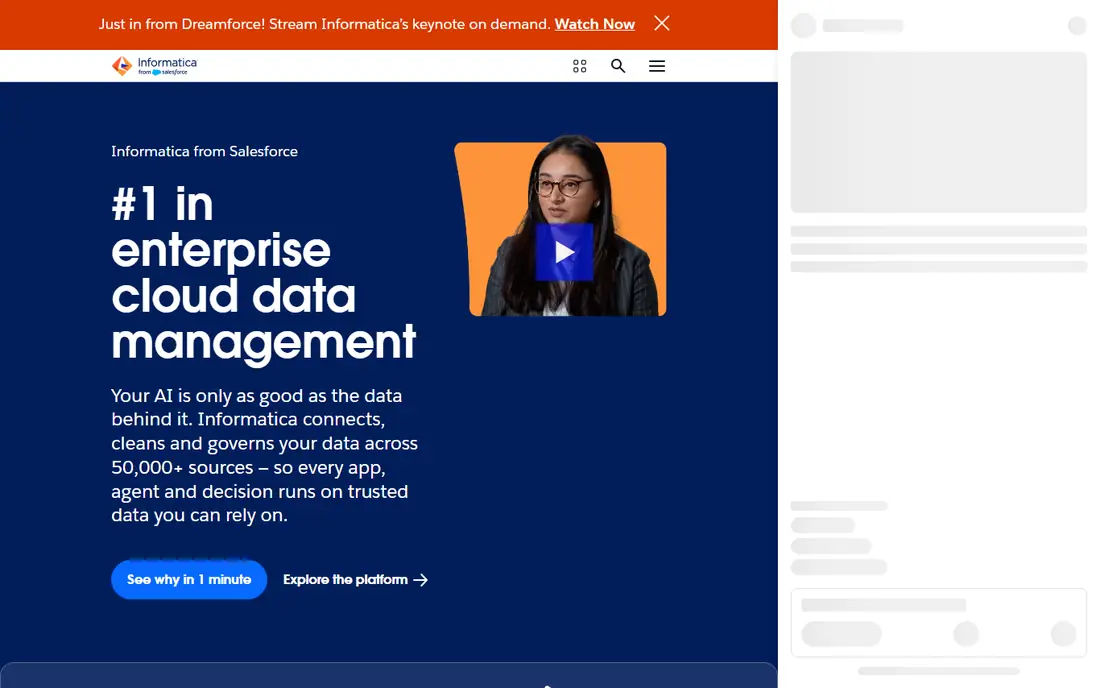
Informatica fits large firms with complex data quality, governance and integration needs across many systems. That focus matters because the right choice depends on your daily use, not on a feature list alone. Before you commit, check coverage, pricing and limits for your own case, since those details decide whether a tool feels helpful or frustrating after the first week.
Breadth is the strength, since integration, quality and governance can run in one enterprise platform. On pricing, the starting point listed above is See website, with a free plan status of No. If that price does not fit, check the vendor pricing page for current tiers, since plans and limits change over time.
The catch is scale, since cost and implementation suit large firms, not a small analytics team with a few sources. If that trade-off feels acceptable, try the free tier or trial first with a real task, and keep an eye on total cost, not just the headline price.
- Broad enterprise integration and data quality tools
- Strong governance
- Cloud and on-prem options
- Enterprise pricing is high
- Setup is complex
- Smaller teams may find it heavy
Talend fits firms that need governed ETL plus data quality, especially where Qlik tools are already in use. That focus matters because the right choice depends on your daily use, not on a feature list alone. Before you commit, check coverage, pricing and limits for your own case, since those details decide whether a tool feels helpful or frustrating after the first week.
Data quality is the strength, since profiling and cleansing sit next to integration, not in a separate tool. On pricing, the starting point listed above is See website, with a free plan status of No. If that price does not fit, check the vendor pricing page for current tiers, since plans and limits change over time.
The downside is pricing opacity, since quotes vary widely, so get a detailed price for your connector and volume needs. If that trade-off feels acceptable, try the free tier or trial first with a real task, and keep an eye on total cost, not just the headline price.
- Strong data quality and integration features
- Now part of Qlik
- Good for governed pipelines
- Quote-based pricing
- Open-source studio was retired
- Setup needs skilled data staff
Stitch fits small analytics teams that want a simple ELT setup without a large platform project. That focus matters because the right choice depends on your daily use, not on a feature list alone. Before you commit, check coverage, pricing and limits for your own case, since those details decide whether a tool feels helpful or frustrating after the first week.
Simplicity is the strength, since a small team can connect common sources and start syncing quickly. On pricing, the starting point listed above is Free, with a free plan status of Yes. If that price does not fit, check the vendor pricing page for current tiers, since plans and limits change over time.
The limit is depth, since complex transformations and enterprise governance may need another tool alongside it. If that trade-off feels acceptable, try the free tier or trial first with a real task, and keep an eye on total cost, not just the headline price.
- Simple setup for common sources
- Row-based pricing
- Free tier for small volumes
- Fewer advanced features than enterprise tools
- Pricing grows with rows
- Support is mainly online
Hevo Data fits growing teams that want no-code pipelines, because business users can set up sources without deep coding. That focus matters because the right choice depends on your daily use, not on a feature list alone. Before you commit, check coverage, pricing and limits for your own case, since those details decide whether a tool feels helpful or frustrating after the first week.
No-code setup is the strength, since a team can build pipelines through a visual flow rather than code. On pricing, the starting point listed above is See website, with a free plan status of Free trial. If that price does not fit, check the vendor pricing page for current tiers, since plans and limits change over time.
The downside is cost growth, since event-based pricing can rise with volume, so model your source volumes first. If that trade-off feels acceptable, try the free tier or trial first with a real task, and keep an eye on total cost, not just the headline price.
- No-code pipeline setup
- Many SaaS and database sources
- Transformation options
- Pricing is quote-based on many plans
- Costs grow with events
- Advanced use needs planning
Matillion fits teams centered on a cloud warehouse who want visual ETL and strong transformations. That focus matters because the right choice depends on your daily use, not on a feature list alone. Before you commit, check coverage, pricing and limits for your own case, since those details decide whether a tool feels helpful or frustrating after the first week.
Warehouse focus is the strength, since pipelines are designed around cloud warehouse performance. On pricing, the starting point listed above is See website, with a free plan status of Free trial. If that price does not fit, check the vendor pricing page for current tiers, since plans and limits change over time.
The catch is scope, since teams with many non-warehouse targets may need another integration tool as well. If that trade-off feels acceptable, try the free tier or trial first with a real task, and keep an eye on total cost, not just the headline price.
- Built for cloud warehouses
- Visual pipeline design
- Strong transformation features
- Pricing is usage-based and can be complex
- Cloud-warehouse focus limits other targets
- Learning curve for new users
Boomi fits firms that need app integration and data integration in one platform, not just warehouse loading. That focus matters because the right choice depends on your daily use, not on a feature list alone. Before you commit, check coverage, pricing and limits for your own case, since those details decide whether a tool feels helpful or frustrating after the first week.
Breadth is the strength, since APIs, apps and data can be connected through one low-code platform. On pricing, the starting point listed above is See website, with a free plan status of No. If that price does not fit, check the vendor pricing page for current tiers, since plans and limits change over time.
The downside is breadth cost, since a team that only needs ELT may pay for integration features it never uses. If that trade-off feels acceptable, try the free tier or trial first with a real task, and keep an eye on total cost, not just the headline price.
- Low-code integration and API tools
- Many connectors
- Good for app and data integration together
- Enterprise pricing
- Platform breadth needs training
- Smaller data-only teams may overpay
Workato fits firms that want integration tied to business automation, because recipes can trigger actions across apps. That focus matters because the right choice depends on your daily use, not on a feature list alone. Before you commit, check coverage, pricing and limits for your own case, since those details decide whether a tool feels helpful or frustrating after the first week.
Automation is the strength, since a data sync can also trigger a workflow, alert or update in another system. On pricing, the starting point listed above is See website, with a free plan status of No. If that price does not fit, check the vendor pricing page for current tiers, since plans and limits change over time.
The catch is price, since enterprise quotes can be high, so compare it against a pure ELT tool for a data-only job. If that trade-off feels acceptable, try the free tier or trial first with a real task, and keep an eye on total cost, not just the headline price.
- Low-code recipes for apps and data
- Strong automation plus integration
- Enterprise security
- Pricing is quote-based and can be high
- Recipe design needs planning
- Data volume costs need care
How we picked these
We compared official feature pages, pricing pages, app store listings, privacy policies and public reviews for each product. We only listed products that exist and work today and truly fit the topic, and we used See website where a price could not be verified from the vendor page at the time of writing. We did not claim hands-on testing that did not happen, and we favored products with clear pricing, support and safety information where that mattered.
How to choose a data integration tool
First, list your sources, destinations and sync frequency, since those decide connector needs and cost. Next, decide who owns pipelines: analysts need no-code setup, while engineers may prefer open source and custom code. Then model pricing with real volumes, including updates and deletes, since some models charge for changes, not just new rows. Finally, test a hard source, not just an easy one, and check schema handling, error alerts and support response before you migrate.