Best Day Trading Platform for Beginners in 2026: 8 Platforms Compared
By ToolNimba Editorial Team October 29, 2026 10 min read

- Top pick
 Fidelity
All-round beginner broker
Starting price$0 tradesCheck out FidelityRead our review - Runner-up
 Charles Schwab thinkorswim
Free professional charting and paperMoney
Starting price$0 tradesCheck out Charles Schwab thinkorswimRead our review - Also great
 Webull
Mobile charting and paper trading
Starting price$0 tradesCheck out WebullRead our review
How we researched this
We compared official pricing and feature pages, app store listings, privacy policies and public user reviews. Prices change, so check the provider's site before you pay.
Key takeaways
- Most major US brokers now charge $0 commission on stocks and ETFs, so the real differences are tools, options fees, data costs, and margin rates.
- Webull, moomoo, and Schwab thinkorswim give beginners the strongest free charting and paper trading, while Fidelity is the simplest all-round broker.
- Robinhood is the easiest app to learn, but it has no paper trading, so practice elsewhere before risking real money.
- This is not financial advice; trading carries risk, and day trading can lose money fast, so start small and use a practice account first.
Quick comparison
| Name | Best for | Starting price | Free plan | |
|---|---|---|---|---|
| Fidelity | All-round beginner broker | $0 trades | Yes | Visit |
| Charles Schwab thinkorswim | Free professional charting and paperMoney | $0 trades | Yes | Visit |
| Webull | Mobile charting and paper trading | $0 trades | Yes | Visit |
 Robinhood | Simplest first trading app | $0 trades | Yes | Visit |
 moomoo | Free Level 2 data and paper trading | $0 trades | Yes | Visit |
 tastytrade | Options-focused beginners | $0 stock trades | Yes | Visit |
 E*TRADE | Power E*TRADE tools and education | $0 trades | Yes | Visit |
 Interactive Brokers | Low-cost active trading at scale | $0 trades (Lite) | Yes | Visit |
The best day trading platforms for beginners
We compared official fee schedules, platform features, app store listings, and public reviews, with a focus on what a new trader actually needs: low costs, clear tools, and a way to practice.
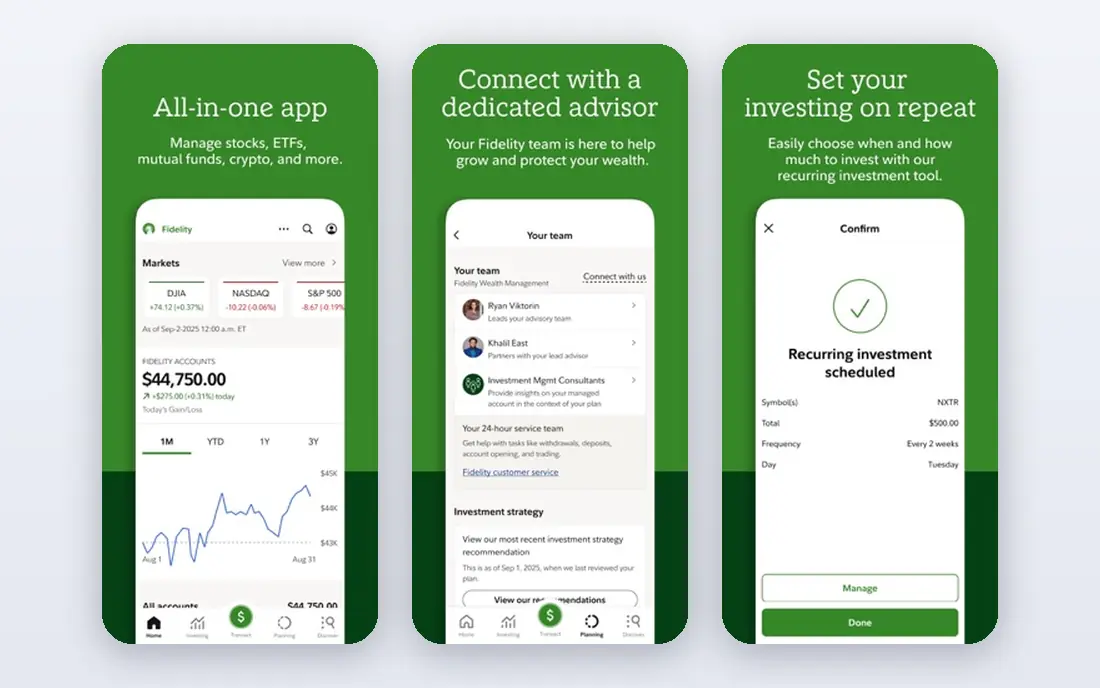
Fidelity is our pick for most beginners because it does the basics well without pushing you toward risky products. Stock and ETF trades cost $0, options cost $0.65 per contract, and the account has no minimum. Research, screeners, and education are built in, so a new trader can learn order types and risk controls in the same place they trade.
The gap is practice. Fidelity does not offer a paper trading account, so beginners need to learn with very small real trades or practice on a separate simulator. Active Trader Pro, its desktop platform, is powerful but busy at first. For a first broker account that can grow with you, Fidelity is still the safest starting point.
- $0 stock and ETF trades
- $0.65 per options contract
- Strong research and education
- No account minimum
- No paper trading account
- Active Trader Pro takes time to learn
Charles Schwab thinkorswim
Best for: Free professional charting and paperMoney

Schwab gives beginners access to thinkorswim, a platform that many active traders pay for elsewhere, at no extra platform fee. Stock and ETF trades cost $0, and the paperMoney mode lets you practice with simulated money, including options and futures in the practice account. That practice mode is a major reason to start here.
The downside is complexity. thinkorswim has many windows, studies, and order tools, and a new user can feel lost in the first week. Start with the mobile app or the basic web platform, then move to thinkorswim once you know the basics. The education library and branch support help with that learning curve.
- Thinkorswim included free for Schwab clients
- PaperMoney practice account
- $0 stock and ETF trades
- Options cost $0.65 per contract
- The platform can overwhelm a true beginner
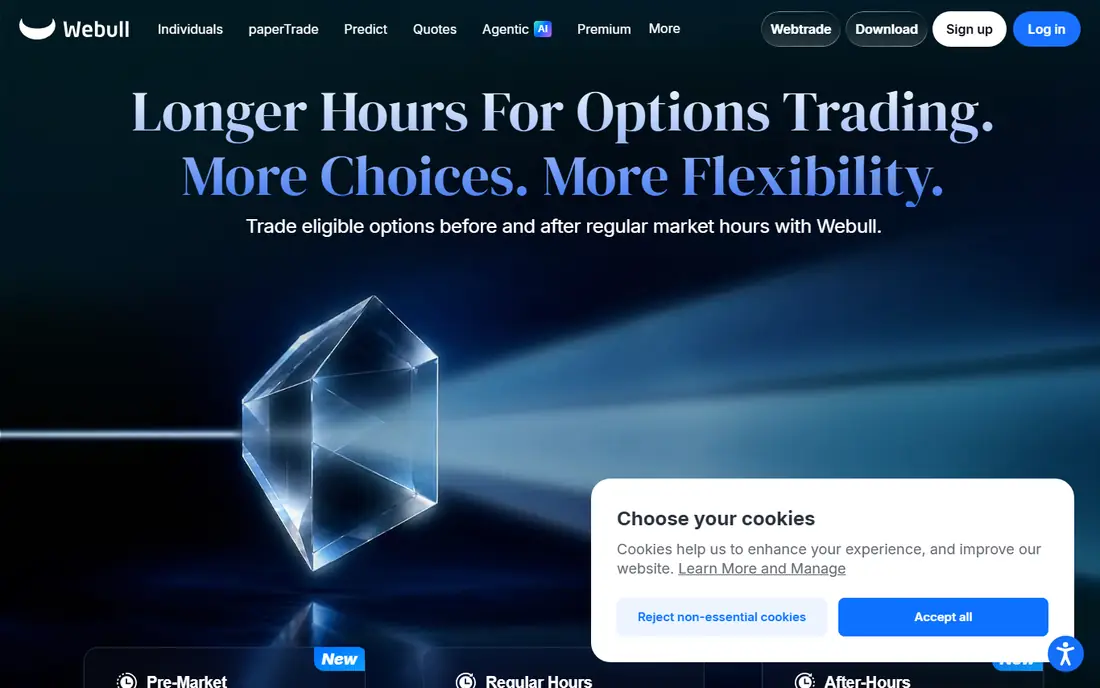
Webull sits between a simple app and a professional platform, which is why many beginners graduate to it. The mobile app offers advanced charts, indicators, and screeners without a platform fee, and stock, ETF, and options trades cost $0. Paper trading uses the same order types and real-time quotes as live trading, so practice feels close to the real thing.
Level 2 market data is an add-on, listed at $2.99 per month for Nasdaq TotalView in recent comparisons, with a first month free. Research and education are also lighter than at Fidelity. For a beginner who wants strong charts on a phone, Webull is a strong second broker to open alongside a main account.
- $0 stock, ETF, and options trades
- Strong mobile and desktop charting
- Paper trading with real-time quotes
- Level 2 data costs extra
- Research is thinner than Fidelity or Schwab
Robinhood is the easiest app on this list to learn, and that simplicity is its main selling point. A new trader can place a stock, ETF, or options trade in a few taps, buy fractional shares from $1, and use the free Robinhood Legend desktop platform for charts. Futures are also available, though beginners should stay away from them at first.
The missing piece is practice. Robinhood has no paper trading account, so you cannot test a strategy without real money. Level 2 data also sits behind the $5 per month Gold subscription. Use Robinhood for simple trades if you like the design, but practice your day trading plan on Webull, moomoo, or thinkorswim first.
- Very simple mobile app
- $0 stock, ETF, and options trades
- Fractional shares from $1
- Robinhood Legend desktop platform free
- No paper trading
- Level 2 data needs Gold at $5 per month
- Research trails larger brokers
Moomoo gives beginners tools that cost extra elsewhere. Level 2 market data is free, paper trading is included, and stock, ETF, and equity options trades cost $0, with index options at $0.50 per contract in recent fee comparisons. The desktop charting and screeners are strong for a free platform, and there is no account minimum.
The limits matter for long-term savers. Moomoo does not offer mutual funds, and it does not offer IRA accounts in the US, so it works best as a trading account rather than a retirement account. The interface is also dense at first. For a beginner who wants data and practice without paying, moomoo is hard to beat.
- Free Level 2 data
- Paper trading included
- $0 stock, ETF, and equity options trades
- No account minimum
- No mutual funds and no IRA accounts in the US
- Interface can overwhelm beginners
Tastytrade is built for options traders, and its fee structure shows it. Stock and ETF trades cost $0, while options cost $1 per contract to open and $0 to close, capped at $10 per leg. That cap helps traders who trade many contracts, and the education content explains options mechanics in plain terms.
For pure stock day trading, the charting and screening tools are less deep than thinkorswim or Webull. Recent guides also note that tastytrade offers backtesting rather than a traditional paper trading account. Beginners interested in options should still learn the risks first, since options can lose value fast.
- $0 stock and ETF trades
- $1 per options contract to open, $0 to close, capped at $10 per leg
- Strong options education
- Stock charting is less deep than thinkorswim
- No traditional paper trading account in recent guides
ETRADE pairs a clean mobile app with Power ETRADE, a web platform with charting, screeners, and options tools. Stock and ETF trades cost $0, and options cost $0.65 per contract, dropping to $0.50 per contract for traders placing 30 or more options trades per quarter. Paper trading and built-in pattern tools help beginners learn chart setups.
Margin rates are a weak spot, with recent comparisons listing rates above 11 percent for small balances. Beginners should avoid margin entirely at first, since borrowed money magnifies losses. As a first broker with room to grow into active trading, E*TRADE remains a solid, well-rounded choice.
- $0 stock and ETF trades
- Power E*TRADE platform included
- Paper trading and pattern tools
- Education library
- Options cost $0.65 per contract, or $0.50 for active traders
- Margin rates are high in recent comparisons
Interactive Brokers is the most powerful broker here, and also the hardest to learn. IBKR Lite charges $0 for stock and ETF trades, while IBKR Pro uses per-share pricing that suits high-volume traders. Margin rates are lower than at most rivals in recent comparisons, and the platform covers stocks, options, futures, and global markets.
Beginners should start with Lite and the basic web or mobile app, not Trader Workstation, which is built for professionals. Market data subscriptions, such as Nasdaq TotalView at $16.50 per month for non-professionals in recent comparisons, can add up. Open this account when you have a clear strategy and want lower costs at volume, not as your very first app.
- IBKR Lite offers $0 stock trades
- IBKR Pro offers per-share pricing
- Low margin rates in recent comparisons
- Wide market access
- Platform is complex for beginners
- Market data add-ons can add cost
- Lite options cost $0.65 per contract
How we picked these
We compared official fee schedules, platform features, app store listings, and public reviews, focusing on $0 stock trades, paper trading, charting, options fees, and margin rates. We favored brokers that are regulated in the US, that offer SIPC protection for eligible accounts, and that a beginner can actually use without a large minimum deposit.
We did not claim hands-on testing that did not happen, and we did not test live order execution. Fees and data prices change, so confirm the current fee schedule on the broker's site before you fund an account. This is not financial advice; trading carries risk.
How to start day trading without losing fast
Day trading looks simple on a phone screen, but most new traders lose money in the first months. A slow, rule-based start protects your capital while you learn.
Practice first, then trade small
Use a paper trading account on Webull, moomoo, or thinkorswim for at least 50 to 100 practice trades on one strategy. Write down your entry, exit, and reason for each trade, and review the log weekly. When you go live, use the smallest size allowed, so a loss is annoying rather than frightening.
Know the costs and the rules
Even with $0 stock commissions, options fees, data subscriptions, margin interest, and spreads still cost money. Check your broker's day trading rules before you start, since FINRA changed the pattern day trader rule in June 2026 and brokers are phasing in the change through October 2027. Confirm the rule your broker applies to your account, and avoid margin until you understand the interest and the risk.
Set hard limits before the market opens
Decide your maximum loss per trade and per day before trading starts, and stop when you hit it. Use limit orders and stop orders where they fit your plan, and avoid chasing a stock after a big move. A written plan with one or two setups beats ten half-learned strategies.
Sources
- https://rankite.com/blog/best-brokerage-platforms
- https://invezz.com/trading/best-day-trading-platforms/
- https://www.trademomentum.org/blog/7-best-online-brokers-for-day-trading-stocks
- https://traderhq.com/moomoo-review-commission-free-trading-app-beginners/
- https://www.moomoo.com/us/learn/moomoo-review-is-moomoo-a-good-trading-platform
- https://www.fidelity.com
- https://www.schwab.com
- https://www.webull.com
- https://www.robinhood.com
- https://www.moomoo.com
- https://www.tastytrade.com
- https://www.etrade.com
- https://www.interactivebrokers.com