Best Employee Scheduling Software in 2026: 8 Tools Compared
By ToolNimba Editorial Team October 29, 2026 9 min read

- Top pick
 Homebase
Small hourly teams in one location
Starting priceFreeCheck out HomebaseRead our review - Runner-up
 Deputy
Growing teams that need compliance and forecasting
Starting price$5 per user per monthCheck out DeputyRead our review - Also great
 When I Work
Simple, team driven shift coverage
Starting price$2.50 per user per monthCheck out When I WorkRead our review
How we researched this
We compared official pricing and feature pages, app store listings, privacy policies and public user reviews. Prices change, so check the provider's site before you pay.
Key takeaways
- Homebase is a strong free starting point for one location with up to 10 employees, while Sling offers free scheduling for up to 30 users.
- Deputy suits growing teams that need compliance, forecasting, and strong reporting, at $5 per user per month on its Lite plan.
- 7shifts is built for restaurants, with tip management and POS links, while Connecteam suits deskless and field teams.
- Price the paid tier you will actually land on, not just the free plan, because user caps and per location pricing change the real cost.
Quick comparison
| Name | Best for | Starting price | Free plan | |
|---|---|---|---|---|
| Homebase | Small hourly teams in one location | Free | Yes | Visit |
| Deputy | Growing teams that need compliance and forecasting | $5 per user per month | No | Visit |
| When I Work | Simple, team driven shift coverage | $2.50 per user per month | No | Visit |
 7shifts | Restaurants and hospitality teams | $44.99 per location per month | Yes | Visit |
 Connecteam | Deskless, field, and frontline teams | $29 per month | Yes | Visit |
 Sling | Free scheduling and team messaging | Free | Yes | Visit |
 Planday | Multi location teams with departments | $2.99 per user per month | No | Visit |
 ZoomShift | Small teams that want labor cost visibility | Free | Yes | Visit |
The best employee scheduling software
We compared official pricing and feature pages for scheduling tools active in October 2026. Prices are per user or per location as stated by each vendor, and free plan limits matter as much as price, so check user caps and feature limits before you choose.
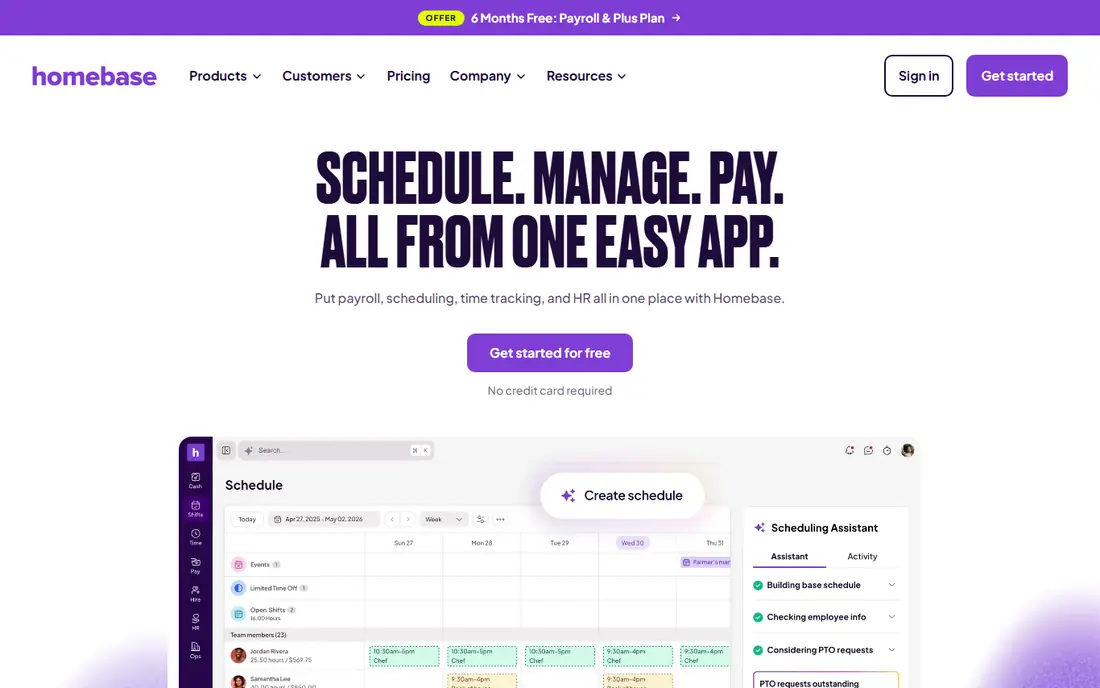
Homebase is our pick for a first scheduling app because the free plan is genuinely useful. One location with up to 10 employees can schedule, track time, and message the team without paying. Open shifts and shift trades happen inside the app, which cuts down on group chat chaos.
Paid plans start at $30 per location per month on monthly billing, with lower annual rates on some listings. That per location model is good for a single site but adds up for chains. If you have one cafe, shop, or clinic, Homebase is hard to beat. If you have many sites, compare per user tools such as Deputy or When I Work.
- Free Basic plan for one location and up to 10 employees
- Scheduling, time clock, and team messaging in one app
- Optional payroll add on
- Paid plans are per location, so costs rise with each site
- Payroll and some controls sit on higher tiers
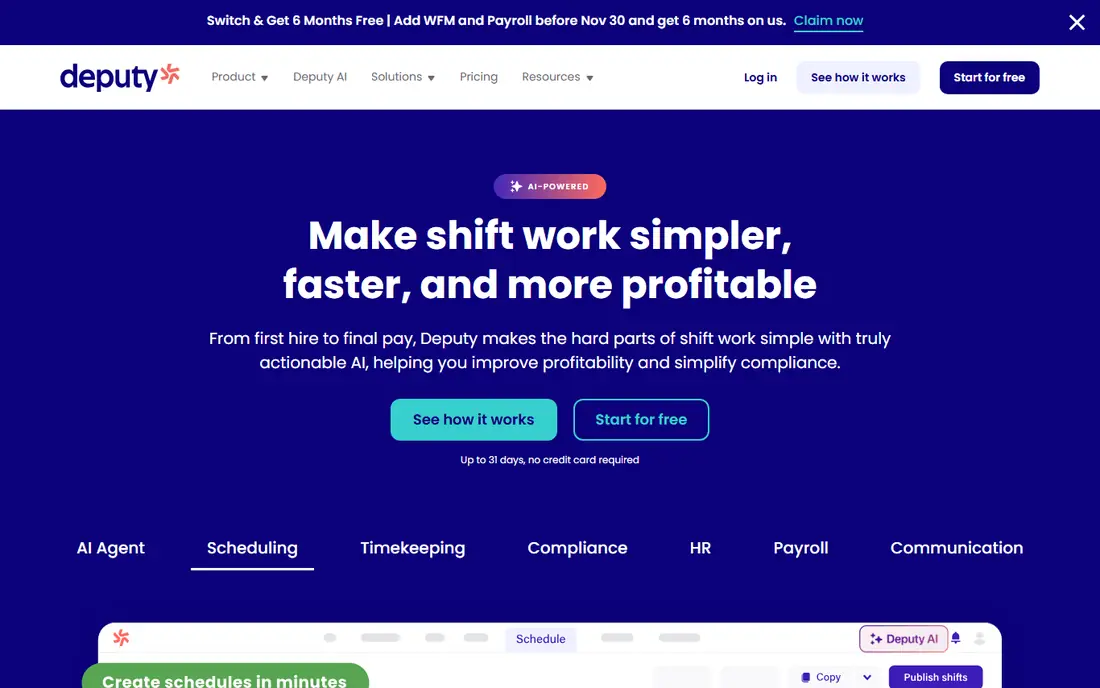
Deputy suits teams that have outgrown a simple calendar. Lite starts at $5 per user per month on annual billing, with a $30 per month minimum spend noted in recent listings. It includes scheduling, timesheets, time clock, swaps, messaging, and compliance tools that help with labor rules.
The trade off is cost and complexity. There is no free plan, and forecasting sits on the Core plan at higher pricing. That is fair for a team that needs those controls, but a small team with simple shifts may do better with Homebase or Sling. Deputy is the pick when compliance and multi location control matter more than the lowest price.
- Strong scheduling, time clock, and compliance tools
- Labor forecasting on higher plans
- Integrations with payroll providers
- No free plan, only a trial
- Minimum monthly spend applies on some plans
- Forecasting needs a higher tier
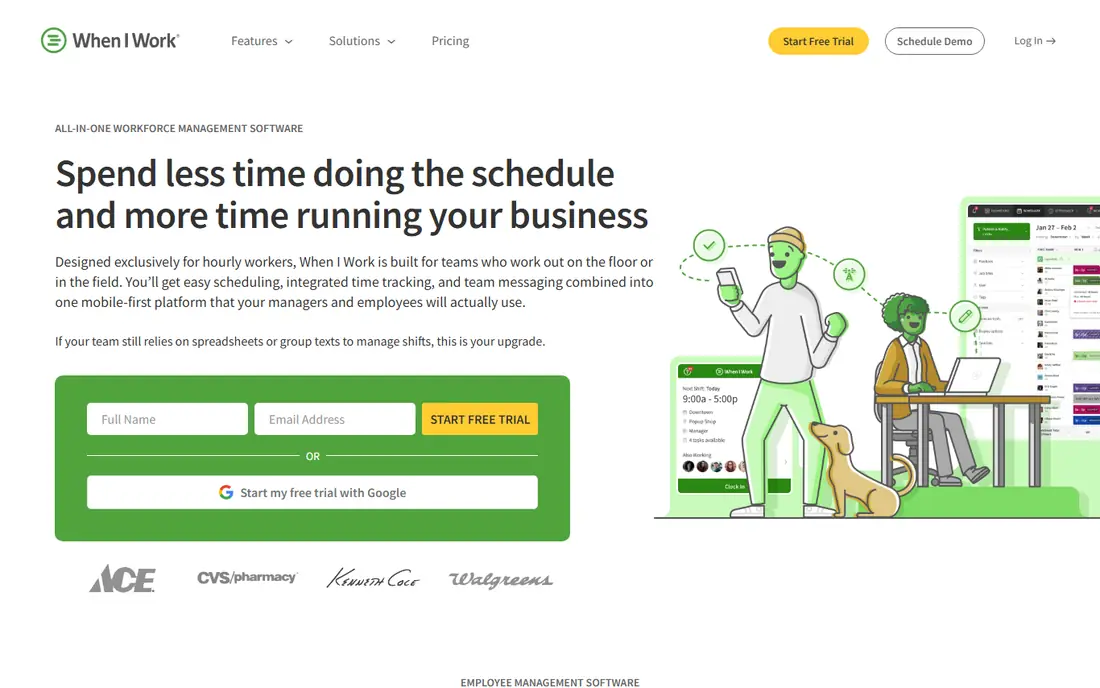
When I Work is a good middle ground for hourly teams that want simple scheduling without a steep learning curve. Staff can view shifts, swap shifts, and pick up open shifts from a phone, and managers can publish schedules quickly. Pricing from $2.50 per user per month is easy to understand.
The limits are forecasting and depth. When I Work is less strong than Deputy on labor forecasting and compliance reporting, and some time tracking features need an add on. For restaurants, retail, and healthcare teams with straightforward shifts, that simplicity is a strength, not a flaw.
- Simple mobile scheduling
- Easy shift swaps and open shifts
- Clear per user pricing
- No free plan
- Forecasting and reporting are thinner than Deputy
- Time tracking may need an add on
7shifts is built around restaurant work, and that focus shows. It handles schedules, availability, time off, tip management, and POS integrations that help managers link sales to labor. The free plan covers one location with a limited team, which is useful for a single restaurant test.
Paid Essentials pricing is listed at $44.99 per location per month on recent listings, with caps on employee numbers. That per location model suits single site restaurants but needs careful costing for groups. If you run a restaurant, 7shifts should be on the shortlist. If you run retail or field teams, Connecteam or Deputy may fit better.
- Built for restaurants with tip management and POS links
- Free plan for one location
- Scheduling, time clock, and team communication
- Per location pricing rises with sites
- Employee caps apply on lower tiers
- Best value is for restaurant workflows
Connecteam suits teams that do not sit at desks. Field crews, cleaners, drivers, and retail staff can clock in with GPS, view schedules, chat, and complete forms in one app. The free plan for up to 10 users makes it easy to trial with a small crew.
Paid operations plans start around $29 per month for the first 30 users on some listings, with $35 noted on others depending on billing. Advanced integrations and automations sit on higher plans, so check those needs early. For a pure scheduling need, Homebase may be simpler. For a full frontline app, Connecteam is strong.
- Free plan for up to 10 users
- GPS time clock and geofencing
- Scheduling plus forms, chat, and training in one app
- Advanced integrations need higher plans
- Scheduling is one part of a broader app, not a pure scheduler
Sling is the most generous free scheduling option on this list for team size. Up to 30 users can schedule and message for free, which covers many small businesses without a monthly bill. Paid Premium from $2 per user per month adds time tracking and labor cost tools.
The catch is the time clock. It is not included on the free plan, so teams that need clock ins must pay or use another tool. If scheduling and messaging are the main need, Sling is excellent. If time tracking is essential from day one, Homebase or Deputy may be a better fit.
- Free scheduling for up to 30 users
- Shift swaps and messaging included
- Low paid pricing from $2 per user per month
- Free plan has no time clock
- Labor cost and reporting tools sit on paid plans
Planday suits businesses with several locations or departments that need structure. Managers can organize staff by site, department, and role, build schedules from templates, and use auto scheduling to fill shifts. That structure helps chains avoid the confusion of a single flat roster.
There is no free plan, and pricing from $2.99 per user per month is a starting point that varies by plan and region. Smaller single site teams may find Homebase or Sling simpler. Multi site teams that need department level control should trial Planday against Deputy.
- Granular organization by location and department
- Auto scheduling and shift templates
- Strong for hospitality and retail chains
- No free plan
- Setup takes time for complex organizations
- Pricing varies by region and plan
ZoomShift is a clean option for small hourly teams that want to watch labor costs as they schedule. The free plan covers up to 20 users at one location, and paid Starter from $2 per active team member per month adds more features. Labor cost tracking helps managers see the cost of a schedule before publishing it.
The free plan limit on forward scheduling, noted as two weeks on some listings, can frustrate teams that plan a month ahead. ZoomShift is best for small teams with short planning horizons. Larger teams or teams that plan far ahead should compare Homebase, Deputy, or Planday.
- Free plan for up to 20 users at one location
- Real time labor cost tracking
- Shift swaps and time clock on paid plans
- Free plan limits forward scheduling to two weeks on some listings
- Smaller feature set than Deputy or Planday
How we picked these
We compared official pricing and feature pages for scheduling tools active in October 2026. We favored tools with clear scheduling, shift swaps, and mobile apps, and we noted free plan caps, per user versus per location pricing, and time clock inclusion. We left out appointment booking tools that do not handle employee shifts.
What to check before you choose
Count locations and staff first, then price the tier you will actually use in six months. A free plan that stops at 10 users is not free for a 25 person team, and a per location price that looks low can rise fast across sites. Test the mobile app with real staff, because scheduling lives on phones. Clock ins, swap requests, and shift reminders need to work for the least tech confident member of the team.
Check compliance and payroll links next. Breaks, overtime, and predictive scheduling rules vary by state and country, and timesheets should flow into payroll without manual retyping. Confirm the tool integrates with your POS or payroll provider during the trial, not after you have signed. A short trial with a real schedule will reveal more than a feature list.