Best Employee Time Tracking App in 2026: 9 Apps Compared
By ToolNimba Editorial Team November 7, 2026 10 min read

- Top pick
 Toggl Track
Simple team tracking
Starting priceFreeCheck out Toggl TrackRead our review - Runner-up
 Clockify
Free tracking at any size
Starting priceFreeCheck out ClockifyRead our review - Also great
 Harvest
Time to invoices
Starting priceFreeCheck out HarvestRead our review
How we researched this
We compared official pricing and feature pages, app store listings, privacy policies and public user reviews. Prices change, so check the provider's site before you pay.
Key takeaways
- Clockify is the best free employee time tracking app, with a free plan for unlimited users and paid plans from 3.99 dollars per user per month.
- Toggl Track is the simplest tracker teams actually keep using, thanks to a one-click timer and a free plan for small teams.
- Harvest is the best pick when tracked time must turn into client invoices without extra tools.
- Hubstaff and Time Doctor suit remote teams that need screenshots, activity, and payroll, but monitoring features need clear team policies.
- QuickBooks Time is the natural pick for businesses already running QuickBooks Payroll, since hours feed straight into payroll.
Quick comparison
| Name | Best for | Starting price | Free plan | |
|---|---|---|---|---|
| Toggl Track | Simple team tracking | Free | Yes | Visit |
| Clockify | Free tracking at any size | Free | Yes | Visit |
| Harvest | Time to invoices | Free | Yes | Visit |
 Hubstaff | Remote accountability | $4.99 per user per month | No | Visit |
 Time Doctor | Validated hours | $6.67 per user per month | No | Visit |
 Everhour | Tracking inside project tools | Free | Yes | Visit |
 QuickBooks Time | QuickBooks payroll users | See website | No | Visit |
 Jibble | Free attendance tracking | Free | Yes | Visit |
 TimeCamp | Free tracking with invoicing | Free | Yes | Visit |
The best employee time tracking apps
Employee time tracking covers two different jobs. Desk teams need simple timers and timesheets for billing and payroll. Field and remote teams need clock-ins, GPS, and accountability features. The apps below cover both, so match the pick to your team type before comparing prices.
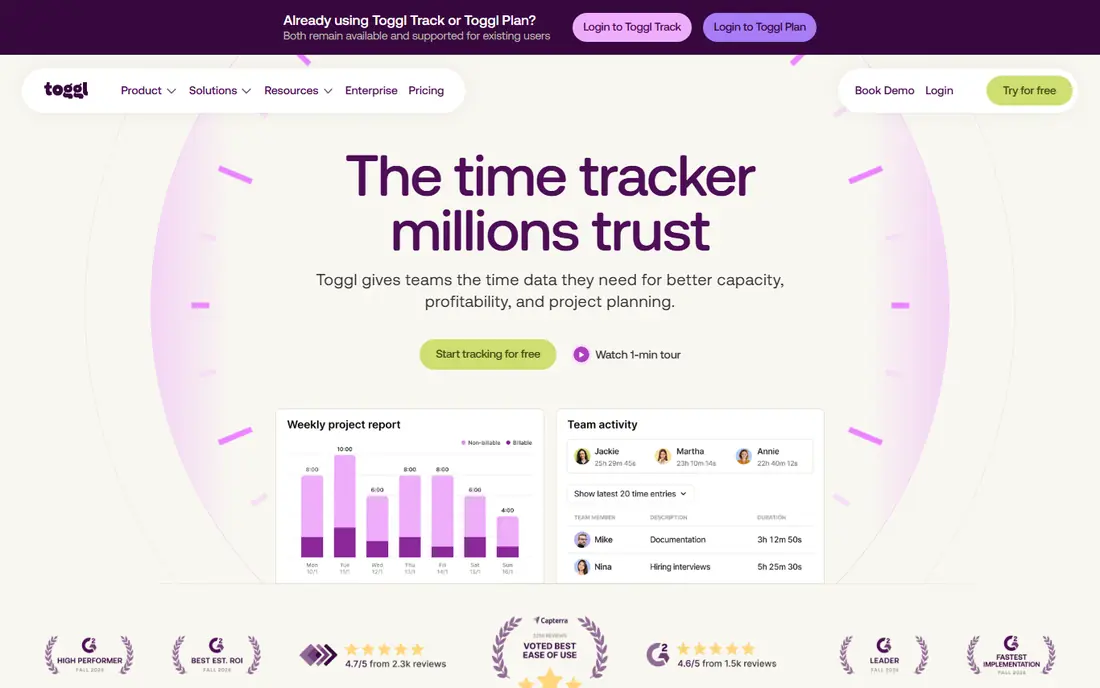
Toggl Track is the tracker we point most small teams to first. One button starts and stops time, and you tag the entry to a project or client in seconds. Browser extensions add a Toggl button inside Asana, Jira, Trello, GitHub, and many other tools, so staff track time without leaving the tool they already use. That low friction is why teams keep using it.
The free plan covers up to 5 users with unlimited tracking, projects, and clients, which suits freelancers and tiny teams. Paid plans start at 9 dollars per user per month and add billable rates, deeper reporting, and team dashboards. Toggl Track does not run payroll itself, so pair it with a payroll tool if you need that step automated.
- One-click timer
- Free plan for up to 5 users
- Browser extensions for many project tools
- Clean reports
- Paid plan starts at 9 dollars per user per month
- Free reporting is limited to recent history
- No built-in payroll
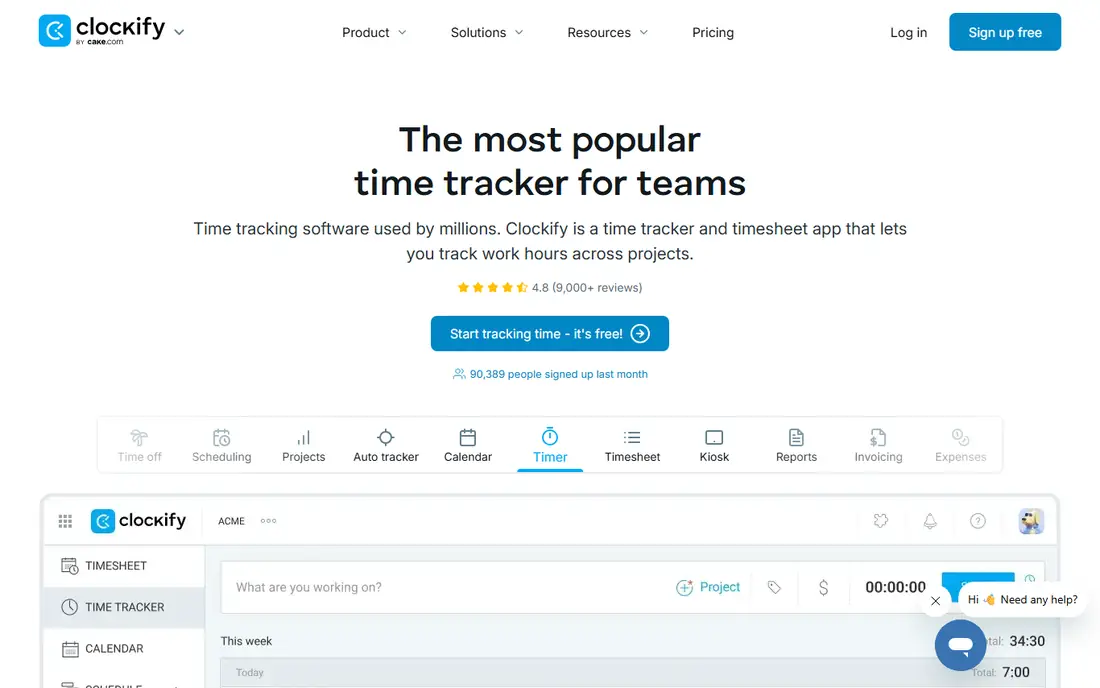
Clockify is the best free employee time tracking app in this list, and the gap is wide. The free plan covers unlimited users, projects, and reporting basics, which no other tool here matches. Paid plans start at 3.99 dollars per user per month on annual billing, adding scheduling, approvals, and admin controls. For a business watching every dollar, Clockify is the obvious starting point.
The trade-off is polish and depth. The interface is plain, and some workforce features sit on higher paid plans. Clockify also integrates with payroll tools rather than running payroll itself. If free, unlimited tracking is the priority, nothing else here comes close.
- Free plan for unlimited users
- Timesheets, calendar, and reports
- Kiosk mode for clock-ins
- Low paid pricing
- Paid features such as scheduling and approvals sit on higher plans
- Interface is plain
- Payroll needs an integration
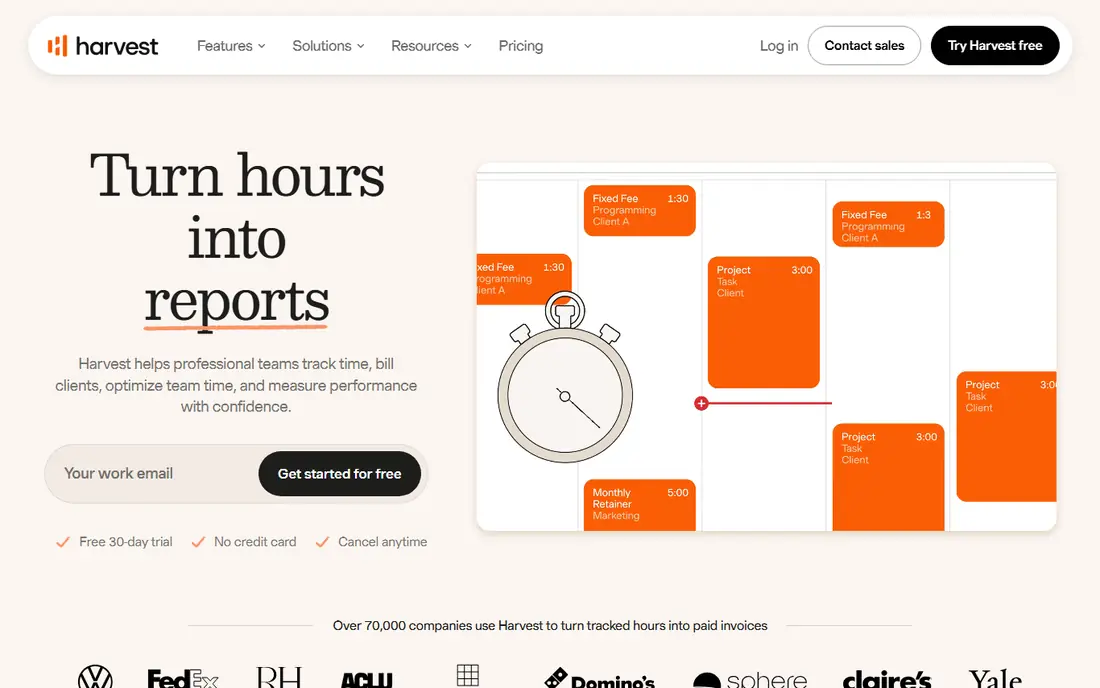
Harvest is the best pick when the point of tracking is billing clients. Staff track time against projects, and that time flows into invoices with expenses attached, so agencies and consultancies bill faster with fewer errors. Project budget reports show when a job is eating more hours than quoted, which helps before the invoice goes out.
The free plan covers only 1 seat and 2 projects, so real teams need the paid plan at 11 dollars per seat per month. Harvest also skips screenshots, GPS, and deep monitoring, which is a plus for trust but a gap for field teams. Pick Harvest when client billing leads, and pick Hubstaff or QuickBooks Time when field accountability leads.
- Tracked time feeds directly into invoices
- Expense tracking
- Project budgets and reports
- Clean interface
- Free plan covers 1 seat and 2 projects
- Paid plan starts at 11 dollars per seat per month
- No screenshots or GPS
Hubstaff suits remote and field teams that need proof of hours, not just totals. It offers optional screenshots, activity levels, GPS clock-ins, and geofencing, plus scheduling and timesheets. Contractor payroll automates payments for remote workers, which saves admin time for distributed teams. Paid plans start at 4.99 dollars per user per month.
Monitoring is the sensitive part. Screenshots and activity tracking can feel intrusive, so teams need a written policy, clear notice, and a reason tied to client billing or field safety. Used with consent and transparency, Hubstaff gives managers real visibility. Used without that care, it damages trust faster than it saves money.
- Screenshots and activity levels
- GPS for field teams
- Automated payroll for contractors
- Scheduling and timesheets
- Monitoring features can harm trust if handled badly
- No permanent free plan
- Setup needs clear policies
Time Doctor is built for distributed teams that need to validate hours for clients or payroll. It tracks time with optional screenshots, app and website usage, and idle detection, then turns that data into reports by person, project, and client. Higher plans add payroll features, which close the loop from tracked hours to payment.
Like Hubstaff, Time Doctor needs a clear policy before rollout. Staff should know what is tracked, why, and how the data is used. The Basic plan starts at 6.67 dollars per user per month on annual billing, with a 14-day trial. For teams that bill clients by validated hours, that reporting depth is the main reason to pick it.
- Screenshots and activity tracking
- Payroll on higher plans
- Distraction alerts
- Detailed productivity reports
- No permanent free plan
- Monitoring needs careful team communication
- Price rises on higher plans
Everhour is the best pick for teams that already live in a project tool. It adds time tracking directly inside Asana, Trello, ClickUp, Basecamp, and others, so staff track time on the task itself rather than in a second app. Budgets, estimates, and invoicing sit on top of that tracked time, which helps agencies that manage work and billing together.
The free plan covers up to 5 seats, and the paid plan starts at 8.50 dollars per seat per month on annual billing. Everhour is thinner as a standalone tracker, so teams without a project tool should pick Toggl Track or Clockify instead. For project-tool teams, Everhour removes the most friction in this list.
- Time tracking inside Asana, Trello, ClickUp, and more
- Budgets and invoicing
- Free plan for small teams
- Needs a project tool to shine
- Paid plan starts at 8.50 dollars per seat per month
- Standalone use is thinner
QuickBooks Time, formerly TSheets, is the natural pick for businesses already on QuickBooks. Staff clock in on mobile, managers approve timesheets, and approved hours flow into QuickBooks Payroll without retyping. GPS and geofencing verify field clock-ins, and overtime and time-off rules reduce payroll errors. That direct payroll link is its main advantage.
Pricing uses a base fee plus a per-user fee, and it is included with QuickBooks Online Payroll Premium and Elite plans, so check the current bundle before budgeting. Businesses outside QuickBooks get less value here. If payroll already runs on QuickBooks, QuickBooks Time is the lowest-friction choice.
- Hours feed into QuickBooks Payroll
- GPS and geofencing
- Mobile clock-ins
- Overtime and time-off tracking
- Pricing uses a base fee plus per-user fee
- Best only with QuickBooks
- Free trial only, no permanent free plan
Jibble is the best free attendance tracker here. Its free plan covers unlimited users with clock-ins by mobile, web, kiosk, and facial recognition, plus GPS tracking for field staff. That combination suits retail, hospitality, and field teams that need attendance proof without paying per seat from day one.
Project billing and deep reporting are lighter than Harvest or Everhour, and advanced features sit on paid plans. For hourly teams whose main need is who clocked in, where, and when, Jibble is a strong free start. Desk teams that bill by project will get more from Toggl Track or Harvest.
- Free plan for unlimited users
- Facial recognition clock-ins
- GPS and kiosk modes
- Payroll integrations
- Paid features add cost for advanced reporting
- Interface is attendance-first
- Project billing is lighter
TimeCamp combines a free plan for unlimited users with invoicing, reporting, and automatic tracking options. It suits small teams that want free tracking plus a path to billing, without jumping to a paid plan at once. Integrations cover project tools, accounting apps, and productivity suites, so tracked time can feed other systems.
The interface packs in many features, which can feel busy next to Toggl Track. Monitoring depth is also basic compared with Hubstaff or Time Doctor. For a small team that wants free tracking with invoicing in the same tool, TimeCamp is a solid, low-risk pick.
- Free plan for unlimited users
- Automatic time tracking options
- Invoicing and reporting
- Many integrations
- Paid plan starts at 3.99 dollars per user per month
- Interface can feel busy
- Monitoring features are basic
How we picked these
We compared official feature pages, pricing pages, and free-plan terms, and we checked that each homepage loads and belongs to the product named. We looked for real employee features: team timesheets, approvals, reporting, and payroll or billing links, not just a personal timer. We included free, budget, and monitoring options so desk, remote, and field teams each find a fit.
How to choose the right employee time tracking app
Start with team type. Desk and agency teams need simple timers, project tags, and billing links, so shortlist Toggl Track, Clockify, Harvest, and Everhour. Field and hourly teams need clock-ins, GPS, and scheduling, so shortlist QuickBooks Time, Jibble, and Hubstaff. Picking across that divide is the most common mistake.
Next, decide on monitoring before you buy. Screenshots, activity levels, and GPS help for field safety and client billing, but they need a written policy, staff notice, and a clear purpose. If trust matters more than proof, pick a timer-only tool and skip monitoring entirely. Trial the tool with a small team first, and ask staff what slows them down before rolling it out company-wide.
Finally, check the payroll and billing link. Hours that must be retyped into payroll or invoices waste the time tracking was meant to save. Confirm the integration with your payroll or accounting tool during the trial, and price the plan that includes approvals and reporting, since those features often sit above the entry tier.
Sources
Frequently asked questions
Which app is best for employee time tracking?
Clockify is the best free pick for unlimited users, while Toggl Track is the simplest pick for small teams. Harvest leads for client billing, and Hubstaff leads for remote accountability. The best app depends on team type, billing needs, and whether monitoring is wanted.
What is the best free employee time tracking app?
Clockify is the best free employee time tracking app, with a free plan for unlimited users and paid plans from 3.99 dollars per user per month. Jibble and TimeCamp also offer free plans for unlimited users, with Jibble stronger for attendance and TimeCamp stronger for invoicing.
What is the best app for tracking hours for payroll?
QuickBooks Time is the best pick for QuickBooks Payroll users, since approved hours flow straight into payroll. Hubstaff and Time Doctor also support payroll features for remote teams. Confirm the payroll integration during a trial, since retyping hours defeats the purpose of tracking.
Do employees like time tracking apps?
It depends on how they are introduced. Simple timers with clear billing or payroll reasons are usually accepted, while screenshot and GPS monitoring needs clear notice and a fair policy. Involve staff in the trial, explain what data is used for, and avoid tracking more than the job requires.
How much does employee time tracking software cost?
Free plans from Clockify, Jibble, TimeCamp, and Toggl Track cover small teams at no cost. Paid plans typically run 3.99 to 11 dollars per user per month, with Hubstaff from 4.99 and Time Doctor from 6.67 dollars per user per month. QuickBooks Time uses a base fee plus per-user pricing, so check the current bundle.