Best ETL Tools in 2026: 10 Tools Compared
By ToolNimba Editorial Team November 8, 2026 10 min read

- Top pick
 Fivetran
Managed ELT pipelines
Starting priceSee websiteCheck out FivetranRead our review - Runner-up
 Airbyte
Open source flexibility
Starting priceFreeCheck out AirbyteRead our review - Also great
 Hevo Data
No-code ELT
Starting price$239 per monthCheck out Hevo DataRead our review
How we researched this
We compared official pricing and feature pages, app store listings, privacy policies and public user reviews. Prices change, so check the provider's site before you pay.
Key takeaways
- Fivetran is our pick for managed pipelines, with a broad connector catalogue and a free tier up to 500,000 monthly active rows.
- Airbyte suits teams that want open source control or low-cost cloud starts, with self-hosting available.
- Hevo Data and Skyvia are strong no-code choices for smaller teams that want fast setup.
- Pricing is usage-based for most tools, so estimate rows, events or volume before comparing headline prices.
- Real-time needs change the choice: Estuary and log-based CDC tools suit streaming, while batch tools suit nightly loads.
Quick comparison
| Name | Best for | Starting price | Free plan | |
|---|---|---|---|---|
| Fivetran | Managed ELT pipelines | See website | Yes | Visit |
| Airbyte | Open source flexibility | Free | Yes | Visit |
| Hevo Data | No-code ELT | $239 per month | Yes | Visit |
 Skyvia | No-code integration | $79 per month | Yes | Visit |
 Stitch | Simple SaaS loads | $100 per month | Free trial | Visit |
 Matillion | Warehouse-native transformation | See website | Free trial | Visit |
 Talend | Enterprise data quality | See website | No | Visit |
 Informatica | Enterprise data management | See website | No | Visit |
 Estuary Flow | Real-time streaming | See website | Yes | Visit |
 AWS Glue | Serverless ETL in AWS | See website | No | Visit |
The best ETL tools
We compared official pricing pages, feature pages and ETL guides to find tools that extract, transform and load data reliably in 2026, for small teams and enterprises.
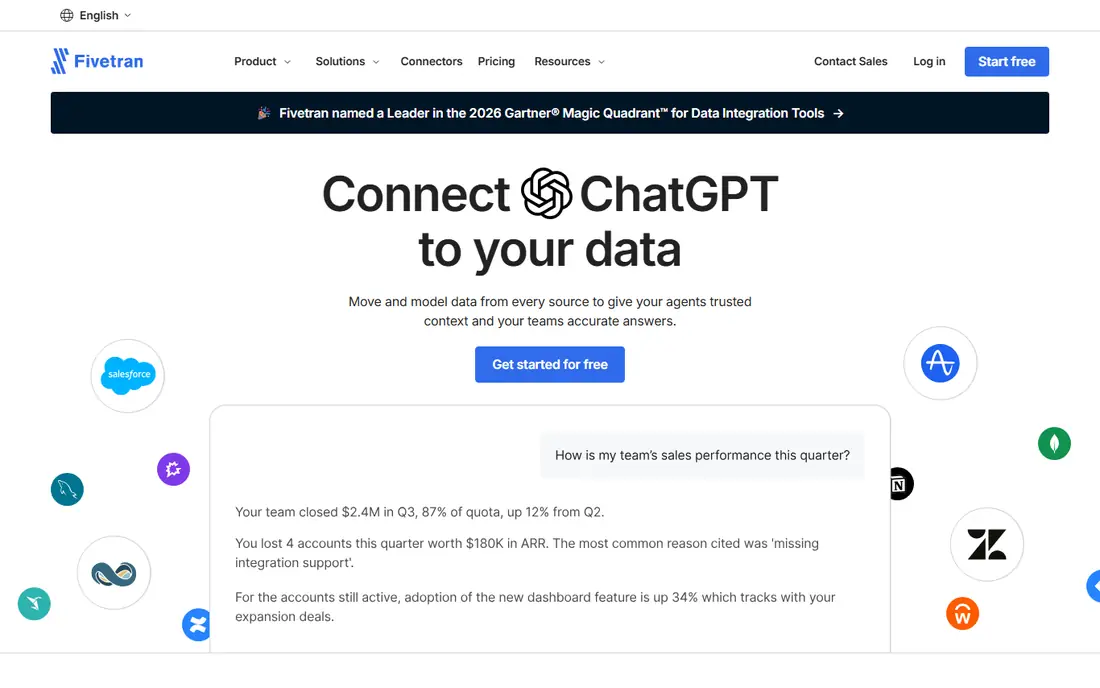
Fivetran is the default managed choice for many data teams. It offers hundreds of connectors, handles schema changes and incremental loads, and requires little pipeline maintenance once set up. The free tier up to 500,000 monthly active rows lets small projects start without a sales call, and its combination with dbt for transformation covers the full ELT workflow.
Costs scale with monthly active rows, so high-churn sources can become expensive, and contract minimums apply at larger volumes. For business-critical pipelines where reliability matters more than the lowest possible price, Fivetran remains a strong and well-supported pick.
- Broad connector catalogue
- Managed pipelines with little maintenance
- Free tier up to 500,000 monthly active rows
- Usage-based pricing can grow with data churn
- Annual minimums apply on contracts
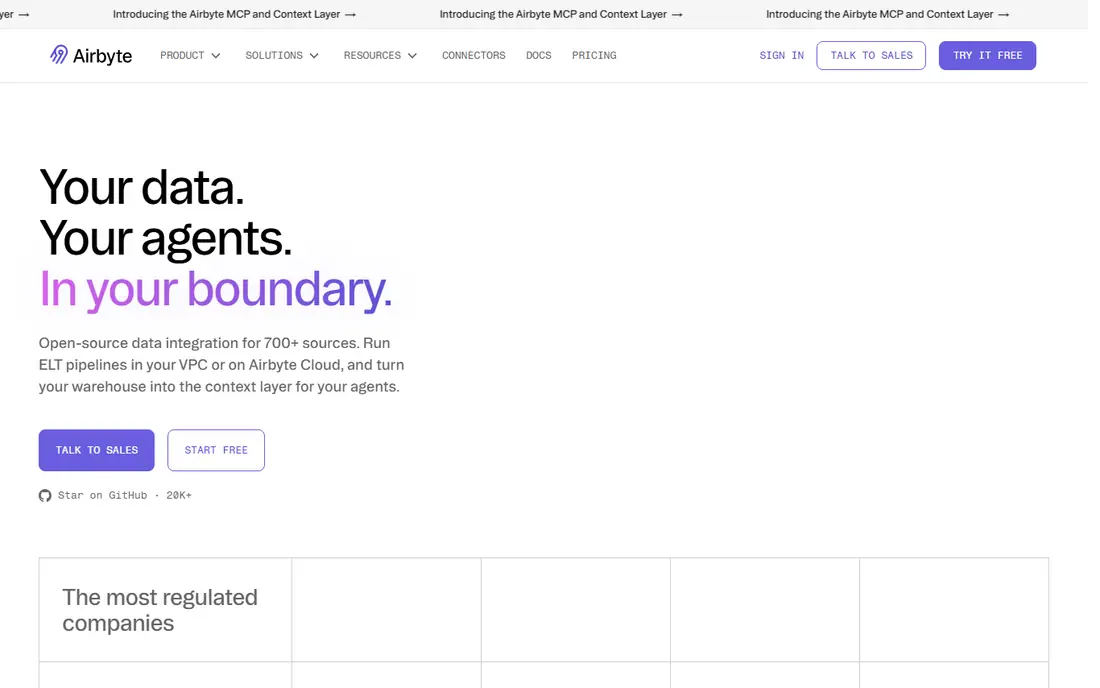
Airbyte appeals to teams that want control. Its open source core can be self-hosted for free, apart from your own infrastructure costs, and it supports hundreds of connectors plus a builder for custom sources. Cloud plans start at a low monthly price, with higher tiers adding faster syncs and more features.
Self-hosting is not free in effort: you must maintain, monitor and upgrade the deployment. Cloud pricing also varies by volume, so check the current pricing page for your expected usage. Airbyte suits cost-conscious teams and those with custom connector needs.
- Open source self-hosting
- Large connector catalogue
- Low-cost cloud starting plans
- Self-hosting needs operations effort
- Cloud pricing depends on volume and plan
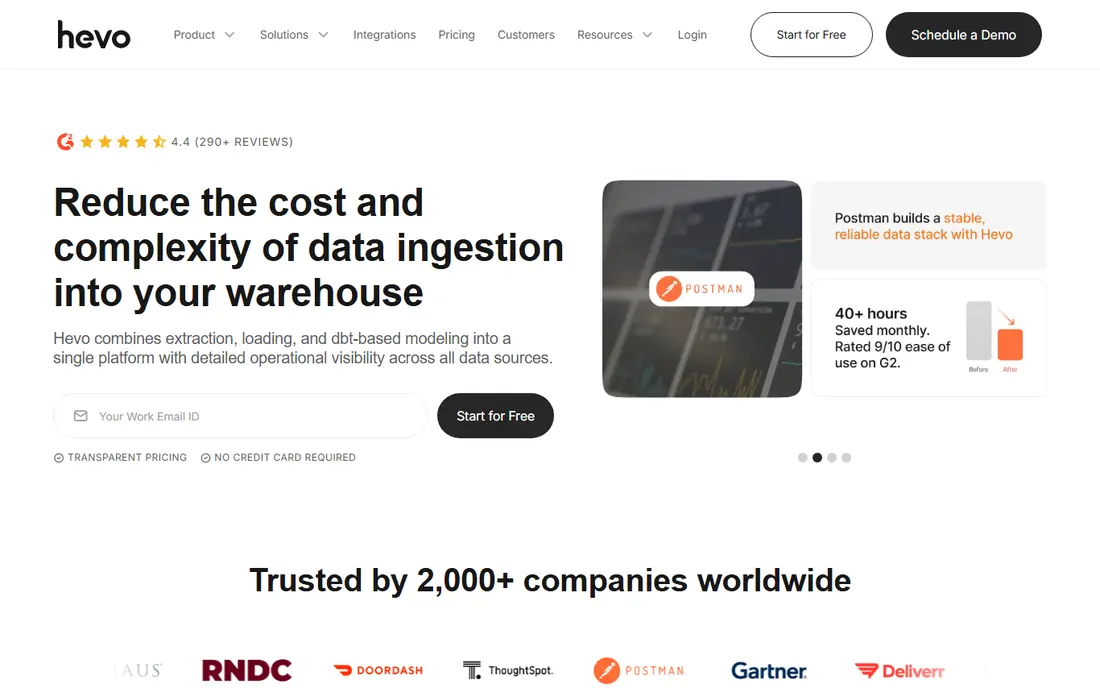
Hevo Data is built for teams that want pipelines without writing code. Its visual interface, pre-built connectors and change data capture options help move data from SaaS apps and databases into a warehouse quickly. A free tier up to 1 million events lets you test a real pipeline before paying.
Event-based pricing means costs rise with inserts, updates and deletes, so estimate your event volume carefully. Hevo suits small and mid-size teams that value fast setup and real-time sync over deep custom coding.
- No-code setup
- Real-time CDC options
- Free tier up to 1 million events
- Starter price is high for very small teams
- Pricing depends on event volume
Skyvia offers a practical no-code route to data integration, with tools for ETL, ELT, synchronisation and reverse ETL in one platform. Paid plans allow unlimited users, which helps small teams where several people need access. The interface is approachable for analysts who do not write pipeline code daily.
The free plan is limited in volume, and faster sync frequencies sit on higher plans. Skyvia fits teams that want a single, affordable platform for integration and synchronisation without hiring dedicated data engineers.
- No-code ETL and ELT
- Unlimited users on paid plans
- Sync and reverse ETL options
- Free plan volume is limited
- Advanced features need higher plans
Stitch focuses on doing one job well: moving data from SaaS sources into a warehouse. Setup is straightforward, replication is reliable for standard sources, and row-based tiers make it easy to see which plan fits your volume. Teams that only need extract and load, with transformation done in the warehouse, will find Stitch refreshingly simple.
Transformation inside Stitch is limited, and there is no permanent free tier, only a trial. Stitch suits small teams with simple pipelines who prefer a predictable, easy tool over a feature-heavy platform.
- Simple setup
- Reliable SaaS to warehouse loads
- Clear row-based tiers
- No free plan, only a trial
- Transformation features are limited
Matillion runs transformations inside your cloud warehouse, which keeps data movement efficient and lets analysts build pipelines visually. It supports push-down SQL and Python, and it works well for transformation-heavy workflows in Snowflake, BigQuery and similar warehouses. That warehouse-native design is its main advantage.
Pricing is quote-based and credit-driven, so you must speak to sales and estimate task hours before you know the real cost. Matillion suits teams with a clear warehouse strategy and transformation needs that go beyond simple loading.
- Warehouse-native ELT
- Visual pipeline building
- Strong transformation features
- No public pricing
- Credit-based costs need careful estimation
Talend, now part of Qlik, is an enterprise integration platform with deep data quality, transformation and governance features. Its Studio components cover a wide range of sources and complex jobs, and it suits organisations that need control, compliance and data quality checks alongside integration.
The trade-offs are price and complexity. Pricing is quote-only, with substantial annual minimums reported for starter tiers, and the platform needs skilled setup. Talend fits enterprises with governance needs, not small teams looking for a quick SaaS load.
- Strong data quality and governance
- Broad integration components
- Enterprise support
- Quote-only pricing
- Setup can be heavy for small teams
Informatica Intelligent Data Management Cloud covers integration, quality, governance and master data in one enterprise platform. Large organisations use it to manage data across many systems with consistent controls, and it scales to very large volumes and complex compliance needs.
That breadth comes with enterprise pricing and implementation effort, and there is no free tier. Informatica is the right choice for large organisations that need a full data management platform, while smaller teams will find simpler tools faster and cheaper.
- End-to-end data management
- Strong governance and quality
- Enterprise scale
- Quote-only pricing
- High cost and complexity for smaller teams
Estuary Flow is built for real-time data. It captures changes as they happen, moves data with low latency, and lets you transform streams with SQL or TypeScript. A free tier up to 10GB per month and two connectors lets you test streaming pipelines without a large commitment.
Real-time setup needs more care than batch loading, including database permissions for change data capture. Pricing combines data volume and connector fees, so estimate both before committing. Estuary suits teams that need fresh data in seconds, not nightly batches.
- Real-time CDC and streaming
- Free tier up to 10GB per month
- SQL and TypeScript derivations
- Requires CDC setup and permissions
- Pricing combines volume and connector fees
AWS Glue is the natural ETL choice inside Amazon Web Services. It runs serverless Spark jobs, offers visual ETL as well as Python and Scala code, and charges per compute hour, so you pay for what you use. Integration with S3, Redshift, Athena and other AWS services makes it efficient for AWS-native data lakes and warehouses.
It is AWS only, so multi-cloud teams will need another tool or extra work. Costs depend on compute usage and job design, which requires monitoring. AWS Glue fits teams already committed to AWS who want scalable ETL without managing servers.
- Serverless Spark ETL inside AWS
- Visual and code-based jobs
- Pay per use
- AWS only
- Learning curve for non-AWS teams
- Costs depend on compute use
How we picked these
We compared official pricing and feature pages with recent ETL guides, and we required each tool to offer real connectors, scheduling and warehouse destinations in 2026. We mixed managed, open source, no-code and enterprise tools, since ETL buyers range from solo analysts to large data teams. We did not claim hands-on testing, and prices should be confirmed on the vendor site, since usage-based pricing makes headline prices misleading without a volume estimate.
How to choose an ETL tool
Start with your sources, destinations and freshness needs. List every source you must connect, check that each tool supports it natively, and note whether you need batch loads, hourly syncs or real-time streaming. A tool that lacks a key connector will cost you custom development, however cheap its headline price looks.
Next, estimate volume in the tool's own units: rows, events, gigabytes or credits. Run a trial on a real pipeline, not a demo dataset, and watch costs over a full month, including backfills and schema changes. Check transformation needs too: some teams transform in the warehouse with dbt, while others need visual transformation inside the ETL tool. Finally, test support and monitoring, since a failed pipeline at night is only useful if someone notices and can fix it quickly.
Avoid common ETL mistakes
Do not buy on connector count alone, since a long list may include shallow connectors with limited fields. Test the exact objects and fields you need, and confirm how the tool handles deletes, schema changes and historical data. Document who owns each pipeline, set alerts for failures, and keep a staging area so a bad load does not overwrite good warehouse data without a way back.
Sources
Frequently asked questions
What does ETL mean?
ETL stands for extract, transform, load: data is extracted from sources, transformed into a usable form, and loaded into a warehouse or lake. Many modern tools use ELT instead, loading raw data first and transforming it inside the warehouse. Both approaches move data for reporting and analysis, and the best choice depends on your warehouse and team skills.
Which ETL tool is best for small businesses?
Hevo Data, Skyvia and Airbyte are strong small business choices, with no-code setup and free tiers or low starting prices. Stitch also suits simple SaaS loads. Choose based on your sources and volume, and trial a real pipeline before committing, since usage pricing varies widely.
Is Airbyte really free?
Airbyte's open source core is free to self-host, though you pay for your own servers and maintenance time. Airbyte Cloud has a free Core plan and paid Standard and Plus plans based on volume. Self-hosting saves licence costs but adds operations work, so the total cost depends on your team.
How much do ETL tools cost?
Costs vary from free self-hosted options to enterprise contracts costing tens of thousands a year. Most cloud tools charge by rows, events, volume or credits, so two teams can pay very different amounts for the same tool. Estimate your monthly volume, trial the tool, and ask for a quote based on that estimate.
Do I need real-time ETL?
Most reporting works well with hourly or daily batches, and real-time adds complexity and cost. Real-time suits fraud detection, live dashboards, personalisation and operational systems that act on fresh data. If your reports are reviewed daily or weekly, batch ETL is usually simpler and cheaper.
What is CDC in ETL?
Change data capture, or CDC, tracks changes in a source database, such as inserts, updates and deletes, and moves only those changes. That keeps warehouse data fresh without reloading whole tables. Log-based CDC is generally more efficient and reliable than polling, though it needs database permissions and setup.