Best Expense Management Software in 2026: 8 Tools Compared
By ToolNimba Editorial Team October 29, 2026 9 min read

- Top pick
 Ramp
Cards plus expenses for growing firms
Starting priceFreeCheck out RampRead our review - Runner-up
 Brex
Startups and scaling teams
Starting priceFreeCheck out BrexRead our review - Also great
 Expensify
Teams keeping existing cards
Starting price$5 per user per monthCheck out ExpensifyRead our review
How we researched this
We compared official pricing and feature pages, app store listings, privacy policies and public user reviews. Prices change, so check the provider's site before you pay.
Key takeaways
- Ramp and Brex offer strong free tiers for teams willing to use their corporate cards.
- Expensify and Zoho Expense suit teams that want to keep existing cards and automate receipts.
- Navan is the best fit when travel booking and expenses should live in one system.
- SAP Concur and Airbase suit larger firms with complex policies, approvals and audit needs.
- The cheapest software is not always the cheapest system, since card fees, implementation time and accounting links matter too.
Quick comparison
| Name | Best for | Starting price | Free plan | |
|---|---|---|---|---|
| Ramp | Cards plus expenses for growing firms | Free | Yes | Visit |
| Brex | Startups and scaling teams | Free | Yes | Visit |
| Expensify | Teams keeping existing cards | $5 per user per month | Yes | Visit |
 Zoho Expense | Budget-conscious small teams | Free | Yes | Visit |
 Navan | Travel plus expenses in one place | See website | Yes | Visit |
 BILL Spend and Expense | Free spend controls with cards | Free | Yes | Visit |
 SAP Concur | Large firms with complex policies | See website | No | Visit |
 Airbase | Mid-market procure-to-pay control | See website | No | Visit |
The best expense management software
Expense software should do more than scan receipts. It should stop out-of-policy spending early, speed up approvals and send clean data to accounting. The tools below range from free card-first platforms to enterprise suites, so match the tool to your team size and card setup.
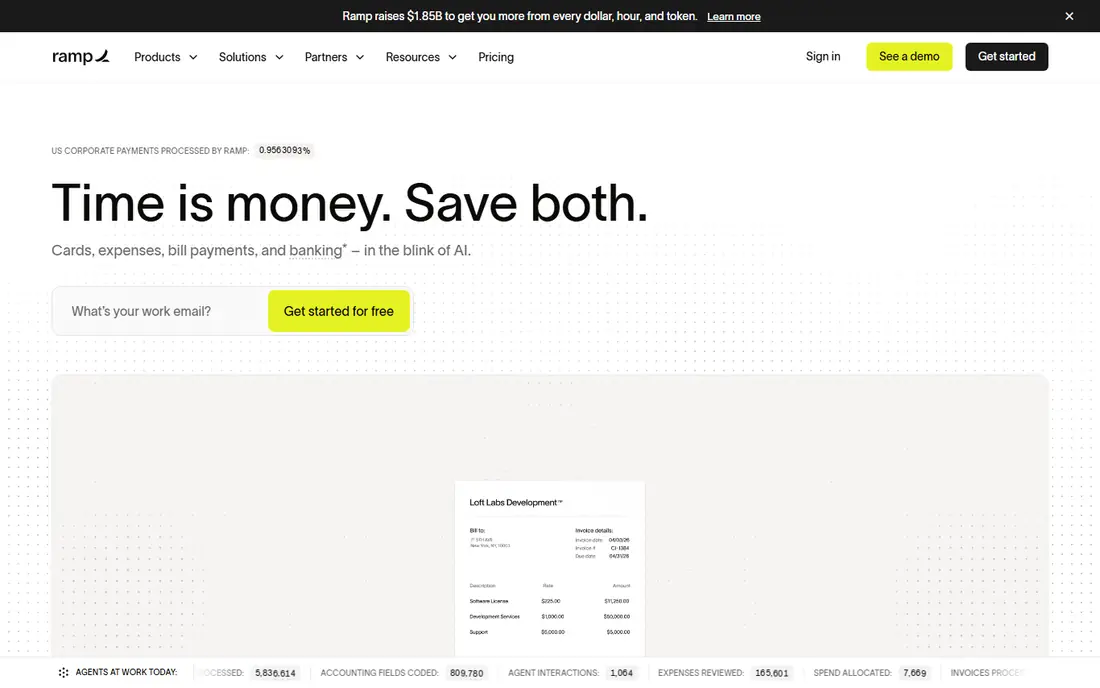
Ramp suits companies that want cards and expenses in one system. Managers can set limits by person, team or category, and employees see those limits before they spend, which cuts down on awkward rejections later. Receipt matching and accounting links also reduce manual entry, which is where small finance teams lose the most time.
The main condition is the card model. Ramp works best when your team uses Ramp cards, so firms tied to a bank card program may find less value. Paid tiers add features for larger teams, so check what the free tier includes for your headcount before you assume it covers everything. For a growing firm starting fresh on cards, Ramp is a strong default.
- Corporate cards with spend controls
- Automated receipt matching
- Bill pay and accounting links
- Best value requires using Ramp cards
- Paid tier adds cost for larger teams
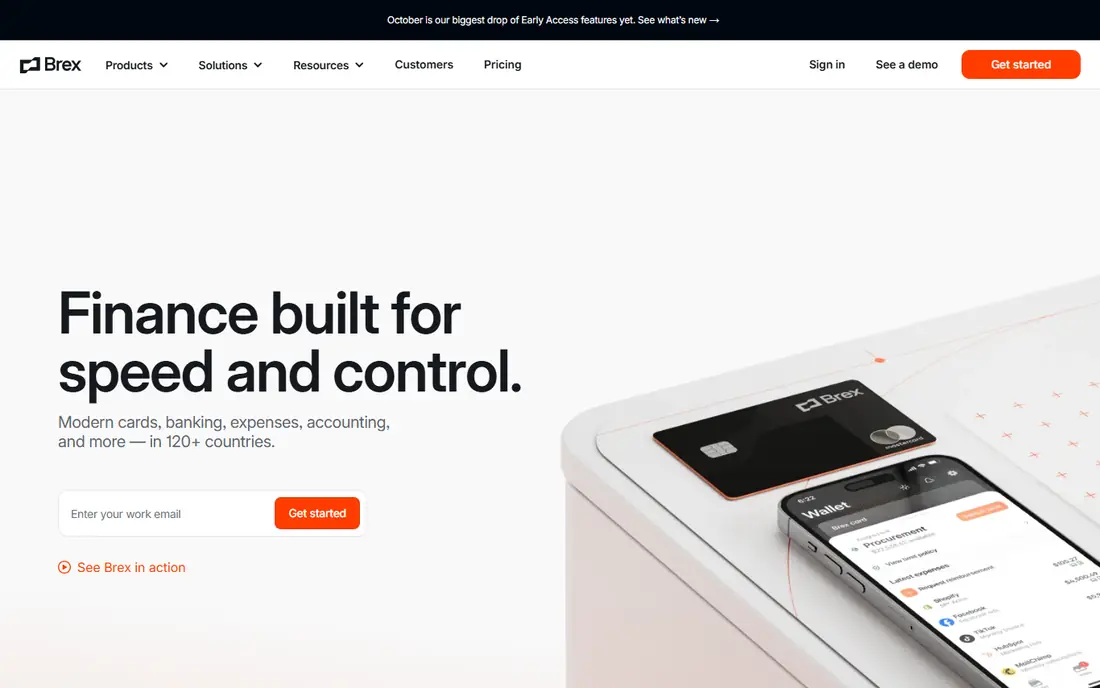
Brex appeals to startups because the core platform can start at no software cost, with cards, controls and expense tracking in one place. That helps a young firm set spending rules early, before bad habits form. As the firm grows, Brex adds premium controls and global features, which can suit teams hiring across countries.
Eligibility and card approval are the practical limits, since not every firm qualifies on the same terms. Premium pricing also needs checking once you outgrow the free tier. For a startup that wants a clean card and expense setup without a large upfront software bill, Brex is worth a close look alongside Ramp.
- Free core spend management
- Corporate cards with controls
- Bill pay and global features
- Premium features cost extra
- Approval for cards depends on company profile

Expensify remains a good choice for teams that do not want to change cards. It scans receipts, builds expense reports and routes approvals, while letting employees keep the cards they already carry. That flexibility matters for firms with bank relationships, travel cards or mixed card setups that cannot move in one step.
The cost question is real. Per-user pricing adds up as a team grows, while card-first rivals may charge less for software. Expensify justifies its price when receipt automation and report speed save real finance time, so trial it with a real month of expenses before you judge. If your team already uses Expensify cards, the value case is stronger still.
- Strong receipt scanning
- Works with existing cards
- Familiar expense reports and approvals
- Paid plans rise with team size
- Card-first rivals can be cheaper if you switch cards
Zoho Expense is the budget pick for small teams, especially those already using Zoho apps. The free plan covers core expense tracking, and paid tiers add approvals, policies and deeper accounting links at a modest per-user cost. For a small business that needs tidy reports without an enterprise budget, that balance is hard to beat.
The limit is scope. Zoho Expense is expense software first, not a card program, so firms that want strict real-time card controls may prefer Ramp or Brex. It also works best when your accounting setup matches its integrations, so check QuickBooks, Xero or Zoho Books links before you commit. For straightforward expense tracking, it is a sensible, low-cost start.
- Free plan for small teams
- Receipt scanning and approvals
- Links to Zoho Books and other accounting tools
- Advanced features sit on paid tiers
- Card controls are less central than card-first rivals
Navan suits firms where travel is a large share of spending. Booking a flight or hotel inside the same system as expenses means policy can be checked at booking, not after the trip. That early check reduces out-of-policy travel and makes reconciliation simpler, since travel and expense data sit together.
If your team rarely travels, Navan loses much of its edge, and a simpler expense tool may cost less. Pricing also varies, so ask for a clear quote at your headcount and travel volume. For firms with regular business travel, though, the combined workflow is a genuine advantage over separate travel and expense tools.
- Travel booking and expenses together
- Policy controls at booking
- Corporate cards available
- Best value needs travel use
- Pricing varies by plan and team size
BILL Spend and Expense, formerly Divvy, gives small teams free spend controls tied to corporate cards. Managers can set budgets, employees can request funds, and finance can see spending in real time. That control helps a small team avoid month-end surprises, when expenses are discovered too late to change.
As with other card-first tools, the model works best when you use BILL cards. Firms that keep existing cards will get less value, and should compare Expensify or Zoho Expense instead. BILL also sits inside a wider bill pay system, so check whether that broader suite helps or complicates your accounting workflow. For a card-ready small team, it is a strong free option.
- Free spend and expense controls
- Cards with budgets
- Accounting integrations
- Value depends on using BILL cards
- Bill pay features vary by plan
SAP Concur is the enterprise standard for a reason. It handles complex travel policies, multi-entity structures and audit trails that smaller tools cannot match. Large firms with strict compliance needs, global travel and layered approvals will find controls here that simpler apps lack. Its integrations with major accounting and ERP systems also matter at scale.
The cost is complexity and price. Concur is quote-based, and implementation takes longer than a small-team tool. Small firms will find it heavy and expensive for basic receipt tracking. Choose Concur when policy, audit and scale are the main problems, not when you simply need faster receipt scans for ten people.
- Mature travel and expense controls
- Strong policy and audit features
- Wide enterprise integrations
- Quote-based pricing
- Implementation can be longer and more complex
Airbase suits mid-market firms that want control across spending, not only expenses. It combines cards, bill pay and procurement requests, so a purchase can be approved before money leaves the firm. That procure-to-pay view helps finance teams who are tired of approving expenses after the fact.
For a small team, Airbase can feel like too much system, and quote-based pricing makes quick comparison harder. It earns its place when your firm has grown past simple expense reports and needs one workflow for requests, cards and bills. Ask for a demo with your real approval chain before you decide, since workflow fit matters more than feature lists at this size.
- Cards, bill pay and procurement in one system
- Strong approval workflows
- Accounting links
- Quote-based pricing
- More system than a small team needs
How we picked these
We compared official pricing pages, product documentation, card models, receipt and approval features and accounting integrations, plus public reviews, to check that each tool still operates and fits expense management. We kept a mix of free card-first platforms, standalone expense tools and enterprise suites, and we favoured tools with clear pricing or a clear reason for quote-based pricing. We did not claim hands-on testing, and prices change, so confirm the current plan on the vendor site before you buy.
How to choose expense software for your team
Start with your cards. If you can switch to a new corporate card, Ramp, Brex or BILL can give you strong software at low or no software cost. If you must keep existing cards, Expensify or Zoho Expense will fit better. That single decision narrows the list more than any feature comparison.
Next, map your approval chain. A five-person team needs simple approvals and fast reimbursements, while a larger firm needs policies, audit trails and multi-level approvals. Test the tool with a real expense cycle, from receipt photo to reimbursement and accounting export, rather than judging it from a demo alone. If finance still needs spreadsheets to finish the job, the tool has not solved the problem.
Finally, count the total cost. Add per-user fees, card fees, implementation time and the time finance spends each month. A free tool that needs heavy manual work can cost more than a paid tool that automates the job. Revisit the choice as you grow, since the right tool for ten people is rarely the right tool for two hundred.