Best Financial Reporting Software in 2026: 10 Tools Compared
By ToolNimba Editorial Team November 7, 2026 10 min read

- Top pick
 QuickBooks Online
Small businesses on QuickBooks
Starting price$38 per monthCheck out QuickBooks OnlineRead our review - Runner-up
 Xero
Small teams needing many users
Starting price$27 per monthCheck out XeroRead our review - Also great
 FreshBooks
Service businesses and invoicing
Starting price$23 per monthCheck out FreshBooksRead our review
How we researched this
We compared official pricing and feature pages, app store listings, privacy policies and public user reviews. Prices change, so check the provider's site before you pay.
Key takeaways
- The best financial reporting software for a small business is usually inside its accounting system, while larger teams need a dedicated planning and reporting layer.
- QuickBooks Online starts at $38 per month and Xero at $27 per month on entry plans, making both practical for small teams.
- Multi-entity, multi-currency and audit-ready reporting usually needs Sage Intacct, NetSuite, Datarails or Cube, all of which are quoted or higher priced.
- This is not financial advice. Choose reporting software for accurate books and clear board reports, and ask an accountant to review close and tax settings.
Quick comparison
| Name | Best for | Starting price | Free plan | |
|---|---|---|---|---|
| QuickBooks Online | Small businesses on QuickBooks | $38 per month | No | Visit |
| Xero | Small teams needing many users | $27 per month | Free trial | Visit |
| FreshBooks | Service businesses and invoicing | $23 per month | Free trial | Visit |
 Wave | Free accounting and reports | Free | Yes | Visit |
 Zoho Books | Budget reporting in Zoho | See website | Free trial | Visit |
 Sage Intacct | Multi-entity reporting | See website | No | Visit |
 Oracle NetSuite | Enterprise ERP reporting | See website | No | Visit |
 Fathom | Management reports and forecasting | $44 per month | Free trial | Visit |
 Datarails | Excel-based FP and A reporting | See website | No | Visit |
 Cube | Spreadsheet-native planning reports | See website | No | Visit |
The best financial reporting software
These tools produce profit and loss, balance sheet, cash flow and management reports, either inside an accounting system or as a reporting layer on top of one. We compared official product and pricing pages and public reviews, and we favored tools with clear report customization, multi-period comparisons and export options.
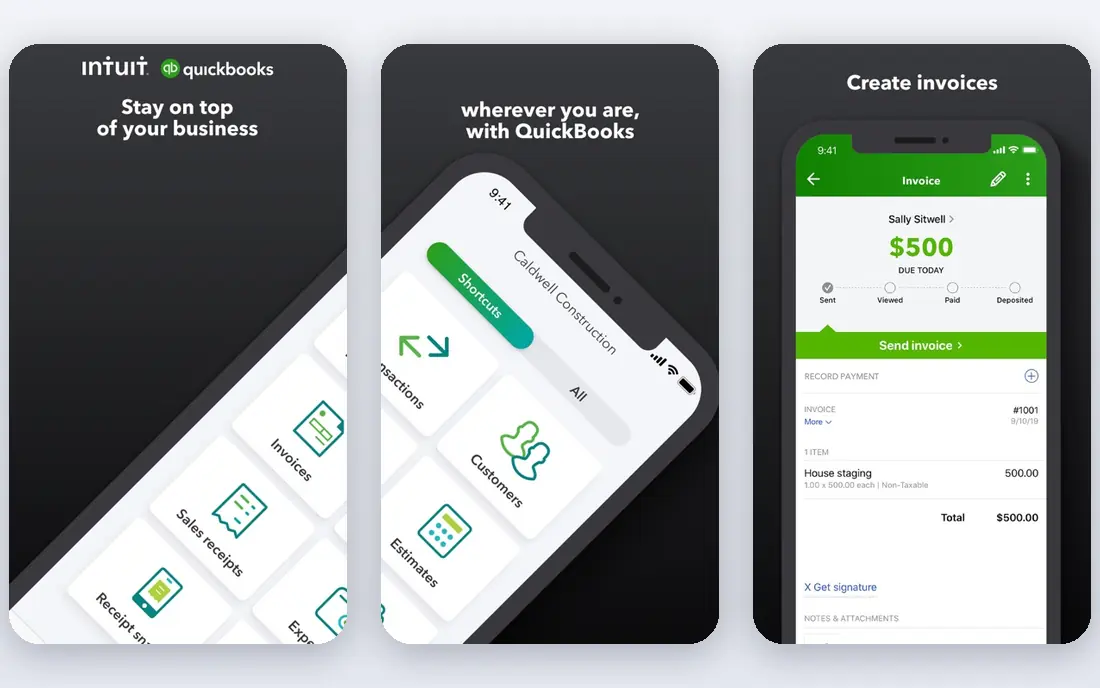
QuickBooks Online is our pick for most small businesses that need financial reporting without a second system. Profit and loss, balance sheet, cash flow and sales reports sit next to invoices, bills and bank feeds, so month-end reports reflect live books rather than a manual export. The Advanced tier adds custom report builders and deeper insights.
The entry Simple Start plan covers basic reports well, but businesses that need class tracking, budgets by department or custom fields will need Plus or Advanced. If your accountant already works in QuickBooks, that familiarity alone can justify the choice.
- Reports inside the bookkeeping system
- Wide report library
- Strong accountant and app ecosystem
- Advanced reporting needs higher tiers
- Per-user and payroll costs add up

Xero suits small teams where several people need access to reports without paying per user. The Early plan starts at $27 per month, and higher plans add multi-currency, project tracking and expense claims. Reports are easy to read, share with an accountant, and export for board packs.
Larger companies with many entities will hit limits sooner than with Sage Intacct or NetSuite. For a single-entity or small multi-entity business, though, Xero offers a clean balance of price, usability and report quality.
- Unlimited users on paid plans
- Clean report layouts
- Strong bank feeds and app integrations
- Multi-entity reporting is weaker than ERP rivals
- Advanced reporting needs add-ons for some teams
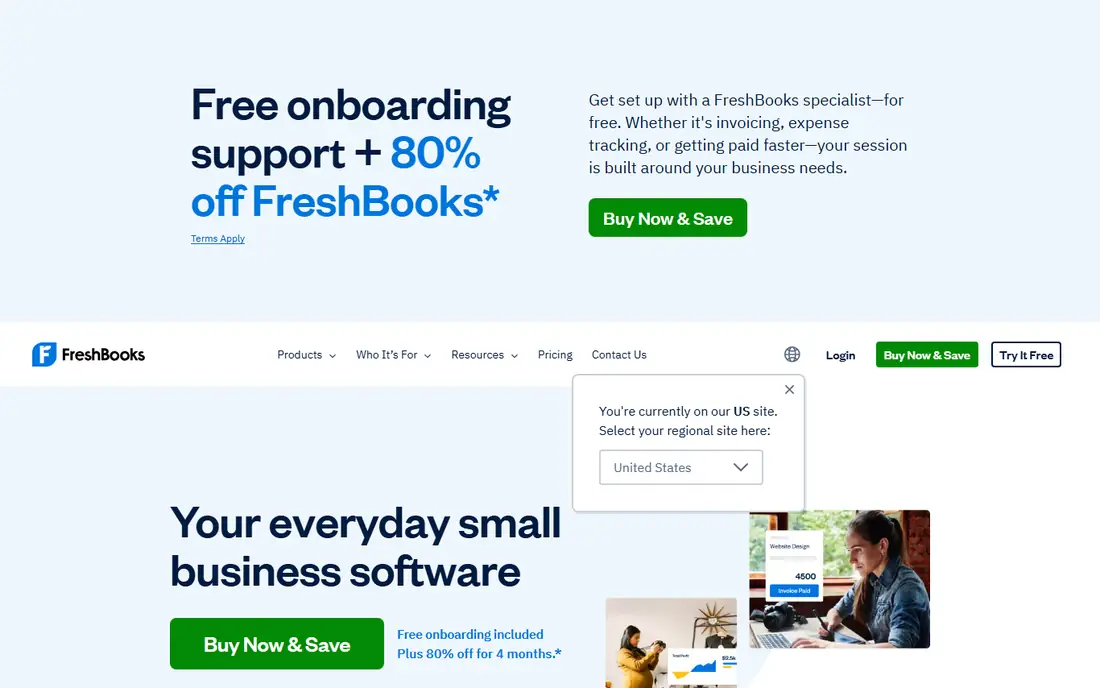
FreshBooks is best for service businesses that bill by project or by hour. Its reports focus on profit, expenses, sales tax and project profitability, which matches how freelancers and agencies actually review their month. Time tracking and invoicing feed those reports without extra steps.
It is not an ERP, so businesses with inventory, complex multi-entity books or heavy compliance needs should look at Sage Intacct or NetSuite instead. For a service business that wants clear, simple financial reports, FreshBooks is a strong, low-friction choice.
- Simple profit and expense reports
- Strong invoicing and time tracking
- Easy client reports
- Less deep on inventory and multi-entity reporting
- Accounting depth below QuickBooks and Xero
Wave is the only truly free accounting and reporting option in this list. Its free tier covers invoicing, accounting and core reports such as profit and loss and cash flow, which is enough for freelancers and micro-businesses to track the basics. There is no monthly fee for the core system.
Advanced reporting, multi-entity consolidation and deeper forecasting are not Wave strengths, and payroll is a paid add-on where available. Use Wave to start, and move to QuickBooks Online or Xero when report needs or headcount grow.
- Free accounting, invoicing and reports
- Simple profit and loss and cash flow views
- Good for micro-businesses
- Fewer advanced reports
- Payroll and payment features cost extra
- US and Canada focus
Zoho Books suits businesses already using Zoho CRM, Inventory or other Zoho apps. Its reports cover profit and loss, balance sheet, cash flow and project profitability, and they can be customized without leaving the Zoho ecosystem. That integration saves time when sales, inventory and books share the same data.
Pricing is published by plan, but the exact entry price varies by billing period and region, so we list it as See website here. If you are not already in the Zoho ecosystem, QuickBooks Online or Xero may offer a wider accountant network.
- Good value inside the Zoho suite
- Customizable reports
- Multi-currency and project reports
- Pricing varies by plan and region
- Best value needs other Zoho apps
Sage Intacct is the step up when spreadsheets and small-business accounting can no longer handle reporting. Its dimensional general ledger lets finance teams slice reports by entity, department, project or location without building a new chart for each view. That power matters for multi-entity companies, nonprofits and professional services firms.
Pricing is quoted, and implementation is a real project, not a weekend setup. If you have one entity and simple books, it will be more system than you need. If month-end consolidation is eating days, Sage Intacct is one of the first platforms to quote.
- Strong multi-entity and dimensional reporting
- Revenue recognition
- Nonprofit and services editions
- Quote-based pricing
- Implementation and training take time
Oracle NetSuite combines accounting, inventory, CRM and e-commerce reporting in one ERP, with real-time consolidation across entities. For a mid-market company, that single system removes the reconciliation work that comes from stitching several tools together. Financial reports, dashboards and saved searches can be built once and shared across the business.
The cost and implementation time are the barriers. NetSuite suits companies that have outgrown QuickBooks or Xero and need ERP controls, not small teams looking for a quick reporting upgrade. Get a full quote including users and modules before comparing it with Sage Intacct.
- Full ERP reporting across finance, inventory and sales
- Real-time consolidation
- Strong controls
- Quote-based pricing
- Long implementation
- Best for mid-market and larger teams
Fathom is a reporting layer, not a bookkeeping system. It pulls data from QuickBooks Online, Xero or MYOB and turns it into management reports, KPI dashboards and three-way cash flow forecasts that owners and boards can actually read. Accountants use it to produce consistent client packs each month.
Because Fathom needs a source accounting system, its cost sits on top of that system. If your books are already clean in QuickBooks or Xero, Fathom is a strong upgrade for presentation and forecasting. If your books are messy, fix the source system first.
- Clear management reports and KPIs
- Cash flow forecasting
- Good for accountants with many clients
- Needs an accounting source such as QuickBooks or Xero
- Not a full accounting system itself
Datarails suits finance teams that refuse to leave Excel. It keeps Excel as the interface while adding centralized data, automated consolidation, dashboards and version control behind the scenes. That means a team can produce board-ready reports without rebuilding spreadsheets each month or learning a wholly new system.
Pricing is quoted by company size and use case, so small businesses will find it hard to judge value from a price page. For mid-market finance teams with complex Excel models, Datarails can cut month-end work sharply, but it is not a small-business reporting tool.
- Works inside Excel
- Automated consolidation and dashboards
- Version control for finance teams
- Quote-based pricing
- Best for mid-market teams, not solo users
Cube is another spreadsheet-native platform, built for financial planning and reporting without forcing teams out of Excel or Google Sheets. It centralizes actuals, budgets and forecasts, so reports draw on one governed set of numbers instead of many conflicting spreadsheet copies. That control helps as a finance team grows beyond a single model owner.
Like Datarails, Cube is quoted and aimed at mid-market finance teams rather than small businesses. If your reporting pain is version chaos across spreadsheets, Cube is worth a demo. If you just need profit and loss reports, QuickBooks Online or Xero will be simpler and cheaper.
- Spreadsheet-native planning and reporting
- Governed single source of numbers
- Strong integrations
- Quote-based pricing
- Implementation needs finance team time
How we picked these
We compared official product and pricing pages and public reviews, and we kept tools that produce standard financial reports or management packs from live accounting data. We left out general business intelligence tools without accounting-specific reports, and we wrote See website where pricing is quoted or varies enough that a single headline price would mislead.
How to choose the right reporting setup
Start with your accounting source. If you already run QuickBooks Online or Xero, use its built-in reports first and add a layer such as Fathom only when presentation or forecasting falls short. Adding a reporting layer on top of messy books will produce neat reports with wrong numbers, so clean bank feeds, categories and reconciliations come first.
Next, list the reports your board, lender or auditor actually asks for: profit and loss by department, cash flow forecast, budget versus actuals, or consolidated multi-entity statements. Match that list to a tool, not to a feature page. A tool that cannot produce your required consolidation cleanly will cost more in manual work than a pricier tool that can.
Plan for close, not just for reports
Good reporting starts with a reliable close. Agree on who reconciles banks, who reviews classes or dimensions, and when reports are locked each month. A tool with audit trails, approval steps and version control helps here, especially once more than one person touches the books. Test the close workflow during a trial, not just the report templates.
Sources
Frequently asked questions
What is the best financial reporting software for a small business?
QuickBooks Online is our pick for most small businesses, thanks to its report library and accountant network. Xero is a close second, especially for teams that need unlimited users. Wave is the best free starting point for micro-businesses with simple needs.
What are the top financial reporting software options for multi-entity companies?
Sage Intacct and Oracle NetSuite lead for multi-entity reporting, thanks to dimensional ledgers and real-time consolidation. Datarails and Cube also suit multi-entity teams that want to stay in spreadsheets, with consolidation and version control built in.
What are the best financial reporting tools for accountants?
Fathom is built for accountants who produce management packs for many clients from QuickBooks or Xero data. QuickBooks Online Advanced and Xero also offer accountant workflows, with client reporting and custom report options.
Do I need separate reporting software if I already use QuickBooks or Xero?
Usually not at first. Both systems cover profit and loss, balance sheet and cash flow reporting well. Add Fathom, Datarails or Cube only when you need stronger management packs, forecasting, consolidation or spreadsheet governance that the core system cannot provide.
How much does financial reporting software cost?
Entry accounting plans in this list start at free for Wave, $23 per month for FreshBooks, $27 per month for Xero and $38 per month for QuickBooks Online. Reporting layers and ERP systems cost more, with Fathom from $44 per month and Sage Intacct, NetSuite, Datarails and Cube quoted per organization.
Is this financial reporting software suitable for tax filing?
These tools produce reports that support tax work, but they do not replace an accountant or tax adviser. Ask your accountant to review chart settings, close procedures and year-end reports, and confirm which reports your tax preparer needs before filing season.