Best Flashcard App in 2026: 8 Apps Compared
By ToolNimba Editorial Team October 31, 2026 8 min read

- Top pick
 Anki
Serious long-term retention
Starting priceFreeCheck out AnkiRead our review - Runner-up
 Quizlet
Fast easy studying
Starting price$35.99 per yearCheck out QuizletRead our review - Also great
 Brainscape
Confidence-based review
Starting price$9.99 per monthCheck out BrainscapeRead our review
How we researched this
We compared official pricing and feature pages, app store listings, privacy policies and public user reviews. Prices change, so check the provider's site before you pay.
Key takeaways
- Anki is our pick for serious long-term study, with the strongest spaced repetition and a huge shared deck library.
- Quizlet is best for fast, easy studying, with a huge set library and games that keep review lively.
- Brainscape suits learners who like confidence-based review, while RemNote suits note-takers who want cards from notes.
- Knowt is the closest free swap for Quizlet users who want Learn mode without paying.
Quick comparison
| Name | Best for | Starting price | Free plan | |
|---|---|---|---|---|
| Anki | Serious long-term retention | Free | Yes | Visit |
| Quizlet | Fast easy studying | $35.99 per year | Yes | Visit |
| Brainscape | Confidence-based review | $9.99 per month | Yes | Visit |
 RemNote | Notes plus flashcards | $8 per month | Yes | Visit |
 Knowt | Free Quizlet-style learning | $12.49 per month | Yes | Visit |
 Cram | Simple free flashcards | Free | Yes | Visit |
 Mochi | Clean spaced repetition | See website | Yes | Visit |
 StudyCards AI | AI-generated decks | $9.99 per month | Yes | Visit |
The best flashcard apps
Flashcards work through active recall and spaced repetition, reviewing each card just before you would forget it. We compared official pricing pages, app store listings and feature documentation, with a focus on scheduling quality, deck libraries, study modes, offline use and price. The best app is the one whose schedule you actually follow.
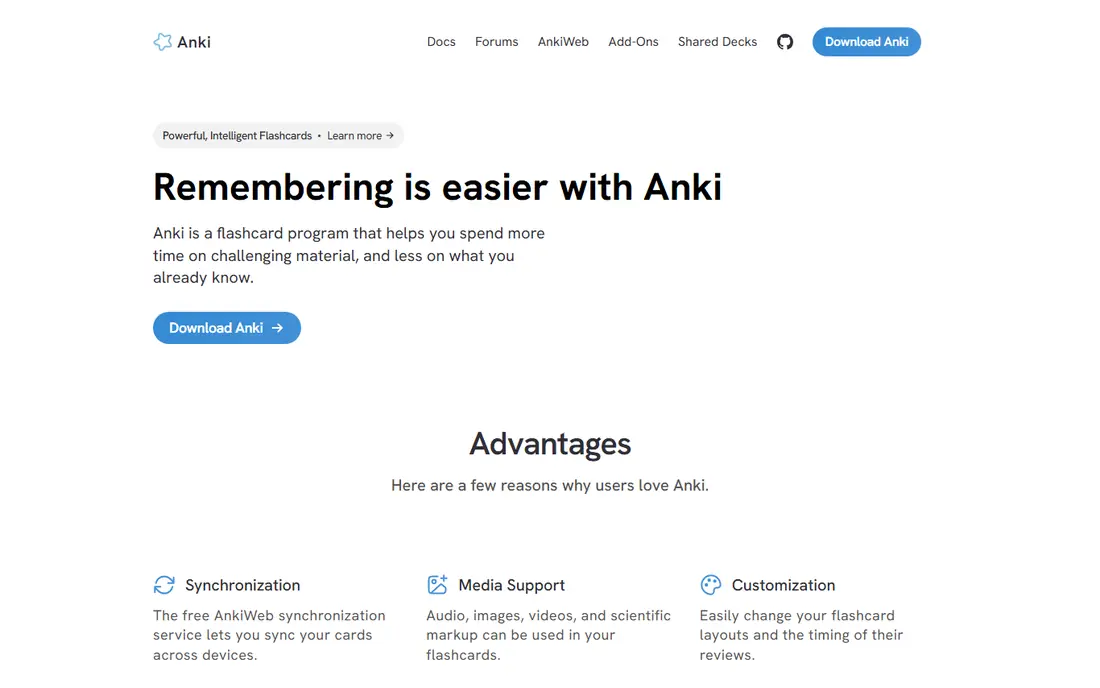
Anki is the standard for long-term memory. Each card gets its own schedule based on how well you recall it, and the desktop and Android apps are free, with sync across devices. Shared decks cover medicine, languages, law and many exams, and add-ons extend the app for image occlusion, statistics and custom card types.
The interface looks dated, and setup takes longer than in Quizlet or Brainscape. The iOS app is the one paid Anki product, at a one-time price, which funds development. For exams months away, and for facts you need to keep for years, Anki remains unmatched.
- Best-in-class spaced repetition
- Huge shared deck library
- Deep customization
- Dated interface
- IOS app costs $24.99 one-time
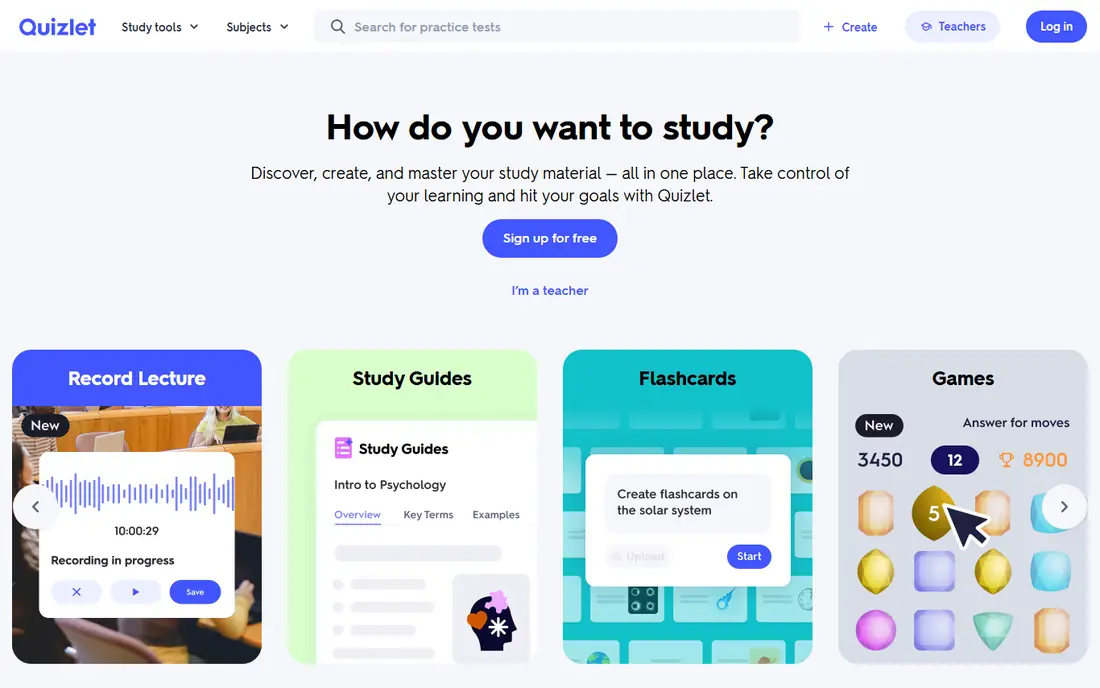
Quizlet is the fastest way to start studying. Search for a topic and you will often find a ready set, then study with flashcards, Learn mode, Test mode or the Match game. Teachers can share sets with classes, and the interface is polished on phone and computer alike.
The free tier limits Learn rounds and practice tests, and ads appear on free accounts. Plus, at a yearly price on the web, removes those limits and adds AI helpers such as Magic Notes and Q-Chat. For quick class studying and shared sets, Quizlet is still the easiest pick.
- Huge public set library
- Learn, Test and Match modes
- Easy set creation
- Free tier limits Learn and tests
- Ads on the free tier
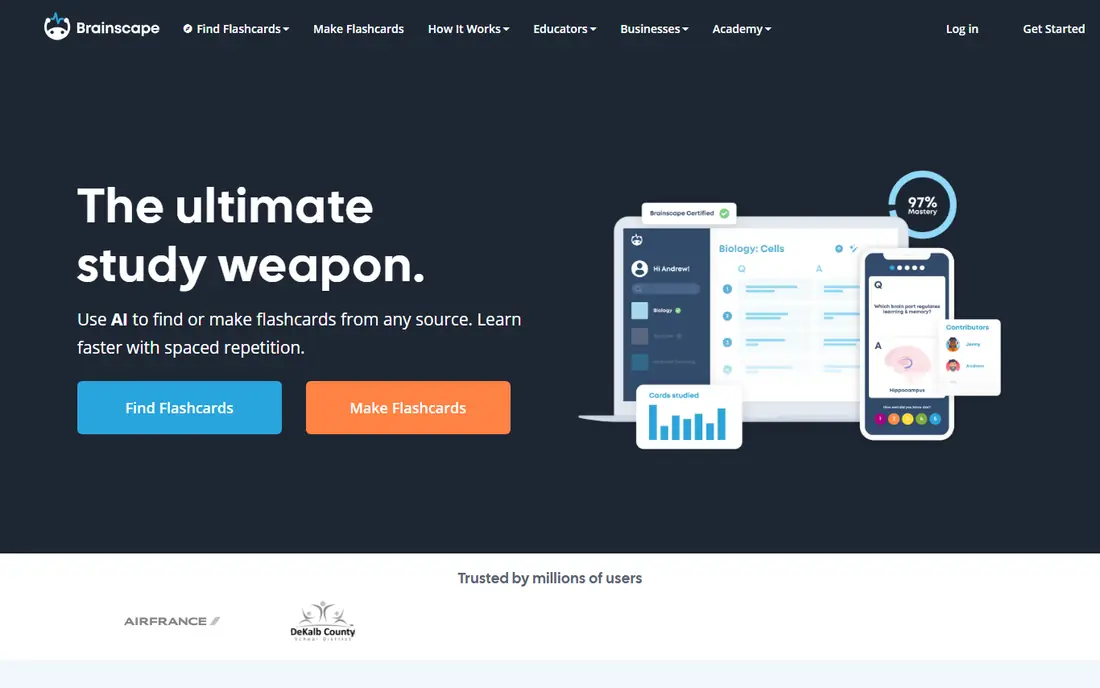
Brainscape asks you to rate confidence on each card, then schedules review based on that rating. That self-rating step helps learners notice weak topics quickly, and the certified decks cover professional exams and common subjects. The mobile app is clean and easy to use for short review sessions.
The free tier is limited, and Pro is a monthly subscription, so costs add up over a long course. Customization is also thinner than Anki, with fewer card types and add-ons. For learners who like a guided, confidence-based rhythm, Brainscape is a strong paid option.
- Confidence-based repetition
- Certified content libraries
- Clean mobile app
- Limited free tier
- Less customization than Anki
RemNote blends note-taking with flashcards, so cards grow from the notes you already write. Highlight a concept in a note and it becomes a card, scheduled by spaced repetition. That link suits students whose study material starts as lecture notes, readings or textbook summaries.
The note system takes time to learn, and the interface packs in more than a simple flashcard app. Some advanced features need the Pro plan. For students who want notes and cards in one place, rather than two separate apps, RemNote is the most integrated choice here.
- Flashcards generated from notes
- Spaced repetition built in
- Knowledge base features
- Learning curve for the note system
- Some features need Pro
Knowt is the closest free swap for Quizlet users. It imports Quizlet sets, keeps Learn mode free, and adds spaced repetition plus practice tests for popular exams. The interface feels familiar to Quizlet users, which makes switching low effort for students and classes.
Some advanced features sit behind a paid plan, and the shared library is smaller than Quizlet, though imports close much of that gap. For students frustrated by Quizlet free limits, Knowt gives a free path to similar study modes without starting decks from scratch.
- Free Learn mode and spaced repetition
- Imports Quizlet sets
- Exam practice features
- Paid plan needed for some advanced features
- Smaller library than Quizlet
Cram is a simple, free flashcard site with a large library of user-made sets. Creating a set takes minutes, and studying is straightforward flip-and-check review. That simplicity suits quick revision, vocabulary lists and class sets that do not need advanced scheduling.
Cram lacks the spaced repetition depth of Anki, Brainscape or RemNote, so long-term retention depends more on the learner returning regularly. Study modes are also basic compared with Quizlet. For free, no-fuss flashcards, Cram is a useful backup option.
- Free to use
- Simple set creation
- Large shared set library
- No strong spaced repetition
- Basic study modes
Mochi offers spaced repetition in a clean, markdown-friendly app that suits learners who like plain text notes and cards. Decks can include images and audio, and the desktop app works well offline. The design feels modern compared with Anki, while keeping scheduling as the core feature.
The shared deck library is smaller than Anki or Quizlet, so most users create their own cards. Pricing also varies by platform, so check the current plan for your device. For learners who want Anki-style scheduling with a cleaner look, Mochi is worth trying.
- Clean spaced repetition system
- Markdown notes
- Offline-friendly desktop app
- Smaller shared library
- Pricing varies by platform
StudyCards AI generates flashcard decks from notes, topics or documents, then exports them for study, including to Anki. That suits students with large lecture notes who want a first deck quickly, rather than typing every card by hand. The app also supports spaced repetition review in its own workflow.
AI-generated cards can contain errors or shallow questions, so a review pass is needed before exam use. The monthly price also adds up if you only need a few decks. For students who want AI help to start decks, then study them in Anki, StudyCards AI fills a useful gap.
- AI deck generation
- Anki export
- Spaced repetition through Anki workflow
- Monthly subscription
- AI cards still need checking for errors
How we picked these
We compared official pricing pages, app store listings and feature documentation, and we favored apps with clear spaced repetition, usable free tiers and shared or importable decks. We included the long-term leader, the easiest mainstream app, confidence-based and note-based options, a free simple app and an AI generator, because study needs differ by subject, exam length and budget. Prices are starting rates and may differ by platform.
What to check before you commit
Start with your exam horizon. A test next week suits Quizlet or Knowt, while an exam in six months rewards Anki, Brainscape or RemNote scheduling. Check whether you need offline study, since some apps need a connection for full features, and confirm iOS pricing, since Anki charges once on iPhone while most rivals use subscriptions.
Next, test card creation on your real material. AI decks save typing time but need fact-checking, and shared decks vary in quality, so review a sample before trusting a full set. Also check sync across your phone and computer, since review gaps appear when decks live on only one device. Short daily sessions work better than rare long sessions, and a simple routine you repeat beats a complex system you abandon. Set a fixed review time each day to build the habit. The best flashcard app is the one you review daily, so pick the interface and schedule you will actually keep.