Best Food Tracker App in 2026: 9 Apps Compared
By ToolNimba Editorial Team October 29, 2026 11 min read

- Top pick
 MyFitnessPal
Largest food database
Starting priceFreeCheck out MyFitnessPalRead our review - Runner-up
 Lose It
Simple weight-loss tracking
Starting priceFreeCheck out Lose ItRead our review - Also great
 Cronometer
Micronutrients and accuracy
Starting priceFreeCheck out CronometerRead our review
How we researched this
We compared official pricing and feature pages, app store listings, privacy policies and public user reviews. Prices change, so check the provider's site before you pay.
Key takeaways
- Cronometer is our pick for nutrient depth and a generous free tier, with barcode scanning and micronutrient tracking included free.
- MyNetDiary is the best free-tier value for many people, with no ads, no account needed to start, and a free barcode scanner.
- MyFitnessPal still has the largest food database, but its barcode scanner and fastest logging tools now sit behind Premium.
- This article is general information, not medical advice. Talk with a clinician or dietitian before changing your diet, especially for weight loss or a medical condition.
Quick comparison
| Name | Best for | Starting price | Free plan | |
|---|---|---|---|---|
| MyFitnessPal | Largest food database | Free | Yes | Visit |
| Lose It | Simple weight-loss tracking | Free | Yes | Visit |
| Cronometer | Micronutrients and accuracy | Free | Yes | Visit |
 Yazio | Fasting and simple tracking | Free | Yes | Visit |
 Lifesum | Clean design and meal plans | Free | Yes | Visit |
 MacroFactor | Adaptive macro coaching | $71.99 per year | Free trial (7 days) | Visit |
 FatSecret | Truly free tracking | Free | Yes | Visit |
 MyNetDiary | Free tier with no ads | Free | Yes | Visit |
 Carb Manager | Low-carb and keto tracking | Free | Yes | Visit |
The best food tracker apps
A food tracker only works if logging takes seconds, not minutes. The apps below differ mainly in where they draw the paywall, how accurate their databases are, and whether they coach you or just record what you ate. We compared official pricing pages, app store listings, and feature pages to sort them by that daily experience. This article is general information, not medical advice, and calorie targets from any app should be checked against your own needs and, where relevant, a clinician.

MyFitnessPal remains the name most people recognize, and its database is the reason. With more than 20 million foods listed, it is unusually good at finding a chain restaurant meal or a packaged product without manual entry, and its integrations with fitness devices and apps are broad. For a user who already has years of history in the app, that database and that history are hard to walk away from.
The change in recent years is where the paywall sits. Premium costs $79.99 per year, or $19.99 per month, and it now holds the barcode scanner, meal scan, voice logging, custom macro goals, and several other fast-logging tools. The free tier still covers basic food and exercise logging, but logging is slower without the scanner. If you value database breadth and web access, and you are willing to pay for Premium, MyFitnessPal is still strong. If you want a free scanner, Cronometer or MyNetDiary will serve you better.
- Very large food database with many brand and restaurant items
- Strong device integrations
- Web and mobile access
- Barcode scanner and meal scan now need Premium
- Free tier includes ads
- Crowdsourced entries can be inaccurate
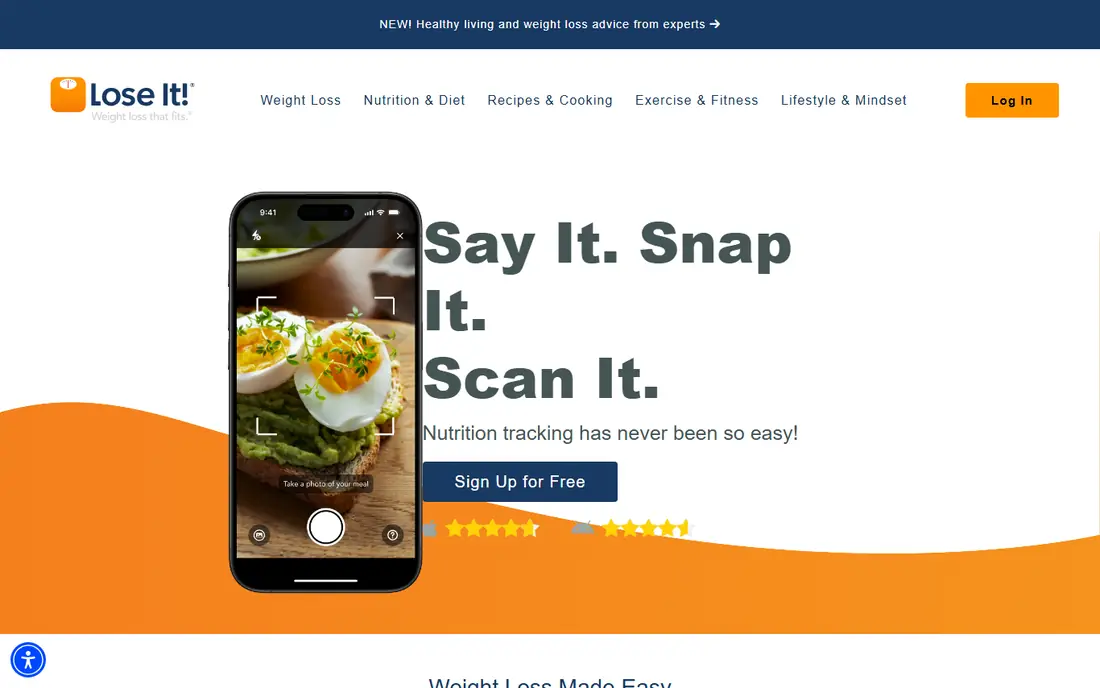
Lose It is the simplest weight-loss tracker on this list, and that simplicity is its appeal. The interface is clean, goal setting is straightforward, and the app keeps the focus on calories, weight, and a daily budget, without overwhelming a new user with dozens of nutrients. Challenges and groups add a light social push for people who like accountability.
The cost picture needs care. The free tier covers basic logging, but Premium, listed at $79.99 per year, holds barcode scanning, photo logging, and voice logging for new accounts, and promotional prices seen elsewhere are not always the list price. That means the fast-logging experience costs about the same as MyFitnessPal Premium. For a beginner who wants a friendly, focused weight-loss app and is willing to pay for Premium, Lose It is a good choice. For a free-first user, Cronometer or FatSecret will feel more generous.
- Simple, friendly interface
- Photo and barcode logging on Premium
- Challenges and community features
- Premium lists at $79.99 per year
- Barcode and photo logging are paid features for new accounts
- Smaller database than MyFitnessPal
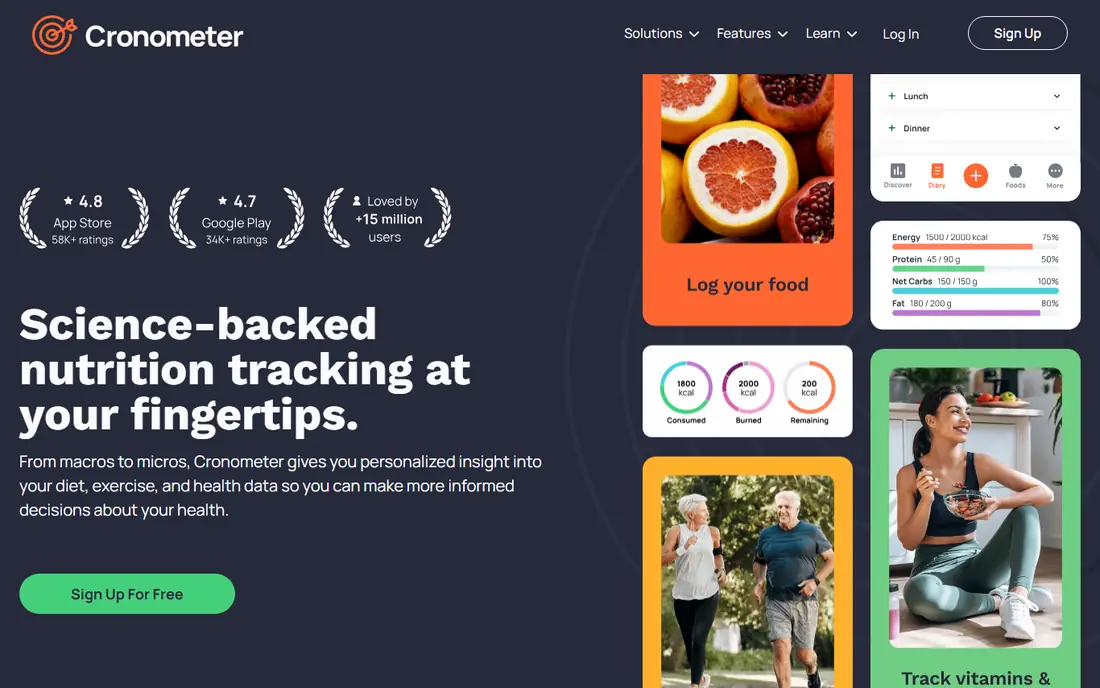
Cronometer is our pick for people who care about what is in their food, not just how many calories it holds. The free tier includes barcode scanning and a detailed nutrient breakdown covering dozens of vitamins, minerals, and amino acids, which is far more depth than most rivals offer free. Its database leans on verified sources, so entries are less likely to contain the errors that creep into crowdsourced databases.
The trade-off is presentation. Cronometer shows more numbers than MyFitnessPal or Lose It, and a new user can feel overwhelmed by the detail at first. Gold, at $59.99 per year, adds photo and voice logging, fasting tools, and an ad-free experience. For someone tracking a specific diet, a nutrient concern, or a medical reason to watch micronutrients, with clinician guidance where needed, Cronometer is the strongest free starting point on this list.
- Free barcode scanner and full nutrient breakdown
- Verified database with strong micronutrient coverage
- No account expiry on the free tier
- Interface is more detailed than rivals
- Photo and voice logging need Gold
- Smaller database for branded foods
Yazio suits people who want a tidy tracker plus a fasting timer in one app. The free tier covers calorie and macro logging, water tracking, and basic activity, and the interface is calmer and less cluttered than MyFitnessPal. For users who follow an intermittent fasting plan, the built-in timer and fasting history keep that routine visible alongside food logging.
The limit is the paywall for fast logging. Pro, listed at about $47.90 per year in some comparisons, with promotional prices lower, holds the barcode scanner, photo logging, and fuller meal plans. That still makes Yazio cheaper than several rivals, but a free-first user should know the scanner is not free. For a European-style, design-led tracker with fasting built in, Yazio is a pleasant, affordable choice.
- Clean, simple interface
- Intermittent fasting timer
- Meal plans and recipes on Pro
- Barcode scanner and photo logging need Pro
- Food database is smaller than MyFitnessPal
Lifesum is the design-led pick in this group. Its interface is bright and simple, its meal plans and recipes help a user who wants ideas as well as a diary, and its scoring of foods by nutritional quality gives a quick sense of whether a day is balanced. For a user who has bounced off more clinical trackers, Lifesum feels more like a lifestyle app than a spreadsheet.
The catch is depth. Detailed macro and nutrient breakdowns, fuller meal plans, and faster logging sit behind Premium, and the free tier is best for basic calorie tracking. Lifesum is therefore a good choice for someone who wants a pleasant daily habit and meal inspiration, and who is willing to pay for the fuller plan. For someone who wants maximum free nutrition detail, Cronometer remains the better pick.
- Attractive, easy interface
- Meal plans and recipes
- Water and activity tracking
- Deeper nutrition detail needs Premium
- Barcode scanning is limited on the free tier
MacroFactor is different from every other app here, because it coaches rather than just records. Its algorithm estimates your energy expenditure from what you log and how your weight changes, then adjusts your calorie and macro targets over time. That makes it unusually good for people who already track consistently and want targets that respond to real progress, rather than a fixed number from a one-time calculator.
The price of that approach is that there is no free version. After a 7-day trial, the annual plan costs $71.99, and the app states plainly that it will never offer a free tier, in return for no ads and no sale of user data. It also works best if you weigh yourself regularly, since weight data drives the algorithm. For a committed tracker who wants coaching, MacroFactor is our pick. For a casual user, a free app will do the same basic job.
- Adaptive targets that adjust from logged intake and weight change
- No ads and no sale of user data
- Strong barcode and food database
- No free version at all
- Works best if you weigh yourself regularly
- Less hand-holding for complete beginners
FatSecret is the quiet free option that many roundups overlook. Its free tier covers a food diary, barcode scanning, weight tracking, and community features, without pushing a subscription for the basics. For a user on a tight budget, or for someone who just wants to log food and see calories and macros, FatSecret covers the core job at no cost.
The trade-off is polish. The interface looks older than Lifesum or Yazio, and its premium tier adds less than the premium tiers of MyFitnessPal or Cronometer. Database quality also varies, so checking an entry against the label is still wise. If free tracking with a scanner is your priority, and you do not need coaching or deep micronutrient detail, FatSecret is a strong, honest choice.
- Free barcode scanning and food diary
- Community and challenges
- No pressure to upgrade for basic tracking
- Interface looks dated
- Premium features are limited compared with rivals
- Database quality varies
MyNetDiary has the most generous free tier in this group, and it is the app we recommend most often to someone who does not want to pay. The free tier includes a barcode scanner, voice logging, weight tracking, and detailed nutrient tracking, with no ads, no account required to start, and no expiry. Its database is staff-verified, which helps accuracy, even if it is smaller than MyFitnessPal for branded items.
Premium costs $59.99 per year, and Premium Plus at $99.99 per year adds AI coaching and menu tools. The interface is the main weakness, since it looks older than Lifesum or Lose It, but the function is strong. For a user who wants free, ad-free tracking with a scanner and real nutrient detail, MyNetDiary is hard to beat, and it pairs well with a clinician or dietitian reviewing targets where needed.
- Free barcode scanner, voice logging, and up to 108 nutrients
- No ads on the free tier
- No account needed to start
- Interface looks dated
- Premium coaching features need Premium Plus
- Smaller brand database than MyFitnessPal
Carb Manager is the specialist pick for low-carb and keto eaters. It tracks net carbs by default, offers keto recipes and meal plans, and shows macros in a way that fits a keto plan without manual math. For someone following keto, that focus saves daily friction that a general tracker would add back with workarounds.
The limit is scope. Its database is smaller than MyFitnessPal for general foods, and its barcode scanner and fuller features sit behind Premium. A general eater will get more breadth from Cronometer or MyNetDiary. A keto or low-carb eater, though, will find Carb Manager more useful day to day, because the app is built around the numbers that matter for that diet. As with any restrictive diet, check the plan with a clinician or dietitian first.
- Net carb tracking built for keto and low-carb diets
- Keto recipes and meal plans
- Barcode scanner on Premium
- General trackers offer more database breadth
- Fuller features need Premium
How we picked these
We compared official pricing pages, app store listings, and feature pages, and we favored apps that are still available in October 2026 and that cover the core job of food tracking well. We paid special attention to where each app draws its paywall, because a free scanner versus a paid scanner changes the daily experience more than any other single feature. We also favored a mix of general trackers, a coaching app, and a keto specialist, so different diets and budgets are covered. This article is general information, not medical advice.
How to choose for your goal
Start with how you will log most days. If you eat packaged foods, pick an app with a free barcode scanner, such as Cronometer, MyNetDiary, or FatSecret. If you cook from scratch, pick an app with good recipe entry and a database you trust, and check entries against labels for a week. If you want targets that adjust to your progress, MacroFactor is the coaching pick, provided you will weigh yourself regularly and pay for it.
Then set targets with care. App calculators give a starting estimate, not a prescription, and they can be wrong for your activity, health, or goals. If you are aiming for weight loss, managing a medical condition, or following a restrictive diet, talk with a clinician or dietitian before you act on an app number. Finally, pick the app you will open after dinner on a tired day, because consistency matters more than any single feature.