Best Free AI Image Generator Apps in 2026: 10 Apps Compared
By ToolNimba Editorial Team November 6, 2026 10 min read

- Top pick
 Google Gemini
Best overall free generation
Starting priceFreeCheck out Google GeminiRead our review - Runner-up
 Microsoft Copilot Image Creator
High-volume free images
Starting priceFreeCheck out Microsoft Copilot Image CreatorRead our review - Also great
 Leonardo AI
Style variety and creative control
Starting priceFreeCheck out Leonardo AIRead our review
How we researched this
We compared official pricing and feature pages, app store listings, privacy policies and public user reviews. Prices change, so check the provider's site before you pay.
Key takeaways
- Google Gemini and Microsoft Copilot Image Creator offer the most generous free image allowances for everyday use.
- Ideogram is the strongest free choice when an image needs readable words, such as posters, signs and thumbnails.
- The best free ai image generator apps differ on watermarks, public-by-default galleries and commercial-use rules, so check those terms before client work.
- Free limits change often, so treat any daily credit number as a snapshot and confirm it on the provider page before you rely on it.
Quick comparison
| Name | Best for | Starting price | Free plan | |
|---|---|---|---|---|
| Google Gemini | Best overall free generation | Free | Yes | Visit |
| Microsoft Copilot Image Creator | High-volume free images | Free | Yes | Visit |
| Leonardo AI | Style variety and creative control | Free | Yes | Visit |
 Ideogram | Readable text in images | Free | Yes | Visit |
 Adobe Firefly | Commercially safer client work | Free | Yes | Visit |
 Canva | Finished designs with AI images | Free | Yes | Visit |
 NightCafe | Community art and model variety | Free | Yes | Visit |
 Craiyon | No-signup casual fun | Free | Yes | Visit |
 Playground AI | Editing and canvas work | Free | Yes | Visit |
 DeepAI | Simple no-signup generation | Free | Yes | Visit |
The best free ai image generator apps
These apps all offer a real free tier for text-to-image generation, not just a short trial. We compared official product and pricing pages, app store listings and public reviews, and we focused on free allowance, watermarks, privacy defaults and commercial-use terms.
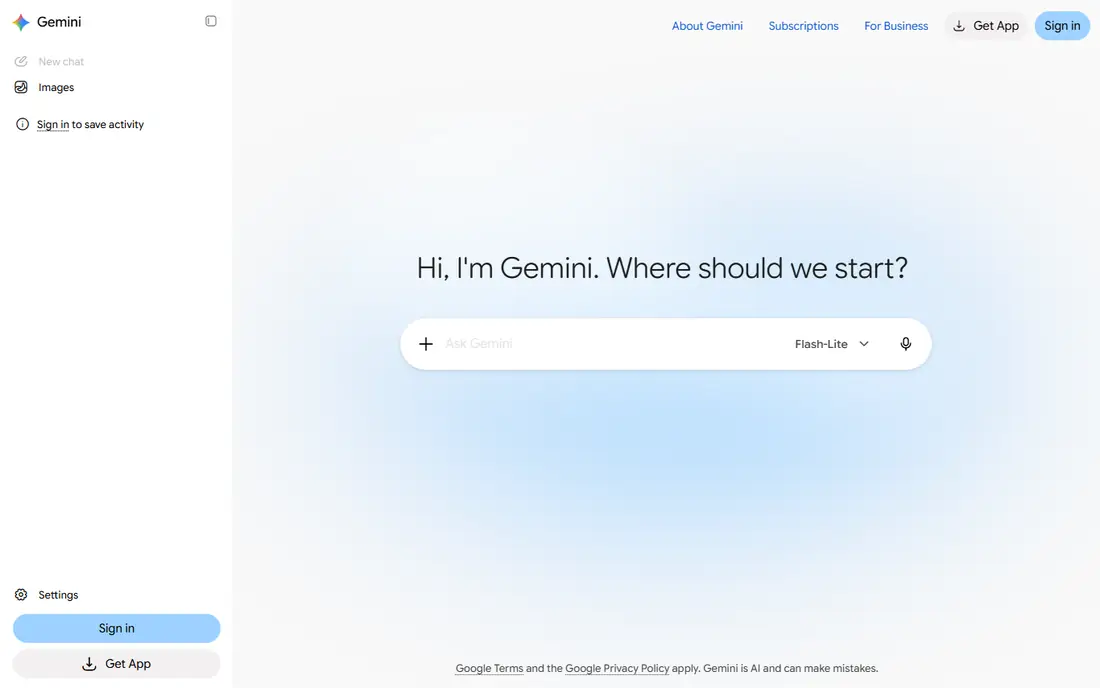
Google Gemini is our pick for most people who want a free AI image generator. You describe an image in plain language, refine it in conversation, and edit it by asking for changes rather than learning a complex editor. The free tier covers everyday needs such as blog headers, social graphics and concept art.
The main uncertainty is the allowance itself. Google does not publish one fixed daily number for free image generation, so heavy users may hit limits without warning. For casual and moderate use, Gemini still offers the best mix of quality and ease in this list.
- Strong image quality on the free tier
- Conversational editing
- No visible watermark reported on free images
- Free allowance is not published as a fixed daily number
- Quality and limits vary by account and region
Microsoft Copilot Image Creator
Best for: High-volume free images
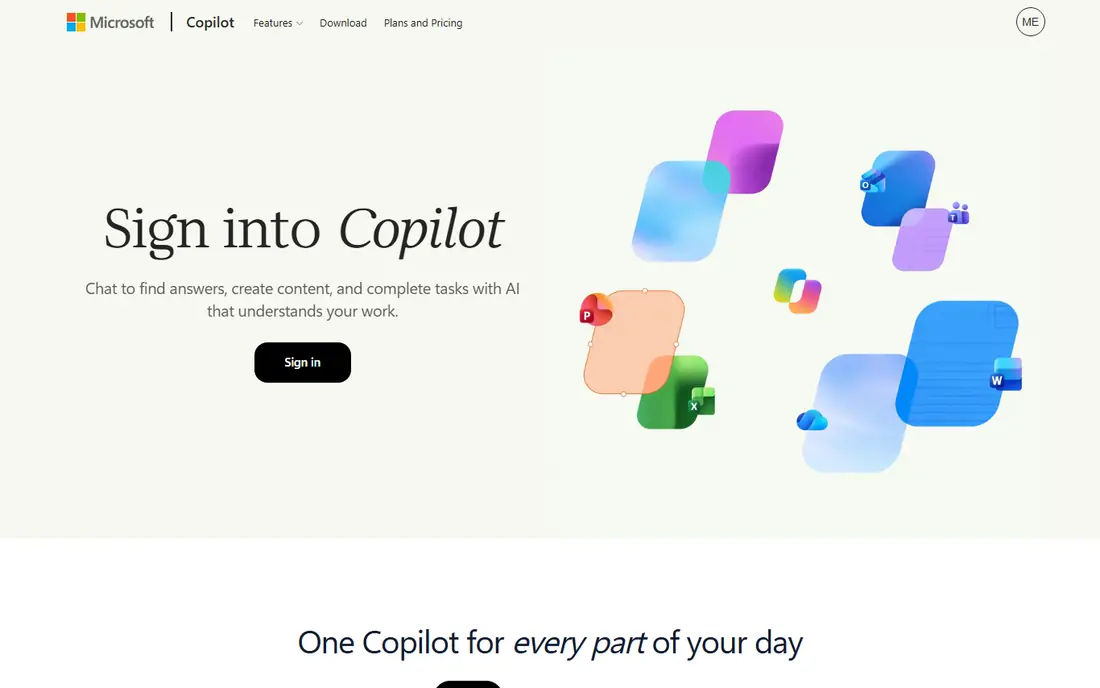
Microsoft Copilot Image Creator, also known as Bing Image Creator, is the volume pick. It offers 15 fast creations a day with a Microsoft account, plus slower standard-speed generation after that, which means you can keep experimenting without paying. That makes it ideal for brainstorming, classroom use and social posts.
The trade-off is choice. You get Microsoft models, not a library of community models, and editing controls are simpler than Leonardo or Playground. If you need many quick images rather than fine control, that trade is worth making.
- Published fast-creation allowance each day
- Slower free generation after that
- Simple Microsoft account sign-in
- Limited to Microsoft models
- Fewer style controls than specialist tools
Leonardo AI is the best free choice for art, game concepts and stylized images. The free tier gives daily tokens that cover a useful number of images, and the style presets help beginners get a consistent look without writing long prompts. Sliders and model choices give more control than most free tools.
Free creations are public by default, so do not use the free tier for private client work unless you check the privacy setting first. Paid plans add private mode and more tokens, but the free tier alone is enough to learn the tool and produce strong portfolio pieces.
- Daily free tokens
- Large library of styles and community models
- Strong controls for art and concept work
- Free creations are public by default
- Token use varies by settings
Ideogram solves the problem that trips up most free generators: spelling. Where other tools garble words on signs, posters and book covers, Ideogram renders readable text far more reliably. That makes it the right free tool for YouTube thumbnails, event posters and logo concepts that include words.
The free allowance is weekly rather than daily, so plan your generations instead of spending them all at once. Free images are also public by default, so check privacy settings before generating anything sensitive.
- Best free handling of words inside images
- Good for posters, logos and thumbnails
- Simple prompt flow
- Free credits refresh weekly, not daily
- Free generations are public by default
Adobe Firefly is the safest free choice for client work. Because it is trained on licensed content and Adobe Stock, it avoids the copyright uncertainty that surrounds some other generators, and Adobe offers indemnity terms on paid plans. It also fits neatly into Photoshop, Illustrator and Adobe Express for finishing work.
The free credit allowance is modest compared with Copilot or Leonardo, so Firefly suits a few high-stakes images rather than high-volume brainstorming. Use it when the image will appear in paid client work and the license question matters.
- Trained on licensed and Adobe Stock content
- Integrates with Photoshop, Illustrator and Express
- Clear commercial terms on paid plans
- Free monthly credits are modest
- Full value needs Adobe apps
Canva is the best free choice if you need a finished design, not just a raw image. Its AI image tool sits inside the same editor used for social posts, flyers and presentations, so you can generate an image, add text, and export a finished file without switching apps. The free plan includes a monthly AI allowance for that work.
That allowance is shared across Canva AI features, so heavy image users can run through it faster than expected. For beginners and small business owners who need complete designs, Canva still beats a specialist generator that leaves you to finish the work elsewhere.
- AI images inside a full design editor
- Templates for social, print and presentations
- Easy for beginners
- AI allowance is shared across all Canva AI tools
- Image control is simpler than specialist generators
NightCafe is built for people who enjoy exploring AI art as a hobby. The free tier gives daily credits, access to many models, and a community gallery with challenges that help beginners learn prompting. It is a friendly place to try styles, from fantasy art to photoreal images, without paying.
Five daily credits run out quickly on complex generations, so NightCafe is not a volume tool. Treat it as a creative playground and a learning tool, and use Copilot or Gemini when you need many images in a day.
- Daily free credits
- Many models to try
- Community challenges and galleries
- Free credit allowance is small
- Queues can be slower for free users
Craiyon is the simplest free generator in this list. You type a prompt and get images without creating an account, which makes it ideal for quick jokes, classroom demos and first-time users who do not want another login. The free tier is genuinely usable, not just a teaser.
Quality is the trade-off. Images are rougher than Gemini, Leonardo or Firefly output, and free images carry a watermark. Use Craiyon for fun and ideas, and move to a stronger tool when quality matters.
- Free generation without an account
- Unlimited casual use
- Very simple interface
- Lower image quality than leading tools
- Free images carry a watermark
Playground AI suits users who want to edit as well as generate. Its canvas editor lets you compose, mask and refine images in the browser, which is closer to a design tool than a simple prompt box. The free tier gives a useful allowance for experimenting with that workflow.
The free limit is modest and resets over hours rather than as a large daily bank, so it rewards focused sessions over all-day use. Paid plans add private generation and higher resolution, but the free tier is enough to judge whether the canvas workflow fits you.
- Canvas editor for refining images
- Multiple models
- No watermark reported on free output
- Free allowance is limited and resets on a rolling basis
- Free generations are public by default
DeepAI is another good no-signup option, with a core text-to-image generator that works in the browser without an account. It is fast, simple and useful for testing a prompt idea before moving to a stronger tool. Students and casual users will find it easy to start.
Controls are basic, and the best quality and resolution sit behind paid plans. Think of DeepAI as a sketchpad: great for quick ideas, less suited to finished artwork or client deliverables.
- Core generator works without an account
- Very simple interface
- Quick results
- Basic controls
- Higher quality and larger images need paid plans
How we picked these
We compared official product and pricing pages, app store listings and public reviews, and we kept only apps with a real free tier for image generation. We left out tools with no free tier, and we noted where free limits, watermarks or public defaults affect real use. Prices and allowances change often, so confirm the current terms on the provider page before relying on a free tier for paid work.
How to get the most from a free tier
Start by deciding what matters most for the job: volume, readable text, commercial safety or editing control. No single free tool wins on all four, so most users end up with two tools: one for volume and one for the special job. Gemini or Copilot can cover volume, Ideogram can cover text, and Firefly can cover client-safe work.
Next, check three settings before you generate anything for work: whether free images are public, whether they carry a watermark, and whether the terms allow commercial use. Those three answers decide whether a free image can appear on a client website, a product page or a book cover. Save a dated copy of the terms for paid projects, since free terms change.
Write prompts that free models handle well
Short, concrete prompts work better than long, abstract ones. Name the subject, the setting, the style and the lighting in that order, and keep text inside the image to a few short words. If a tool garbles text, move that job to Ideogram rather than fighting the same prompt ten times. For people and brands, avoid prompts that ask for real, identifiable people, since most tools restrict that use.
Sources
Frequently asked questions
What is the best free ai image generator app overall?
Google Gemini is our overall pick for free use, thanks to strong quality and conversational editing. Microsoft Copilot Image Creator is the best volume alternative, with a published daily fast-creation allowance plus slower free generation after that.
What are the best free ai image generator tools for posters and thumbnails?
Ideogram is the strongest free choice when the image must include readable words, such as a poster title or a thumbnail headline. Canva is the best choice when you need the image inside a finished design with added text and layout.
Which free AI image generator has no watermark?
Gemini, Copilot Image Creator, Leonardo AI and Playground AI are reported as not adding a visible watermark on free output, though terms and settings can change. Craiyon free images do carry a watermark, so check the output before using it in a finished design.
Can I use free AI images for commercial work?
It depends on the tool and the plan. Adobe Firefly is the clearest choice for commercial work, thanks to its licensed training data. For other tools, read the current terms for your plan, check whether free images are public, and keep a dated copy of the terms for client projects.
Do I need an account to use a free AI image generator?
Not always. Craiyon and DeepAI offer core generation without an account, while Gemini, Copilot, Leonardo, Ideogram and Firefly require an account. No-signup tools are convenient, but they usually offer lower quality and fewer controls than account-based tools.
What is the best ai image generator app for beginners?
Canva is the easiest starting point for beginners who need finished designs, while Gemini is the easiest for pure image generation. Both use plain-language prompts and need no design training, so try one real project in each before choosing.