Best Free Habit Tracker Apps in 2026: 8 Apps Compared
By ToolNimba Editorial Team October 31, 2026 9 min read

- Top pick
 Loop Habit Tracker
Free private tracking on Android
Starting priceFreeCheck out Loop Habit TrackerRead our review - Runner-up
 Habitica
Gamified habits and to-dos
Starting priceFreeCheck out HabiticaRead our review - Also great
 Habitify
Cross-device reminders and sync
Starting priceFreeCheck out HabitifyRead our review
How we researched this
We compared official pricing and feature pages, app store listings, privacy policies and public user reviews. Prices change, so check the provider's site before you pay.
Key takeaways
- Loop Habit Tracker is the only fully free, open-source pick here, but it runs on Android only.
- Habitica and Finch make tracking fun, with Habitica turning habits into a game and Finch using a virtual pet for gentle motivation.
- Habitify and TickTick suit people who want habits, tasks, and reminders in one synced system across devices.
- Most free tiers cap the number of habits, so check that limit before you build a long routine.
- The best free habit tracker is the one you open daily, so pick for feel and reminders, not for the longest feature list.
Quick comparison
| Name | Best for | Starting price | Free plan | |
|---|---|---|---|---|
| Loop Habit Tracker | Free private tracking on Android | Free | Yes | Visit |
| Habitica | Gamified habits and to-dos | Free | Yes | Visit |
| Habitify | Cross-device reminders and sync | Free | Yes | Visit |
 Finch | Gentle self-care motivation | Free | Yes | Visit |
 Way of Life | Simple visual trend tracking | Free | Yes | Visit |
 TickTick | Tasks plus habits in one app | Free | Yes | Visit |
 HabitKit | Visual year grid on iPhone and Android | Free | Yes | Visit |
 Daylio | Mood plus habit insights | Free | Yes | Visit |
The best free habit tracker apps
We compared official store listings, feature pages, and pricing pages for each app below. Every pick has a usable free tier, and we note where the free tier caps habits or features.
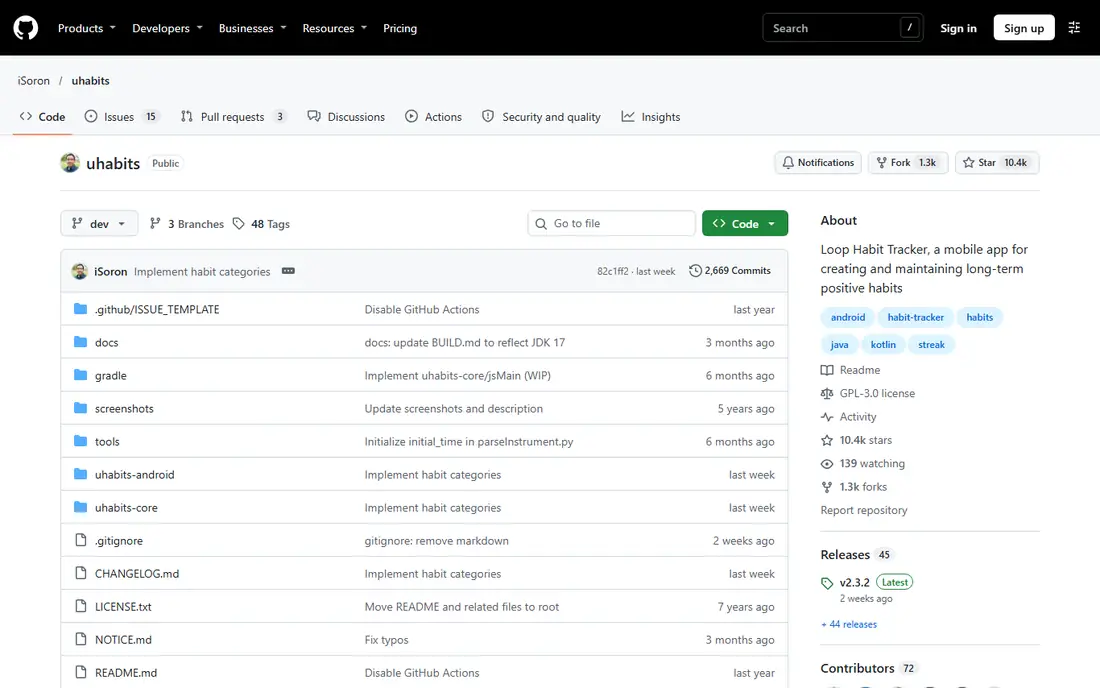
Loop Habit Tracker is our pick for Android users who want tracking without paying, seeing ads, or creating an account. It is open source, so your data stays on your device, and its charts show streaks, completion rates, and a habit strength score over time. Reminders can be checked, dismissed, or snoozed straight from the notification.
The limits are clear. There is no iPhone app and no cloud sync, so switching phones needs a manual export and import. The design is plain next to Habitify or Finch, and there is no timer or coaching. If you want free, private, and simple, those trade-offs are easy to accept.
- Fully free with no ads
- Detailed charts and habit strength scores
- Reminders and widgets
- Android only
- No cloud sync or account backup
- Plain design
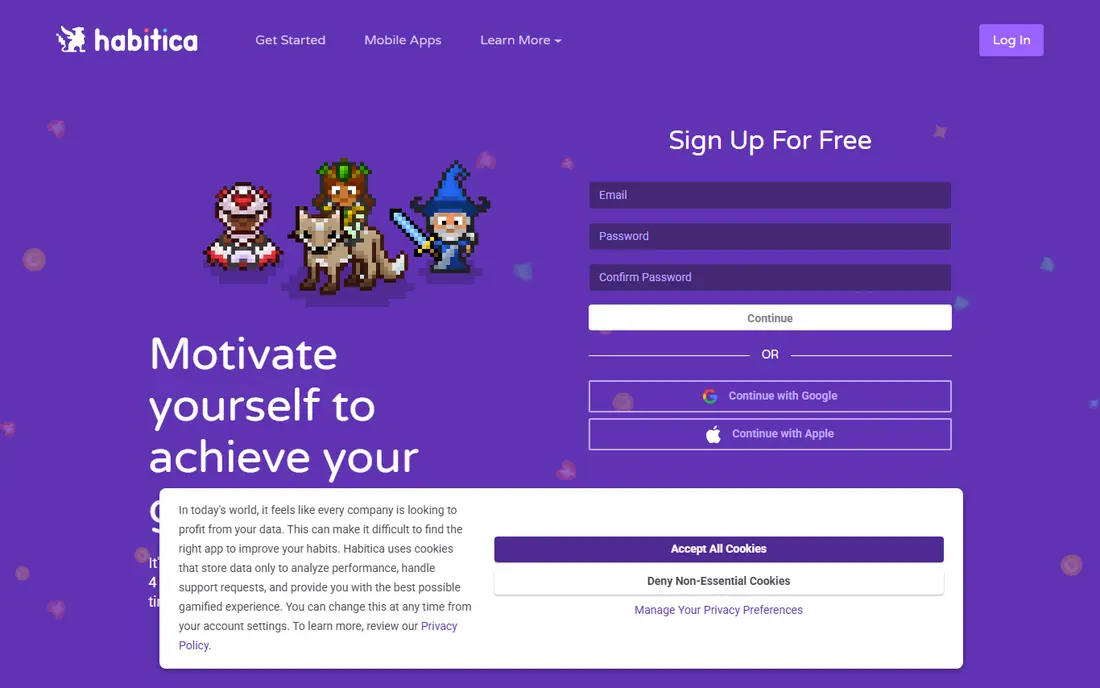
Habitica turns your routine into a role-playing game, where completed habits earn gold and experience, and missed dailies cost health. That game layer helps people who find plain checklists dull, and parties and quests add accountability with friends. It also covers habits, daily tasks, and one-off to-dos, so you do not need a second app for chores.
The game can also distract. Managing gear, pets, and quests takes time that a simpler tracker would not, and some users find the penalty for missed days harsh. If games motivate you, Habitica is the strongest free pick here. If they annoy you, Loop or Way of Life will feel calmer.
- Free core features with parties and quests
- Habits, dailies, and to-dos in one place
- Works on web, iOS, and Android
- Game systems can distract
- Optional subscription at $4.99 per month for extra perks
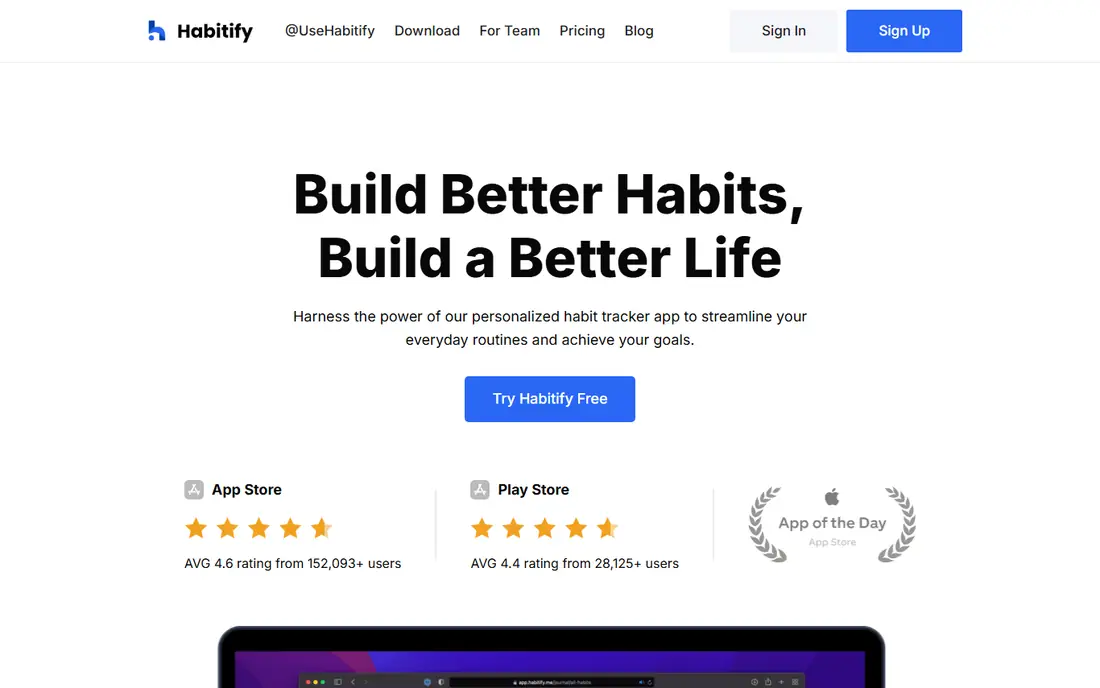
Habitify is our pick for people who switch devices during the day and want habits to follow them. It syncs across phones, Mac, and web, and its reminders can be set by time or place, which helps for habits tied to a location like the gym. The progress calendar and streak views make it easy to see a week at a glance.
The free tier allows 3 habits, which is enough to test the app but too few for a full routine. Paid plans remove that cap and add features like habit stacking prompts and a focus timer. Start free with your three most important habits, and pay only if you stick with them for a month.
- Syncs across iOS, Android, Mac, and web
- Time and location reminders
- Streaks and progress calendar
- Free tier caps habits at 3
- Some features need a paid plan
Finch takes a softer path. You care for a virtual pet by completing goals, checking in, and doing short self-care exercises, which suits people who quit trackers after one missed day broke a streak. The free tier is generous, and the tone stays encouraging rather than punishing.
The trade-off is depth. Finch is weaker than Loop or Way of Life for detailed charts, custom scoring, and long-term trend analysis. It is a motivation app first and a data app second. If gentle accountability keeps you going, that is a strength, not a flaw.
- Generous free tier with a virtual pet companion
- Self-care prompts and breathing exercises
- Kind tone without harsh streak penalties
- Less suited to strict data tracking
- Optional Plus subscription for extra content
Way of Life is for people who want honest charts without game layers or coaching. Each habit gets a yes, no, or skip each day, and the trend line shows whether you are improving over weeks, not just whether today was perfect. A short journal note per day adds context, so you can see why a week dipped.
The free tier caps the number of habits, and unlimited habits need a paid upgrade. The design is also plain, which some users love and others find dull. If you like data and want a calm app, Way of Life is a strong free starting point.
- Clear charts and trend lines
- Journal notes per day
- Works on iOS and Android
- Free tier caps habits
- Design is minimal and less playful
TickTick suits people whose day already lives in a to-do list. Habits appear next to tasks and calendar events, so you do not juggle two apps or forget to open the tracker. The free tier includes habits, a calendar view, and a Pomodoro timer, which is generous for a productivity app.
The catch is depth. TickTick habits lack the detailed scoring of Loop or the charts of Way of Life, and free limits apply to lists and tasks. If you want one app for tasks and habits, TickTick wins on convenience. If habits are your main goal, pair it with a dedicated tracker instead.
- Habits sit next to tasks, calendar, and a Pomodoro timer
- Free tier covers core use
- Syncs across devices
- Habit features are simpler than dedicated trackers
- Some limits on free lists and tasks
HabitKit is the closest free alternative to Loop for iPhone users, with a grid where one tile marks each day. The year view is satisfying, since a full year of color shows progress better than a single streak number. No account is required, which keeps setup fast and private.
The free tier allows 4 habits, and Pro removes that cap with import and export. Store listings have shown more than one price for the same plan, so check the price in your own store before paying. For a free visual tracker, the 4-habit limit still covers most starter routines.
- Year grid shows the whole year at a glance
- No account needed
- Runs on iOS, Android, and Mac
- Free tier allows 4 habits
- Paid pricing varies by store listing, so check before buying
Daylio is a micro-diary that also tracks habits, so it suits people who want to know how habits affect mood. Each entry takes seconds: pick a mood, tick the activities you did, and move on. Over weeks, the stats show which habits line up with better days, which a plain checklist cannot tell you.
The trade-off is focus. Daylio is not a dedicated habit system, so streak tools and reminders are simpler than in Habitify or Loop. Some deeper stats need a paid plan. If mood insight matters as much as streaks, Daylio is the most useful free pick here.
- Links mood, activities, and habits in one diary
- Solid free tier
- Clear monthly stats
- Habit tracking is part of a diary, not a dedicated system
- Some stats need a paid plan
How we picked these
We compared official app store listings, feature pages, and pricing pages, plus public reviews, for each app. We required a real free tier that covers daily tracking, not just a short trial, and we favored apps that still work in October 2026 on current phones. We left out apps with no free tier, since this guide is about free tracking.
How to pick a free habit tracker that sticks
Start with your phone and your personality. Android users who want free and private tracking should start with Loop. iPhone users who want a similar grid should try HabitKit. Gamers do better with Habitica, and people who quit after a missed day often last longer with Finch.
Next, check the free cap before you build a routine. A tracker that allows 3 or 4 habits free is fine for a starter set, but a 10-habit morning routine will force a paid upgrade fast. Pick your three core habits first, run them for two weeks, and only then expand.
Finally, set reminders you will actually see. A tracker without a reminder at the right time is just a list. Use time or location reminders, put the widget on your home screen, and keep the daily check-in under a minute. If checking takes longer than doing the habit, the app is too complex.