Best Free Macro Tracking App in 2026: 9 Apps Compared
By ToolNimba Editorial Team October 29, 2026 10 min read

- Top pick
 MyNetDiary
Best free overall
Starting priceFreeCheck out MyNetDiaryRead our review - Runner-up
 Cronometer
Nutrient detail free
Starting priceFreeCheck out CronometerRead our review - Also great
 MyFitnessPal
Largest food database
Starting priceFreeCheck out MyFitnessPalRead our review
How we researched this
We compared official pricing and feature pages, app store listings, privacy policies and public user reviews. Prices change, so check the provider's site before you pay.
Key takeaways
- Free does not mean equal, since some apps give gram targets and barcode scanning free while others put those basics behind a paid plan.
- MyNetDiary and Cronometer offer the strongest free macro features, with gram targets free and, for Cronometer, deep nutrient detail.
- MyFitnessPal still has the largest food database, but its free tier now limits the fastest logging tools.
- MacroFactor has no free tier, so it only belongs on a free-focused shortlist as a paid comparison point for coaching features.
Quick comparison
| Name | Best for | Starting price | Free plan | |
|---|---|---|---|---|
| MyNetDiary | Best free overall | Free | Yes | Visit |
| Cronometer | Nutrient detail free | Free | Yes | Visit |
| MyFitnessPal | Largest food database | Free | Yes | Visit |
 Lose It | Simple beginner tracking | Free | Yes | Visit |
 Carb Manager | Low-carb and keto macros | Free | Yes | Visit |
 FatSecret | Quiet free tracking | Free | Yes | Visit |
 Yazio | Clean free interface | Free | Yes | Visit |
 Lifesum | Guided plans and recipes | Free | Yes | Visit |
 MacroFactor | Adaptive coaching comparison | $11.99 per month | Free trial | Visit |
The best free macro tracking apps
Macro tracking means logging protein, carbohydrates, and fat against a daily target, rather than only counting calories. The apps below differ in what stays free: gram targets, barcode scanning, recipe tools, and nutrient detail. A short plain note first: these apps are general wellness tools, not medical advice, and anyone with a medical condition, eating disorder history, pregnancy, or a specific nutrition prescription should talk to a clinician or dietitian before changing intake.
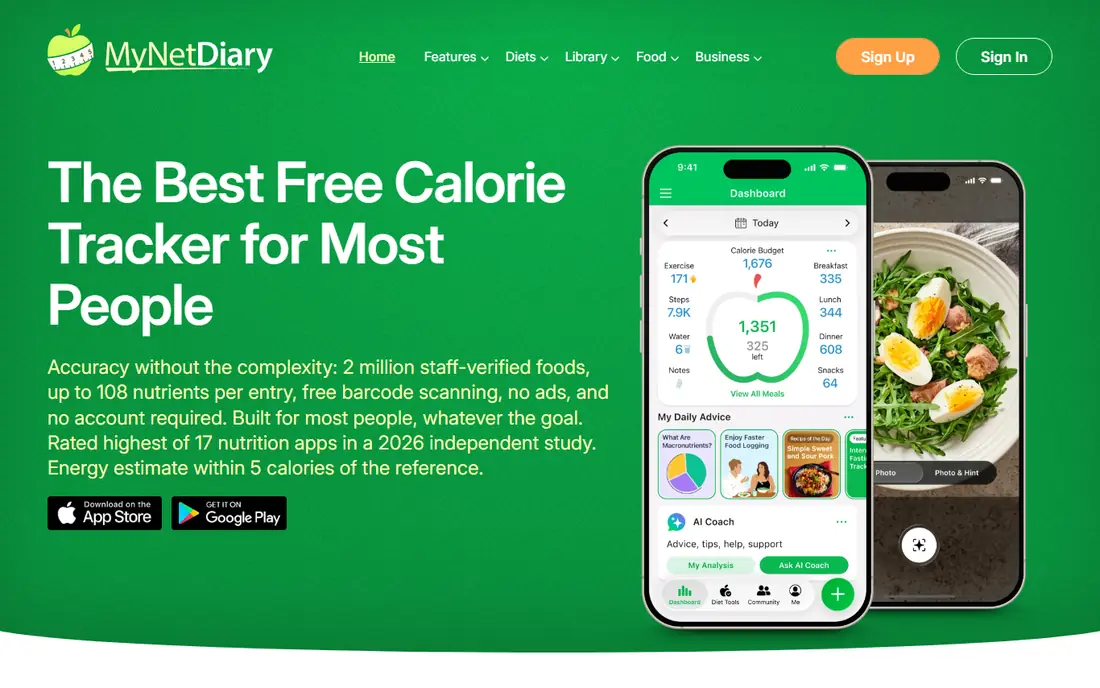
MyNetDiary is our pick for most free macro trackers because its free tier keeps the basics free. You can set custom macro targets by grams or by percentage, scan barcodes, log by voice in the free tier, and use a verified food database without ads, based on published October 2026 comparisons. Premium costs $59.99 per year and adds advanced autopilot, while Premium Plus at $99.99 adds AI coaching and meal suggestions.
The dated interface is the main drawback, but it is a fair trade for a free tier that does not push you to pay for scanning. Logging speed in published tests also favored MyNetDiary over several rivals for repeated entries. If you want free macro tracking that stays useful for months, start here and only upgrade if you want coaching features.
- Free tier has no ads and no scanner paywall
- Custom macro targets by grams or percentages free
- Large verified food database
- Interface feels dated next to newer apps
- AI coaching and advanced autopilot features require Premium
- Design is less playful than some rivals
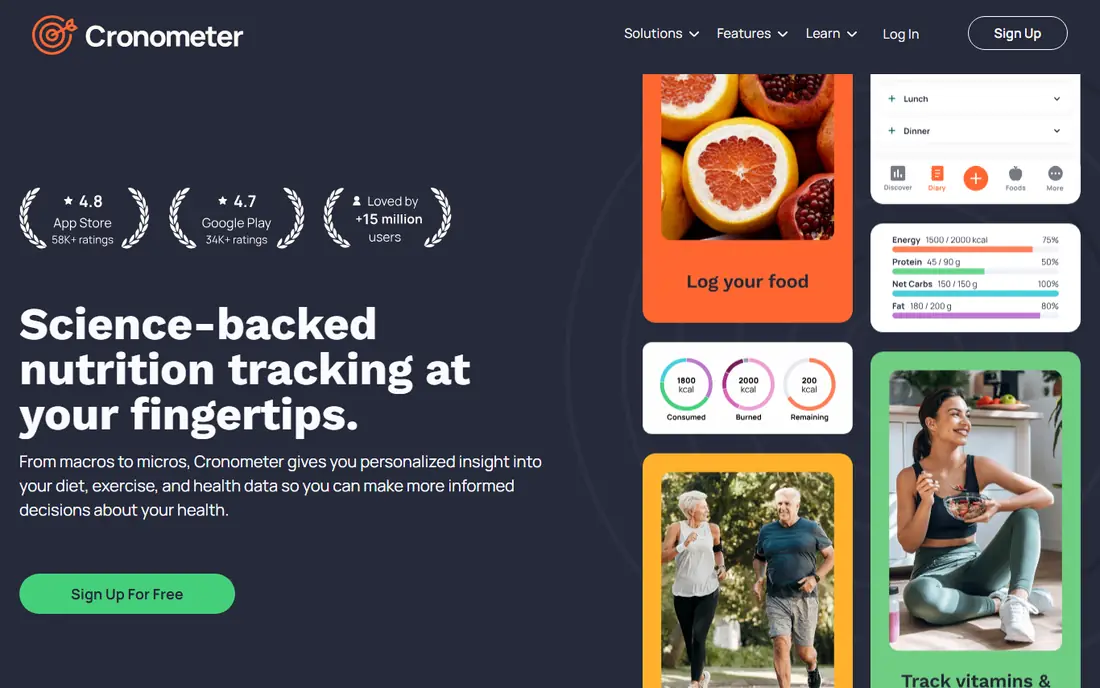
Cronometer suits trackers who care about more than protein, carbs, and fat. Its free tier includes barcode scanning, custom gram targets, and detailed nutrient tracking across vitamins and minerals, with charts that show trends over time. Gold costs $59.99 per year and adds photo and voice logging, custom charts, and a macro scheduler for day-by-day targets.
The smaller food database means you may need to create custom foods more often for branded or regional items. Ads on the free tier are also a minor annoyance. For a free app that treats nutrition as more than calories, Cronometer is the strongest alternative to MyNetDiary, especially for users who track micronutrients alongside macros.
- Free barcode scanning
- Custom macro targets by grams free
- Tracks up to 95 nutrients with detailed charts
- Free tier shows ads
- Food database is smaller than MyFitnessPal
- Photo and voice logging require Gold

MyFitnessPal remains the easiest app for finding an obscure food, thanks to a database of more than 20 million items, mostly user-submitted. Free covers basic food and exercise logging, progress tracking, recipes, macro viewing by percentage, and partner app linking. Premium costs $79.99 per year and adds barcode scanning, meal scan, voice logging, ad-free use, and custom macro goals by gram.
The free tier is less useful than it once was for fast logging, since scanning moved behind Premium. Manual search still works, but it is slower for packaged foods. MyFitnessPal suits users who already have saved meals and recipes, or who value the huge database above free scanning. New users who scan daily should compare MyNetDiary or Cronometer first.
- Very large crowdsourced food database
- Wide device and app integrations
- Basic food and exercise logging free
- Barcode scanning, meal scan, and voice logging now require Premium
- Custom gram targets require Premium
- Free tier shows ads
Lose It appeals to beginners because logging feels simple and the goal setup is clear. Free covers basic food logging, weight tracking, and progress charts, while Premium costs $79.99 per year in published comparisons and adds custom macro targets, photo logging, and advanced features. That simplicity helps users who are new to macro tracking and do not want a dense nutrition dashboard.
The limit is macro control. If you need fixed gram targets for protein, you will likely need Premium, whereas MyNetDiary and Cronometer give gram targets free. Lose It is a good free start for calorie and general macro awareness, but serious macro trackers should check the Premium requirement before committing to it as a main app.
- Clean, simple logging flow
- Large food database
- Weight and goal tracking built in
- Custom macro targets require Premium
- Barcode and photo logging details vary by tier in published listings
- Free tier shows ads
Carb Manager is built for low-carb and keto eating, and its free tier reflects that focus. Daily macro targets are free, net carb tracking is central, and the food database leans toward low-carb foods, recipes, and meal plans. Premium costs $39.99 per year in published comparisons and adds per-meal targets, day-of-week targets, and advanced tools.
For a balanced diet without a low-carb focus, Carb Manager still works, but its design and recipe suggestions lean keto. For keto, low-carb, or diabetic-friendly tracking where net carbs matter, it is the clearest free pick in this list. Check with a clinician before starting a very low-carb plan, since these apps do not replace medical guidance.
- Free tier has no third-party ads
- Daily macro targets free
- Strong low-carb and keto food tools, including net carb tracking
- General nutrition depth is narrower than Cronometer
- Per-meal and day-of-week targets require Premium
- Keto focus may not suit balanced diets
FatSecret is a quiet, useful free option that often gets overlooked. It offers food logging, barcode scanning, weight tracking, and a community journal without pushing a paid tier for basic use. That simplicity suits users who want to log macros and move on, without coaching prompts or complex dashboards.
The trade-off is depth. Macro targets and nutrient detail are more basic than Cronometer or MyNetDiary, and integrations with fitness apps are fewer. FatSecret suits a user who wants a free, low-friction diary and does not need advanced coaching. For detailed macro programs, MyNetDiary or MacroFactor may fit better.
- Free barcode scanning in published comparisons
- Simple food diary and community features
- No pressure to upgrade for basic logging
- Interface feels older than newer apps
- Macro customization is basic
- Fewer integrations than MyFitnessPal
Yazio, from Germany, offers a clean and pleasant free tier for basic calorie and macro logging, with fasting tracking and activity logs included. The design feels modern, and the food search is straightforward for common foods. PRO, listed around 30 euros per year in published comparisons, adds barcode scanning, photo logging, and advanced nutrition analysis.
US users should note the database and pricing differences. Yazio is stronger in Europe than in the US for branded foods, and PRO pricing varies by store and region. For a clean free start, especially for users who value design, Yazio is worth trying. For free barcode scanning in the US, MyNetDiary or Cronometer may be more practical.
- Clean design and easy food search
- Free basic calorie and macro logging
- Fasting and activity tracking included
- Barcode scanning and photo logging require PRO
- PRO costs vary by region
- Food database is smaller than MyFitnessPal in the US
Lifesum suits users who want guidance alongside tracking, with diet plans, recipes, and meal ideas built into the app. Free covers basic food logging, macro viewing, and activity tracking, while Premium adds detailed macro breakdowns, meal plans, and advanced features. The interface is polished, which helps users who find dense trackers off-putting.
The free tier is less flexible for custom macro programs than MyNetDiary or Cronometer, since detailed targets sit behind Premium. Lifesum is best for general healthy eating and guided plans rather than a strict macro program. For a fixed protein target with free gram control, start with MyNetDiary instead.
- Guided diet plans and recipes
- Clean interface
- Weight, water, and activity tracking in one app
- Macro customization is limited on the free tier
- Premium costs around $44.99 per year in published comparisons
- Food database is smaller than MyFitnessPal
MacroFactor does not belong on a free list by price, but it belongs here as a comparison point, since many free users eventually ask what paid coaching adds. It costs $11.99 per month or $71.99 per year, with a 7-day trial and no free tier. Its coaching algorithm adjusts calorie and macro targets weekly based on logged food and weight trend, rather than using a fixed formula.
That adaptive approach is the main reason to pay, along with an ad-free experience and a verified database. The catch is clear: after the trial, tracking stops unless you subscribe. Try MacroFactor only after a free app has shown you that you will log consistently, and treat its targets as general guidance, not medical advice.
- Adaptive calorie and macro coaching adjusts weekly
- Verified food database
- No ads and no data selling, based on company statements
- No free tier, only a 7-day trial
- Costs $71.99 per year
- Micronutrient tracking is intentionally shallow
How we picked these
We compared official pricing and feature pages, app store listings, and published October 2026 macro app comparisons, and we favored apps with a usable free tier for macro tracking. We checked whether gram targets, barcode scanning, and nutrient detail stay free, and we noted where those basics require a paid plan. We did not claim hands-on testing, and app store prices vary by region and promotion, so check the in-app price before subscribing.
What to check before you pick
Start with the feature you will use every day. If you scan packaged foods, free barcode scanning matters more than a large recipe library. If you follow a fixed protein target, gram targets must be free or you will pay for Premium. Next, check the food database for the foods you actually eat, since a large database helps only if it covers your regular meals.
Also consider ads and privacy. Some free tiers show ads, while others, such as MyNetDiary, do not. Read the privacy policy for data sharing, since nutrition data is personal. Finally, log for two weeks before paying, since consistency matters more than features, and a free app you use daily beats a paid app you abandon.