Best Free Note Taking Apps in 2026: 9 Apps Compared
By ToolNimba Editorial Team October 31, 2026 9 min read

- Top pick
 Obsidian
Private linked knowledge base
Starting priceFreeCheck out ObsidianRead our review - Runner-up
 Notion
All-in-one notes and databases
Starting priceFreeCheck out NotionRead our review - Also great
 Microsoft OneNote
Free cross-platform notebooks
Starting priceFreeCheck out Microsoft OneNoteRead our review
How we researched this
We compared official pricing and feature pages, app store listings, privacy policies and public user reviews. Prices change, so check the provider's site before you pay.
Key takeaways
- Obsidian offers the most powerful free personal system, with local Markdown files, linking and plugins at no cost for personal use.
- Notion offers the best free all-in-one workspace, combining notes, docs and databases, with paid plans for teams and AI.
- Apple Notes and Google Keep win on speed for quick capture, since they are already on your phone and need no setup.
- Microsoft OneNote gives cross-platform free notes with handwriting and notebooks, which suits students and Windows users.
- Joplin and Logseq suit privacy-focused users who want open-source, local-first notes without a subscription.
Quick comparison
| Name | Best for | Starting price | Free plan | |
|---|---|---|---|---|
| Obsidian | Private linked knowledge base | Free | Yes | Visit |
| Notion | All-in-one notes and databases | Free | Yes | Visit |
| Microsoft OneNote | Free cross-platform notebooks | Free | Yes | Visit |
 Apple Notes | Fast capture on Apple devices | Free | Yes | Visit |
 Google Keep | Quick lists and reminders | Free | Yes | Visit |
 Joplin | Open-source encrypted notes | Free | Yes | Visit |
 Logseq | Local-first outliner and graph | Free | Yes | Visit |
 Simplenote | Minimal cross-platform text notes | Free | Yes | Visit |
 Bear | Beautiful Markdown on Apple devices | Free | Yes | Visit |
The best free note taking apps
Free note apps differ more than their price suggests. Some are fast capture tools for a shopping list or a sudden idea. Others are full workspaces for projects, study and long-term knowledge. The apps below all offer a genuinely free tier, not just a short trial, and each one is live and widely used for notes in 2026.
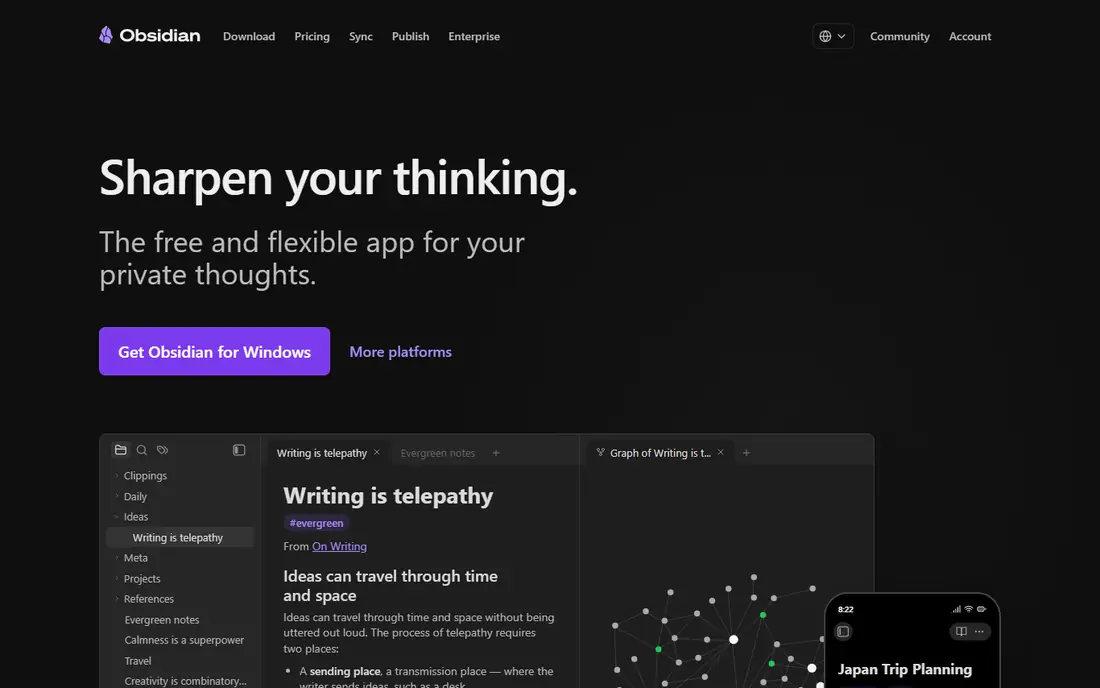
Obsidian suits people who want a long-term personal knowledge base. Notes are plain Markdown files stored on your device, so they remain readable in any editor and are not locked to one company. Linking, backlinks and a graph view help connect ideas across hundreds of notes, and community plugins add calendars, tasks and other workflows. The free app itself has no note limit for personal use, but syncing between devices costs extra unless you use iCloud, Git or another sync method yourself. Beginners may also need time to learn linking and plugin setup. For writers, researchers and students who value ownership and longevity, Obsidian is the strongest free choice.
- Free for personal use
- Local Markdown files you own
- Linking, graph view and plugins
- Sync costs extra
- Learning curve is steeper
- No built-in collaboration
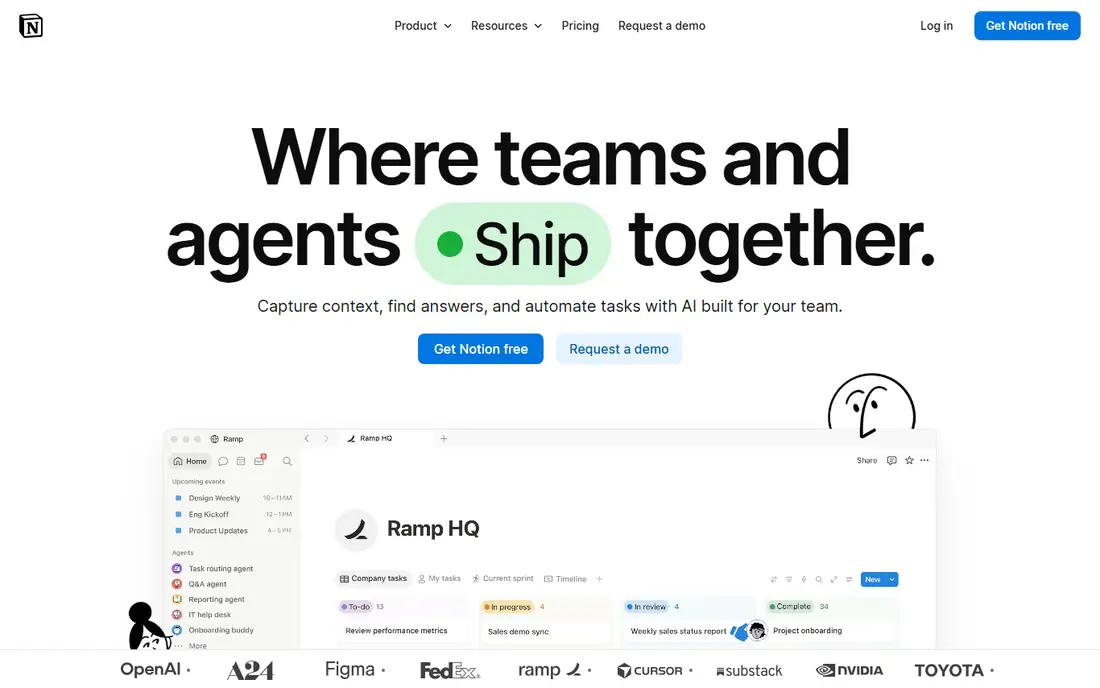
Notion is the best free option when notes need to become a workspace. A single app can hold meeting notes, project boards, reading lists and databases, with templates for study, work and personal planning. Collaboration is built in, which helps small teams and study groups share pages without extra tools. Offline access is the main limit, since Notion is cloud-first and needs a connection for full sync. AI features are also limited on free and Plus plans, with full agent features on Business. For a free, flexible system that grows from notes into projects, Notion is hard to beat.
- Notes, docs, databases and boards in one place
- Generous free plan
- Strong templates
- Offline access is limited
- Full AI features need paid plans
- Can feel slow on very large workspaces
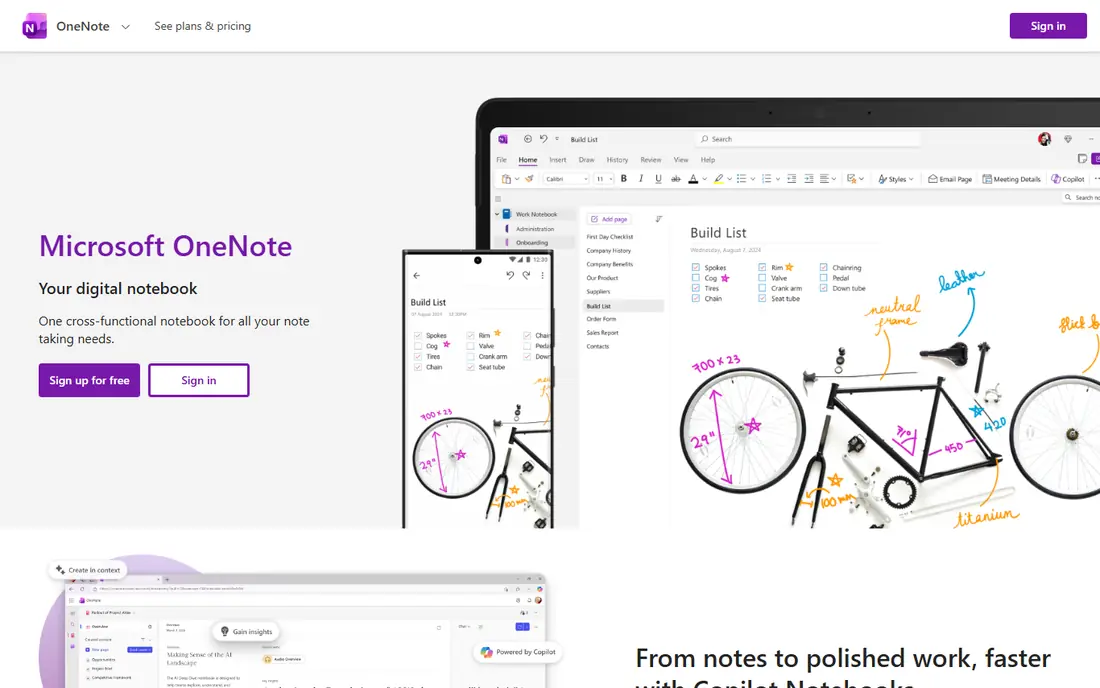
OneNote is the most complete free notebook for cross-platform users. It organises notes into notebooks, sections and pages, supports typing, handwriting, drawing and audio notes, and syncs through OneDrive. Students and Windows users benefit most, since OneNote integrates with Microsoft 365 and education tools. Storage is shared with OneDrive, so very large notebooks with many images and files can use up free storage. Organisation also depends on the user, since free-form pages can become messy without a consistent structure. For a free, flexible notebook that works everywhere, OneNote remains a strong default.
- Free on Windows, Mac, web, iOS and Android
- Notebooks, sections and pages
- Handwriting and drawing support
- Sync uses OneDrive storage
- Organisation can feel loose on very large notebooks
Apple Notes wins on speed for Apple users. It opens fast, captures text, checklists, photos, scans and links, and syncs through iCloud to every Apple device. Folders, tags and search keep a growing collection usable without learning a new system. The limit is platform. Apple Notes does not offer a full Windows or Android app, so users who switch platforms may need to export notes. It also lacks the databases and graph views of Notion and Obsidian. For quick, reliable capture inside the Apple ecosystem, it is the simplest free choice.
- Already on iPhone, iPad and Mac
- Fast capture, checklists and attachments
- ICloud sync
- Apple only
- Fewer database and linking features than Notion or Obsidian
Google Keep is built for speed, not for long documents. Colour-coded notes, checklists and reminders make it ideal for shopping lists, quick ideas and tasks that need a nudge later. It syncs with a Google account across web, Android and iOS, and integrates with Google Docs and Calendar. Long-form writing is not its strength. Formatting is basic, organisation is limited to labels and colours, and large notes can feel cramped. Keep works best as a capture inbox: jot the idea fast, then move longer work to Notion, Obsidian or OneNote when it needs structure.
- Very fast sticky-note capture
- Colour labels and reminders
- Works on web, Android and iOS
- Limited formatting and long-form writing
- Storage shares the 15 GB Google free allowance
Joplin suits users who want free, private notes without a vendor lock-in. The app is open source, stores notes in Markdown, supports notebooks, tags and attachments, and offers end-to-end encryption. Sync can use Joplin Cloud, Dropbox, OneDrive, Nextcloud or a self-hosted server, which gives users control over where notes live. Setup takes more effort than Apple Notes or Google Keep, and the interface is functional rather than beautiful. Joplin Cloud, for easier sync, costs extra. For privacy-focused users who want a free, cross-platform notebook they can own and encrypt, Joplin is a strong pick.
- Free and open source
- Markdown notes
- End-to-end encryption and self-hosted sync options
- Interface is plain
- Sync setup takes more effort
- Fewer templates than Notion
Logseq is a local-first, open-source alternative to Obsidian with an outliner at its centre. Notes are stored as Markdown files on your device, with backlinks, tags and a graph view for linked thinking. It suits researchers, students and writers who think in bullet hierarchies and want to connect ideas over time. The outliner style can feel restrictive for users who prefer free-form pages. Mobile apps are less polished than desktop, and sync needs a manual setup with Git, iCloud or another service. For a free, private knowledge graph with an outline workflow, Logseq offers a distinct and powerful option.
- Free and open source
- Local Markdown files
- Outliner, backlinks and graph view
- Outliner style does not suit everyone
- Mobile apps are less mature
- Sync needs setup
Simplenote does one thing well: plain text notes that sync fast everywhere. There are no notebooks, no complex formatting and no plugin maze. Tags and search keep notes findable, and version history helps recover an earlier draft. That restraint is the point for users who want notes, not a workspace. Users who need images, handwriting, databases or rich formatting will need another app. Simplenote is best as a daily text capture tool, or as a simple companion to a larger system. For distraction-free writing on any device, its free, cross-platform sync is hard to fault.
- Completely free
- Very fast and simple
- Sync across web, Windows, Mac, iOS, Android and Linux
- No notebooks or rich formatting
- Limited attachment and organisation features
Bear is the most polished free writing app on Apple devices. The editor is clean, Markdown formatting is smooth, and tags with nested organisation keep notes tidy without folders. Writing feels fast and focused, which helps for journals, drafts and study notes. The free tier is Apple-only, and sync across devices needs Bear Pro. Users on Windows or Android should choose another app. For Apple users who want a beautiful, free writing app and are happy to pay later for sync, Bear is a refined choice.
- Clean Markdown writing
- Tags and search
- Fast and polished on Apple devices
- Apple only
- Sync needs Bear Pro
- Export and some features need the paid plan
How we picked these
We compared official pricing pages, app store listings and public reviews. We favoured apps that are live now, that offer a genuinely free tier rather than only a trial, and that cover different needs such as capture, workspaces, privacy and handwriting. We excluded apps with no free tier, closed apps and apps whose free limits could not be verified from the vendor.
How to choose a free app you will keep
Pick by capture habit first. If you capture on a phone in seconds, choose Apple Notes, Google Keep or Simplenote. If you build projects and databases, choose Notion. If you build a long-term knowledge base, choose Obsidian, Joplin or Logseq. The best app is the one you open without thinking.
Test sync before you commit
Write notes on your phone and your computer for a week and check that sync is reliable. A free app with broken sync will cost you notes, not money. Export a test note as well, so you know you can leave if your needs change.
Do not pay for features you do not use
Free tiers cover most personal note needs. Pay only when you need sync, collaboration, AI or storage beyond the free limit. Many users never need to upgrade, and a paid plan should solve a specific problem, not just add features.