Best Free SEO Analysis Tools in 2026: 8 Tools Compared
By ToolNimba Editorial Team October 29, 2026 8 min read

- Top pick
 Google Search Console
Real Google search data
Starting priceFreeCheck out Google Search ConsoleRead our review - Runner-up
 Ahrefs Webmaster Tools
Audits and backlinks for your site
Starting priceFreeCheck out Ahrefs Webmaster ToolsRead our review - Also great
 Semrush Free
Quick keyword and competitor lookups
Starting priceFreeCheck out Semrush FreeRead our review
How we researched this
We compared official pricing and feature pages, app store listings, privacy policies and public user reviews. Prices change, so check the provider's site before you pay.
Key takeaways
- Google Search Console is the best free seo analysis tool overall, because it shows real Google data for your own site at no cost.
- Ahrefs Webmaster Tools is the best free companion for audits and backlinks on sites you own and verify.
- Screaming Frog, PageSpeed Insights, and Keyword Planner each solve one job well, so the best free stack combines several tools.
- Free tiers cap daily searches, crawl size, and competitor data, so they suit small sites better than large agencies.
- Start with Search Console and one audit tool, then add keyword tools only when you have a specific question to answer.
Quick comparison
| Name | Best for | Starting price | Free plan | |
|---|---|---|---|---|
| Google Search Console | Real Google search data | Free | Yes | Visit |
| Ahrefs Webmaster Tools | Audits and backlinks for your site | Free | Yes | Visit |
| Semrush Free | Quick keyword and competitor lookups | Free | Yes | Visit |
 Google Keyword Planner | Keyword ideas and volume ranges | Free | Yes | Visit |
 Screaming Frog SEO Spider | Technical crawls for small sites | Free | Yes | Visit |
 Google PageSpeed Insights | Speed and Core Web Vitals | Free | Yes | Visit |
 Ubersuggest Free | Beginner keyword ideas | Free | Yes | Visit |
 AnswerThePublic | Question-based content ideas | Free | Yes | Visit |
The best free seo analysis tools
Free SEO tools can carry a small site a long way, if you use the right tool for each job. The tools below are free to start, still work in 2026, and cover performance, audits, keywords, speed, and content ideas without a paid subscription.
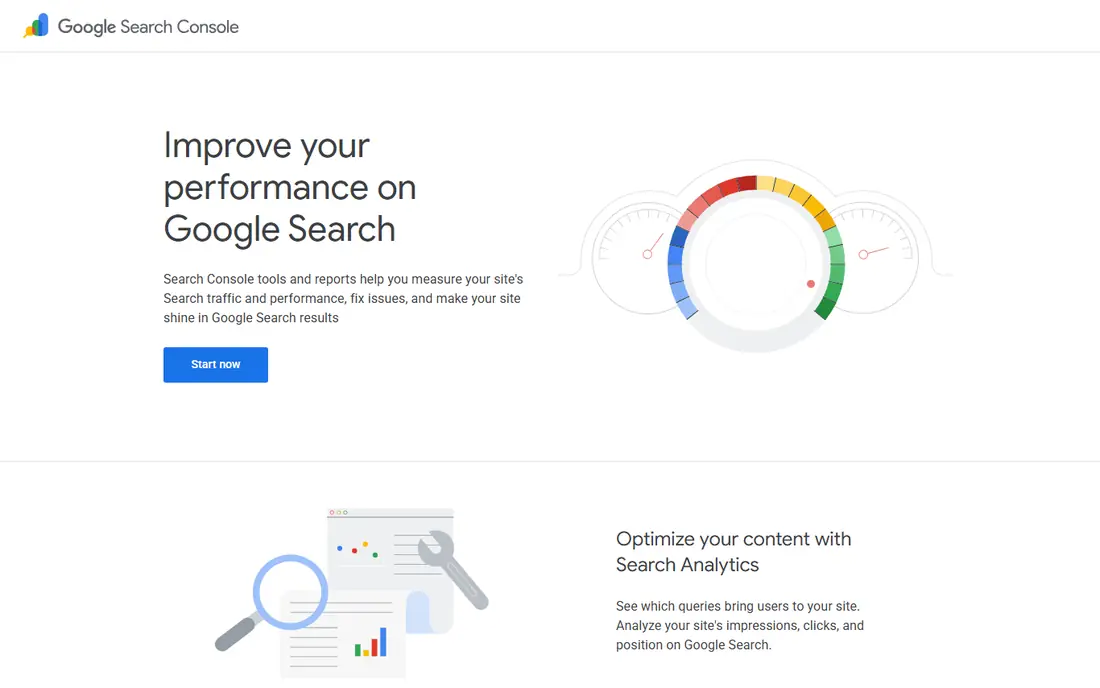
Google Search Console is the first tool every site owner should set up. It shows which queries bring clicks, which pages rank, and which pages Google cannot index. That data comes straight from Google, so it is more reliable for your own site than any third-party estimate.
Its limit is scope. You only see your verified sites, not a rival full keyword profile. It also reports averages with a short delay, so it is not a live rank checker. Pair it with an audit tool and a keyword tool, and you have a solid free base.
- Direct Google data on clicks, impressions, and indexing
- No usage fee
- Alerts for coverage and mobile issues
- Only shows data for sites you verify
- No full competitor keyword data
Ahrefs Webmaster Tools
Best for: Audits and backlinks for your site
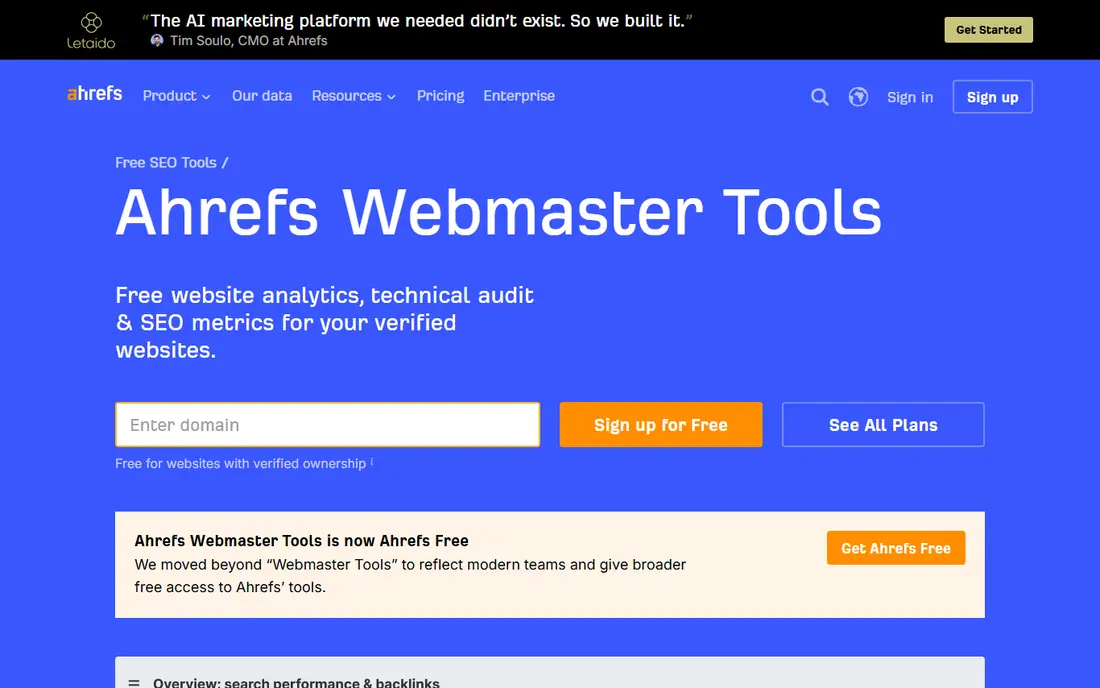
Ahrefs Webmaster Tools gives site owners a free version of Ahrefs Site Audit and backlink data for domains they verify. It flags technical issues, shows referring domains, and helps you prioritize fixes. For a small site, that audit alone is worth setting up.
Verification is required, and you will not get the full competitor database that paid Ahrefs offers. Crawl credits are also capped each month. Even with those limits, it is the strongest free audit and backlink companion to Search Console.
- Free audits for verified sites
- Backlink data for your own domain
- Monthly crawl credits included
- Requires site verification
- Competitor data is limited on the free tier
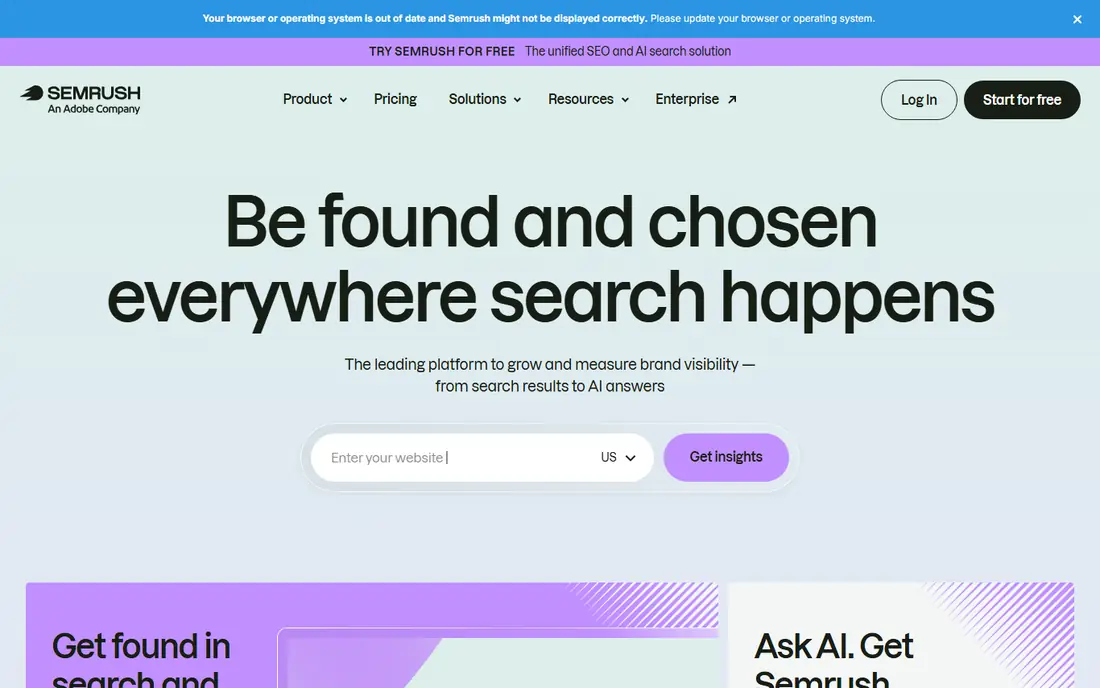
Semrush free access suits focused questions, such as checking a keyword or getting a quick domain overview. Its database depth is a real advantage over smaller free tools, and individual free tools let you run single checks without signing up for a full plan in some cases.
Daily limits are the catch. Ten lookups a day sounds workable until you research a full topic cluster. Use Semrush free for a few high-value checks, and rely on Search Console and Keyword Planner for routine work.
- Deep keyword database
- Individual free tools without a full subscription
- Useful domain overviews
- Daily report limits run out fast
- Full toolkit needs a paid plan
Google Keyword Planner remains a useful free source for keyword ideas, even though it lives inside Google Ads. Enter a seed term and it returns related ideas, volume ranges, and competition hints. For planning content topics, those ranges are enough to spot demand.
Setup is the friction. You need a Google Ads account, which asks for billing information during setup, even if you never run ads. Volume ranges are also broad for low-volume terms. Treat it as a planning aid, not a precise traffic forecast.
- Keyword ideas from Google data
- Volume ranges and trends
- No separate tool fee
- Needs a Google Ads account setup
- Volume data is shown in ranges, not exact counts
Screaming Frog SEO Spider
Best for: Technical crawls for small sites
Screaming Frog is the best free technical crawler for small sites. It crawls your pages and lists broken links, redirect chains, missing titles, and duplicate metadata in one report. That list turns a vague technical worry into concrete fixes.
The free tier stops at 500 URLs, which suits small sites but not large ones. It is also a desktop app, so it takes more learning than a web dashboard. For a site under 500 pages, it is the most thorough free technical check available.
- Detailed technical crawl on desktop
- Finds broken links, redirects, and duplicate metadata
- Free tier covers 500 URLs
- Free tier caps crawls at 500 URLs
- Desktop app needs installing and some learning
PageSpeed Insights answers a simple question: is this page fast enough for real visitors. It combines lab tests with field data from real users, where available, and lists fixes in priority order. That makes it useful for both developers and non-technical owners.
It checks one page at a time, so auditing a whole site takes patience. Scores also shift with device and network, so compare the same page under the same conditions. Use it for your most important pages first, such as the homepage and top landing pages.
- Free URL checks
- Lab and field Core Web Vitals data
- Clear fix suggestions
- Checks one URL at a time
- Scores vary by device and network conditions
Ubersuggest is a friendly entry point for beginners who find larger suites confusing. It returns keyword ideas, domain overviews, and a simple audit in plain language. The free tier, with a small number of daily searches, is enough for a focused question.
Daily limits mean you cannot research a large site in one sitting. Data depth is also thinner than paid suites. Use Ubersuggest to learn keyword basics and get quick ideas, then move to Search Console for your own site data.
- Beginner-friendly keyword and domain data
- Simple site audit
- Free Chrome extension for extra searches
- Free searches are limited per day
- Data depth is thinner than Semrush or Ahrefs
AnswerThePublic turns a seed keyword into the questions people ask around it. That view is ideal for FAQ sections, blog outlines, and content that matches how readers phrase a problem. Its visual layout makes topic gaps easy to spot.
It does not replace a keyword tool. Free searches are limited, and it does not show volume, difficulty, or rankings. Use it after Keyword Planner or Ubersuggest to expand a topic, not as your only research source.
- Visual question and phrase ideas
- Good for FAQs and content planning
- Simple to use
- Free searches are limited
- It shows questions, not search volume or rankings
How we picked these
We compared official free tiers, feature pages, and public documentation for SEO tools that offer a real free plan or free tool in October 2026. We kept only tools that solve a genuine analysis job, such as audits, keywords, backlinks, or speed, without requiring a paid subscription to start. We did not claim hands-on testing. Free limits change often, so check the vendor page before you rely on a specific cap.
How to build a free SEO stack that works
Start with measurement, not with more tools. Set up Search Console first and fix any indexing or coverage errors it shows. Those errors block rankings no matter how good your content is, and they cost nothing to find.
Next, add one audit tool and one keyword tool. Ahrefs Webmaster Tools or Screaming Frog can handle audits, while Keyword Planner or Ubersuggest can handle ideas. Run a monthly routine: check Search Console, crawl new pages, and review speed for top pages. That routine matters more than collecting six dashboards you never open.
Finally, know when to pay. If you track thousands of keywords, need full competitor backlink data, or audit a site with tens of thousands of pages, free caps will slow you down. Until then, a small, consistent free stack will cover most small-site needs.
Sources
- https://search.google.com/search-console
- https://ahrefs.com/webmaster-tools
- https://www.semrush.com
- https://ads.google.com/home/tools/keyword-planner/
- https://www.screamingfrog.co.uk/seo-spider/
- https://pagespeed.web.dev
- https://neilpatel.com/ubersuggest/
- https://answerthepublic.com
- https://www.theaitrickslab.com/2026/10/best-free-ai-seo-tools-in-2026.html
- https://www.socialdigi.com/2026/10/best-free-seo-tools-for-beginners-in.html