Best Free Texting Apps in 2026: 9 Apps Compared
By ToolNimba Editorial Team October 31, 2026 10 min read

- Top pick
 TextNow
Free phone number and service
Starting priceFreeCheck out TextNowRead our review - Runner-up
 TextFree
Free phone number with simple plans
Starting priceFreeCheck out TextFreeRead our review - Also great
 Google Voice
Free US second number
Starting priceFreeCheck out Google VoiceRead our review
How we researched this
We compared official pricing and feature pages, app store listings, privacy policies and public user reviews. Prices change, so check the provider's site before you pay.
Key takeaways
- TextNow and TextFree are the best picks if you need a real, free phone number for calls and texts.
- Google Voice is the best free second number for US users who already use Google services.
- Signal and WhatsApp offer private, encrypted messaging, but they need a phone number and contacts on the same app.
- Free phone numbers can be recycled and may not work for every verification code, so keep a paid option for banking and critical accounts.
Quick comparison
| Name | Best for | Starting price | Free plan | |
|---|---|---|---|---|
| TextNow | Free phone number and service | Free | Yes | Visit |
| TextFree | Free phone number with simple plans | Free | Yes | Visit |
| Google Voice | Free US second number | Free | Yes | Visit |
 Google Messages | Default SMS on Android | Free | Yes | Visit |
 WhatsApp | Everyday messaging worldwide | Free | Yes | Visit |
 Signal | Private encrypted messaging | Free | Yes | Visit |
 Telegram | Large groups and channels | Free | Yes | Visit |
 Viber | International calls and chats | Free | Yes | Visit |
 Skype | Calls, texts and international numbers | Free | Yes | Visit |
The best free texting apps
Free texting means different things to different people. Some apps give you a real phone number, some improve SMS on your existing number, and some replace SMS entirely with internet messaging. The list below separates those jobs clearly, so you can pick based on whether you need a number, privacy, or reach.
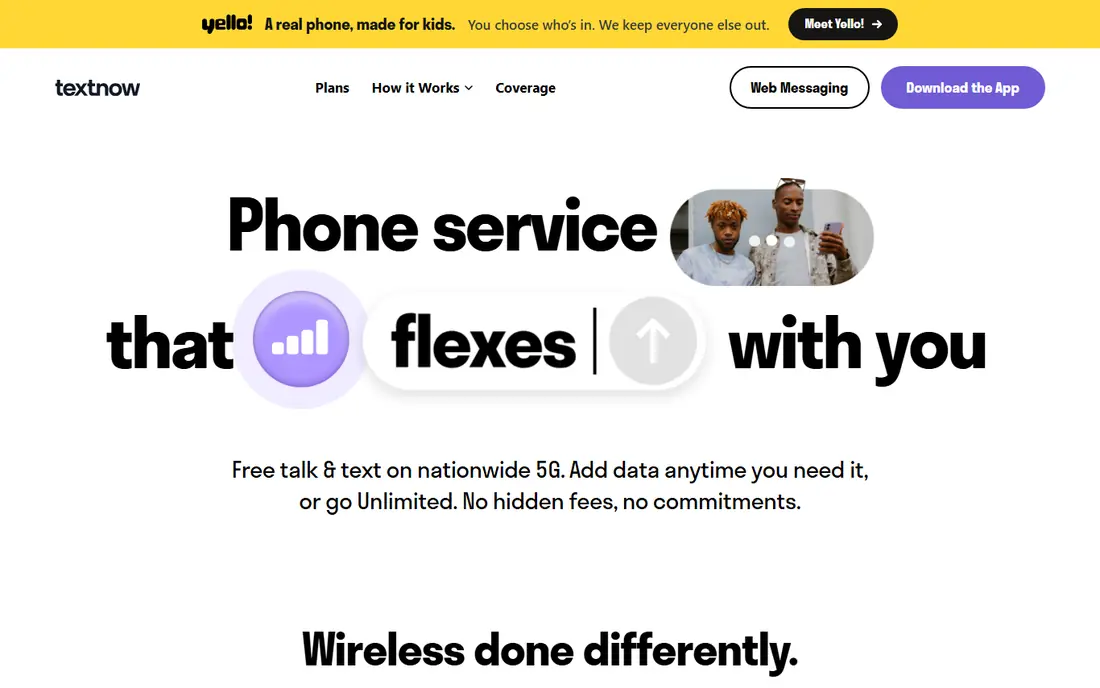
TextNow is our pick for most people who want a free phone number. You can text and call over Wi-Fi with a real US number, use the app on a phone, tablet or computer, and optionally add a SIM for cellular talk and text. The free tier covers unlimited calling and texting, plus essential data for apps such as maps and email when using its wireless service, with paid data passes for heavier use.
The catch is the usual free-service trade. The app shows ads, and a free number that is not locked in can be recycled if it goes unused, so it is a poor home for a number you plan to keep for years. Paid options, including number locking and ad-free use, solve the main risks. For a second line, a kids line, or a business contact number, TextNow is hard to beat at zero monthly cost.
- Free US number with unlimited talk and text
- Works over Wi-Fi
- Optional SIM for cellular service
- Ad-supported
- Free numbers can be recycled
- Verification codes may need a paid upgrade
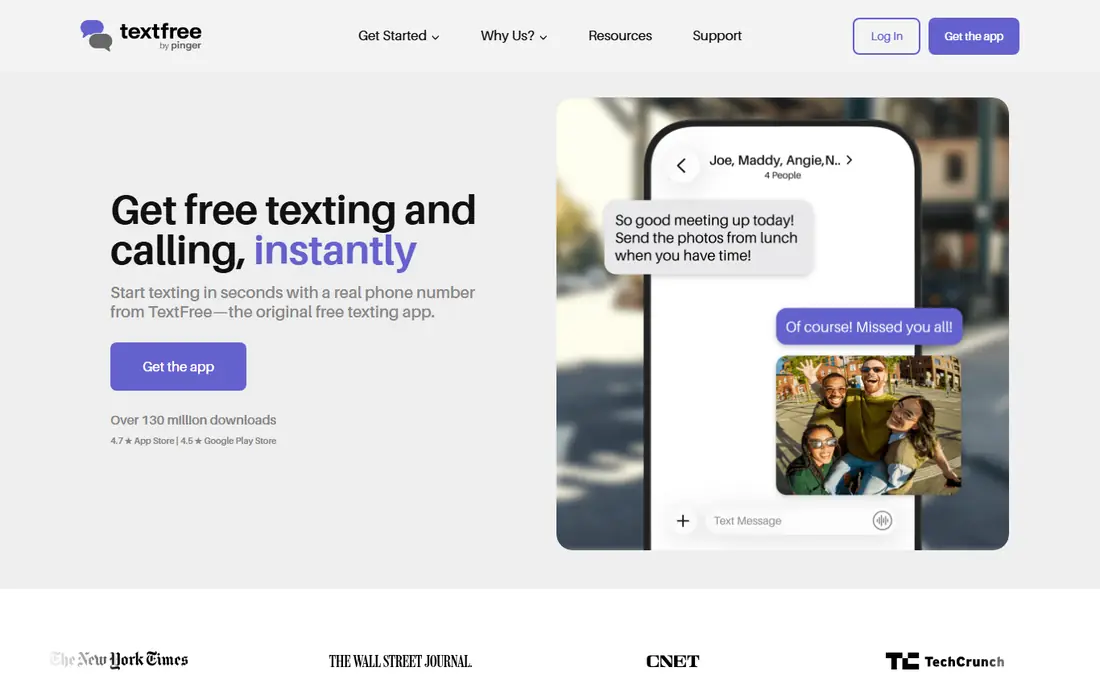
TextFree takes a simpler approach than TextNow, with one clear paid upgrade rather than many add-ons. The free plan gives you a phone number, unlimited texting and calling, voicemail transcription and spam tools. TextFree Plus, listed at $9.99 per month, adds an ad-free experience, a reserved number, number changes and verification code support in one bundle.
That clarity is useful, but TextFree shares the limits of other free-number apps. Messages are encrypted in transit, not end-to-end encrypted, and a free number can be recycled over time. International reach is also narrower than TextNow, with texting to 36 countries listed in comparisons. For US-focused use with a simple upgrade path, TextFree is a tidy choice.
- Free number with unlimited texting and calling
- Voicemail transcription
- Spam caller tools
- No end-to-end encryption
- Paid Plus plan needed for reserved numbers and verification support
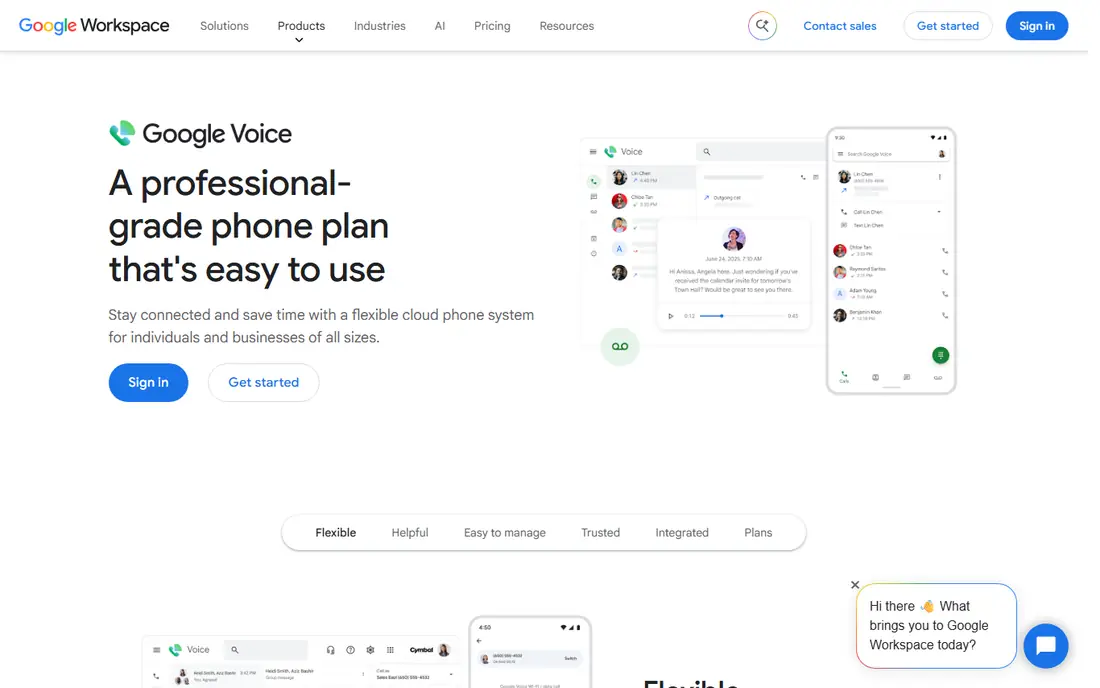
Google Voice gives US users a free second number that rings on your phone and in a browser. It is a good fit for separating work calls, online selling, or sign-ups from your personal number, without carrying a second phone. Voicemail transcription, call screening and spam filtering are built in, and messages sync across devices tied to your Google account.
Setup is the main hurdle. You need a US phone number to verify and link at the start, and the free personal service is US-focused, so international users need another option. Support is also largely self-serve. If you already live in Google services and want a stable second number, Voice is cleaner than juggling a separate free-number app.
- Free US number for personal use
- Voicemail transcription
- Works across devices in a browser
- US only for free personal use
- Needs an existing US number to set up
- Limited customer support
Google Messages is the default texting app on many Android phones, and it is free with no separate account to manage. Where Rich Communication Services is supported, you get typing indicators, read receipts, reactions and higher-quality media, which makes SMS feel closer to a modern chat app. You can also text from a computer through the web version.
The limit is reach. Rich features only work when both sides support them, so messages to iPhones or older setups often fall back to plain SMS with its limits on media and group chats. Google Messages is still the right default for Android users who mainly text people on their existing phone number, and it costs nothing extra to use.
- Rich messaging features on supported carriers
- Web access
- Spam protection and reactions
- Features depend on carrier and contact app
- IPhone contacts may fall back to plain SMS
WhatsApp is free, and its real strength is that the people you want to reach probably already have it. Chats are end-to-end encrypted by default, and the app covers text, voice notes, photos, documents, group chats and voice and video calls in one place. For international friends and family, it avoids SMS fees and works well over Wi-Fi.
The trade is dependence on a phone number and on Meta, which owns WhatsApp. You cannot use it without a number to register, and privacy-minded users may dislike the metadata and account links that come with a large commercial platform. For everyday reach, though, no other free app matches its global user base, and that network effect matters more than any single feature.
- Free and widely used internationally
- End-to-end encrypted chats
- Voice and video calls
- Needs a phone number
- Tied to Meta
- Group and channel features can be noisy
Signal is our pick when privacy is the priority. It is run by a nonprofit, collects minimal metadata by design, and encrypts messages, calls and group chats end to end by default. The interface is simple and fast, with disappearing messages, safety numbers for verifying contacts, and no ads or tracking-based business model to work around.
The weakness is social, not technical. Fewer contacts use Signal than WhatsApp or Telegram, so you may need to persuade friends to install it. It still requires a phone number to register, which some users dislike, even though usernames can now hide that number from new contacts. For sensitive conversations, Signal is the clearest free choice.
- End-to-end encryption by default
- Nonprofit model
- Minimal data collection
- Smaller network than WhatsApp
- Needs a phone number
- Fewer social features
Telegram is free and built for scale. Groups can hold very large numbers of members, channels can broadcast to wide audiences, and messages sync across phones, tablets and desktops without a phone connection. Media sharing is fast, file limits are generous, and bots and public channels make it useful for communities, news and classes.
Privacy needs a closer look. Default cloud chats are encrypted in transit and stored on Telegram servers, but they are not end-to-end encrypted. Only Secret Chats offer that protection, and they do not sync across devices. Telegram is excellent for public and community messaging, but for a private one-to-one conversation, Signal or WhatsApp is a better default.
- Very large groups and channels
- Cloud sync across devices
- Fast media sharing
- Default chats are not end-to-end encrypted
- Secret chats are device-specific
- Moderation varies
Viber is a long-running free messaging app that remains popular in many countries outside the US. Chats and calls between Viber users are free, with end-to-end encryption for one-to-one and group chats, and Viber Out offers paid calls to non-Viber numbers at international rates. Stickers, communities and group chats round out a familiar, easy interface.
In the US, the network is the limit. Fewer friends and family use Viber than WhatsApp, so it works best when your contacts are already there or when you need to reach people abroad. It is still a useful second app for international communication, and the core messaging remains free.
- Free chats and calls between Viber users
- International calling options
- Stickers and groups
- Smaller US user base
- Some international calls are paid
- Less common for US group chats
Skype still offers free calls and chats between Skype users, plus paid options for calling real phone numbers and getting an online number in some regions. It runs on desktop and mobile, supports group calls and screen sharing, and remains useful for international calls where the other side already has an account.
Its role has narrowed. Microsoft now centers business communication on Teams, and Skype is no longer the default texting app for most people. SMS support and number availability vary, so check your region before relying on it as a phone replacement. As a free calling and chat backup, especially for desktop users, it still earns a place.
- Free Skype-to-Skype calls and chats
- International calling plans
- Works on desktop and mobile
- Microsoft has shifted focus to Teams
- SMS features vary by region
- Less popular for everyday texting
How we picked these
We compared official product pages, support pages and current comparisons for apps that offer free texting, a free number, or free internet messaging. We favored apps that are actively available in the US, work today on iOS or Android, and state a free tier clearly. We did not claim hands-on testing, and we flagged where a free number may be recycled or may not support verification codes.
Choosing between a number and a chat app
Ask one question first: do you need to text anyone, or only people on the same app? If you need to reach any phone number, pick TextNow, TextFree or Google Voice. If your friends already use one chat app, pick that app, even if another one has better privacy, because an unused app sends no messages.
Protect important accounts
Do not use a free, recyclable number as the only recovery method for banking, email or work accounts. Keep those accounts tied to a stable number you control long term, and use a free number for sign-ups, selling, dating or other contacts you may want to separate. That split gives you the benefit of a free number without risking lockout from a critical account.