Best Household Budgeting Apps in 2026: 9 Apps Compared
By ToolNimba Editorial Team October 31, 2026 10 min read

- Top pick
 YNAB
Hands-on zero-based budgeting
Starting price$14.99 per monthCheck out YNABRead our review - Runner-up
 Monarch Money
Complete household money dashboard
Starting price$14.99 per monthCheck out Monarch MoneyRead our review - Also great
 Quicken Simplifi
Budget-conscious all-in-one tracking
Starting price$5.99 per monthCheck out Quicken SimplifiRead our review
How we researched this
We compared official pricing and feature pages, app store listings, privacy policies and public user reviews. Prices change, so check the provider's site before you pay.
Key takeaways
- YNAB suits households that want a hands-on method, with every dollar assigned a job before it is spent.
- Monarch Money is the best all-round household dashboard, pairing budgeting with net worth and investment views.
- Quicken Simplifi is the cheapest capable paid all-rounder, with cash-flow forecasting at a lower price.
- Goodbudget, EveryDollar, and Rocket Money offer genuinely useful free tiers for households that want to start without a subscription.
- Shared access matters: check whether a partner can join without a second subscription, and whether bank sync covers your banks.
Quick comparison
| Name | Best for | Starting price | Free plan | |
|---|---|---|---|---|
| YNAB | Hands-on zero-based budgeting | $14.99 per month | Free trial | Visit |
| Monarch Money | Complete household money dashboard | $14.99 per month | Free trial | Visit |
| Quicken Simplifi | Budget-conscious all-in-one tracking | $5.99 per month | Free trial | Visit |
 Copilot Money | Apple users who care about design | $13 per month | Free trial | Visit |
 Rocket Money | Finding and cancelling subscriptions | Free | Yes | Visit |
 EveryDollar | Simple zero-based budgeting | Free | Yes | Visit |
 Goodbudget | Envelope budgeting without bank links | Free | Yes | Visit |
 PocketGuard | Knowing your safe-to-spend number | $12.99 per month | Yes | Visit |
 CountAbout | Low-cost traditional budgeting | $19.99 per year | Free trial | Visit |
The best household budgeting apps
A household budget has two jobs a solo budget does not: everyone needs to see the same numbers, and you need to agree on what is shared and what is personal. The apps below differ in method, price, and how much work they ask of you each week. This is general information, not financial advice, and it does not replace advice from a qualified professional for debt, tax, or investment decisions.
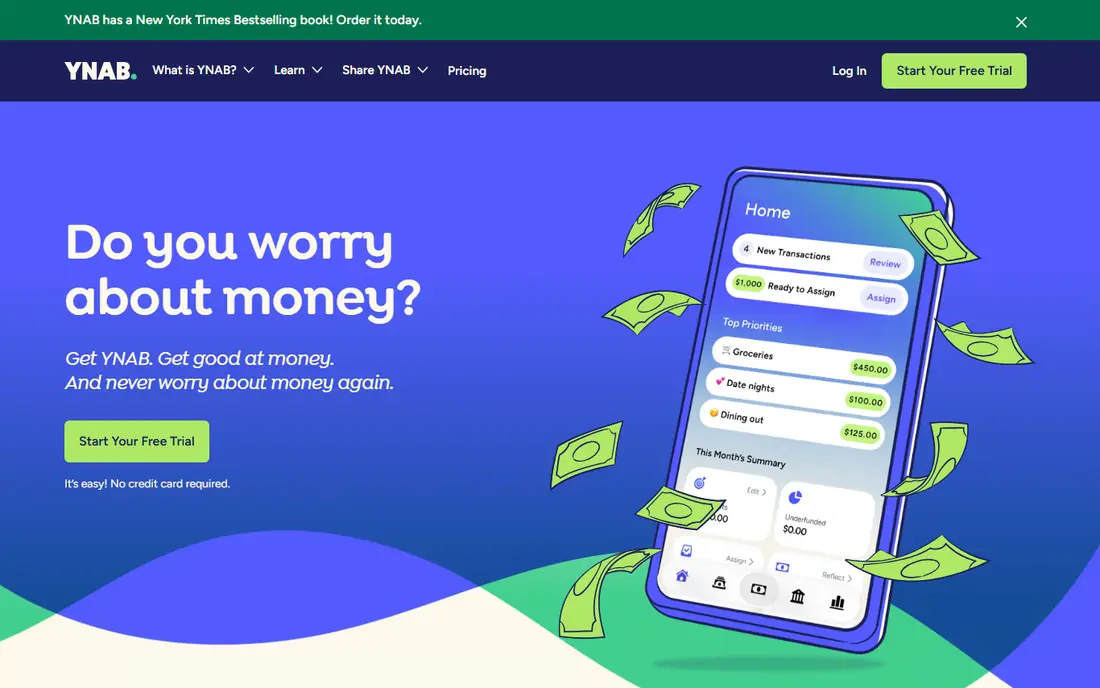
YNAB, short for You Need A Budget, is our pick for households that want budgeting to change spending habits, not just report them. Its method asks you to give every dollar a job, adjust when plans change, and age your money so you spend last month income this month. That discipline helps couples agree on priorities before money leaves the account. The cost is effort: YNAB works best when you check it several times a week, and the price is higher than simpler trackers. If your household wants a method rather than a dashboard, that effort pays off. If you want a set-and-forget tracker, look at Monarch or Simplifi.
- Clear zero-based method that assigns every dollar a job
- Bank sync plus manual entry options
- Strong learning material and support community
- Highest learning curve in this list
- Monthly price is high for a budgeting app
- Requires regular attention to stay accurate

Monarch Money is the best all-round household dashboard in this list. It pulls bank, credit card, loan, and investment accounts into one view, so a couple can see spending, savings, and net worth together. Budgets are flexible, categories can be customized, and a partner can join the household without paying separately. That shared view is what sets it apart for couples. The downside is price: you pay a full subscription for a tool that also tries to be an investment tracker. If you mainly need a simple budget, a free app may do. If you want one household money hub, Monarch justifies its price.
- Budgeting, net worth, and investments in one place
- Shared household access without a second subscription
- Flexible budgets and custom categories
- No free tier beyond a trial
- Price is high for budgeting alone
- Some users find the setup takes time
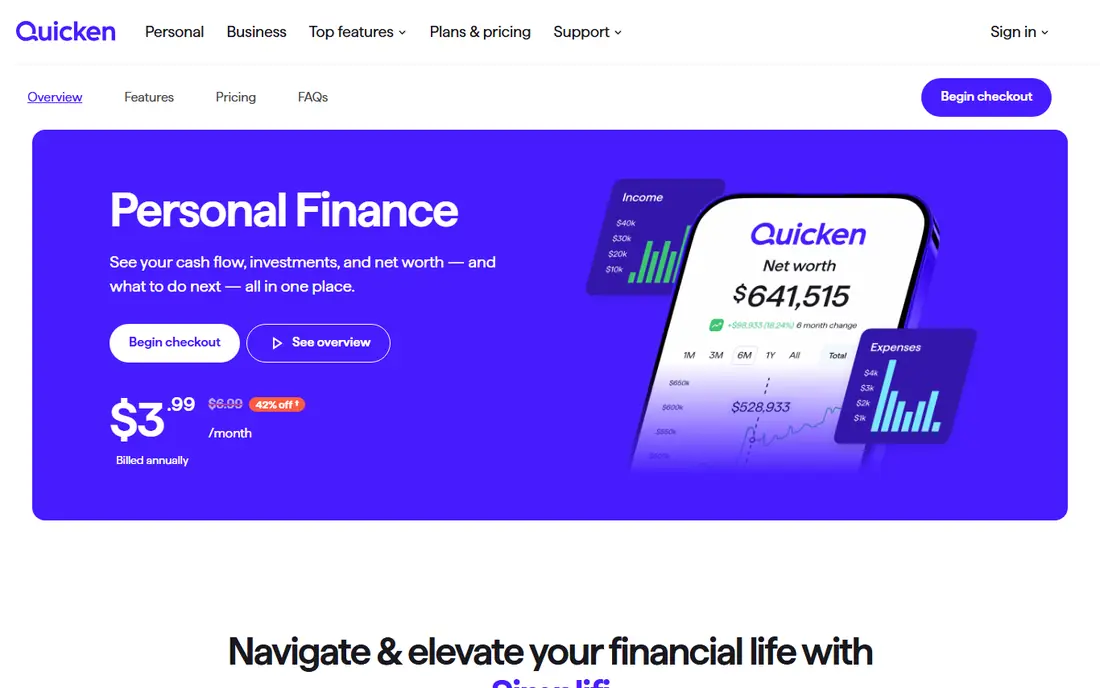
Quicken Simplifi is the value pick for households that want automatic tracking without a premium price. It syncs bank and card accounts, builds a spending plan, and forecasts cash flow so you can see upcoming bills against expected income. Watchlists help you track subscriptions and recurring costs that quietly rise. It does not teach a budgeting method as firmly as YNAB, and its design is more functional than beautiful. For a household that wants a clear monthly picture at a lower cost, Simplifi covers the essentials well.
- Low price for automatic bank sync
- Spending plans and cash-flow forecasting
- Watchlists for bills and subscriptions
- Less hands-on method guidance than YNAB
- Some features need a paid plan after trial
- Interface is plainer than Monarch or Copilot
Copilot Money is the design-led choice for Apple households. Its charts, categories, and monthly reviews make spending patterns easy to grasp at a glance, and it covers investments and net worth alongside budgeting. That polish helps households that open the app daily and want the numbers to feel approachable. The limits are platform and price: there is no Android app, so mixed-device households should check compatibility first, and the subscription is not cheap. If your household runs on Apple devices and values design, Copilot is a pleasure to use. If you need Android, choose Monarch or Simplifi.
- Polished design on iPhone, Mac, and web
- Smart categorization and spending insight
- Investment and net worth tracking included
- No Android app
- Price is high for budgeting alone
- Some banks sync less smoothly than others
Rocket Money starts with a problem many households share: subscriptions quietly stacking up. Its free tier tracks spending and surfaces recurring charges, so you can see what you pay each month for streaming, apps, and memberships. Premium adds budgeting tools and a bill negotiation service, with a pay-what-you-want range that makes the price less predictable. It is not the strongest pure budgeting app, since its budgets are simpler than YNAB or Monarch. If your first goal is to cut wasted subscriptions, Rocket Money is a good free starting point.
- Free spending tracking and subscription detection
- Bill negotiation service on paid plans
- Simple view of recurring charges
- Full budgeting features are basic
- Premium price varies by chosen amount
- Bill negotiation takes a share of savings
EveryDollar suits households that like a simple zero-based budget and do not mind entering transactions by hand. The free version lets you plan income and spending by category, which is enough to build the habit without paying. Premium adds bank sync, which saves time but raises the price to a level above several rivals. That trade is the key decision: manual entry keeps it free and keeps you close to your spending, while sync saves time at a cost. If you follow a Ramsey-style plan, EveryDollar feels familiar and direct.
- Free manual version for zero-based budgets
- Simple, uncluttered interface
- Fits the Ramsey budgeting method
- Bank sync requires Premium
- Premium price is high
- Reporting is thinner than Monarch
Goodbudget brings the envelope method to a phone. You divide income into envelopes for groceries, bills, dining, and savings, then spend from each envelope until it runs out. That visible limit helps couples agree on spending before the month starts, and the free plan is genuinely usable for a smaller budget. The catch is manual entry on the free plan, since bank sync sits on Premium, and the design is plain compared with Monarch or Copilot. If privacy matters and you prefer not to link banks, Goodbudget is a strong, low-cost choice.
- Digital envelope method that couples can share
- Free plan covers 20 envelopes
- Works without linking bank accounts
- Bank sync only on Premium in the US
- Manual entry takes discipline
- Design is functional rather than polished
PocketGuard answers one question well: how much can I spend right now without breaking the plan. It subtracts bills, savings goals, and upcoming costs from income, then shows what remains. That single number helps households avoid overspending between paydays, and setup is quicker than a full zero-based system. The trade-off is depth: it does not guide long-term planning as firmly as YNAB, and investment views are limited. If your household mainly needs a guardrail against overspending, PocketGuard delivers it in a simple form.
- Clear safe-to-spend figure after bills and goals
- Automatic categorization
- Simple setup for households that want quick answers
- Budgeting depth is thinner than YNAB
- Some features need Plus
- Less investment tracking than Monarch
CountAbout suits households that want traditional budgeting software without a premium subscription. It offers familiar categories, reports, and account tracking, with a basic plan for manual entry and a premium plan for bank sync. That low price makes it easy to justify for a household that mainly wants to record spending and watch balances. The design is plain, and shared household features are thinner than Monarch. If you liked older desktop budgeting software and want a low-cost web version, CountAbout is a practical choice.
- Very low annual price
- Familiar Quicken-style categories and reports
- Manual entry option for privacy-conscious users
- Design is plainer than Monarch or Copilot
- Bank sync requires Premium
- Fewer household sharing features than Monarch
How we picked these
We compared official pricing pages, feature pages, and public reviews, and we kept only apps available in the US that support household use, shared access, or clear family budgeting. We favored apps with bank sync, a free tier or trial, and a clear budgeting method, and we included both paid and free options. Prices change often, so check the vendor page before you subscribe, and confirm that your banks sync before you commit to a year.
How to choose for your household
Start with how much work you want to do. YNAB and Goodbudget ask for regular manual attention and reward it with control. Monarch, Simplifi, and Copilot automate more of the tracking and suit households that want a weekly check-in rather than a daily habit. Rocket Money suits households that mainly want to find waste and cut subscriptions.
Then check shared access and bank coverage. A household budget fails if only one partner can see it, so confirm that a second person can join without a second subscription. Test bank sync during the trial, since a bank that does not connect turns an automatic tool into a manual one. Finally, agree on categories together before the first month starts. The best app is the one both partners actually open, so pick the simplest tool you will both use rather than the most powerful tool one of you tolerates.