Best Internal Communication Tools in 2026: 9 Tools Compared
By ToolNimba Editorial Team October 31, 2026 10 min read

- Top pick
 Slack
Flexible team chat and integrations
Starting price$7.25 per user per monthCheck out SlackRead our review - Runner-up
 Microsoft Teams
Microsoft 365 collaboration
Starting priceSee websiteCheck out Microsoft TeamsRead our review - Also great
 Google Chat
Google Workspace teams
Starting priceSee websiteCheck out Google ChatRead our review
How we researched this
We compared official pricing and feature pages, app store listings, privacy policies and public user reviews. Prices change, so check the provider's site before you pay.
Key takeaways
- Slack remains the most flexible team chat option, thanks to channels, threads, and a very large integration library.
- Microsoft Teams and Google Chat make most sense when your company already pays for Microsoft 365 or Google Workspace.
- Internal communication is wider than chat: tools like Workvivo and Blink serve frontline staff who rarely sit at a desk.
- Async-first tools such as Twist and Zulip reduce noise for teams spread across time zones.
- Per-user pricing punishes growth, so model the cost at your expected headcount, not your current one.
Quick comparison
| Name | Best for | Starting price | Free plan | |
|---|---|---|---|---|
| Slack | Flexible team chat and integrations | $7.25 per user per month | Yes | Visit |
| Microsoft Teams | Microsoft 365 collaboration | See website | Yes | Visit |
| Google Chat | Google Workspace teams | See website | Yes | Visit |
 Zoom Team Chat | Video-first teams that already use Zoom | See website | Yes | Visit |
 Discord | Casual teams and community-style groups | Free | Yes | Visit |
 Zulip | Async teams that want threaded topics | $7 per user per month | Yes | Visit |
 Twist | Threaded async messaging | $6 per user per month | Yes | Visit |
 Chanty | Small teams on a tight budget | $3 per user per month | Yes | Visit |
 Workvivo | Company news and culture for all staff | See website | No | Visit |
The best internal communication tools
Internal communication covers three jobs that often get lumped together: quick team chat, company-wide news, and async updates that do not need an instant reply. No single tool does all three equally well, so the best setup usually pairs a chat tool with a way to reach everyone, including staff without a company laptop.
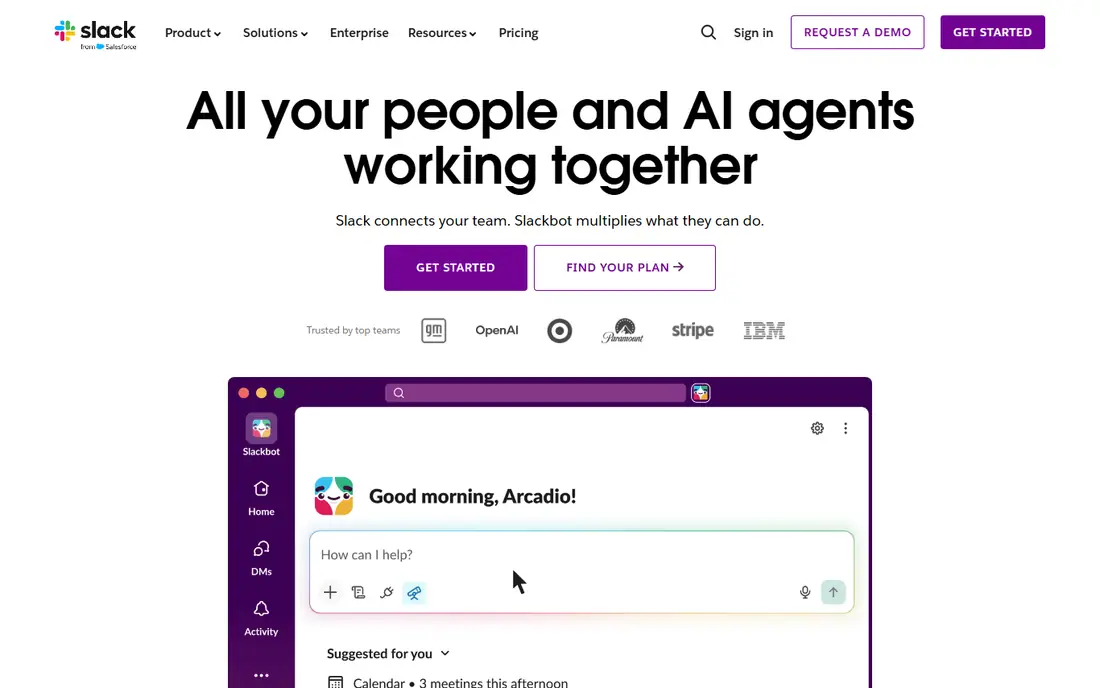
Slack is our pick for most office-based teams that need flexible chat. Channels keep topics separate, threads keep replies from burying the main conversation, and integrations pull alerts from project tools, code systems, and customer systems into one place. That familiarity is a real benefit, since new hires often already know it. The costs to watch are message history on the free plan and the per-user bill as headcount grows. Set channel naming rules and notification norms early, or the tool that was meant to reduce email can create a new kind of noise.
- Channels, threads, and search that most staff already know
- More than 2,500 app integrations
- Huddles and clips for quick voice and video updates
- Free plan limits message history to 90 days
- Per-user cost rises fast at scale
- Notification overload needs firm channel rules
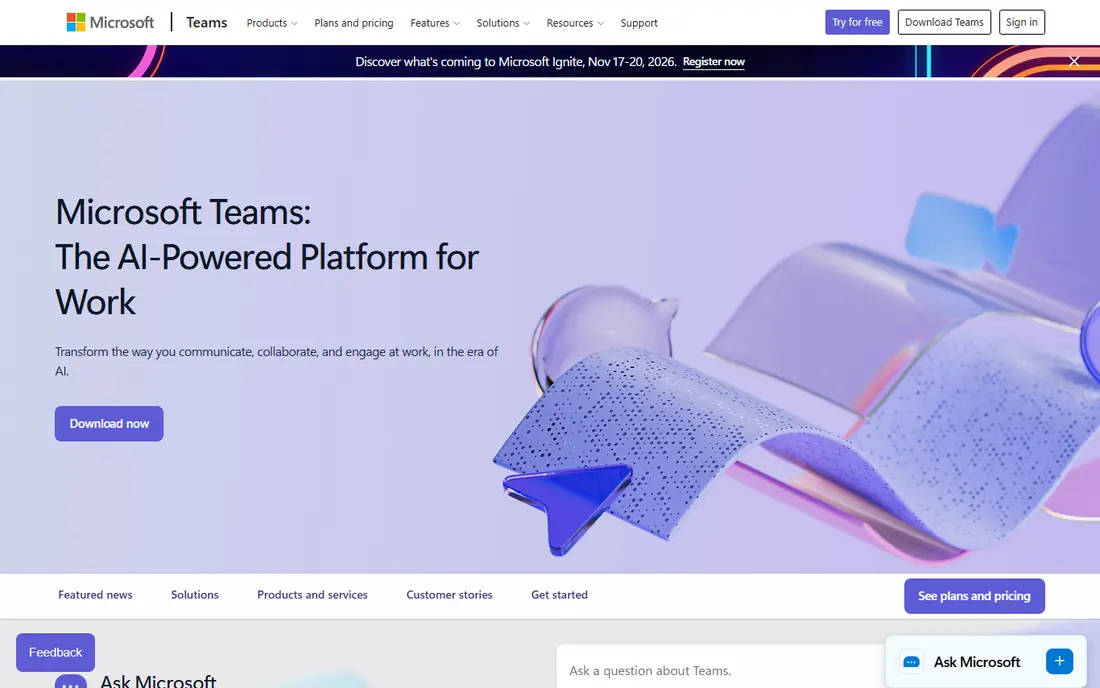
Microsoft Teams makes sense when your company already lives in Microsoft 365. Chat sits next to video meetings, shared documents, and team sites, so staff do not need a separate login for each job. Admin controls and compliance features suit regulated firms and larger IT teams. The trade-off is complexity: Teams packs a lot into one app, and small teams that only need chat may find it heavy. If you already pay for Microsoft 365, Teams is often the cheapest capable choice, since the cost is bundled rather than separate.
- Chat, meetings, and file collaboration in one place
- Deep link to Word, Excel, and SharePoint
- Strong admin and compliance controls for larger firms
- Interface can feel busy
- Best value requires a Microsoft 365 plan
- Guest and external access needs setup
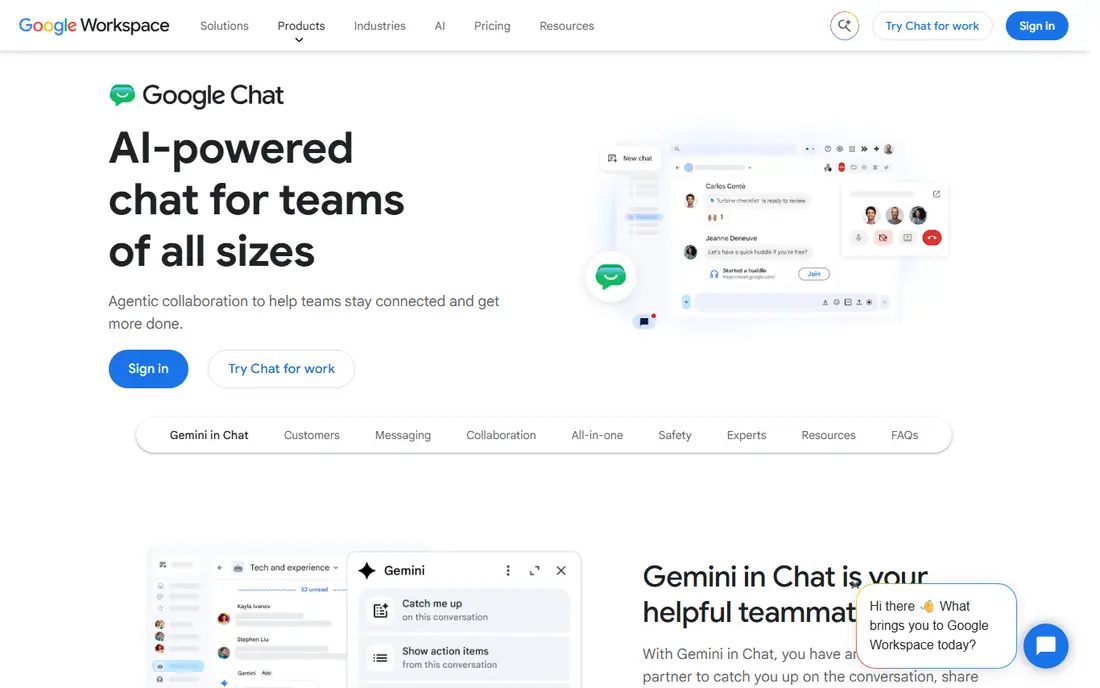
Google Chat is the quiet, practical option for Google Workspace companies. It offers direct messages and Spaces for team rooms, with shared Drive files close at hand, and it avoids adding another vendor to your stack. It will not match Slack on integrations or Teams on meeting depth, and it is not designed to be a full employee news platform. For a small or mid-size team that already uses Gmail, Docs, and Meet, that simplicity is a strength. You get solid internal chat without a new bill or a long rollout.
- Simple chat inside Google Workspace
- Spaces for team rooms and shared files
- Low friction for companies already on Gmail and Drive
- Fewer integrations than Slack
- Advanced admin features need Workspace plans
- Less suited as a standalone company news tool
Zoom Team Chat suits teams that spend their day in Zoom meetings. Chat lives in the same app, so a conversation can turn into a video call without switching tools, and channels keep team topics organized. It is a convenient add-on rather than a best-in-class chat platform on its own, and its full value depends on your Zoom Workplace plan. If Zoom is already your meeting standard, Team Chat may remove the need for a separate chat bill. If you need deep integrations and workflow automation, Slack still leads.
- Chat built into the Zoom app staff already open
- Easy jump from chat to video meeting
- Channels and file sharing included
- Less depth than dedicated chat platforms
- Pricing is tied to Zoom Workplace plans
- Company-wide news features are limited
Discord works for small, informal teams that want free chat and voice without a corporate rollout. Servers hold text channels and voice rooms, screen sharing is built in, and most people can join in minutes. The limits are clear for larger firms: admin controls, audit trails, and compliance features are thinner than business tools, and the social feel can blur work boundaries. For a startup, a creative team, or a volunteer group, it is a capable free start. For a regulated company, choose a business platform instead.
- Free voice, video, and text channels
- Always-on voice rooms suit close teams
- Very low friction for small groups
- Limited enterprise admin and compliance controls
- Work and social features mix in one app
- Not built for company-wide announcements
Zulip is built for teams that want conversations to stay findable. Every message sits in a stream and a topic, so a discussion about one project does not get buried under chat about another. That structure helps distributed teams, since staff in later time zones can catch up topic by topic instead of scrolling a long channel. The cost is familiarity: new users need a short adjustment period, and the integration library is smaller than Slack. If your team struggles with lost decisions in fast-moving chat, Zulip is worth a trial.
- Topics inside streams keep conversations organized
- Open source option for self-hosting
- Strong async design for teams across time zones
- Smaller integration library than Slack
- Interface takes adjustment for new users
- Fewer third-party apps
Twist takes async work seriously. Instead of a stream of messages that demand instant replies, it organizes work into threads with clear subjects, so staff can reply when they have time to think. That calm approach suits remote teams and deep work, and it reduces the pressure to stay online all day. The trade-off is momentum: teams used to instant chat may find it slower at first, and the app ecosystem is smaller. If your main problem is chat overload rather than a lack of chat, Twist addresses the root cause.
- Every conversation is a thread, which cuts noise
- Clear separation between chat and longer discussions
- Calm design that discourages always-on pressure
- Smaller ecosystem than Slack or Teams
- Real-time chat fans may miss instant channels
- Fewer enterprise features
Chanty is a budget-friendly chat tool for small teams that need the basics done well. It covers team chat, direct messages, tasks, and calls at a price well below Slack, and the free plan lets a small team test it without commitment. It does not offer the integration depth or enterprise controls of larger platforms, and it will feel thin for a company with complex compliance needs. For a team of under twenty people that mainly needs reliable chat and simple task follow-up, the low cost and short learning curve make it a sensible pick.
- Low price for team chat and task basics
- Simple setup for small teams
- Voice and video calls included
- Smaller integration set
- Less suited to large enterprises
- Advanced admin features are limited
Workvivo covers the part of internal communication that chat tools miss: reaching everyone with company news, recognition, and shared culture. Its mobile app helps frontline, retail, and warehouse staff who do not sit at a desk, and its spaces give teams a place for updates that should not vanish in chat. It is not a fast chat replacement, and it works best alongside Slack, Teams, or Google Chat rather than instead of them. Pricing is quote-based, so budget planning needs a sales conversation. If your staff includes many deskless workers, that reach may justify the extra platform.
- Company news, recognition, and community in one hub
- Mobile app reaches frontline and deskless staff
- Spaces and pages for teams and topics
- Pricing requires a quote
- Not a replacement for fast team chat
- Rollout needs content ownership to stay active
How we picked these
We compared official feature and pricing pages, along with public reviews, and we kept only tools built for workplace communication rather than public social networks. We covered chat, async messaging, and company-wide communication, since internal communication spans all three. Prices change often, so check the vendor page and model the cost at your full headcount before you buy.
How to cut chat noise without losing information
The tool matters less than the rules around it. Give each channel a clear purpose and owner, and close or archive channels that no longer serve a job. Use threads for replies, pin decisions and key documents, and move long discussions to a doc or a threaded tool when they need to last. Set expectations for response times by channel type, so urgent work has a clear route and routine updates do not demand instant replies.
Company news needs its own channel too. A weekly digest, a single news hub, or a short video update beats scattering announcements across ten chat rooms. Frontline staff need mobile access and short, plain updates, not long threads they cannot follow on shift. Review your setup each quarter: count active channels, ask staff what they ignore, and remove tools that duplicate each other. Most teams need one chat tool, one news hub, and one place for lasting documents.
Sources
- https://slack.com/pricing
- https://www.microsoft.com/en-us/microsoft-teams/group-chat-software
- https://workspace.google.com/products/chat/
- https://www.zoom.com/en/products/team-chat/
- https://discord.com
- https://zulip.com
- https://twist.com
- https://www.chanty.com
- https://www.workvivo.com
- https://peoplemanagingpeople.com/tools/best-internal-communication-tools/