Best Inventory Management Software for Small Business in 2026: 9 Apps Compared
By ToolNimba Editorial Team November 7, 2026 8 min read

- Top pick
 Zoho Inventory
Best value for small sellers
Starting price$29 per monthCheck out Zoho InventoryRead our review - Runner-up
 Sortly
Simple visual stock tracking
Starting price$49 per monthCheck out SortlyRead our review - Also great
 Square for Retail
Shops already using Square
Starting priceFreeCheck out Square for RetailRead our review
How we researched this
We compared official pricing and feature pages, app store listings, privacy policies and public user reviews. Prices change, so check the provider's site before you pay.
Key takeaways
- Zoho Inventory is the best value starting point, with a free plan and paid plans from $29 per month.
- Sortly suits teams that mainly need to know what is where, with photos and QR codes doing the heavy lifting.
- Square for Retail fits shops already using Square at the counter, since stock and sales stay in one system.
- Cin7, Fishbowl, and inFlow suit larger or more complex operations, and their prices reflect that depth.
- Start with order volume and sales channels, not feature lists, since the wrong fit costs time every day.
Quick comparison
| Name | Best for | Starting price | Free plan | |
|---|---|---|---|---|
| Zoho Inventory | Best value for small sellers | $29 per month | Yes | Visit |
| Sortly | Simple visual stock tracking | $49 per month | Yes | Visit |
| Square for Retail | Shops already using Square | Free | Yes | Visit |
 inFlow Inventory | Wholesale and B2B sellers | $99 per month | Free trial | Visit |
 Katana | Small manufacturers | See website | Yes | Visit |
 Cin7 | Multichannel brands that are scaling | $349 per month | Free trial | Visit |
 Fishbowl | Warehouse-heavy manufacturers | $229 per month | Free trial | Visit |
 Lightspeed Retail | Specialty retailers with variants | $89 per month | Free trial | Visit |
 Odoo Inventory | Flexible, modular inventory | Free | Yes | Visit |
The best inventory management software for small business
These tools cover the main small-business patterns: online selling, shop counters, wholesale, and making products, so you can match the software to your daily workflow.
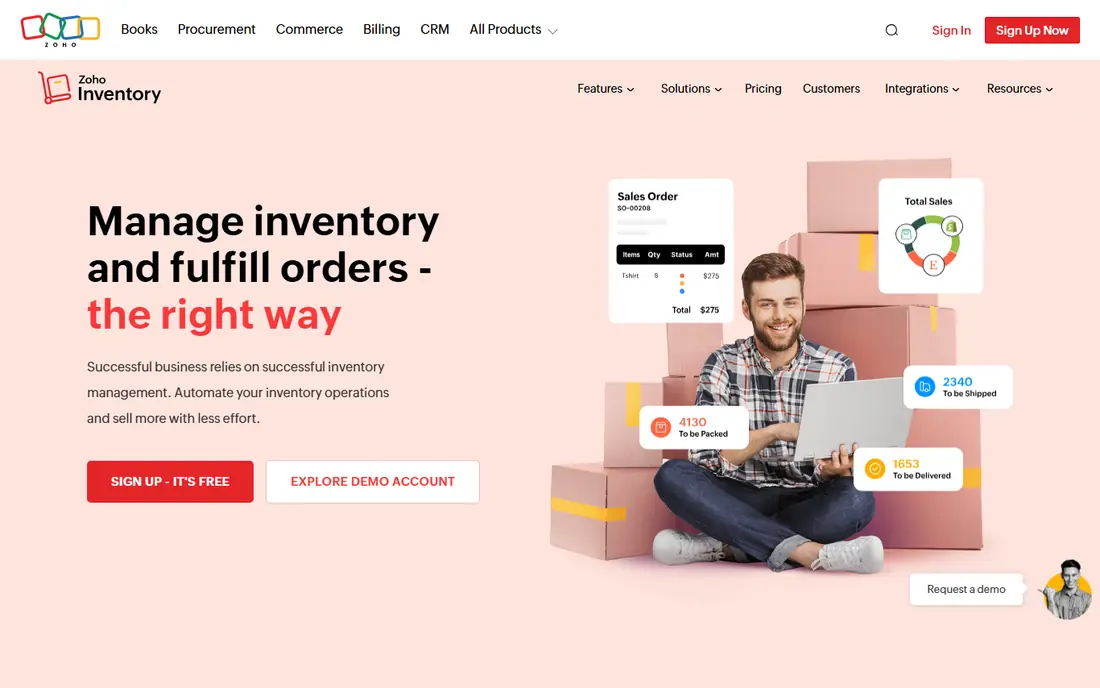
Zoho Inventory is the easiest recommendation for a small business that sells online and wants order, stock, and shipping in one place. Its free plan handles a modest order volume, and the paid tiers add more orders, warehouses, and integrations without a steep jump. It also connects neatly with Zoho Books for accounting.
The limits show up as you grow. Order caps and warehouse limits mean a fast-growing seller will need to step up plans sooner than expected. Still, for a starting point that covers the basics well, Zoho is hard to beat on price and coverage.
- Free plan for low volume
- Multi-channel order sync
- Purchase orders and bundling included
- Order caps on lower tiers
- Advanced warehousing sits on higher plans
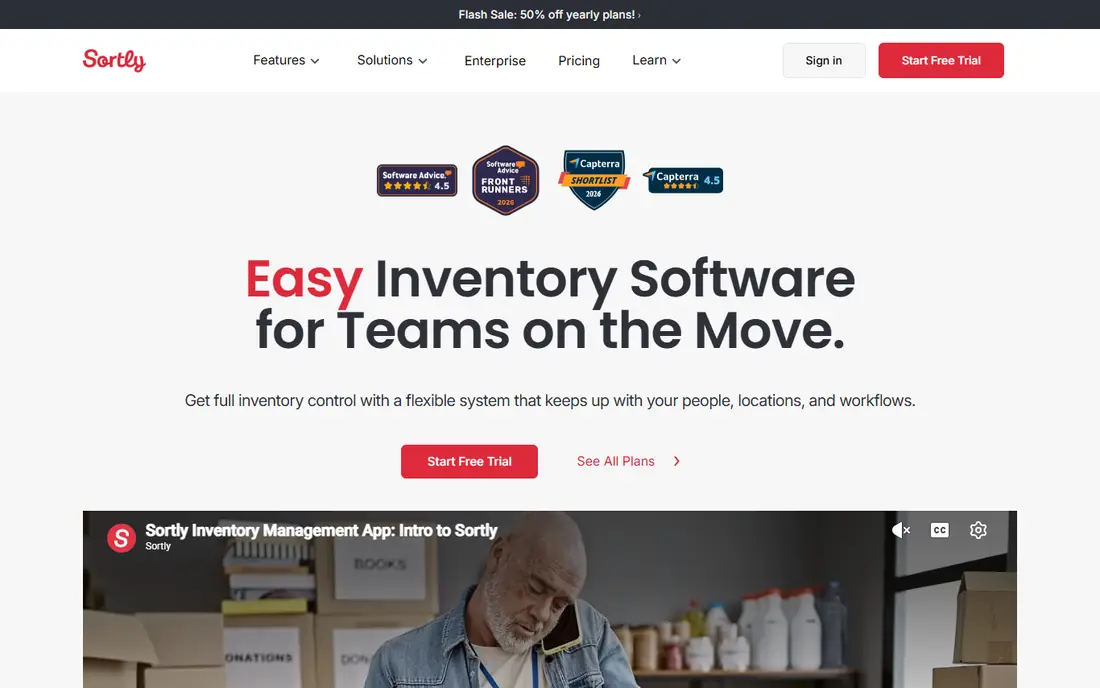
Sortly is for teams that think in pictures, not spreadsheets. You photograph items, place them in folders, and scan barcodes to update counts from a phone. That visual approach suits equipment, supplies, parts, and small warehouses where finding an item matters as much as counting it.
It is not a full order management system for busy online stores. High-volume sellers will miss deeper automation and marketplace order flows. If your main problem is knowing what you own and where it sits, Sortly keeps that problem small.
- Photo-based items and folders
- Barcode and QR scanning
- Easy mobile counts
- Weaker for high-volume order processing
- Purchase orders need higher plans
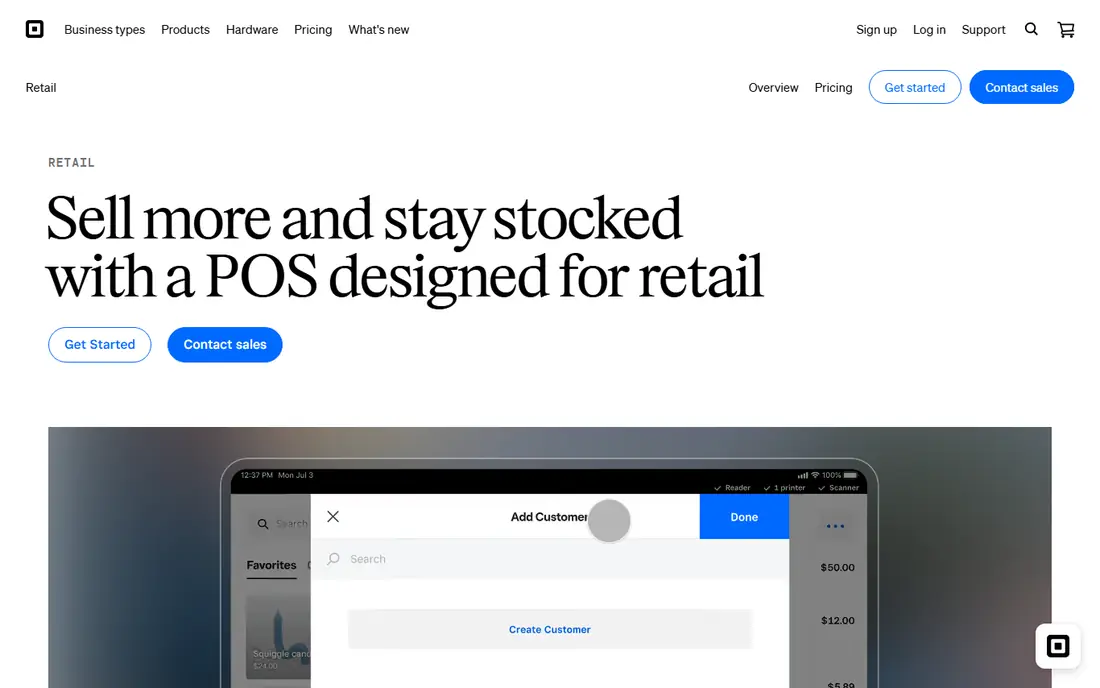
Square for Retail makes sense when the counter is already Square. Sales reduce stock automatically, and staff learn one system for payments and inventory instead of two. The free tier covers basic tracking, which is enough for many boutiques and single-location shops.
Its depth ends sooner than dedicated inventory tools. Multi-warehouse work, complex purchasing, and manufacturing need a different product. Choose it for a shop first, and add a dedicated tool only when stock complexity outgrows the till.
- Stock tracking tied to the till
- Simple setup for single shops
- Free starting tier
- Limited advanced warehouse features
- Best inside the Square ecosystem
inFlow suits businesses that sell to other businesses. Its showroom lets trade customers browse and order, while invoicing, purchase orders, and stock control stay connected. That combination is rare at this level and saves wholesale teams from stitching tools together.
The entry price is higher than Zoho or Sortly, so very small sellers may not need its depth yet. It also rewards a careful setup, since product and pricing data drive the showroom. For wholesale volume, that setup time pays back quickly.
- B2B showrooms and invoicing
- Purchase orders and stock control
- Clear order workflow
- Higher entry price than budget tools
- Setup takes care for larger catalogs
Katana is built for businesses that make what they sell. It links raw materials, production orders, and finished stock, so you can see what a batch will consume before you start it. Makers, small food producers, and workshops get planning that pure inventory tools do not offer.
Resellers gain little from that depth and will pay for features they never open. Katana also asks for tidy product data, since bills of materials only help when they are accurate. If manufacturing is central to your business, it is a strong, focused pick.
- Production planning and bills of materials
- Stock tied to making products
- Shop-floor views
- Overkill for pure resellers
- Paid plans are a step up in price
Cin7 is the step up when spreadsheets and basic tools start breaking. It handles multiple sales channels, warehouses, purchasing, and forecasting in one system, which suits brands selling across marketplaces and their own store. Teams that have outgrown entry tools will use its depth daily.
Cost and setup are the honest barriers. At its starting price, Cin7 only makes sense once order volume and complexity justify it. Smaller sellers should start with Zoho or inFlow and revisit Cin7 when stock problems cost real sales.
- Deep multichannel and warehouse features
- Purchasing and forecasting
- Many integrations
- High starting price
- Implementation needs time and attention
Fishbowl fits manufacturers and distributors with real warehouse work. It tracks assemblies, parts, and stock movements in detail, and its QuickBooks link keeps accounting aligned with warehouse activity. Barcode workflows help teams count faster and with fewer errors.
It is heavier than a small shop needs, and setup rewards patience. Teams outside QuickBooks get less of its headline value. Pick Fishbowl when warehouse accuracy and assembly tracking drive the business, not when you only need a simple stock list.
- Warehouse and assembly tracking
- QuickBooks integration
- Barcode workflows
- Setup and training take time
- Best for QuickBooks users
Lightspeed Retail suits specialty shops with sizes, colors, vendors, and complex variants. Its POS and inventory stay in sync, so a sale updates stock at once, and vendor catalogs help with ordering. Staff get reporting that shows what actually sells, not just what sits on shelves.
Tiny shops may find the price high for basic needs, and Square covers simpler counters for less. Lightspeed earns its fee when variant depth and vendor ordering save hours each week. Test it against your catalog before committing.
- Strong variant and vendor handling
- POS and stock in one system
- Detailed reporting
- Monthly cost adds up for tiny shops
- Some features need higher tiers
Odoo Inventory appeals to owners who want one system that can grow into sales, accounting, and more. Its modular design lets you start with inventory and add apps later, and the free-app route keeps early costs low. Teams comfortable with setup get unusual flexibility for the price.
Flexibility has a cost in time. Odoo needs thoughtful configuration, and casual users may find it less guided than Zoho or Sortly. It suits businesses that expect to build a wider system over time, not teams that want a five-minute setup.
- Modular apps that grow with you
- One free app option
- Strong customization
- Learning curve is steeper
- Setup needs planning
How we picked these
We compared official pricing and feature pages, plus public reviews that describe setup, scanning, and order workflows for small teams. We favored tools with clear stock accuracy, barcode support, and accounting or sales integrations, since those decide whether stock numbers stay trustworthy.
We did not claim hands-on testing we did not do. Prices change by billing term and user count, so we used entry paid figures where vendors publish them and marked unclear cases as See website for confirmation on the vendor page.
How to choose inventory software for a small business
Map how you sell before you shop
List your channels, order volume, and warehouse count first. A single shop, a marketplace seller, and a wholesaler need different tools, and that list will rule out half the market quickly.
Test counting and receiving, not just dashboards
Run a small trial with real products: receive stock, sell an item, count a shelf, and fix an error. If those four tasks feel slow or confusing, the tool will cost time daily, however good its reports look.
Check the accounting link early
Stock errors become money errors when accounting is out of sync. Confirm the QuickBooks, Xero, or Zoho Books connection works for your plan, and confirm who on your team will own stock accuracy each week.
Sources
Frequently asked questions
What is the best inventory management software for small businesses?
Zoho Inventory is the best starting point for most small sellers, thanks to its free plan and $29 per month entry tier. Square for Retail suits shop counters, Sortly suits visual tracking, and inFlow suits wholesale. Match the tool to how you sell.
What is the best stock management software for a tiny team?
Sortly or Square for Retail often fit tiny teams best, since both are quick to learn and cover basic counts well. Zoho Inventory is the better pick if you also need online orders and purchase orders in the same system.
Is there a good free inventory management app for small business?
Yes. Zoho Inventory, Sortly, Square for Retail, and Odoo all offer free starting options, though each caps orders, items, or features. Check the cap against your monthly volume before you build your catalog around a free plan.
Do I need barcode scanning?
Not always, but it helps once you pass a few hundred items or several staff handle stock. Sortly includes scanning on accessible plans, and Fishbowl and Cin7 include mobile scanning on paid tiers. For small lists, careful manual counts can still work.
When should a small business upgrade to Cin7 or Fishbowl?
Upgrade when stock errors, channel sync problems, or warehouse work start costing sales or hours each week. Until then, an entry tool keeps costs down. Move up when volume and complexity, not feature curiosity, force the change.