Best Inventory Software in 2026: 8 Tools Compared
By ToolNimba Editorial Team October 29, 2026 8 min read

- Top pick
 Zoho Inventory
Small multichannel sellers
Starting price$29 per monthCheck out Zoho InventoryRead our review - Runner-up
 Square for Retail
Shops on Square POS
Starting priceFreeCheck out Square for RetailRead our review - Also great
 Sortly
Visual equipment tracking
Starting price$49 per monthCheck out SortlyRead our review
How we researched this
We compared official pricing and feature pages, app store listings, privacy policies and public user reviews. Prices change, so check the provider's site before you pay.
Key takeaways
- Zoho Inventory is the best inventory software for most small businesses, with a real free plan and paid plans from $29 per month.
- Square for Retail is the best pick for shops already using Square, because inventory sits inside the point of sale.
- Sortly suits teams that track equipment visually from a phone, while Cin7 and inFlow suit larger multichannel and wholesale operations.
- Order caps, location counts, and user limits decide the true price more than the headline monthly figure.
- Start with your sales channels and warehouse needs, then pick the tool that fits those workflows, not the longest feature list.
Quick comparison
| Name | Best for | Starting price | Free plan | |
|---|---|---|---|---|
| Zoho Inventory | Small multichannel sellers | $29 per month | Yes | Visit |
| Square for Retail | Shops on Square POS | Free | Yes | Visit |
| Sortly | Visual equipment tracking | $49 per month | Yes | Visit |
 inFlow Inventory | Wholesale and B2B sellers | $129 per month | Free trial (14 days) | Visit |
 Cin7 Core | Scaling multichannel brands | $349 per month | Free trial (14 days) | Visit |
 Lightspeed Retail | Specialty retailers | $109 per month | Free trial | Visit |
 Odoo Inventory | Customizable open-source needs | Free | Yes | Visit |
 Katana | Makers and light manufacturers | See website | Yes | Visit |
The best inventory software
Inventory software should answer three questions fast: what do we have, where is it, and what needs reordering. The tools below cover online sellers, retail shops, wholesalers, and makers, with different strengths on price, warehouses, and manufacturing.
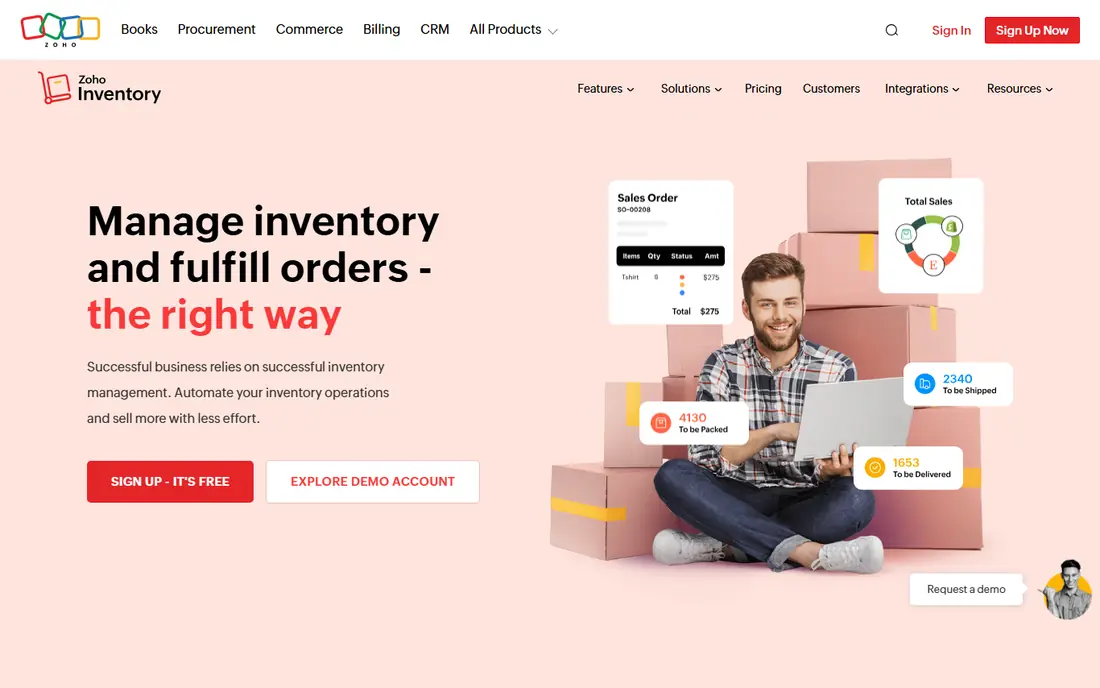
Zoho Inventory is our default pick for small businesses because it covers the core jobs at a fair price. It syncs orders from online channels, tracks stock across locations, and handles purchase orders without forcing a large upfront cost. The free plan, with a monthly order limit, lets a new seller test real workflows.
Order caps are the main limit. A growing seller can hit the monthly cap on a lower plan and need an upgrade sooner than expected. Warehouse depth is also lighter than Cin7 or Fishbowl. For most small sellers, though, Zoho gives the best balance of price and capability.
- Real free plan
- Multichannel order sync
- Batch and serial tracking
- Order caps on lower tiers
- Advanced warehouse features need higher plans
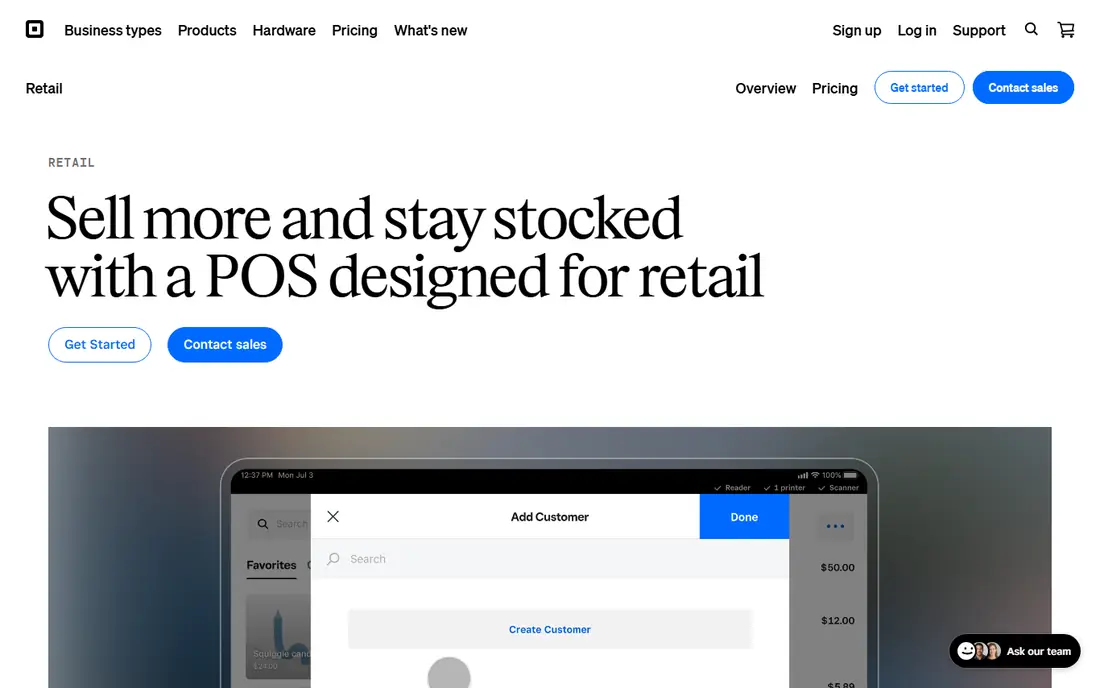
Square for Retail suits a physical shop already running Square at the counter. Stock counts update as items sell, purchase orders are simple to create, and the free plan covers basic inventory for a new store. That tight link between sales and stock removes a lot of manual entry.
It is not a warehouse system. Advanced picking, complex manufacturing, and deep multichannel automation sit elsewhere. Paid plans are also priced per location, so multi-store costs add up. For a single shop on Square, it is the simplest good choice.
- Inventory built into Square POS
- Free plan for basic stock
- Multi-location counts on paid plans
- Limited advanced warehouse tools
- Paid plan is per location
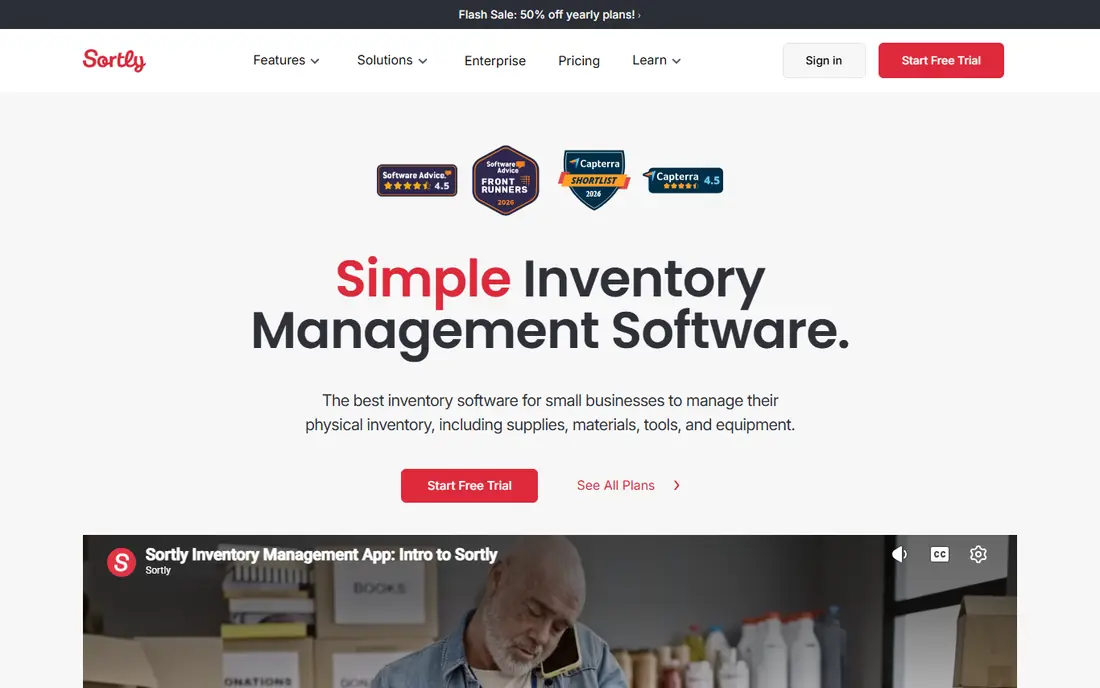
Sortly is different from the sales-focused tools here. It tracks physical items visually, with photos, QR codes, and location folders, which suits equipment, supplies, and materials. Field teams can check items in and out from a phone, and managers can see where gear sits.
Sales order depth is thinner than Zoho or inFlow, so a busy online seller may find it limiting. Some plans also limit purchase orders and stock counts. If your main job is knowing where things are, rather than processing hundreds of orders, Sortly is the clearest tool for it.
- Photo-based mobile tracking
- QR and barcode scanning
- Check-in and check-out logs
- Less depth for high-volume sales orders
- Purchase orders are limited on some plans
inFlow fits wholesalers and product businesses that need structure around orders, customers, and pricing. Its B2B showroom lets trade customers order online, and its bills of materials help businesses that assemble products. That depth suits teams moving beyond spreadsheets.
The entry price is a step up from budget tools, and setup takes longer because the system covers more workflows. Small retailers with simple needs may not use its B2B depth. For wholesale sellers, the order and customer tools justify the cost.
- Strong order and showroom features
- Multi-level bills of materials
- Good B2B pricing tools
- Higher entry price than Zoho or Square
- Implementation takes more setup time
Cin7 Core is for brands that have outgrown a POS or a basic inventory tool. It syncs stock across channels and warehouses, automates order routing, and connects to many carriers and sales platforms. For a high-volume brand, that automation saves hours each week.
Price and complexity are the trade-offs. At $349 per month, it only makes sense once order volume and channel count justify it. Smaller sellers should start with Zoho or Square and move to Cin7 when manual work becomes the bottleneck.
- Deep multichannel sync
- Warehouse app and automation
- Wide carrier and channel integrations
- High price and annual commitment on many plans
- Overkill for a small single-channel seller
Lightspeed Retail suits specialty shops with complex variants, such as apparel, bikes, or home goods. Its POS and inventory work together, vendor catalogs speed up ordering, and reporting helps owners see which lines sell. That depth matters when a catalog has many sizes, colors, and suppliers.
A simple shop may find Square cheaper and easier. Lightspeed pricing and setup reflect its retail depth, not a minimal tool. For a specialty retailer that lives on variants and vendor orders, it is a strong step up from a basic POS.
- Retail POS plus inventory in one system
- Vendor catalogs and variant handling
- Strong reporting
- Price is higher than Square for a small shop
- Setup suits retailers with complex catalogs
Odoo Inventory appeals to businesses that want to shape the system around their process. The single-app free option covers inventory for unlimited users, and paid suite plans add sales, accounting, and more. Forecasting and automatic purchase orders help teams that reorder on a schedule.
Flexibility comes with learning time. Odoo takes more setup than Zoho or Square, and businesses that need help may pay for implementation. If you have technical help or a standard process you want to customize, Odoo offers value that closed tools cannot match.
- Free single-app option
- Highly customizable modules
- Forecasting and auto purchase orders
- Steeper learning curve
- Full suite pricing is per user
Katana is built for businesses that make what they sell. It tracks raw materials, plans production, and follows finished goods into stock, which pure resellers do not need. Makers, food producers, and small workshops get a clear view of what to produce and when materials will run out.
Resellers should skip it, because the manufacturing focus adds complexity they will not use. Some manufacturing features also sit on higher plans, so check the plan page for your workflow. For a maker moving from spreadsheets, Katana is the most focused pick here.
- Production planning and bills of materials
- Raw material to finished goods tracking
- Free tier for small makers
- Overkill for pure resellers
- Manufacturing depth is an add-on on some plans
How we picked these
We compared official pricing pages, feature pages, and public documentation for inventory tools that serve small and growing businesses in October 2026. We kept only tools with real stock, order, and location tracking, and we favored a mix of retail, wholesale, multichannel, and manufacturing use cases. We did not claim hands-on testing. Prices change often, so check the vendor page for order caps, location counts, and user limits before you buy.
How to choose the right inventory tool
Start with how you sell. A single shop needs POS inventory, while an online seller needs channel sync, and a wholesaler needs B2B orders and pricing. Picking for your main channel first avoids paying for warehouse depth you will not use.
Next, count the limits that matter. Check monthly order caps, number of locations, users, and SKUs on the plan you would actually buy. A low headline price can hide a cap that forces an upgrade in month two. Also check integrations with your accounting tool and sales channels, because manual syncing defeats the purpose.
Finally, test with real data. Import a sample catalog, process a few orders, and run a stock count. Watch how long each task takes and whether reports answer your daily questions. The tool your team uses every day is better than a deeper tool they avoid.
Sources
- https://www.zoho.com/inventory/
- https://squareup.com/us/en/point-of-sale/retail
- https://www.sortly.com
- https://www.inflowinventory.com
- https://www.cin7.com
- https://www.lightspeedhq.com
- https://www.odoo.com/app/inventory
- https://katanamrp.com
- https://www.inflowinventory.com/blog/top-10-inventory-software-compared/
- https://rankite.com/blog/best-value-inventory-management-software-pricing