Best Invoicing Software in 2026: 9 Options Compared
By ToolNimba Editorial Team November 7, 2026 8 min read

- Top pick
 FreshBooks
service businesses billing time
Starting price$23 per monthCheck out FreshBooksRead our review - Runner-up
 QuickBooks Online
full accounting with invoicing
Starting price$38 per monthCheck out QuickBooks OnlineRead our review - Also great
 Zoho Invoice
free invoicing for small firms
Starting priceFreeCheck out Zoho InvoiceRead our review
How we researched this
We compared official pricing and feature pages, app store listings, privacy policies and public user reviews. Prices change, so check the provider's site before you pay.
Key takeaways
- Zoho Invoice and Wave offer genuinely free invoicing for many freelancers and small firms.
- FreshBooks is the strongest invoicing-first paid pick for service businesses that bill time and expenses.
- QuickBooks Online suits firms that want invoicing inside full accounting, while Xero suits teams that want unlimited users.
- Square Invoices and Stripe Invoicing suit businesses that already take card payments through those platforms.
Quick comparison
| Name | Best for | Starting price | Free plan | |
|---|---|---|---|---|
| FreshBooks | service businesses billing time | $23 per month | Free trial | Visit |
| QuickBooks Online | full accounting with invoicing | $38 per month | Free trial | Visit |
| Zoho Invoice | free invoicing for small firms | Free | Yes | Visit |
 Wave | free invoicing in the US and Canada | Free | Yes | Visit |
 Xero | teams wanting unlimited users | $27 per month | Free trial | Visit |
 Square Invoices | businesses already using Square | Free | Yes | Visit |
 Stripe Invoicing | online businesses and subscriptions | See website | No | Visit |
 Invoice Ninja | open-source invoicing control | Free | Yes | Visit |
 Bonsai | freelancers wanting contracts too | See website | Free trial | Visit |
The best invoicing software
Good invoicing software gets you paid faster. It should make a clean invoice in minutes, send reminders without awkward follow-up emails, and track what is still owed.
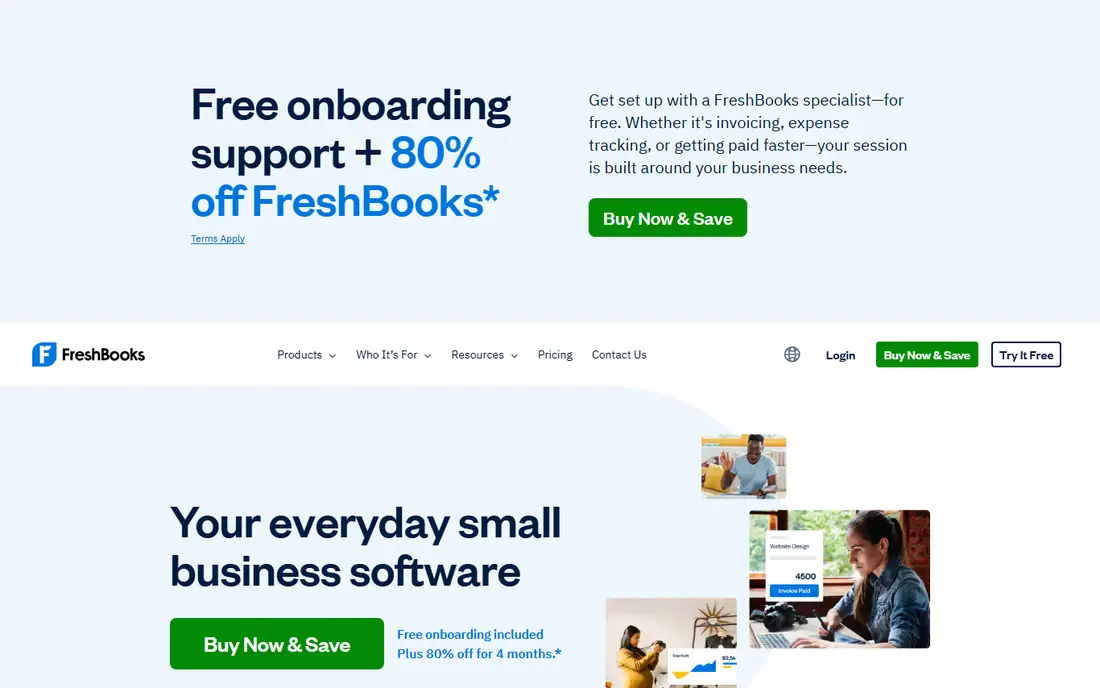
FreshBooks is the most polished invoicing-first choice for service firms.
It turns tracked time and expenses into invoices, sends reminders, and accepts online payments without a separate accounting setup. The catch is client limits on the Lite plan. Growing firms should check the Plus plan limits before committing.
Before you commit to FreshBooks, check the current plan limits, renewal price, and cancellation terms on its official site, and test it with a small real task that matches how you will use it every week.
- Clean invoices
- Time and expense tracking
- Automated reminders
- Lite plan limits billable clients
- Higher plans cost more
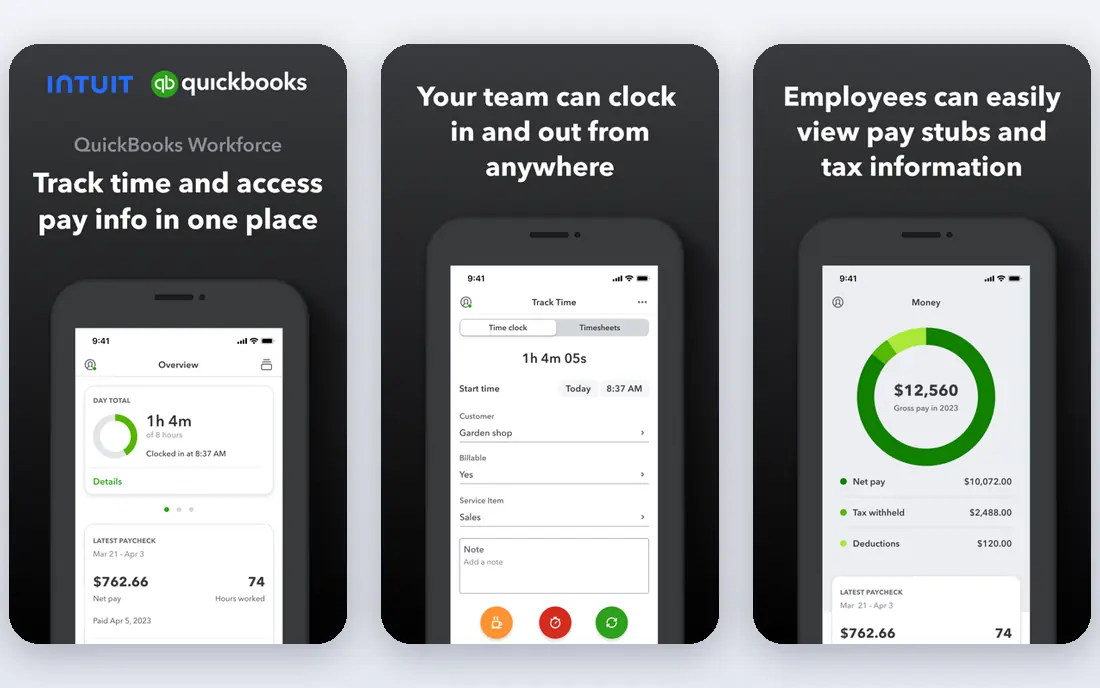
QuickBooks Online suits firms that want invoicing to feed straight into accounts, tax reports, and payroll add-ons.
Invoices, expenses, bank feeds, and reports sit in one system, and most US accountants know the platform well. The catch is price and complexity. Freelancers who only send a few invoices a month may not need its full accounting depth.
Before you commit to QuickBooks Online, check the current plan limits, renewal price, and cancellation terms on its official site, and test it with a small real task that matches how you will use it every week.
- Invoicing inside full bookkeeping
- Wide accountant support
- Strong reporting
- Higher cost than invoicing-only tools
- Some features need higher plans
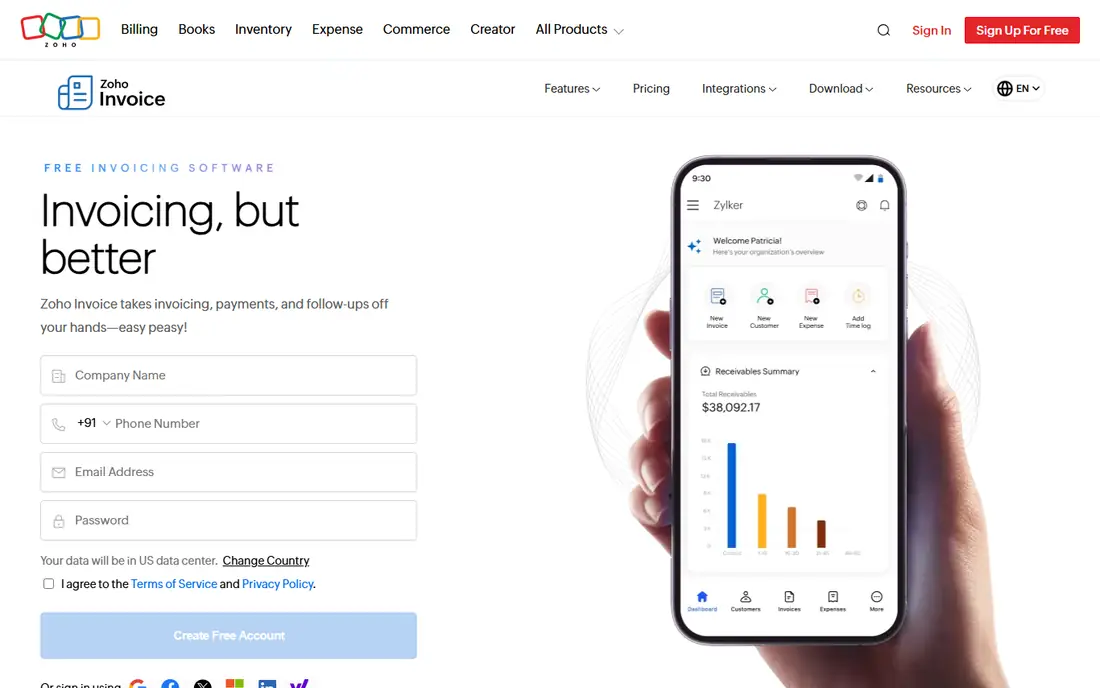
Zoho Invoice is the best free starting point for many small businesses.
Its free plan covers invoices, estimates, recurring billing, and a client portal, which is enough for many freelancers. The catch is the cap. The free plan limits invoices per year and users, so larger firms will need Zoho Books or another paid tool.
Before you commit to Zoho Invoice, check the current plan limits, renewal price, and cancellation terms on its official site, and test it with a small real task that matches how you will use it every week.
- Free plan with invoicing and recurring billing
- Client portal
- Multi-currency support
- Free plan caps invoices and users
- No full accounting depth
Wave suits US and Canadian freelancers who want free invoicing without a monthly fee.
It creates unlimited invoices on its free plan, tracks payments, and offers basic bookkeeping records. The catch is geography and depth. Wave is limited to the US and Canada, and payroll and advanced features cost extra.
Before you commit to Wave, check the current plan limits, renewal price, and cancellation terms on its official site, and test it with a small real task that matches how you will use it every week.
- Free invoicing and bookkeeping records
- Simple setup
- Payment processing add-on
- US and Canada only
- Advanced features need paid Pro plan
Xero is a strong accounting-led alternative to QuickBooks, especially for teams.
Every plan allows unlimited users, which helps firms where an accountant, bookkeeper, and owner all need access. The catch is invoice limits on the Early plan. Check the monthly invoice and bill caps against your volume before choosing.
Before you commit to Xero, check the current plan limits, renewal price, and cancellation terms on its official site, and test it with a small real task that matches how you will use it every week.
- Unlimited users on every plan
- Strong bank feeds
- Good reporting
- Invoice caps on lower plans
- Payroll is an add-on in some regions
Square Invoices suits shops, cafes, and service firms that already use Square for payments.
Invoices link to Square payments, so clients can pay by card quickly, and sales data stays in one dashboard. The catch is depth. It is not a full accounting system, so firms that need detailed bookkeeping will pair it with another tool.
Before you commit to Square Invoices, check the current plan limits, renewal price, and cancellation terms on its official site, and test it with a small real task that matches how you will use it every week.
- Free tier for invoicing
- Fast card payments
- In-person and online sales in one account
- Advanced invoicing features need paid plans
- Fees on card payments
Stripe Invoicing suits online businesses that already accept payments through Stripe.
It supports one-off invoices, subscriptions, and global payment methods, with hosted invoice pages for clients. The catch is technical setup. It is less of a simple small-business app and more of a payments platform, so non-technical users may prefer Wave or Zoho Invoice.
Before you commit to Stripe Invoicing, check the current plan limits, renewal price, and cancellation terms on its official site, and test it with a small real task that matches how you will use it every week.
- Strong online payments
- Recurring billing and subscriptions
- Global currency support
- No monthly fee model, but per-invoice fees apply
- Setup is more technical
Invoice Ninja appeals to firms that want control over their invoicing data.
It offers quotes, invoices, recurring billing, and client portals, with a self-hosted option for technical teams. The catch is polish. The hosted free tier is easier than self-hosting, and support and design feel less refined than FreshBooks.
Before you commit to Invoice Ninja, check the current plan limits, renewal price, and cancellation terms on its official site, and test it with a small real task that matches how you will use it every week.
- Free tier
- Self-hosted option
- Quotes, invoices, and payments
- Interface is less polished
- Setup takes more care for self-hosting
Bonsai suits freelancers who want the whole client workflow in one tool.
Proposals, contracts, time tracking, and invoices link together, so a project moves from pitch to payment without separate apps. The catch is price. It costs more than free invoicing alone, so it fits freelancers who will use the contracts and proposals, not only invoices.
Before you commit to Bonsai, check the current plan limits, renewal price, and cancellation terms on its official site, and test it with a small real task that matches how you will use it every week.
- Invoicing plus contracts, proposals, and time tracking
- Client portals
- Higher cost than free invoicing tools
- Accounting depth is limited
How we picked these
We compared official feature pages, pricing pages, app store listings, privacy and support pages, and public reviews for each option. We checked whether each product still exists, fits the topic, and offers a clear price or free tier, and we marked prices as See website where vendor pricing varies by plan, region, or account type.
We did not claim hands-on testing we did not do. Instead, we weighed plan limits, ease of setup, and honest weaknesses alongside strengths, so the list mixes well-known leaders with smaller options that suit specific needs.
How to choose invoicing software for your business
Count invoices per month, clients, and users before comparing prices, since free plans often cap one of those. Check payment fees separately from subscription cost, because card fees can exceed the monthly plan for high-value invoices. Look for recurring invoices, reminders, late fees, and tax handling that match your work, and confirm the tool exports data cleanly if you later move to full accounting. If you bill time, choose a tool with time tracking built in rather than bolting on a separate app.
It also helps to write down your must-have features before you look at prices, because a low headline price can hide limits on users, records, exports, or support that matter later. Compare at least two options side by side on the same task, such as creating a record, sending a message, or completing a booking, and note where each one feels slow, confusing, or incomplete. Ask support a real question during the trial, since response quality often predicts how a problem will be handled after you pay.
Check the vendor pricing page again before you buy, since plans, limits, and promotions change. A short trial with your real workflow will tell you more than any feature list.
Sources
Frequently asked questions
Which software is best for invoicing?
For free invoicing, Zoho Invoice and Wave are strong. For service billing, FreshBooks is strong. For full accounting, QuickBooks Online or Xero is usually better.
Is there free invoicing software?
Yes. Zoho Invoice offers a free plan, Wave offers free invoicing with paid add-ons, and Square Invoices offers a free tier. Payment processing fees still apply when clients pay by card.
What is the best invoicing app for freelancers?
Zoho Invoice and Wave cover many freelancers free. FreshBooks suits freelancers who bill time, send recurring retainers, and want stronger reminders.
How much does invoicing software cost?
Free plans exist, and paid plans commonly start in the low tens of dollars per month. Add card processing fees to the subscription when comparing total cost.
Can invoicing software handle recurring invoices?
Most tools here support recurring invoices, reminders, and auto-charges where payment details are stored. Check whether those features sit on the plan you would buy.